
Sony HT-A7000 Reference guide

Help Guide
Sound Bar
HT-A7000
Use this Help Guide when you have any questions on how to use the speaker system.
Getting Started
About Manuals of the Speaker System
What You Can Do with the Speaker System
Guide to Parts and Controls
Bar Speaker
Remote Control
Using the Home Menu
Setting Up
Installing the Speaker System
Installing the Bar Speaker
Mounting the Bar Speaker on a Wall
Connecting to a TV
1

Connecting a TV Compatible with ARC/eARC
Connecting a TV That Is not Compatible with ARC/eARC
When Your TV Has the S-CENTER SPEAKER IN Jack
Connecting an AV Device
Connecting an AV Device Compatible with the 2K/4K Video Format
Connecting an AV Device Compatible with the 8K Video Format
Connecting to the AC Outlet (mains)
Performing Initial Settings
When the TV Remote Control Does not Work
Watching Images
Watching TV
Playing the Connected AV Device
Listening to Music/Sound
Listening to Sony TV Sound with the BLUETOOTH® Function
What You Can Do by Connecting a TV with the BLUETOOTH Function
Listening to TV Sound by Connecting the Speaker System and TV Wirelessly
Listening to Sound of the Paired TV
Listening to Music/Sound with the BLUETOOTH Function
Listening to Music by Pairing the Mobile Device That Is Connected for the First Time
Listening to Music from the Paired Device
Listening to Music on a USB Device
Listening to the Device Connected with an Analog Audio Cable
Listening to Sound of the Connected TV or Device Using Headphones
Listening to Sound by Pairing with Headphones
Listening to Sound with Paired Headphones
About the Connection of the Headphones
Listening to Music by Connecting to a Network
What You Can Do by Connecting the Speaker System to a Network
Connecting to a Wireless Network
2

Setting up a Wireless Network Connection on the Home Menu
Setting up a Wireless Network Connection Using Sony | Music Center
Setting up a Wi-Fi Connection Using an iOS Device
Enjoying 360 Reality Audio
Using Spotify
Streaming Music with Chromecast built-in
Operating the Speaker System by Talking to an Alexa Built-in Device
Streaming Music with an iOS Device
Using Sony | Music Center
Listening to Music on your PC via a Home Network
Adjusting the Volume and Sound Quality
Adjusting the Volume
Enjoying Immersive Surround Experience (IMMERSIVE AE)
Setting the Sound Effect That Is Tailored to Sound Sources (Sound Mode)
Making Dialogs Clearer (VOICE)
Enjoying Clear Sound with Low Volume at Midnight (NIGHT)
Adjusting the Delay Between the Picture and Sound
When Watching the TV
When Watching Another Device
Enjoying Multiplex Broadcast Sound (AUDIO)
Adjusting the Dialog Volume While the DTS:X Content is Played Back
When Watching the TV
When Playing Content on an AV Device
Using the Speaker System by Interlocking with a TV
Operating the Speaker System by Interlocking with a TV (Control for HDMI Function)
Operating the Speaker System by Interlocking with a TV Compatible with the “BRAVIA” Sync Function
Changing the Settings
Changing the Brightness of the Front Panel Display and Indicators (DIMMER)
Saving Power in Standby Mode
3

Performing Easy Setup
Performing Advanced Settings
Using the [Advanced Settings] Menu
[Speaker Settings]
[Audio Settings]
[HDMI Settings]
[Bluetooth Settings]
[System Settings]
[Network Settings]
[Resetting]
[Software Update]
Updating the Software
Troubleshooting
Troubleshooting
Power
The speaker system does not power up.
The speaker system does not turn on even when the TV is turned on.
The speaker system turns off when the TV is turned off.
The speaker system does not turn off even when the TV is turned off.
The speaker system cannot be turned off.
Picture
There is no picture or the picture is not output correctly.
The picture on the TV screen is distorted.
3D content from the HDMI IN 1/HDMI IN 2 jack does not appear on the TV screen.
High definition video signal (4K/60p 4:4:4, 4:2:2 and 4K/60p 4:2:0 10 bit, etc.) from the HDMI IN 1/HDMI IN 2 jack does not appear
on the TV screen.
An image is not displayed on the entire TV screen.
Picture and sound of the device that is connected to the speaker system are not output from the TV when the speaker system is
not turned on.
HDR contents cannot be shown in high-dynamic range.
Sound
4

The speaker system cannot connect to a TV with the BLUETOOTH function.
No TV sound is output from the speaker system.
Picture and sound of the device that is connected to the speaker system are not output from the TV when the speaker system is
not turned on.
The sound is output from both the speaker system and TV.
The sound is interrupted while watching a TV program or content on a Blu-ray Disc, etc.
The TV sound from this speaker system lags behind the image.
No sound or only a very low-level sound of the device connected to the speaker system is heard.
The surround effect cannot be obtained.
No sound is output from the optional rear speakers/subwoofer.
Sound is not output from some speakers.
Sound Field Optimization
Sound Field Optimization is failed.
USB Device Connection
The USB device is not recognized.
Mobile Device Connection
Pairing cannot be achieved.
BLUETOOTH connection cannot be completed.
Sound of the connected BLUETOOTH mobile device is not output from the speaker system.
Headphones Connection with the BLUETOOTH Function
Pairing cannot be achieved.
BLUETOOTH connection cannot be completed.
No sound is output from the connected BLUETOOTH headphones.
The BLUETOOTH connection with the headphones becomes disconnected.
Wireless LAN Connection
The speaker system cannot connect to the network or the network connection is unstable.
The wireless LAN router you want is not shown in the wireless network list.
Internet Connection
You cannot connect the speaker system to the Internet.
Remote Control
The remote control of this speaker system does not function.
5

5-024-835-11(2) Copyright 2021 Sony Corporation
TV remote control does not work.
Others
The Control for HDMI function does not work properly.
[PRTCT] flashes in the front panel display for 5 seconds and the speaker system is turned off.
[PRTCT], [PUSH], speaker name ([SUB], [RL], or [RR]), and [POWER] flash alternately in the front panel display.
[HIGH], [TEMP], and [ERROR] appear alternately for 2 seconds each in the front panel display, [STANDBY] appears in the front
panel display, then the speaker system is turned off.
[BT TX] appears in the front panel display.
Sensors of the TV do not work properly.
Wireless functions (wireless LAN, the BLUETOOTH function, or optional subwoofer/rear speakers) are unstable.
Music that you are not familiar with suddenly plays.
The speaker system cannot be turned off or [Advanced Settings] cannot be used./When pressing the power button, [.DEMO]
appears in the front panel display and the speaker system cannot be turned off.
Spotify cannot be played with the MUSIC SERVICE button, or cannot be played on the way of playback.
The speaker system restarts.
Resetting the Speaker System
Additional Information
Playable Types of Audio Files
Supported Input Audio Formats
Supported HDMI Video Formats
On BLUETOOTH Communication
Copyrights and Trademarks
6

Help Guide
Sound Bar
HT-A7000
About Manuals of the Speaker System
The information included in each manual is as shown below.
Startup Guide
Introduces the initial procedures concerning installation and connection for using the speaker system, and operations
until you play music.
Operating Instructions
Explains the basic operations.
Connection with a TV or other devices
Playback for music/sound of devices connected with an HDMI cable or the BLUETOOTH function
Sound adjustment, etc.
Help Guide (Web manual) (this document)
Provides all operations including advanced usage.
Playback for music/sound with the network function
Details on menu items, etc.
Hint
The instructions in these manuals describe operations using the controls on the remote control.
You can use the buttons on the bar speaker if they have the same or similar names as those on the remote control.
Characters in brackets [ ] appear on the TV screen or front panel display.
Details are omitted from the illustrations.
7

5-024-835-11(2) Copyright 2021 Sony Corporation
8

Help Guide
Sound Bar
HT-A7000
What You Can Do with the Speaker System
The speaker system supports object-based audio formats such as Dolby Atmos and DTS:X as well as HDR video
formats such as HDR10, HLG, and Dolby Vision.
Wireless LAN router
Internet
Optional rear speakers
Optional subwoofer
TV
You can listen to sound of a TV with the speaker system by connecting the speaker system and TV with an HDMI cable
or BLUETOOTH function.
Watching TV
What You Can Do by Connecting a TV with the BLUETOOTH Function
Blu-ray Disc™ player, set-top box, gaming console, etc.
You can listen to sound of an AV device with the speaker system by connecting the speaker system and AV device with
an HDMI cable.
Playing the Connected AV Device
USB device
You can play music files stored on a USB device with the speaker system by connecting the USB device to the (USB)
port of the speaker system.
Listening to Music on a USB Device
Mobile device
You can listen to sound of a mobile device or portable audio device with the speaker system by connecting the speaker
system and mobile device with the BLUETOOTH function or by connecting the speaker system and portable audio
device with an analog audio cable.
Listening to Music by Pairing the Mobile Device That Is Connected for the First Time
Listening to the Device Connected with an Analog Audio Cable
9

Headphones
You can listen to sound of the connected TV or AV device from headphones by connecting the speaker system and
headphones with the BLUETOOTH function.
Listening to Sound by Pairing with Headphones
Network
You can perform streaming playback of music content or play music files stored on your PC with the speaker system by
connecting the speaker system to the same network as that of the smartphone, tablet, or iOS device.
What You Can Do by Connecting the Speaker System to a Network
Optional speakers
For the operations of the optional rear speakers and subwoofer, refer to their operating instructions.
For the supported optional speakers and subwoofer, confirm on the Sony website.
5-024-835-11(2) Copyright 2021 Sony Corporation
10
Other manuals for HT-A7000
6
Table of contents
Other Sony Speakers System manuals

Sony
Sony SRS-Z500 User manual
Sony
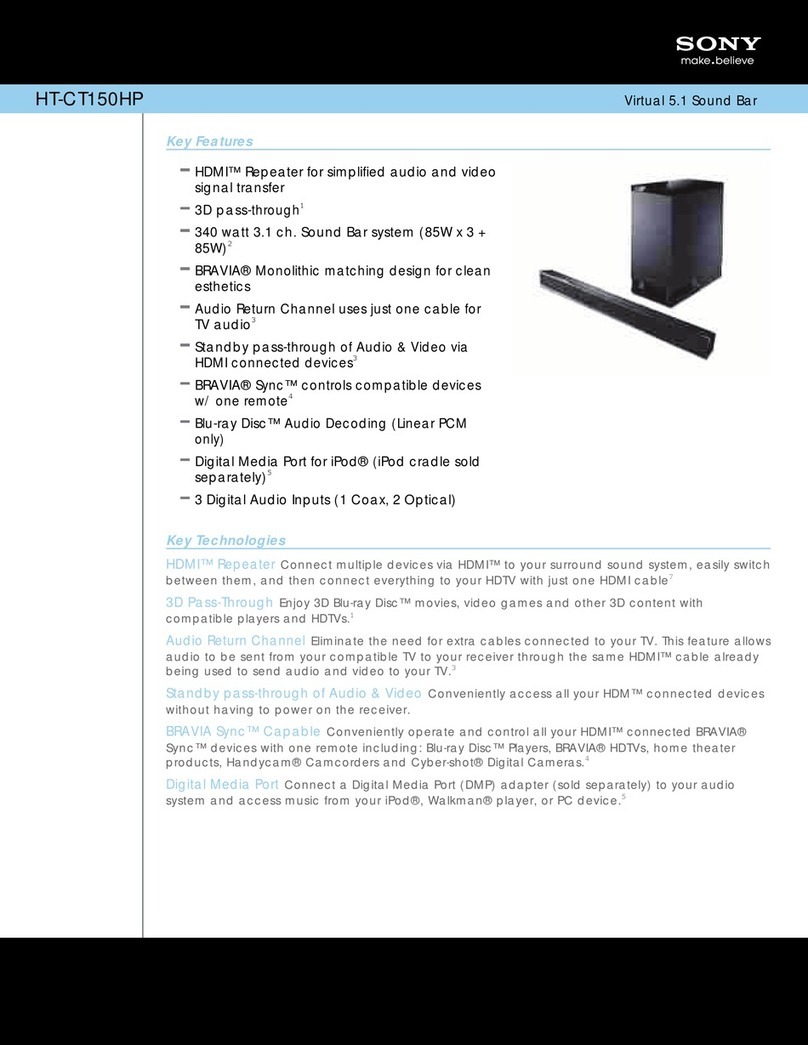
Sony HT-CT150HP User manual

Sony
Sony SS-SFCR505H User manual
Sony
Sony HT-CT500 (HT-CT500) User manual

Sony
Sony HT-ST9 User manual

Sony
Sony SS-CR290 User manual

Sony
Sony SRS-NWM10 User manual
Sony
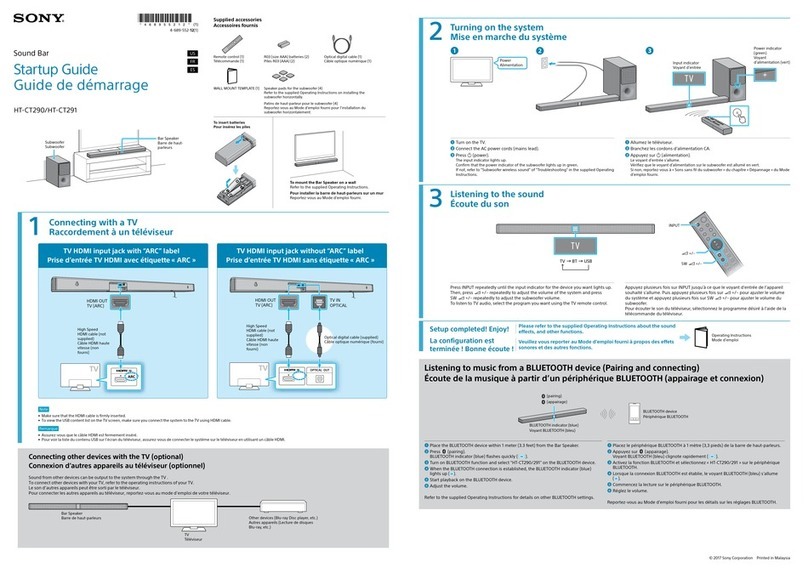
Sony HT-CT290 User guide
Sony
Sony XS-GS1621C User manual

Sony
Sony SS-CS5 User manual





Popular Speakers System manuals by other brands













Sondpex
Sondpex Active Speaker System and Digital Music... User manual and installation instructions

JVC
JVC NX-PN7 instructions
Marshall Amplification
Marshall Amplification AR-DM61-BT user manual

Yamaha
Yamaha NX-A01 - Speaker Sys Product bulletin

SE Audiotechnik
SE Audiotechnik I-LINE manual

Gemini
Gemini WRX-843 Series user manual