2
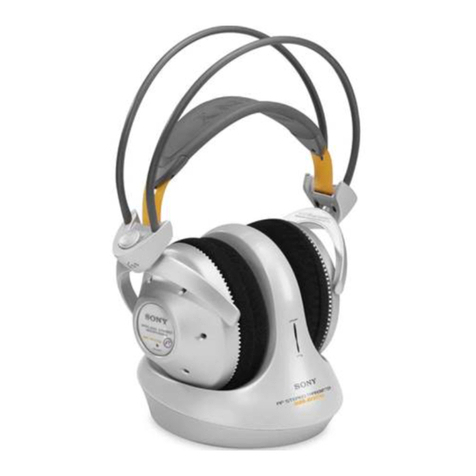
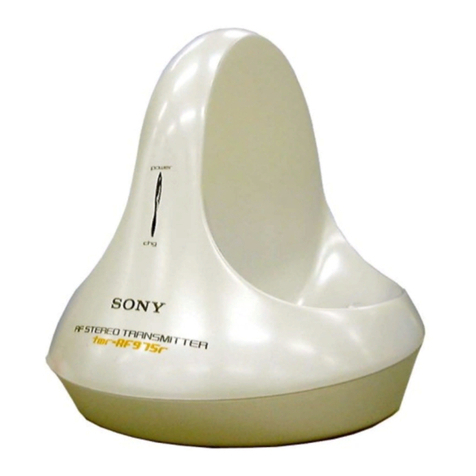
TMR-RF960R SECTION 1
GENERAL
1. Check the area of your repair for unsoldered or poorly-sol
deredconnections. Check the entire board surface for solder
splashes and bridges.
2. Check the interboard wiring to ensure that no wires are
“pinched” or contact high-wattage resistors.
3. Look for unauthorized replacement parts, particularly
transistors, that were installed during a previous repair.
Point them out to the customer and recommend their
replacement.
4. Lookforpartswhich, throughfunctioning, showobvious signs
of deterioration. Point them out to the customer and
recommend their replacement.
SAFETY CHECK-OUT
5. Check the B+ voltage to see it is at the values specified.
6. Flexible Circuit Board Repairing
• Keep the temperature of the soldering iron around 270°C
during repairing.
• Do not touch the soldering iron on the same conductor of
the circuit board (within 3 times).
• Be careful not to apply force on the conductor when
soldering
TABLE OF CONTENTS
Specifications ............................................................................ 1
1. GENERAL ................................................................... 2
2. DISASSEMBLY
2-1. Upper Cabinet Assy ............................................... 3
2-2. TX-BASE Board .................................................... 3
3. ELECTRICAL ADJUSTMENTS .......................... 4
4. DIAGRAMS
4-1. Block Diagrams...................................................... 5
4-2. Schematic Diagram – TX-BASE Board – ............. 6
4-3. Printed Wiring Board – TX-BASE Board –........... 7
4-4. Schematic Diagram – TX-VCO Board – ............... 8
4-5. Printed Wiring Board – TX-VCO Board – ............ 8
5. EXPLODEDVIEWS .................................................. 10
6. ELECTRICAL PARTS LIST...............................11
This section is extracted
from instruction manual.
INPUT
A
INPUT
DC IN 9V
!
L
R
B
NOISE FILTER
ON
OFF
CHANNEL 1
2
3
Setting up the
transmitter
1
Connect the transmitter to audio/
video equipment.
Select one of the hookups below
depending on the jack type:
ATo connect to a headphones jack
Transmitter
WALKMAN*,
TV, VCR, etc.
to INPUT B
jacks
Unimatch plug
adaptor
(supplied)
to headphones
jack (stereo
phone jack)
Connecting cord
(supplied)
to headphones
jack (stereo
mini jack)
Left channel
(white)
Right channel
(red)
After correcting the original service problem, perform the following
safety checks before releasing the set to the customer.