V120508
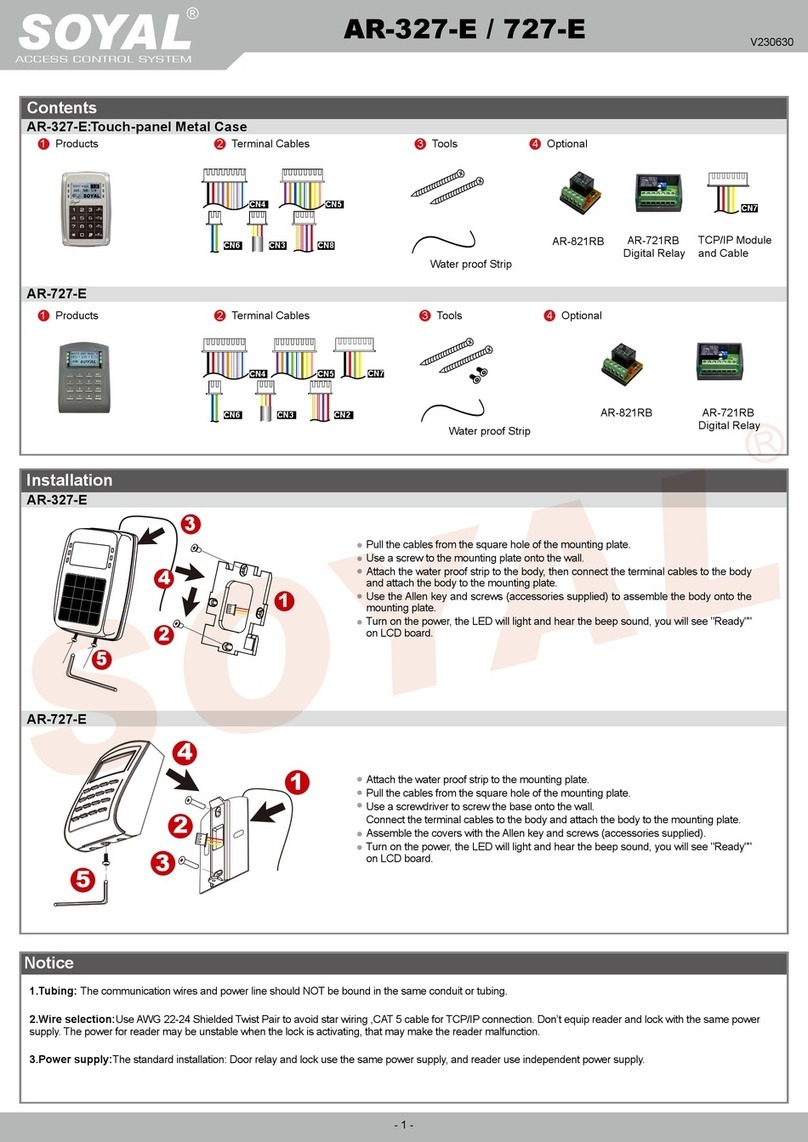
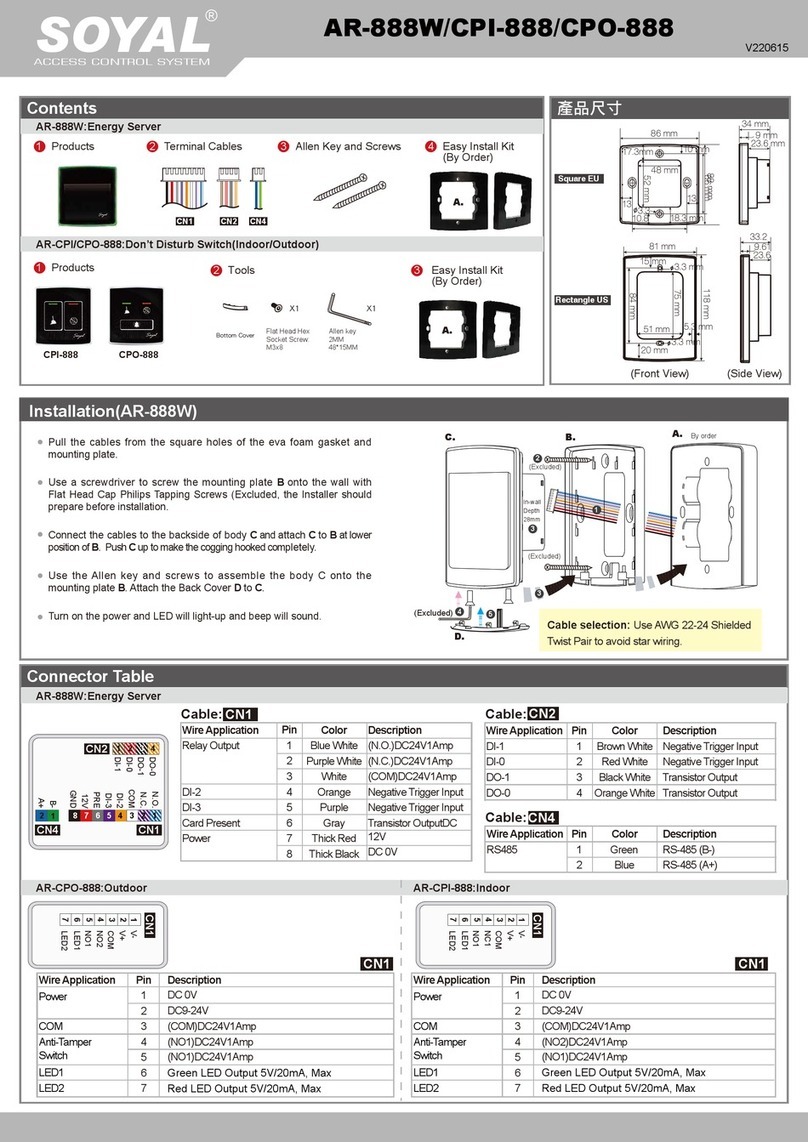
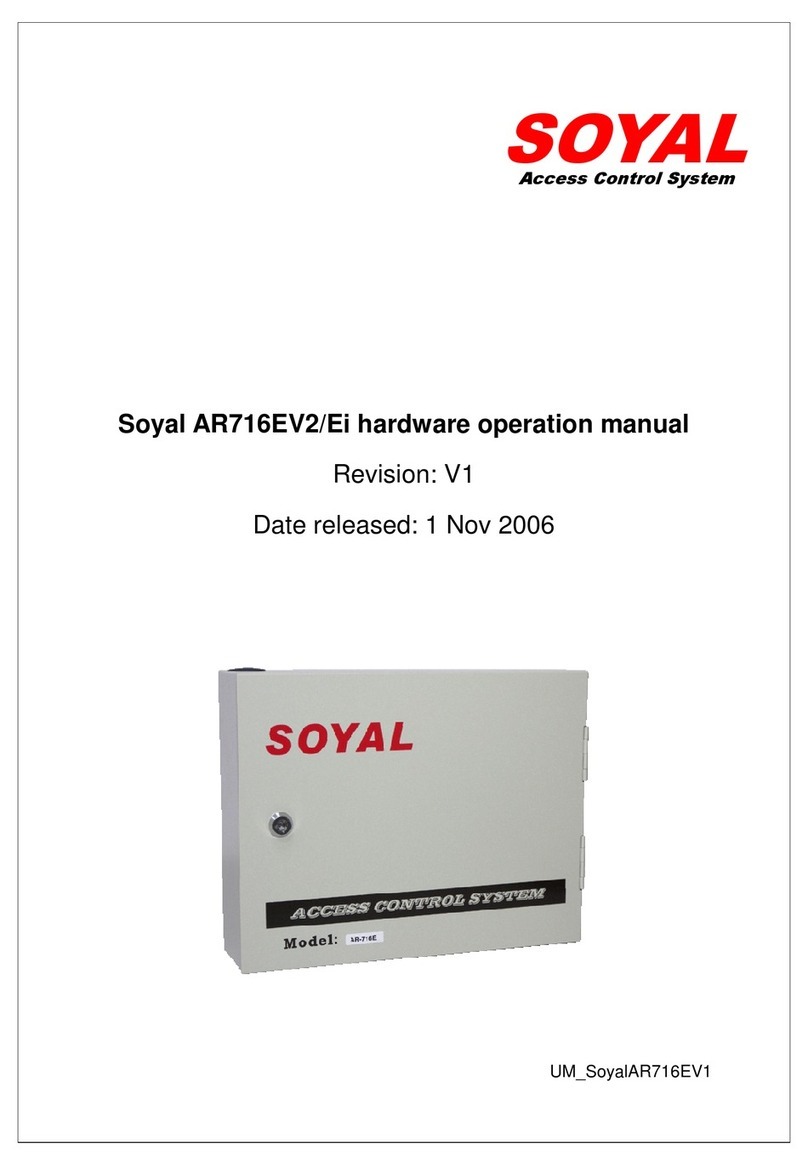
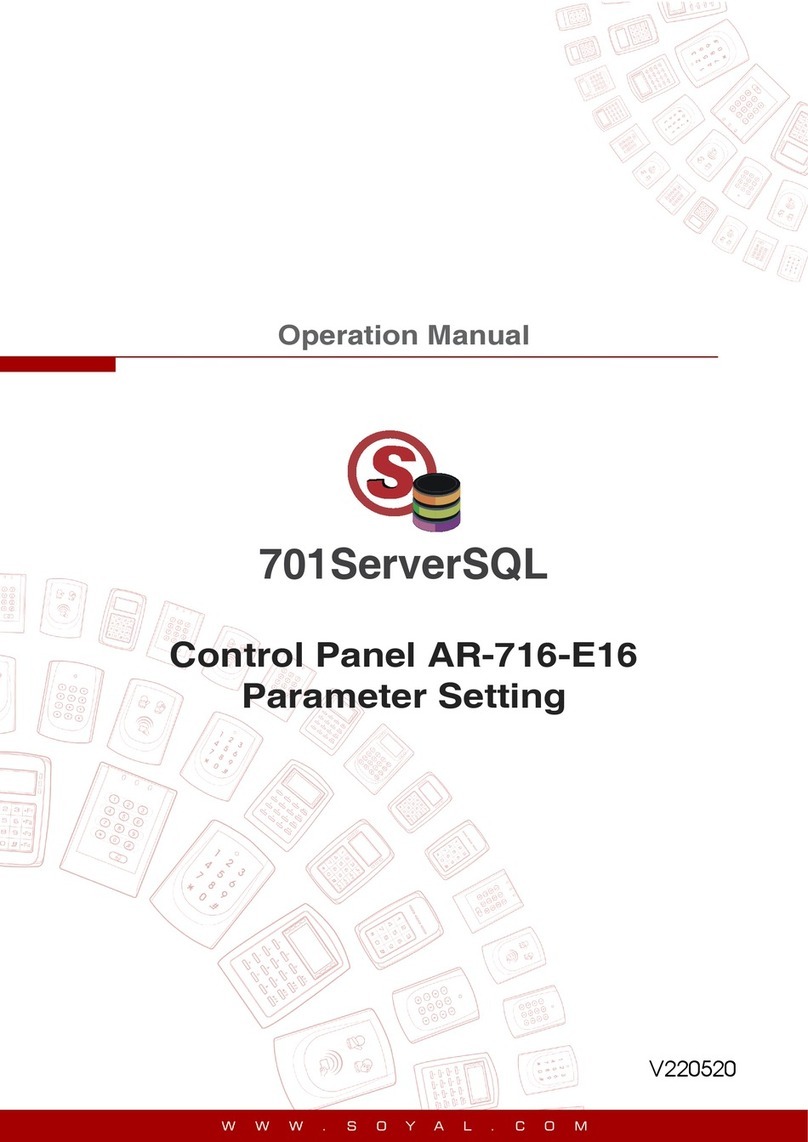
LCD Access Controller
D. PIN Code
E. Arming Password
G. Duress Code
H. Terminal Port
F. Arming Delay Time
Access programming mode → User Setting → Password → Input 5-digit user address → Input 4-digit PIN (0001~9999) → Succeeded
Or via 701Client set it on Users screen
21
Access programming mode → Parameters[1] → Arming PWD → Input 4-digit PIN (0001~9999; Default: 1234) → Succeeded
Or via 701Server and set it on AR-829E screen
38
Or via 701Server to set it on AR-829E-V5 screen
※Duress Code is only available in networking mode. It will substitute a personal pin code and send the message of Duress to computer as a
warning signal.
Access programming mode → Parameters[2] → Duress Code → 4 sets (select one) → Input 4-digit PIN (0001~9999) → Succeeded
4 7
Access programming mode → Tools → Terminal Port → 0:Lift ; 1:Host ; 2:LED ; 3:PRN (default value:1) → Baud Selection
(default value:9600) → Succeeded
5 4
I. Setting up the alarm / arming
Conditions:
1. Arming enabled
2.Alarm system connected
C. Initial setup
Node ID of Reader Setting
Access programming mode → Parameters[1] → Node ID → Input New Node ID : 1~254 (default value:001) → Main Door Number : 0~255
→ WG1 Door Number : 0~255 → Show UID (0=No,1=WG,2=ABA,3=HEX) → Enable DHCP(0:No,1:En,2=Exit) → Succeeded
3 1
Language Setting
Access programming mode → Tools → Language → EN → Succeeded → Initial system...
5 1 0
Application:
1. Door open too long: Door is open longer than door relay time plus door close time.
2. Force open (Opened without a valid user card): Access by force or illegal procedure.
3. Door position abnormal: When power is off and then on, reader on arming before power off.
Enable/Disable the arming status:
Standby Mode
Access Programming mode
Card only Card or PIN Card and PIN
Open the door
Present the tag to reader → Input
4 digits arming PWD →
Input user address → Input 4
digits individual PWD → →
Input 4 digits arming PWD →
Present the tag to reader → Input
4 digits individual PWD → →
Input 4 digits arming PWD →
Enable: Access programming mode → Quit & Arming
7Disable: Access programming mode → Quit
6
No open the door
→ Input 4 digits arming PWD
→ Present the tag to reader
Programming
B. Entering and Exiting Programming Mode
Exiting
Press the repeatedly → Quit or Quit and Arming (Please refer to alarm / arming setting)
6
Changing the Master Code
Access programming mode → Tools → Master Code → Input the 6-digit new master code → Succeeded
5 2
A. Keyboard Lock/ Unlock
Lock/ Unlock
Press and , and at the same time to lock keyboard. Press again to unlock.
Entering
Input 123456 or PPPPPP
[e.g.] The Default Value= 123456. If already changed the Master Code= 876112, input 876112 → Access programming mode
P.S.If entering no instruction within 30 sec., it will automatically leave the programming mode.
Access programming mode → Parameters[1] → ArmingDelayTm → Enter armed sta. Delay time(Sec) ,Range:000~255
;
Armed pulse out-put time. (10ms) ,Range
:
000~255 → Succeeded
37
7
Copyright by SOYAL Technology Co., Ltd.. All rights reserved.