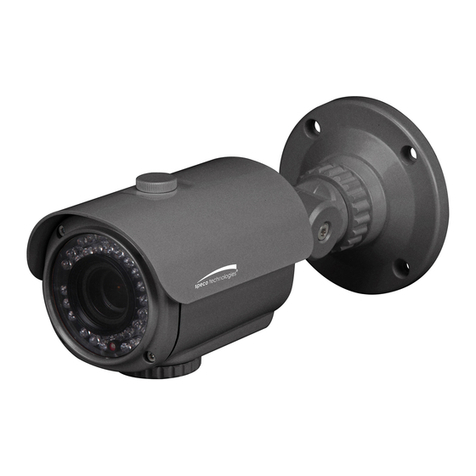
Speco SIPMPBVFH User manual

i
Speco Internet Protocol (SIP)H.264
Series Camera Instruction Manual
(Version 1.0.0)
SIP H.264 Megapixel Cameras
SIPMPBVFH & SIPMPDVFH
Speco Technolo ies
200 New Hwy, Amityville, NY 11701
800-645-5516 www.specotech.com

ii
Table of Contents
1. FEATURES ....................................................................................................... 1-1
1.1 Packa e ..................................................................................................................... 1-1
1.2
Dimension and Connector Description
..................................................................... 1-2
1.2.1 Dimensions .................................................................................................................... 1-2
1.2.2 Connector Description ................................................................................................... 1-4
2. INSTALLATION .............................................................................................. 2-5
2.1 Recommended PC Specification ............................................................................ 2-5
2.2 Preparation before setup ........................................................................................ 2-6
2.2.1 Setup your PC network .................................................................................................. 2-6
2.3 Confi urin the IP device ................................................................................. 2-11
2.3.1 Video Display .............................................................................................................. 2-13
2.3.2 Date & ime ................................................................................................................ 2-16
2.3.3 Network Section .......................................................................................................... 2-18
Host .......................................................................................................................................... 2-19
IP Address Filtering ................................................................................................................. 2-20
Port Mapping ........................................................................................................................... 2-22
oS ........................................................................................................................................... 2-24
UPnP M .................................................................................................................................... 2-25
SNMP Setting .......................................................................................................................... 2-26
R P .......................................................................................................................................... 2-26
Speed & Duplex ....................................................................................................................... 2-28
2.3.4 IP Settings .................................................................................................................... 2-29
Connection ype ...................................................................................................................... 2-29
DNS ......................................................................................................................................... 2-31
DDNS ...................................................................................................................................... 2-32
2.3.5 Video & Audio ............................................................................................................ 2-33
Video ........................................................................................................................................ 2-33
2.3.6 System ......................................................................................................................... 2-51
User Account ........................................................................................................................... 2-51
System Info .............................................................................................................................. 2-52
Factory Default ........................................................................................................................ 2-53
Firmware Upload ..................................................................................................................... 2-54

iii
Profile Upload .......................................................................................................................... 2-55
Save & Reboot ......................................................................................................................... 2-56
Logout ...................................................................................................................................... 2-56
APPENDIX .............................................................................................................................. 2-57
3.1 Specification ........................................................................................................... 2-57
3.1.1 SIP H.264Camera Series ............................................................................................. 2-57


1-1
1. FEATURES
1.1 Package
Package of Products is composed of the main body of the camera, Software CD (NVR
Program, Product Manual, NVR Manual), Quick Install Guide, Cross LAN Cable,
Accessory Pack, Power Lead Cable.
Please check before starting installation.
1
Software CD
SIPMPBVFH Camera
Cross LAN Cable
Quick Install Guide
Power Lead Cable
Accessory Pack
SIPMPDVFH Camera

1-2
1.2 Dimension and Connector Description
1.2.1 Dimensions
1. SIPMPBVFH
①
②
③
④
⑥
⑤

1-3
2. SIPMPDVFH
①
②
③
④
⑤

1-4
1.2.2 Connector Description
① 12 Volts DC Power Input
② Audio Output
③ Audio Input : he SIP Camera supports one audio input and output
④ Ethernet Port : Standard RJ45 connector. Supporting POE.
⑤ Reset Button (** Please open the case for the Bullet / Dome type camera )
Step 1 : Switch off SIP Camera by disconnecting the power cable.
Step 2 : Using a suitable pointed object, press and continue to hold the Reset
Button. While continuing to hold the reset button, reconnect the power cable.
Step 3 : Keep holding the reset button for 6 seconds, release the reset button.
he unit will start up with factory default settings.
⑥ LED Li ht level controller

2-5
2. INSTALLATION
2.1 Recommended PC Specification
CPU Core2Duo 2.13GHz and above
Memory 2 GB or above
Operating System
Windows XP with SP2 or above. Windows Vista / Windows 2003 /
Windows 7
Internet Explorer 6.0 SP2 and above.
Video Resolution SVGA or XGA with 1024x768 resolution
CPU Core2Duo 2.13GHz and above
2

2-6
2.2 Preparation efore setup
o configure your IP device, you have to use Internet Explorer to log in.
Before that, your PC’s network settings and the IP device’s IP address must
be set up. Make sure all the connections are connected correctly, and then
follow the procedures below.
1. Setup your PC network
You have to match your PC’s CP/IP setting with the IP device’s
default settings before you can use IE browser to login it. his section
tells you how to setup your PC’s CP/IP settings.
2. Setup IP device’s IP address
his IP device’s IP address can be setup manually or automatically by
network service (DHCP). If it acquires the IP address by using the
DHCP service, please use the IP utility software bundled in the product
CD to search all the IP devices’ IP address.
2.2.1 Setup your PC network
o set up the network of IP device via a PC, you have to change the CP/IP
settings of the PC.
he following are the default network settings of IP device.
IP Address: 192.168.0.100
Subnet Mask: 255.255.255.0
o access the IP device, the IP address of the PC should match the address
below.
IP Address: 192.168.0.xxx
Subnet Mask: 255.255.255.0
NOTE: xxx should be a number from 1 to 254, but 100 is excepted.
This manual suits for next models
1
Other Speco Security Camera manuals
Speco
Speco ONSIP O2D4 User manual
Speco
Speco VL-265PIR User manual
Speco
Speco O2T7 User manual
Speco
Speco O4VD1 User manual
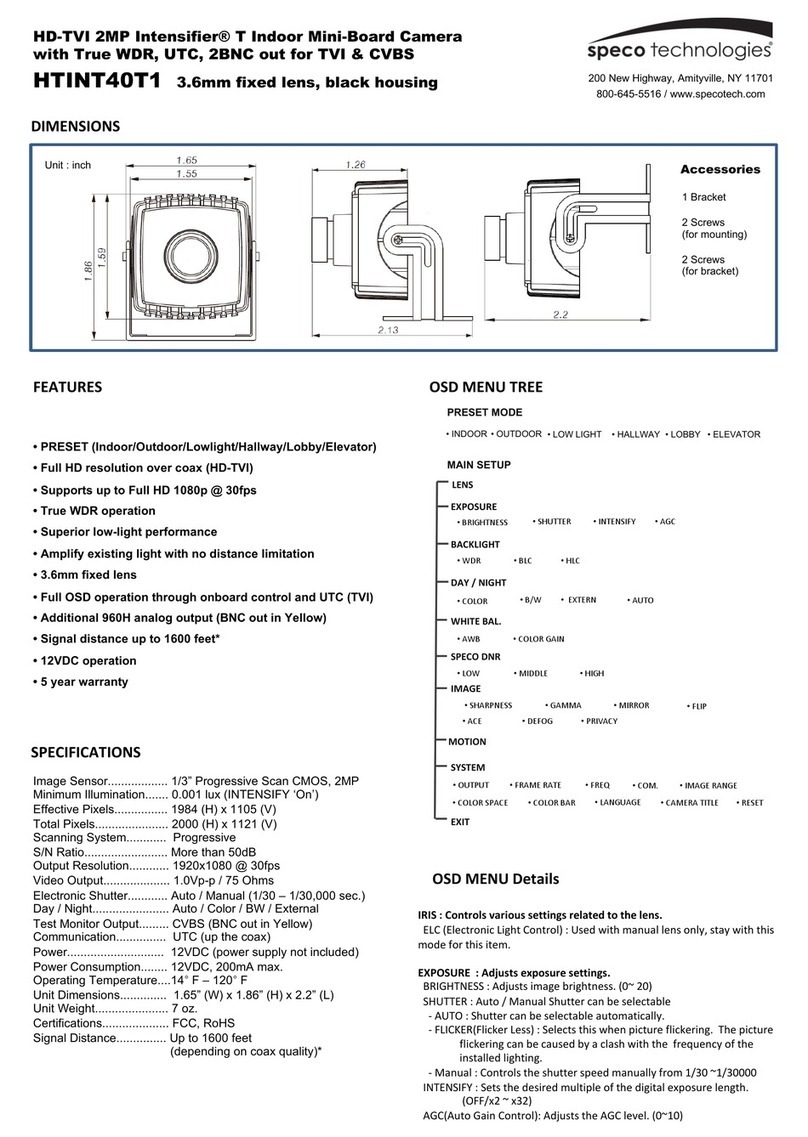
Speco
Speco HTINT40T1 User manual
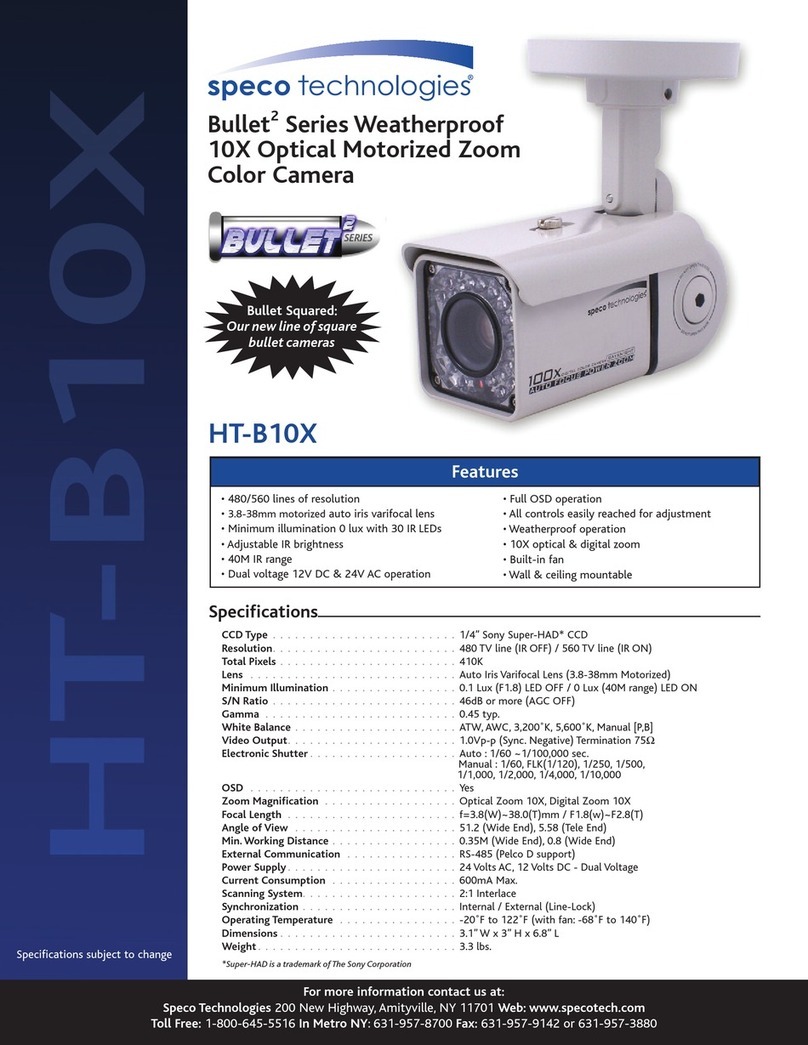
Speco
Speco Bullet2 HT-B10X User manual
Speco
Speco O8FBMS1 User manual
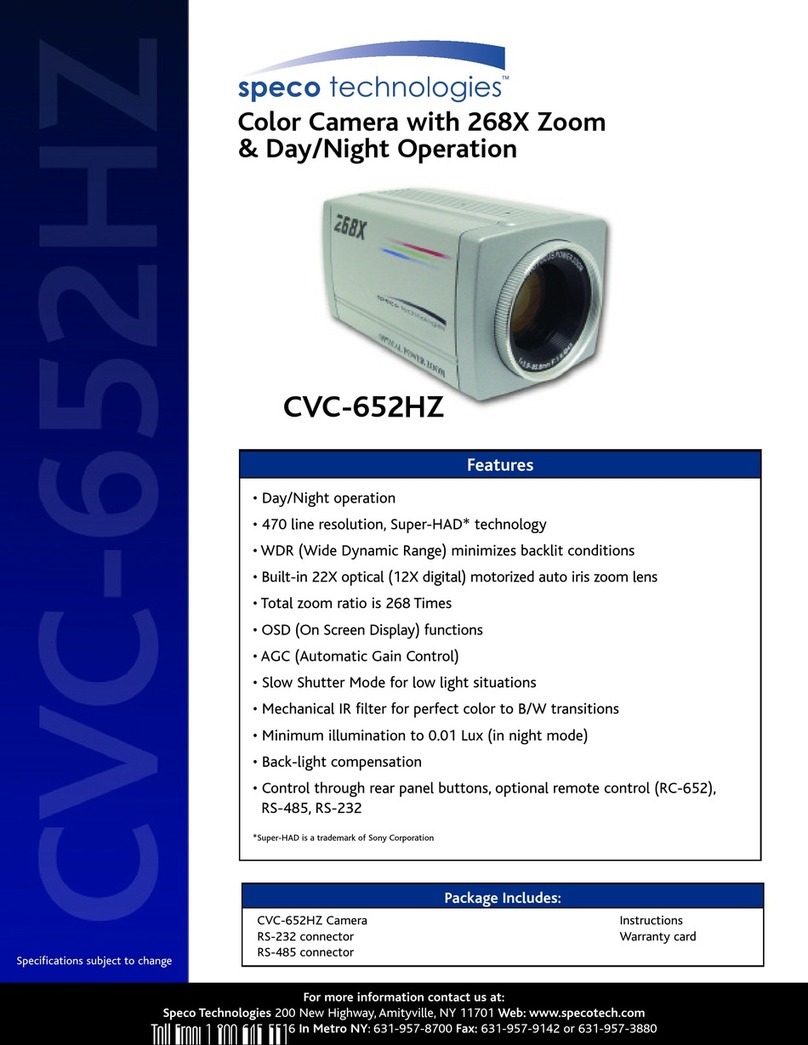
Speco
Speco CVC-652HZ User manual
Speco
Speco SIPSD37X User manual
Speco
Speco VLT7 User manual
Speco
Speco O4LT1 User manual
Speco
Speco HT-7246IHR User manual
Speco
Speco WDR-T6 User manual
Speco
Speco O4LB1 User manual
Speco
Speco O2VLD7J User manual

Speco
Speco HT-647HRTP User manual
Speco
Speco O5LT1 User manual

Speco
Speco CVC627VFSCS User manual
Speco
Speco 960H 700TVL User manual
Speco
Speco HT-7048IRVF User manual