manuals.online logo
Brands
  1. Home
  2. •
  3. Brands
  4. •
  5. Stahl
  6. •
  7. Power Tools
  8. •
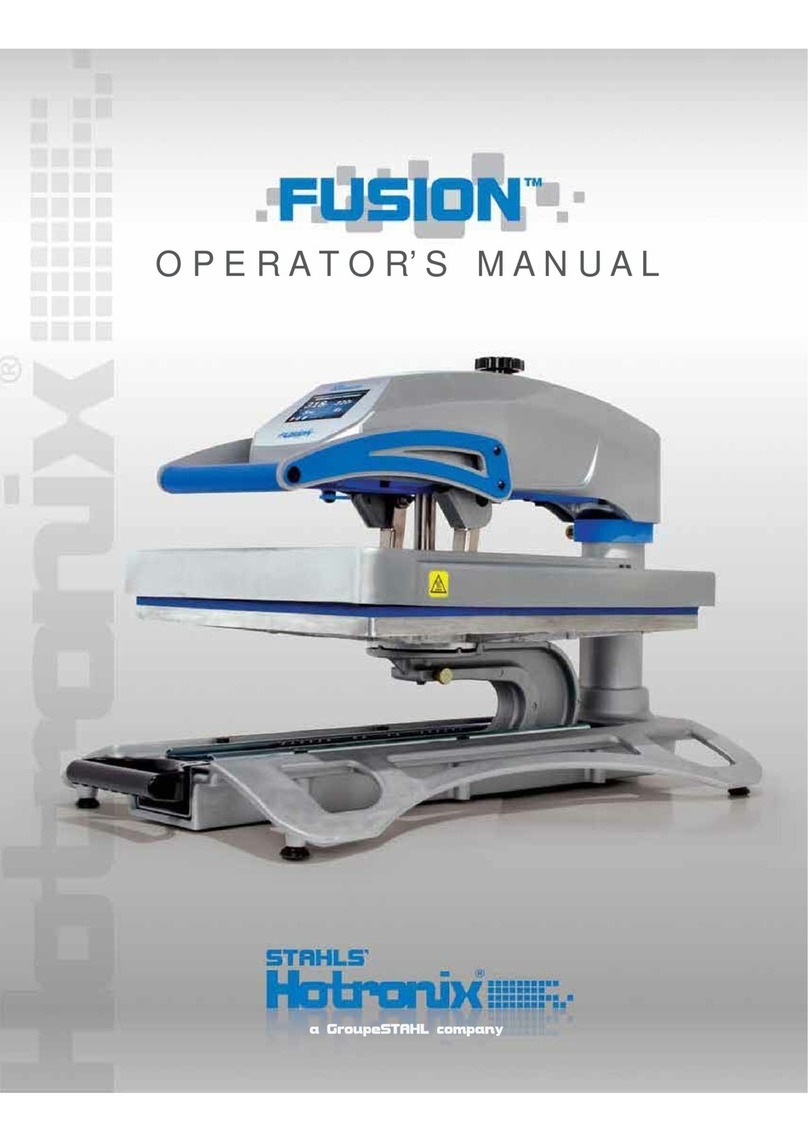
  9. Stahl Hotronix DUAL Air Fusion Operating and safety instructions

Stahl Hotronix DUAL Air Fusion Operating and safety instructions

Other manuals for Hotronix DUAL Air Fusion

4

Other Stahl Power Tools manuals

Stahl Hotronix DUAL Air Fusion User manual

Stahl

Stahl Hotronix DUAL Air Fusion User manual

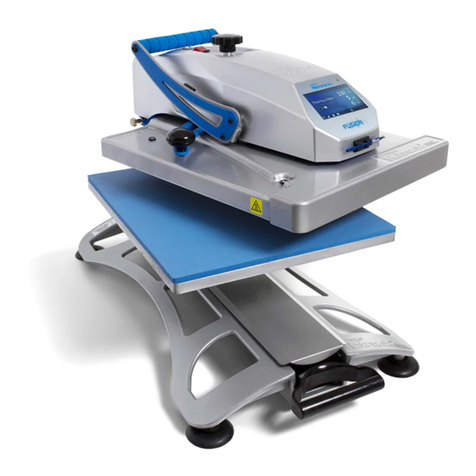
Stahl Hotronix Fusion XF Operating and safety instructions

Stahl

Stahl Hotronix Fusion XF Operating and safety instructions

Stahl Hotronix DUAL Air Fusion User manual

Stahl

Stahl Hotronix DUAL Air Fusion User manual

Popular Power Tools manuals by other brands

ISLAND HOPPER Power Egg HT-309 operating instructions

ISLAND HOPPER

ISLAND HOPPER Power Egg HT-309 operating instructions

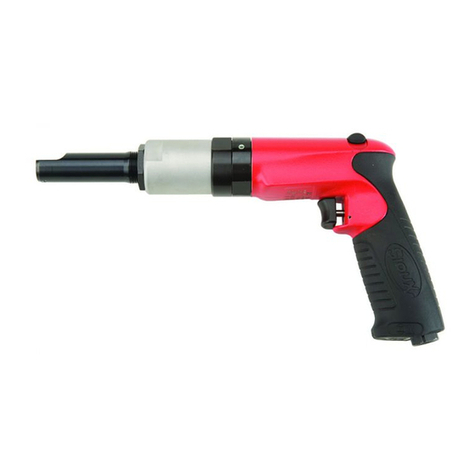
Sioux Tools SSR6P25 Instructions-parts list

Sioux Tools

Sioux Tools SSR6P25 Instructions-parts list

Makita HM1317C technical information

Makita

Makita HM1317C technical information

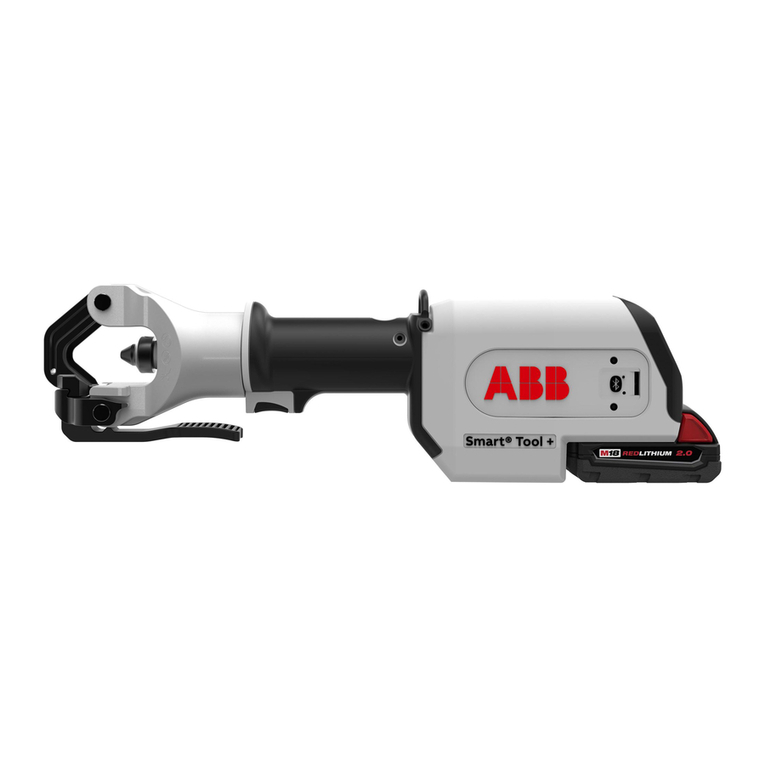
ABB Smart Tool + quick start guide

ABB

ABB Smart Tool + quick start guide

Baumr-AG BMJK-24S user manual

Baumr-AG

Baumr-AG BMJK-24S user manual

Bosch Professional GST 18 V-LI S Original instructions

Bosch

Bosch Professional GST 18 V-LI S Original instructions

Ronix RA-2702 quick start guide

Ronix

Ronix RA-2702 quick start guide

Nordson ProBlue user guide

Nordson

Nordson ProBlue user guide

aoyue int6028 instruction manual

aoyue

aoyue int6028 instruction manual

Hitachi CJ 65VA2 Instruction manual and safety instructions

Hitachi

Hitachi CJ 65VA2 Instruction manual and safety instructions

Makita HM1304 instruction manual

Makita

Makita HM1304 instruction manual

Kurtz Ersa Ersa X-TOOL VARIO operating instructions

Kurtz Ersa

Kurtz Ersa Ersa X-TOOL VARIO operating instructions

SCHUNK KSO 65 Installation and operating instruction

SCHUNK

SCHUNK KSO 65 Installation and operating instruction

Harken LokHead 500 user manual

Harken

Harken LokHead 500 user manual

Senco DuraSpin ExTPro installation instructions

Senco

Senco DuraSpin ExTPro installation instructions

Ferm JSM1020 Original instructions

Ferm

Ferm JSM1020 Original instructions

Milwaukee M12 FUEL 2559-20 Operator's manual

Milwaukee

Milwaukee M12 FUEL 2559-20 Operator's manual

EINHELL BT-CD 12/2 operating instructions

EINHELL

EINHELL BT-CD 12/2 operating instructions

manuals.online logo
manuals.online logoBrands
  • About & Mission
  • Contact us
  • Privacy Policy
  • Terms and Conditions

Copyright 2025 Manuals.Online. All Rights Reserved.

Fusion (Model XF)
Temperature Probe Replacement
2015-12-22
Technical Assistance: 1-(800)-727-8520
Manuals: hotronix.com/heat-press-manuals Page 1 of 11
Included Parts:
1. Temperature Probe (P/N: 1-1272-1)
`
Required Tools:
2. Allen Wrenches (3/32”, 9/64”)
3. Needle-Nose Pliers
4. Scissors
5. #2 Phillips Screwdriver
6. 2mm Precision Flathead Screwdriver
7. Electrical Tape
CAUTION: Detach power cord before
proceeding
Lower heater but do not lock into place, such
that it rests gently on lower platen
1
2
3
4
5
6
7
1. Required Tools: Paper Clip
2. CAUTION: Turn off power and detach power cord
3. Insert the Paper Clip into the small hole on either
side of the housing
4. Press in the Paper Clip until two clicks are heard:
the first click releases the Controller bezel and the
second click ejects it from the housing as shown
5. Repeat the process on the other side of housing
6. Remove the old Controller and insert the new
replacement Controller
7. Press on the two latch points with your thumb until
a click is heard; if the Controller bezel does not sit
flush with the housing plastic, it has not latched
8. Plug in and turn on heat press to verify function
Controller Replacement Guide
Fusion IQ (XF/XRF/XRF2)
Page 1 of 1
2018-04-26
1-800-727-8520
www.hotronix.com
Fusion
Thermostat Disc (Selco) Replacement
Fusion (Model XF)
Controller V4.5 & TRIAC Replacement
2015-03-08
Technical Assistance: 1-(800)-727-8520
Manuals: hotronix.com/heat-press-manuals
Page 1 of 17
Included Parts:
1. Controller
2. Controller Overlay
3. Temperature strips
4. Zip ties
5. TRIAC
6. Adapter Harness (older models only)
7. 9-Pin Connector (where applicable)
Required Tools:
8. Allen Wrenches (3/32” & 9/64”)
9. #2 Phillips Screwdriver
10. #1 Phillips Screwdriver
11. 2mm Precision Flathead Screwdriver
12. Scissors
13. Wire Cutters (9-pin repair only)
14. Wire Strippers (9-pin repair only)
15. Permanent Marker (9-pin repair only)
CAUTION: Detach power cord before
proceeding
1
2
3
4
5
6
7
8
9
10
11
12
13
14
15
Page 1 of 5
Tool List:
#2 Phillips Head Screw Driver
Ratchet with Phillips head driver
Scissors
Pliers
Selco and heat shrink
1. Required Tools: Paper Clip
2. CAUTION: Turn off power and detach power cord
3. Insert the Paper Clip into the small hole on either
side of the housing
4. Press in the Paper Clip until two clicks are heard:
the first click releases the Controller bezel and the
second click ejects it from the housing as shown
5. Repeat the process on the other side of housing
6. Remove the old Controller and insert the new
replacement Controller
7. Press on the two latch points with your thumb until
a click is heard; if the Controller bezel does not sit
flush with the housing plastic, it has not latched
8. Plug in and turn on heat press to verify function
Controller Replacement Guide
Fusion IQ (XF/XRF/XRF2)
Page 1 of 1
2018-04-26
1-800-727-8520
www.hotronix.com
Fusion
Thermostat Disc (Selco) Replacement
Fusion (Model XF)
Controller V4.5 & TRIAC Replacement
2015-03-08
Technical Assistance: 1-(800)-727-8520
Manuals: hotronix.com/heat-press-manuals
Page 1 of 17
Included Parts:
1. Controller
2. Controller Overlay
3. Temperature strips
4. Zip ties
5. TRIAC
6. Adapter Harness (older models only)
7. 9-Pin Connector (where applicable)
Required Tools:
8. Allen Wrenches (3/32” & 9/64”)
9. #2 Phillips Screwdriver
10. #1 Phillips Screwdriver
11. 2mm Precision Flathead Screwdriver
12. Scissors
13. Wire Cutters (9-pin repair only)
14. Wire Strippers (9-pin repair only)
15. Permanent Marker (9-pin repair only)
CAUTION: Detach power cord before
proceeding
1
2
3
4
5
6
7
8
9
10
11
12
13
14
15
Page 2 of 5
Fusion (Model XF)
Temperature Probe Replacement
2015-12-22
Technical Assistance: 1-(800)-727-8520
Manuals: hotronix.com/heat-press-manuals Page 5 of 11
Remove control housing and set aside
Remove old Temperature Probe wires from
10-pin I/O connector positions 7 & 8 using
2mm Precision Flathead Screwdriver
NOTE: Wire colors are interchangeable as
polarity does not matter
NOTE: older models use a 25-pin D-Sub
connector, pins 1 & 14
Loosen black plastic Cable Clamp by
loosening #6-32 x 1” screw and 2x #6-32
Nuts using 5/16” Combination Wrench
Lift the Heater off of the Lower Platen slightly
using the Handles, pull out the Lower Platen,
lower the Heater and adjust the Adjustment
Knob until the Heater is at its lowest possible
point to give maximum access in later steps
Fusion (Model XF)
Temperature Probe Replacement
2015-12-22
Technical Assistance: 1-(800)-727-8520
Manuals: hotronix.com/heat-press-manuals Page 6 of 11
Unscrew 4x #10-24 x 5/8” Screws with
Plastic Finishing Washers using #2 Philips
Screwdriver
NOTE: Do not over-tighten screws as Plastic
Finishing Washers may break
Lift up Heater Cover and Mineral Wool
Insulation to gain access to Temperature
Probe
Remove old Temperature Probe from Heater
using Needle Nose Pliers
Cut off old Temperature Probe with Scissors
NOTE: Do not remove old Temperature
Probe wire from Guide Tube

Fusion (Model XF)
Temperature Probe Replacement
2015-12-22
Technical Assistance: 1-(800)-727-8520
Manuals: hotronix.com/heat-press-manuals Page 6 of 11
Unscrew 4x #10-24 x 5/8” Screws with
Plastic Finishing Washers using #2 Philips
Screwdriver
NOTE: Do not over-tighten screws as Plastic
Finishing Washers may break
Lift up Heater Cover and Mineral Wool
Insulation to gain access to Temperature
Probe
Remove old Temperature Probe from Heater
using Needle Nose Pliers
Cut off old Temperature Probe with Scissors
NOTE: Do not remove old Temperature
Probe wire from Guide Tube
1. Required Tools: Paper Clip
2. CAUTION: Turn off power and detach power cord
3. Insert the Paper Clip into the small hole on either
side of the housing
4. Press in the Paper Clip until two clicks are heard:
the first click releases the Controller bezel and the
second click ejects it from the housing as shown
5. Repeat the process on the other side of housing
6. Remove the old Controller and insert the new
replacement Controller
7. Press on the two latch points with your thumb until
a click is heard; if the Controller bezel does not sit
flush with the housing plastic, it has not latched
8. Plug in and turn on heat press to verify function
Controller Replacement Guide
Fusion IQ (XF/XRF/XRF2)
Page 1 of 1
2018-04-26
1-800-727-8520
www.hotronix.com
Fusion
Thermostat Disc (Selco) Replacement
Fusion (Model XF)
Controller V4.5 & TRIAC Replacement
2015-03-08
Technical Assistance: 1-(800)-727-8520
Manuals: hotronix.com/heat-press-manuals
Page 1 of 17
Included Parts:
1. Controller
2. Controller Overlay
3. Temperature strips
4. Zip ties
5. TRIAC
6. Adapter Harness (older models only)
7. 9-Pin Connector (where applicable)
Required Tools:
8. Allen Wrenches (3/32” & 9/64”)
9. #2 Phillips Screwdriver
10. #1 Phillips Screwdriver
11. 2mm Precision Flathead Screwdriver
12. Scissors
13. Wire Cutters (9-pin repair only)
14. Wire Strippers (9-pin repair only)
15. Permanent Marker (9-pin repair only)
CAUTION: Detach power cord before
proceeding
1
2
3
4
5
6
7
8
9
10
11
12
13
14
15
Page 3 of 5
Cut the shrink tubing o󰀨 the wire ends.
Remove the wires from the Selco.
Unscrew the Selco From the Heater
and remove the Selco that is no longer
heating.
Then Replace the Selco with the new
part and attach it to the heater.
1. Required Tools: Paper Clip
2. CAUTION: Turn off power and detach power cord
3. Insert the Paper Clip into the small hole on either
side of the housing
4. Press in the Paper Clip until two clicks are heard:
the first click releases the Controller bezel and the
second click ejects it from the housing as shown
5. Repeat the process on the other side of housing
6. Remove the old Controller and insert the new
replacement Controller
7. Press on the two latch points with your thumb until
a click is heard; if the Controller bezel does not sit
flush with the housing plastic, it has not latched
8. Plug in and turn on heat press to verify function
Controller Replacement Guide
Fusion IQ (XF/XRF/XRF2)
Page 1 of 1
2018-04-26
1-800-727-8520
www.hotronix.com
Fusion
Thermostat Disc (Selco) Replacement
Fusion (Model XF)
Controller V4.5 & TRIAC Replacement
2015-03-08
Technical Assistance: 1-(800)-727-8520
Manuals: hotronix.com/heat-press-manuals
Page 1 of 17
Included Parts:
1. Controller
2. Controller Overlay
3. Temperature strips
4. Zip ties
5. TRIAC
6. Adapter Harness (older models only)
7. 9-Pin Connector (where applicable)
Required Tools:
8. Allen Wrenches (3/32” & 9/64”)
9. #2 Phillips Screwdriver
10. #1 Phillips Screwdriver
11. 2mm Precision Flathead Screwdriver
12. Scissors
13. Wire Cutters (9-pin repair only)
14. Wire Strippers (9-pin repair only)
15. Permanent Marker (9-pin repair only)
CAUTION: Detach power cord before
proceeding
1
2
3
4
5
6
7
8
9
10
11
12
13
14
15
Page 4 of 5
Reattach the heater wire ends making
sure to install the included heat shrink
tubes.
Using a heat gun or torch shrink the
clear plastic heat shrink tubing around
the connectors.
Lower the mineral wool insulation and
the heater cover.
Fusion (Model XF)
Temperature Probe Replacement
2015-12-22
Technical Assistance: 1-(800)-727-8520
Manuals: hotronix.com/heat-press-manuals Page 6 of 11
Unscrew 4x #10-24 x 5/8” Screws with
Plastic Finishing Washers using #2 Philips
Screwdriver
NOTE: Do not over-tighten screws as Plastic
Finishing Washers may break
Lift up Heater Cover and Mineral Wool
Insulation to gain access to Temperature
Probe
Remove old Temperature Probe from Heater
using Needle Nose Pliers
Cut off old Temperature Probe with Scissors
NOTE: Do not remove old Temperature
Probe wire from Guide Tube
1. Required Tools: Paper Clip
2. CAUTION: Turn off power and detach power cord
3. Insert the Paper Clip into the small hole on either
side of the housing
4. Press in the Paper Clip until two clicks are heard:
the first click releases the Controller bezel and the
second click ejects it from the housing as shown
5. Repeat the process on the other side of housing
6. Remove the old Controller and insert the new
replacement Controller
7. Press on the two latch points with your thumb until
a click is heard; if the Controller bezel does not sit
flush with the housing plastic, it has not latched
8. Plug in and turn on heat press to verify function
Controller Replacement Guide
Fusion IQ (XF/XRF/XRF2)
Page 1 of 1
2018-04-26
1-800-727-8520
www.hotronix.com
Fusion
Thermostat Disc (Selco) Replacement
Fusion (Model XF)
Controller V4.5 & TRIAC Replacement
2015-03-08
Technical Assistance: 1-(800)-727-8520
Manuals: hotronix.com/heat-press-manuals
Page 1 of 17
Included Parts:
1. Controller
2. Controller Overlay
3. Temperature strips
4. Zip ties
5. TRIAC
6. Adapter Harness (older models only)
7. 9-Pin Connector (where applicable)
Required Tools:
8. Allen Wrenches (3/32” & 9/64”)
9. #2 Phillips Screwdriver
10. #1 Phillips Screwdriver
11. 2mm Precision Flathead Screwdriver
12. Scissors
13. Wire Cutters (9-pin repair only)
14. Wire Strippers (9-pin repair only)
15. Permanent Marker (9-pin repair only)
CAUTION: Detach power cord before
proceeding
1
2
3
4
5
6
7
8
9
10
11
12
13
14
15
Page 5 of 5
Fusion (Model XF)
Temperature Probe Replacement
2015-12-22
Technical Assistance: 1-(800)-727-8520
Manuals: hotronix.com/heat-press-manuals Page 6 of 11
Unscrew 4x #10-24 x 5/8” Screws with
Plastic Finishing Washers using #2 Philips
Screwdriver
NOTE: Do not over-tighten screws as Plastic
Finishing Washers may break
Lift up Heater Cover and Mineral Wool
Insulation to gain access to Temperature
Probe
Remove old Temperature Probe from Heater
using Needle Nose Pliers
Cut off old Temperature Probe with Scissors
NOTE: Do not remove old Temperature
Probe wire from Guide Tube
Replace 4x #10-24 x 5/8” Screws with Plastic
Finishing Washers using #2 Phillips Screwdriver.
Note: Do not over-tighten screws as Plastic
Finishing Washers may break.
Fusion (Model XF)
Temperature Probe Replacement
2015-12-22
Technical Assistance: 1-(800)-727-8520
Manuals: hotronix.com/heat-press-manuals Page 11 of 11
Replace Pressure Adjustment Knob, aligning
set screw with flat of shaft and tightening
with 3/32” Allen Wrench
Raise handle into open position, plug in
press and turn ON to verify proper operation