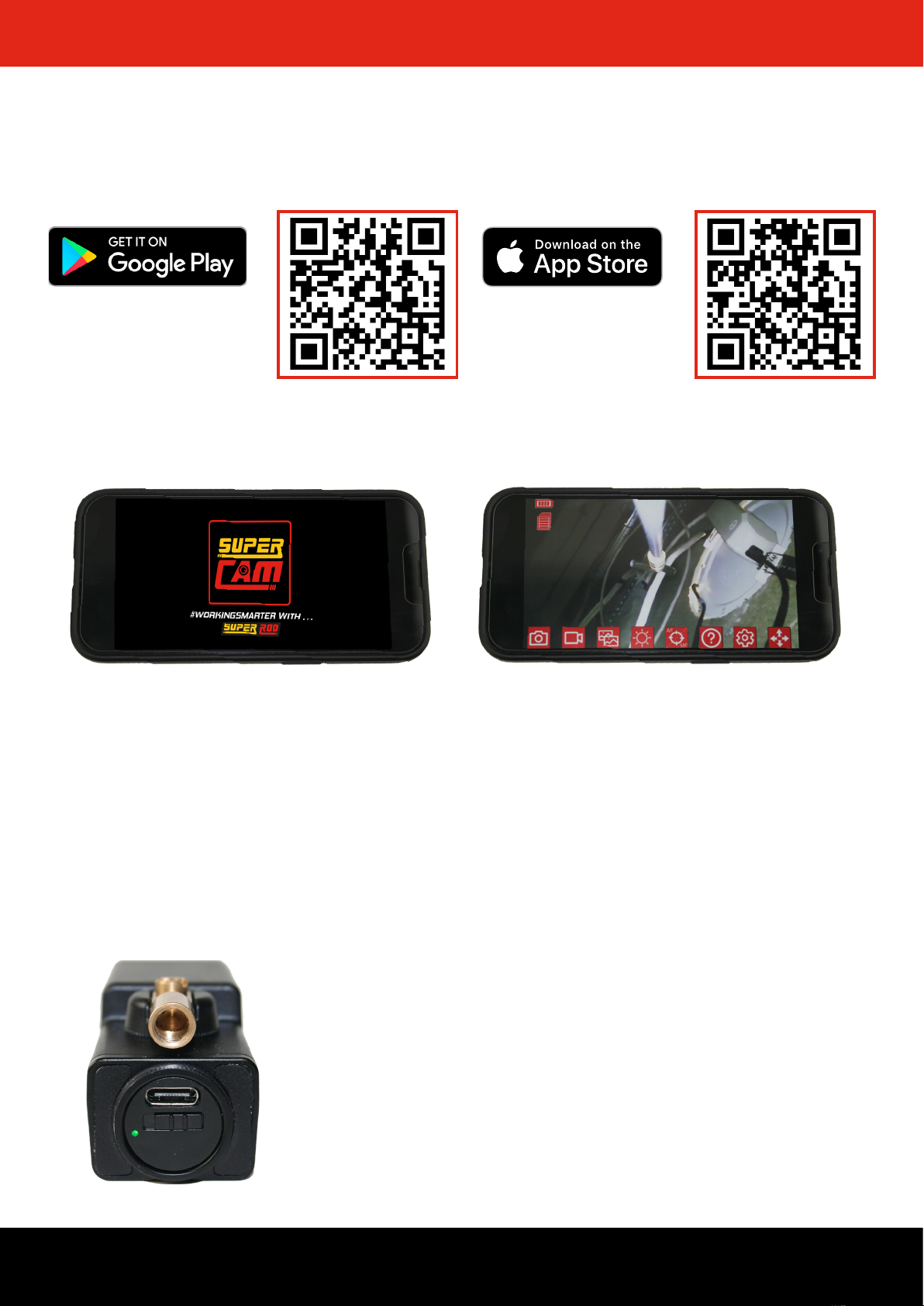
Once you have taken a picture you can either save
it or delete it and start again if you decide you want
to take a dierent one. If saved, the picture will be
stored in both your Super Cam app photo gallery
and the camera roll from the device you are using.
The video will be saved in your Super Cam app
video gallery automatically as well as the camera
roll from the device you are using.
Tap on the Photo Gallery icon to
access all images taken with your
Super Cam.
Photo Gallery
To view an image, tap on it.
To delete and image press ‘select’ and tap on the
image(s) you want to select then press delete.
SAVING PICTURES/VIDEOS
Video Gallery
To view a video, tap on it.
To delete and image press ‘select’ and tap on the
video(s) you want to select then press delete.
WIN!
For a chance to receive a gift send us your best
footage and images captured using the Super Cam.
If your content is shared then we will send you a gift.
Any content you sent us can be used for marketing
purposes. Send your content to
sales@super-rod.co.uk
7For more information visit www.super-rod.co.uk/supercam
Tap the Camera icon to take a picture.
Tap the Video icon to take a video
Tap on the Video Gallery icon to
access all footage taken with your
Super Cam.
Video Gallery
Photo Gallery