manuals.online logo
Brands
  1. Home
  2. •
  3. Brands
  4. •
  5. Surpahs
  6. •
  7. Scale
  8. •
  9. Surpahs M1 Magic-Mirror User manual

Surpahs M1 Magic-Mirror User manual

Other Surpahs Scale manuals

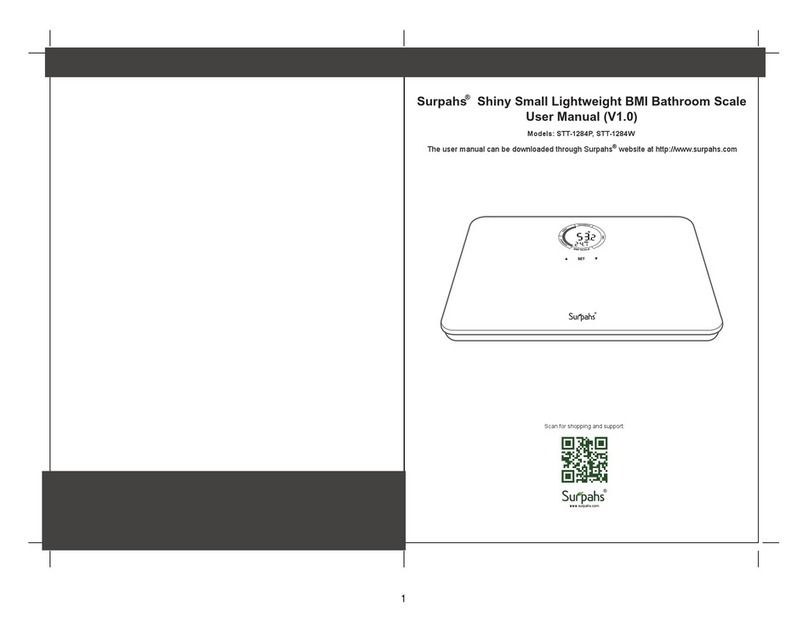
Surpahs STT-1284P User manual

Surpahs

Surpahs STT-1284P User manual

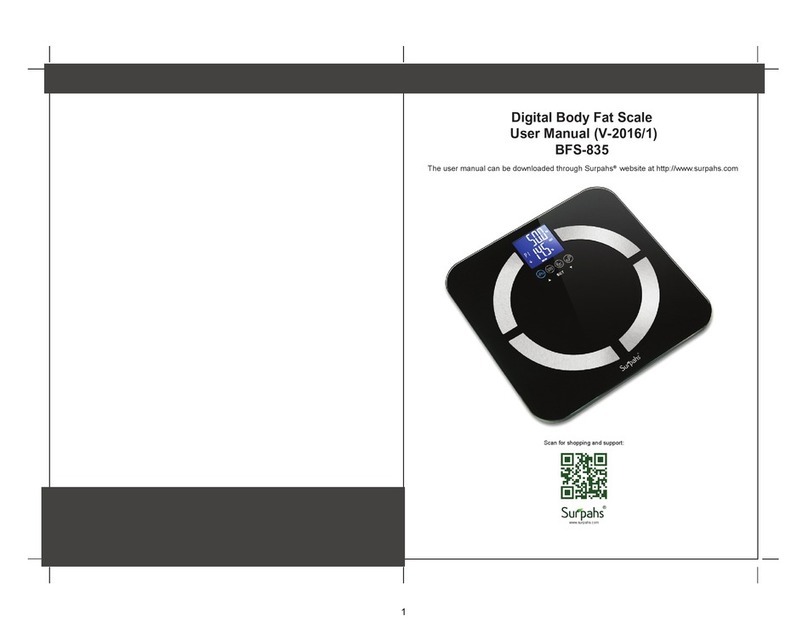
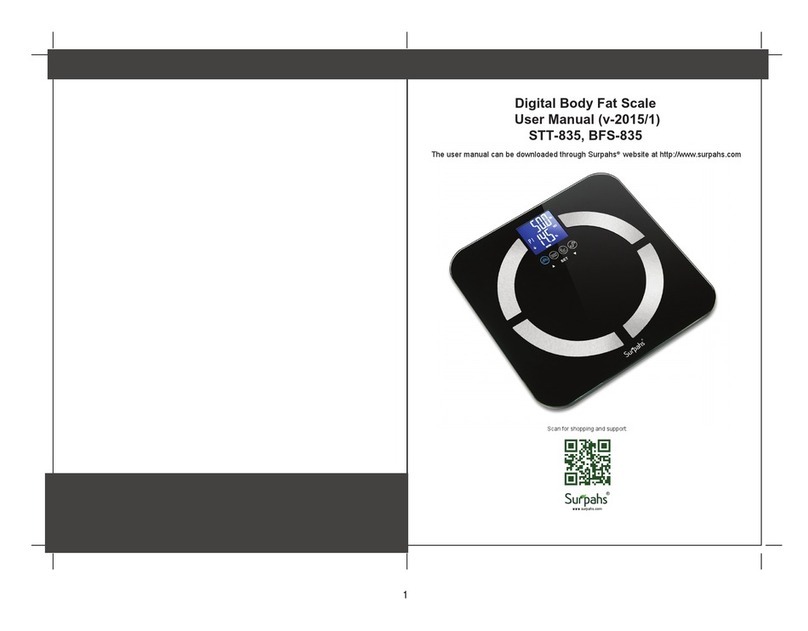
Surpahs BFS-835 User manual

Surpahs

Surpahs BFS-835 User manual

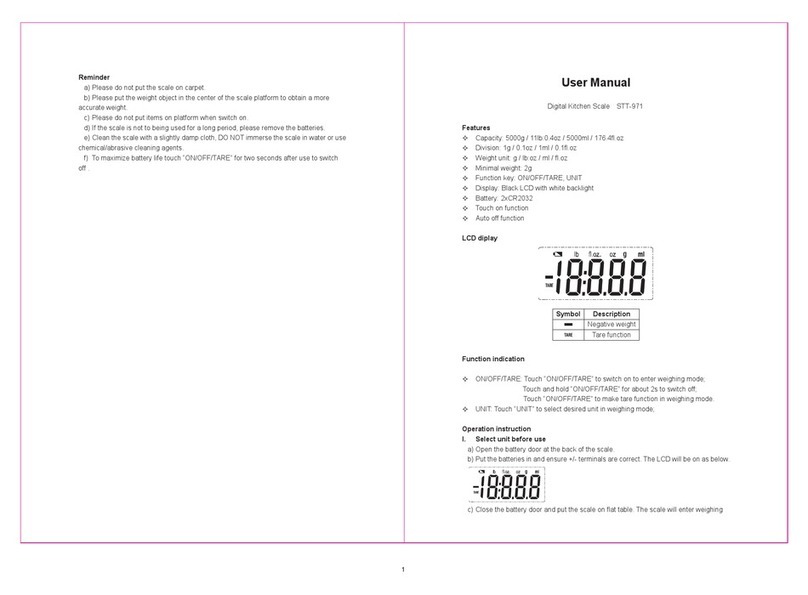
Surpahs STT-971 User manual

Surpahs

Surpahs STT-971 User manual

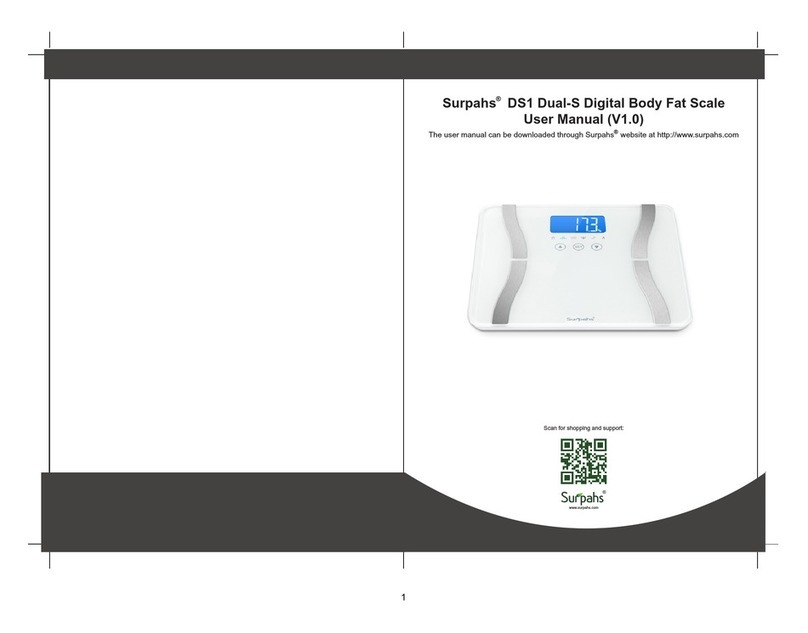
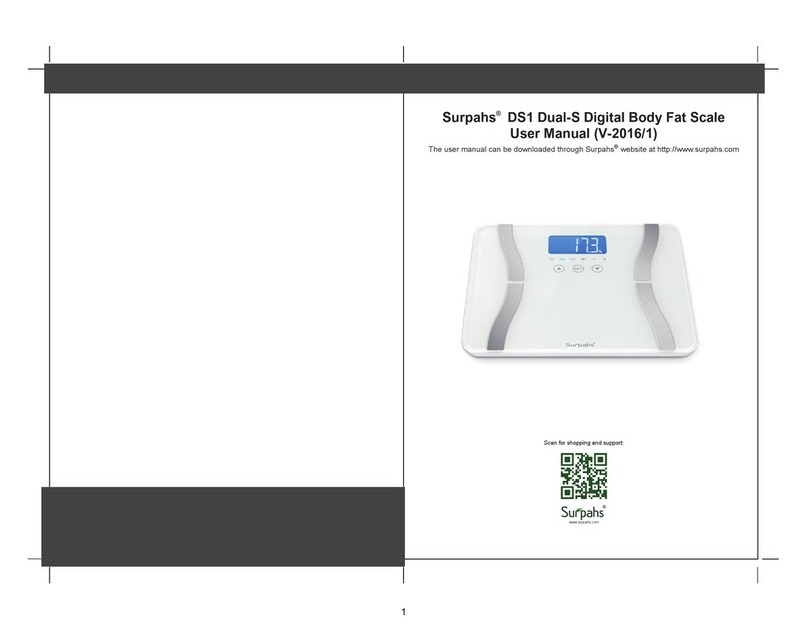
Surpahs DS1 DUAL-S User manual

Surpahs

Surpahs DS1 DUAL-S User manual

Surpahs STT-864 User manual

Surpahs

Surpahs STT-864 User manual

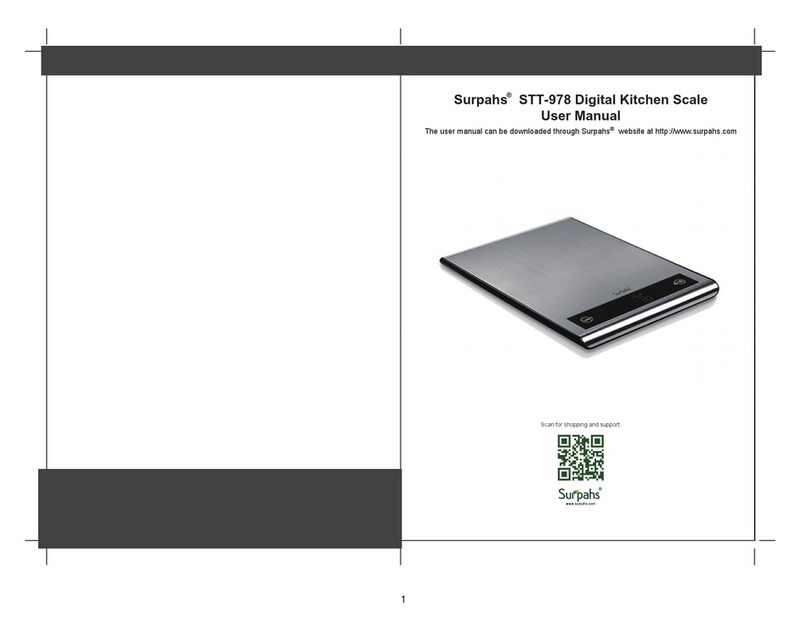
Surpahs STT-978 User manual

Surpahs

Surpahs STT-978 User manual

Surpahs STT-801 User manual

Surpahs

Surpahs STT-801 User manual

Surpahs DS1 DUAL-S User manual

Surpahs

Surpahs DS1 DUAL-S User manual

Surpahs STT-835 User manual

Surpahs

Surpahs STT-835 User manual

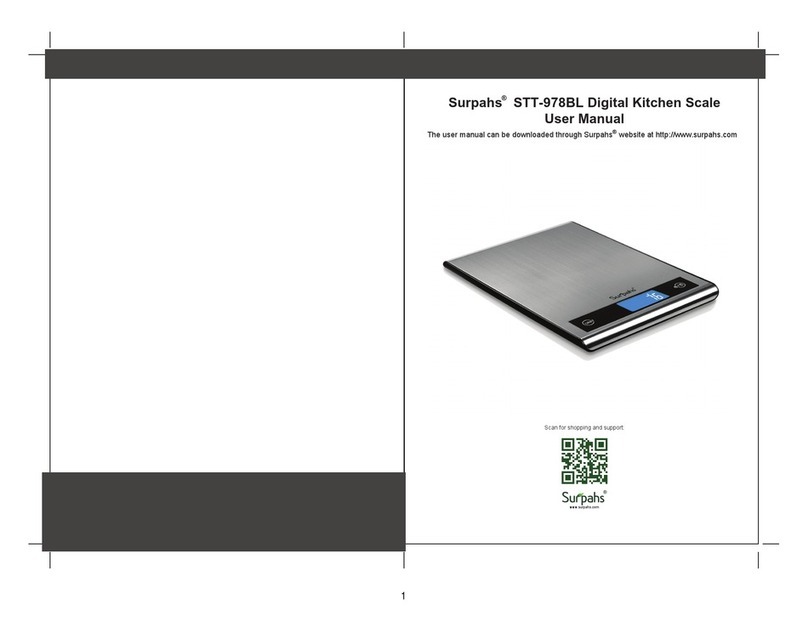
Surpahs STT-978BL User manual

Surpahs

Surpahs STT-978BL User manual

Surpahs STT-1284P User manual

Surpahs

Surpahs STT-1284P User manual

Surpahs STT-1110 User manual

Surpahs

Surpahs STT-1110 User manual

Surpahs STT-1040 User manual

Surpahs

Surpahs STT-1040 User manual

Popular Scale manuals by other brands

KERN MCC-M operating instructions

KERN

KERN MCC-M operating instructions

Little Balance SB MECA 8113 user manual

Little Balance

Little Balance SB MECA 8113 user manual

Fitbit Zip Aria Wi-Fi Smart Scale user manual

Fitbit Zip

Fitbit Zip Aria Wi-Fi Smart Scale user manual

KERN MPU 250K100 operating instructions

KERN

KERN MPU 250K100 operating instructions

Steinberg Systems SBS-PF-200 user manual

Steinberg Systems

Steinberg Systems SBS-PF-200 user manual

Total TP2000 user guide

Total

Total TP2000 user guide

A&D HL-200i operating instructions

A&D

A&D HL-200i operating instructions

OHAUS Courier 3000 user guide

OHAUS

OHAUS Courier 3000 user guide

Scarlett SC-KS57P97 instruction manual

Scarlett

Scarlett SC-KS57P97 instruction manual

BASETech LS-40S operating instructions

BASETech

BASETech LS-40S operating instructions

SR Instruments SR Scales SR565i-H Operating and service manual

SR Instruments

SR Instruments SR Scales SR565i-H Operating and service manual

Gallet PEP 301ART instruction manual

Gallet

Gallet PEP 301ART instruction manual

AWS ZEO-50 user manual

AWS

AWS ZEO-50 user manual

Gima Glass Body Fat Analyzer Use and maintenance book

Gima

Gima Glass Body Fat Analyzer Use and maintenance book

Seca 374 user manual

Seca

Seca 374 user manual

EDLUND BBPZ-20 quick start guide

EDLUND

EDLUND BBPZ-20 quick start guide

TEC TEC SL59 SERIES owner's manual

TEC

TEC TEC SL59 SERIES owner's manual

Alecto ACW-40 user manual

Alecto

Alecto ACW-40 user manual

manuals.online logo
manuals.online logoBrands
  • About & Mission
  • Contact us
  • Privacy Policy
  • Terms and Conditions

Copyright 2025 Manuals.Online. All Rights Reserved.

Surpahs M1 Magic-Mirror Body Weight Scale
User Manual (V1.0)
The user manual can be downloaded through Surpahs website at http://www.surpahs.com
Scan for shopping and support:
www.surpahs.com
®
®
1
FEATURES & SPECIFICATIONS BATTERIES
OPERATION INSTRUCTION
I. Initialization
NOTE: To ensure measuring accuracy, this initialization process is recommended be done
when the scale is moved to another place, or batteries are re-installed.
a) Press the platform center and remove your foot.
b) “0.0” is displayed.
• Uses 4 x AAA batteries
• Make sure the + and – sides of the batteries are aligned correctly.
• Replace batteries when the low battery indicator is shown.
Dimension 320 x 320 x 25mm (12.6” x 12.6” x 1”)
Turn On Method Sense-ON (Stand on the platform directly)
Sensors 4 high precision G-Sensors
Display 3.8” Large LED
V.A.=86mm (L) x 41mm (W)
Capacity 11 lb/5 kg / 0st:11lb - Max. 397 lb/180 kg / 28st:5lb
Division 0.1kg / 0.2 lb / 0.2 lb
Units Kilogram (kg) / Stone (st:lb) / Pound (lb)
Power 6V (4xAAA Batteries)
Auto-Off Time About 10 seconds on Non-Operation
Accuracy 0-50kg (0-110lb): ±0.3kg (0.66 lb)
50-100kg (110-220lb): ±0.4kg (0.88 lb)
100-150kg (220-330lb): ±0.5kg (1.10 lb)
150-180kg (330-396lb): ±0.6kg (1.32 lb)
Working Environment Temperature: 0°C to 40°C / Humidity: ≤90% RH
Storage Environment Temperature: -20°C to 60°C / Humidity: 10%RH to 93% RH
Low battery indication “Lo”
Overload Indication “----”
When batteries are inserted, the screen will display “8888”.
Wait until the screen display “0.0”, and it is ready to use.
c) The scale will switch off and now is ready to use.
LED Display
Glass
Battery Compartment
UNIT Button
2
WARRANTY
This product is warranted against defects in materials and workmanship for one year from the
date purchase, when used in accordance with the instructions provided. This warranty does
not cover damages or wear resulting from accident, misuse, abuse, commercial use, or
unauthorized adjustment and/or repair.
C8KE INC. shall not be liable for loss of use or any other incidental, consequential or indirect
costs, expenses or damages. There are no express warranties except as listed above. This
warranty gives you specific legal rights, and you may have other rights which vary from state
to state.
Should this product require service (or replacement at our option) while under warranty,
please visit website www.surpahs.com and submit a support ticket.
SUPPORT
If you have any questions about this product, please visit www.surpahs.com, or scan the
QR code, find the support link.
Surpahs , C8KE INC.
DE 19809, USA
www.surpahs.com
MAINTENANCE AND CARE
II. Weighing
a) Place the scale on hard flat even surface for accurate readings.
b) Stand on the scale platform directly, it will turn on and measure your weight automatically.
c) Stand still and the weight data will be locked with twice blinking when the weight is stable.
Read the result. Then the scale will turn off in about 10 seconds.
III. UNIT Selection
• To change measuring unit, turn the scale upside down and press the UNIT button until the
desired unit is selected.
• You can choose from Kilogram (kg), Pounds (lbs) or Stones (st/lb).
IV. Turning Off
The screen will turn off in about 10 seconds.
TROUBLESHOOTING
Issues Cause Solution
Overload. The device will
power off in four seconds.
Stop using the scale for this
measurement, or it will damage
the G-Sensors.
Low battery. The scale
will turn off in 4 seconds.
Replace with new batteries
• Please use the scale on a flat, level and hard surface free from vibration and drafts, use it at
room temperature.
• If the scale is not to being used for a long period, please remove the batteries,
• Clean the scale with a slightly damp cloth, do NOT immerse the scale body in water or use
chemical/abrasive cleaning agents.
• Check the batteries first if you are having any trouble with your scale. This simple step can
remedy most scale issues.
• Do not jump onto the scale platform immediately.
• Avoid storage in following locations:
Where there is water.
Where the device may be exposed to extreme temperatures, humidity, moisture, direct
sunlight, dust, or salt air.
Where there is risk of shock or drop.
Where you store chemicals or full of corrosive gases.
Where in reach of the infants or children.
®
3