manuals.online logo
Brands
  1. Home
  2. •
  3. Brands
  4. •
  5. Swarovski Optik
  6. •
  7. Binoculars
  8. •
  9. Swarovski Optik CL Companion 10x30 User manual

Swarovski Optik CL Companion 10x30 User manual

This manual suits for next models

1

Other Swarovski Optik Binoculars manuals

Swarovski Optik CTS Series User manual
Swarovski Optik

Swarovski Optik CTS Series User manual

Swarovski Optik EL 10x42 User manual

Swarovski Optik

Swarovski Optik EL 10x42 User manual

Swarovski Optik NL Pure User manual

Swarovski Optik

Swarovski Optik NL Pure User manual
Swarovski Optik CL POCKET User manual

Swarovski Optik

Swarovski Optik CL POCKET User manual
Swarovski Optik CL Pocket Mountain User manual
Swarovski Optik

Swarovski Optik CL Pocket Mountain User manual

Swarovski Optik CL Pocket 8x25 B User manual
Swarovski Optik

Swarovski Optik CL Pocket 8x25 B User manual

Swarovski Optik EL Range User manual

Swarovski Optik

Swarovski Optik EL Range User manual
Swarovski Optik STR 80 MOA User manual
Swarovski Optik

Swarovski Optik STR 80 MOA User manual

Swarovski Optik El Range 8x42 User manual
Swarovski Optik

Swarovski Optik El Range 8x42 User manual

Swarovski Optik EL32 User manual

Swarovski Optik

Swarovski Optik EL32 User manual
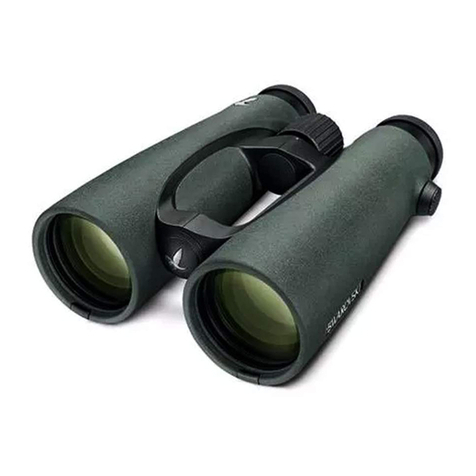
Swarovski Optik 35210 User manual

Swarovski Optik

Swarovski Optik 35210 User manual

Swarovski Optik Pocket 8x20 B Assembly instructions
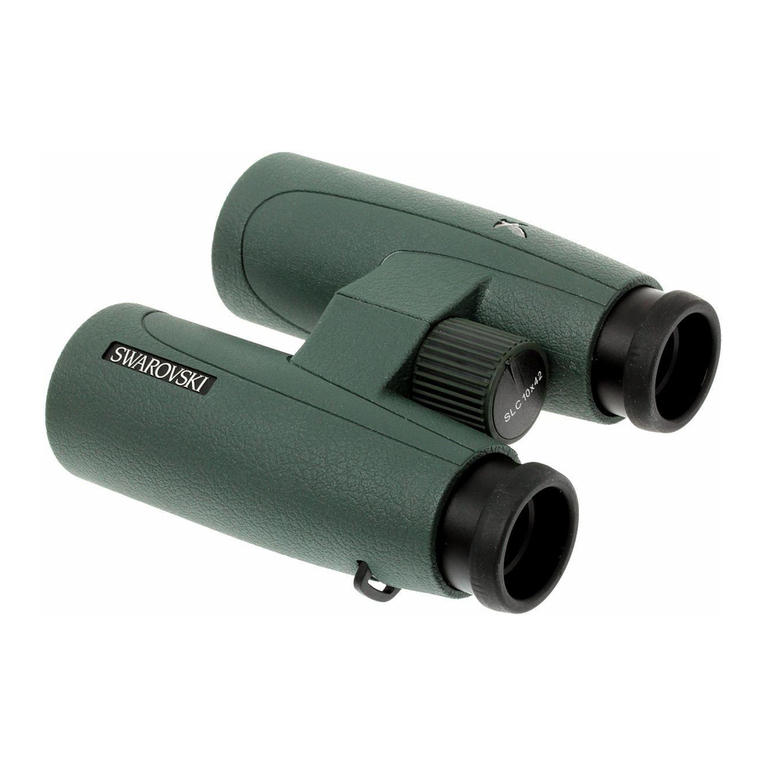
Swarovski Optik

Swarovski Optik Pocket 8x20 B Assembly instructions

Swarovski Optik SLC 10x42 WB User manual

Swarovski Optik

Swarovski Optik SLC 10x42 WB User manual

Swarovski Optik EL Range 32 User manual
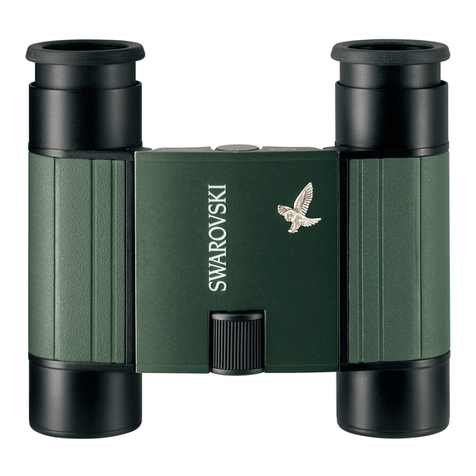
Swarovski Optik

Swarovski Optik EL Range 32 User manual

Swarovski Optik Pocket 10x25 B User manual
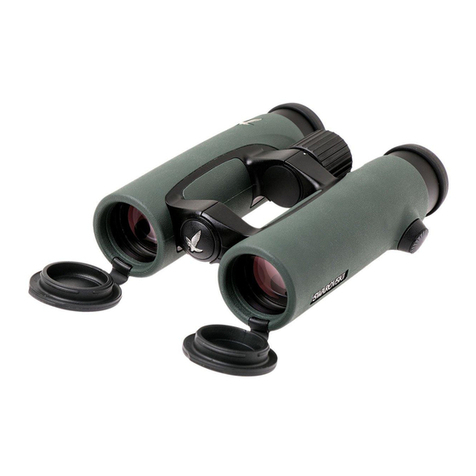
Swarovski Optik

Swarovski Optik Pocket 10x25 B User manual

Swarovski Optik EL 8x32 WB User manual
Swarovski Optik

Swarovski Optik EL 8x32 WB User manual

Swarovski Optik EL Range User manual

Swarovski Optik

Swarovski Optik EL Range User manual
Swarovski Optik SLC 42 User manual

Swarovski Optik

Swarovski Optik SLC 42 User manual
Swarovski Optik SLC 8x42 HD User manual
Swarovski Optik

Swarovski Optik SLC 8x42 HD User manual

Swarovski Optik CL POCKET User manual

Swarovski Optik

Swarovski Optik CL POCKET User manual
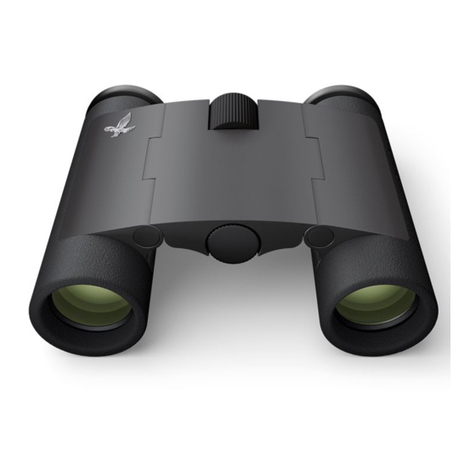
Swarovski Optik CL CURIO User manual

Swarovski Optik

Swarovski Optik CL CURIO User manual

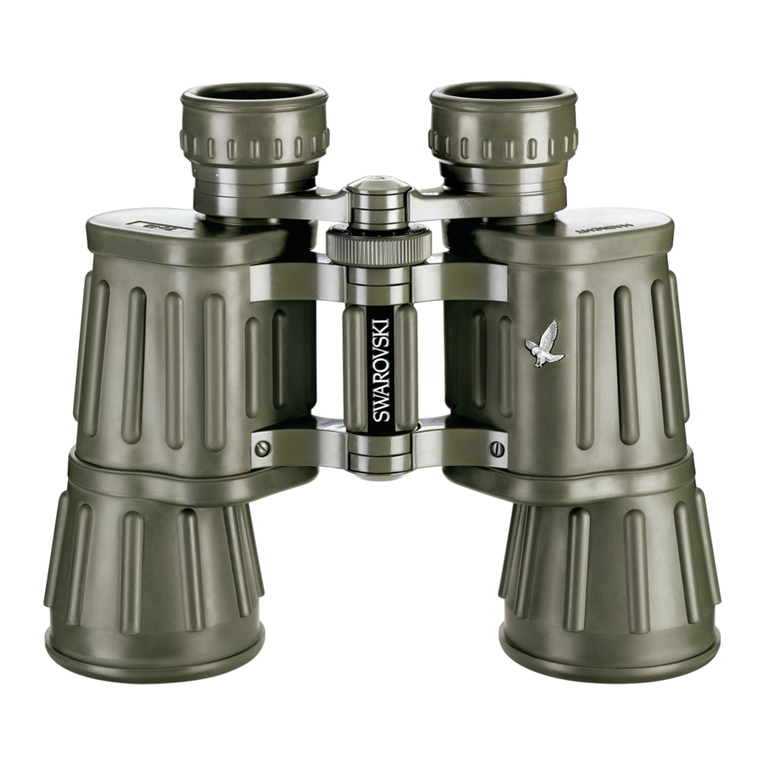
Swarovski Optik Habicht 7x42 GA User manual

Swarovski Optik

Swarovski Optik Habicht 7x42 GA User manual

Swarovski Optik Pocket 10x25 B User manual

Swarovski Optik

Swarovski Optik Pocket 10x25 B User manual

Swarovski Optik SLC2 User manual

Swarovski Optik

Swarovski Optik SLC2 User manual

Popular Binoculars manuals by other brands

Bushnell POWERVIEW 2 owner's guide

Bushnell

Bushnell POWERVIEW 2 owner's guide

Celestron VistaPix 72218 user guide

Celestron

Celestron VistaPix 72218 user guide

ATN PS-15 Operator's manual

ATN

ATN PS-15 Operator's manual

Levenhuk Atom Digital DNM200 user manual

Levenhuk

Levenhuk Atom Digital DNM200 user manual

Bresser TOPAS 7x50 instruction manual

Bresser

Bresser TOPAS 7x50 instruction manual

Berger & Schroter LN-G3-B50 user manual

Berger & Schroter

Berger & Schroter LN-G3-B50 user manual

Leica geovid 8x42 HD-R user manual

Leica

Leica geovid 8x42 HD-R user manual

Noblex NF 8 x 42 inception user manual

Noblex

Noblex NF 8 x 42 inception user manual

AGM EXPLORATOR FSB50-640 user manual

AGM

AGM EXPLORATOR FSB50-640 user manual

Opticron Marine-3 7x50 BIF.GA User instructions and warranty

Opticron

Opticron Marine-3 7x50 BIF.GA User instructions and warranty

Kayoba 009129 operating instructions

Kayoba

Kayoba 009129 operating instructions

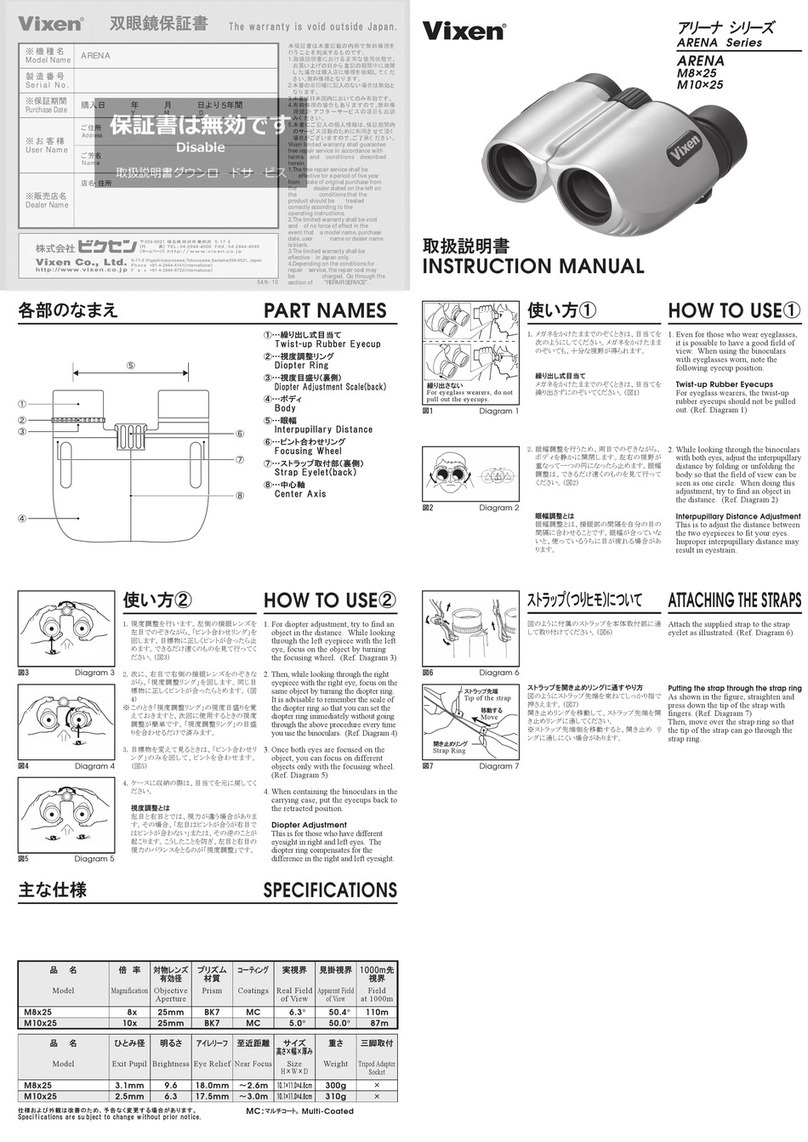
Vixen ARENA Series instruction manual

Vixen

Vixen ARENA Series instruction manual

MAGINON NVB 60 user manual

MAGINON

MAGINON NVB 60 user manual

Leica GEOVID PRO quick start guide

Leica

Leica GEOVID PRO quick start guide

Celestron LandScout Instructions for use

Celestron

Celestron LandScout Instructions for use

APM ED Apo Series instruction manual

APM

APM ED Apo Series instruction manual

PHOTONIS VYPER quick start guide

PHOTONIS

PHOTONIS VYPER quick start guide

Ricoh PENTAX UD9x21 owner's manual

Ricoh

Ricoh PENTAX UD9x21 owner's manual

manuals.online logo
manuals.online logoBrands
  • About & Mission
  • Contact us
  • Privacy Policy
  • Terms and Conditions

Copyright 2025 Manuals.Online. All Rights Reserved.

11
DE
10
DE EN
We are very pleased that you have decided to
purchase this product from SWAROVSKI OPTIK.
If you have any questions, please consult your
specialist dealer or contact us directly at
WWW.SWAROVSKIOPTIK.COM.
Please find our current product accessories at WWW.SWAROVSKIOPTIK.COM.
1 Carrying strap
2 Eyepiece cover
3
Wrist strap
4 Twist-in eyecup
5 Focusing wheel
6
Dioptric compensation
7 Objective lens cover
EN
3
2
1
7
5
64
For your safety!
WARNING!
Never look at the sun with
the binocular! This leads to
injury of your eyes!
Never look through the
binocular when walking!
You could encounter ob-
stacles!
General information
Please protect your bino-
culars from jolts and jars.
Repairs should be carried
out only by authorized
workshops.
13
DE
12
DE ENEN
Fitting the carrying strap
Assembly with eyepiece cover attached on one
side (recommended).
Alternatively: with eyepiece cover attached on
both sides.
1
A
B
22
33
A
B
1
2
3
Fitting the wrist strap
Adjustment of the twist-in eye cups
Use without eyeglasses:
Turn both eye cups (coun-
ter-clockwise) until they
stop.
Use with eyeglasses:
Turn both eye cups clock-
wise until they stop.
Adjustment of interpupillary distance
To see a single round image, turn the two halves
of the binoculars until no irritating shadows can
be seen.
Operation
15
DE
14
DE ENEN
Adjustment of focusing
It is possible to bring every
subject into focus from
the shortest adjustment
distance (see Technical
Data Sheet) to infinity by
turning the focusing wheel.
In the infinity position the little nose of the focusing
wheel is at the top.
Dioptric compensation
To achieve optimal image quality, the possibly
varying visual acuity between the left and right eye
must be corrected.
Use with equal acuity of both eyes:
The dioptric compensation
is set to “zero”.
Use with varying acuity of both eyes:
1. Look through the left ocular with your left eye
and turn the focusing wheel to focus sharply on
a selected object.
2. Now, using your right eye, look at the same
object through the right eyepiece and use the
dioptric compensation to set the optimal image
sharpness.
2.
1.
Assembly instructions for objective lens cover
2. 1.
Maintenance and care
Lens-cleaning cloth
You can clean high sensitive lens surfaces with
the enclosed special cloth made of micro-fibres. It
is suitable for objective lens, ocular lens and eye-
glasses.
Please keep the cloth clean, as dirt can damage
17
DE
16
DE ENEN
the lens surface. If the cloth gets dirty, it can be
washed in luke-warm soapy water and air-dried.
Please use it exclusively for cleaning lens sur-
faces!
Cleaning
We have designed all elements and surfaces
to require little care. To ensure the long-lasting
optical brilliance of your binocular, you should
keep the glass surfaces free of dirt, oil and grease.
When cleaning the lenses, first remove larger par-
ticles with an optical lens brush. For the subse-
quent thorough cleaning we recommend breathing
onto the lens surface to form a coat of condensa-
tion and then cleaning it with a soft, moist cloth.
The housing is best cleansed with a soft, moist
cloth (don’t use the lens-cleaning cloth).
In the event of hard-to-remove dirt (e.g. sand)
the eye cups can be unscrewed and cleaned very
easily.
Storage
You should keep your binocular in its bag in a well-
ventilated, dry place.
If the instrument is wet,
it must be dried prior to
storage.
In tropical regions or re-
gions with a high degree of
humidity the best place to
store the instrument in is an air-tight receptacle
along with a moisture-absorbing agent (e.g. silica
gel).
6,*
/
,$
&
(
/
All data are typical values.
We reserve the right to make changes regarding design and delivery.
We accept no liability for printing errors. BA-698-01, 07/2011