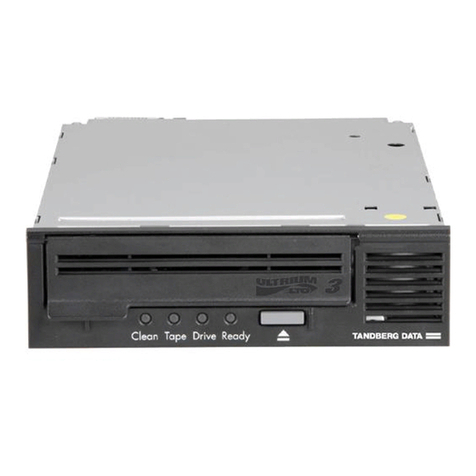
LABEL COLOR STATE OPERATING CONDITION
STATUS INDICATOR (right front panel)
Write Protected Orange On Cartridge is write-protected
Off Cartridge is write-enabled
Tape in use Yellow Blinking Cartridge is loaded and the tape is moving.
On Cartridge is loaded; ready for use.
Use Cleaning Yellow On Drive head needs cleaning, or the tape is bad.
Cartridge Remains on after Cleaning tape attempted to clean the drive head, but the tape
you unload the expired, so cleaning was not done.
cleaning cartridge
After cleaning, Problem data cartridge. Try another cartridge.
turns on again
when you reload
the data cartridge
Off Cleaning is complete, or cleaning is unnecessary.
Operate Handle Green On Okay to operate the cartridge/ insert release handle.
Off Do not operate the cartridge insert/release handle.
All four right side On Power-on Selftest is starting.
or all left side Blinking A Power-on Selftest error has occurred. Press the Unload
indicators button or turn drive power off and then on again to clear the
error. If the error remains, call your service representative.
LABEL COLOR STATE OPERATING CONDITION
DENSITY INDICATOR LEFT front panel)
2.6 Yellow On Indicates the tape is recorded in 2.6 GB format.
Blinking Indicates the tape is recorded in another density. You have
selected this density for a write from BOT.
6.0 Yellow On Indicates the tape is recorded in 6.0 GB format.
Blinking Indicates the tape is recorded in another density. You have
selected this density for a write from BOT.
10.0/15.0 Yellow On (default) Indicates the tape is recorded in 10.0 GB format if the DLTtape™III
tape is used.
Blinking Indicates the tape is recorded in15.0 GB format if the DLTtape™IIIxt
tape is used or indicates the tape is recorded in another density.
You have selected this density for a write from BOT.
20.0 Yellow On (default) Indicates the tape is recorded in 20.0 GB format.
Blinking Indicates the tape is recorded in another density. You have selected
this density for a write from BOT.
35.0 Yellow On (default) Indicates the tape is recorded in 35.0 GB format.
Blinking Indicates the tape is recorded in another density. You have selected
this density for a write from BOT.
Compress Yellow On Compression mode enabled. (Compression can be done in 10.0,
15.0, 20.0 and 35.0 GB densities only.)
Off Compression mode disabled.
Density Override Yellow On You have selected a density from the front panel.
Off (default) Density to be selected by the host (automatic).
Blinking You are in density selection mode.
All four right side Blinking A Power-on Selftest error has occurred. Press the Unload button or
or all left side turn drive power off and then on again to clear the error. If the
indicators error remains, call your service representative.
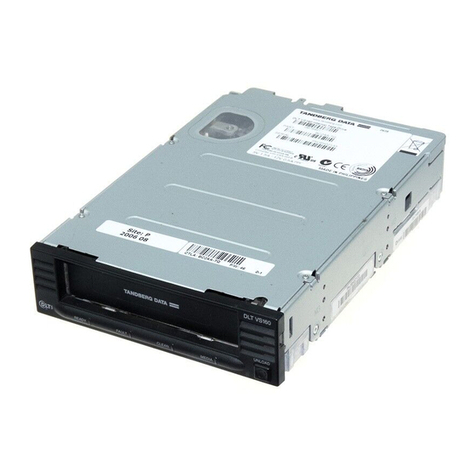
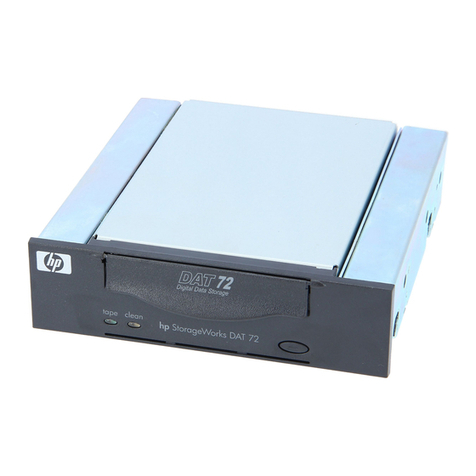
Summary of Front Panel Indicators
Use the following tables to determine the drive’s operating conditions:
431887-02 23.08.00 15:41 Side 3