Tektronix Phaser 540 User manual

Release Note
Phaser
™
CopyStation
User Manual
Copyright © 1994 by Tektronix, Inc., Wilsonville, Oregon. Printed in the United States of America.
All rights reserved. Contents of this publication may not be reproduced in any form without
permission of Tektronix, Inc.
December 1994 Part Number 070-9020-80

User Manual Release Note
1
Note to Phaser CopyStation owners
This
Phaser CopyStation User Manual Release Note
applies to Chapter 2 of the
user manual — entitled “Setting Up” — and gives additional information
about the CopyStation’s power-up sequence.
Setting Up
What happens at power-up?
Note
After you turn its power switch on, the Phaser CopyStation
performs this power-up sequence:
■
It checks for devices in the SCSI (Small Computer System Interface)
chain, such as a hard disk drive and a printer.
■
A CopyStation front panel message appears (most often, the message is
Printer is idle
).
■
The copier mechanism light, located under the glass scanning area,
turns on and remains on for about 20 minutes.
You may make copies
while the light is off or on.

User Manual
Phaser
™
CopyStation
First printing October 1994
070-9020-00

Copyright
©
1994 by Tektronix, Inc., Wilsonville, Oregon. Printed in the United States of America.
All rights reserved. Contents of this publication may not be reproduced in any form without permission of
Tektronix, Inc.
This product, in whole or in part, may be protected by one or more U.S. or foreign patents or patent
applications. Information provided upon request from Tektronix, Inc., P.O. Box 1000, Wilsonville, Oregon
97070-1000.
Product usage: It may be illegal to copy certain documents in your country, state, or province. For example, in
the United States, it is illegal to copy paper money, certificates of deposit, U. S. bonds, treasury notes, federal
reserve notes, copyrighted documents, etc. Please refer to regulations regarding copying laws in your location.
If acquired subject to FAR or DFARS, the following shall apply:
■
Unpublished — rights reserved under the copyright laws of the United States.
■
Restricted Rights Legend — Use, duplication, or disclosures by the U.S. government is subject to restrictions
as set forth in subparagraph (c)(1)(ii) of the Rights in Technical Data and Computer Software clause at DFARS
252.227-7013, or in subparagraph (c) (2) of the Commercial Computer Software – Restricted Rights clause at
FAR 52.227-19, as applicable. Tektronix, Inc., P.O. Box 1000, Wilsonville, Oregon 97070-1000.
Tektronix
®
is a registered trademark of Tektronix, Inc. Phaser™ is a trademark of Tektronix, Inc. for color
printers and related products.
Other marks are trademarks or registered trademarks of the companies with which they are associated.

Phaser
™
CopyStationWarranty
Tektronix warrants that this product will be free from defects in materials and workmanship for a period of one
(1) year from the date of shipment. If this product proves defective during this warranty period, Tektronix, at its
option, either will repair the defective product without charge for parts and labor, or will provide a replacement
in exchange for the defective product.
This warranty applies only to products returned to the designated Tektronix depot or the Tektronix-authorized
representative from which the product was originally purchased. For products returned to other locations,
Customer will be assessed the applicable service charge. The above limitation shall not apply within the
European Economic Area, where products may be returned for warranty service to the nearest designated
service depot regardless of the place of purchase.
In order to obtain service under this warranty, Customer must provide the applicable office of Tektronix or its
authorized representative with notice of the defect before the expiration of the warranty period and make
suitable arrangements for the performance of service. Customer shall be responsible for packaging and shipping
the defective product to the service center designated by Tektronix or its representative, with shipping charges
prepaid. Tektronix or its representative shall pay for the return of the product to Customer. Customer shall be
responsible for paying any associated taxes or duties.
This warranty shall not apply to any defect, failure or damage caused by improper use or improper or
inadequate maintenance and care. Tektronix shall not be obligated to furnish service under this warranty:
a) to repair damage resulting from attempts by personnel other than Tektronix representatives to install, repair,
or service the product; b) to repair damage resulting from improper use or connection to incompatible
equipment; c) to repair any damage or malfunction caused by the use of non-Tektronix supplies; d) to service a
product that has been modified or integrated with other products when the effect of such modification or
integration increases the time or difficulty of servicing the product; or e) to repair damage or malfunction
resulting from failure to perform user maintenance and cleaning at the frequency and as described in the user
manual (if applicable).
THE ABOVE WARRANTIES ARE GIVEN BY TEKTRONIX WITH RESPECT TO THIS PRODUCT IN LIEU OF
ANY OTHER WARRANTIES, EXPRESS OR IMPLIED. TEKTRONIX AND ITS VENDORS DISCLAIM ANY
IMPLIED WARRANTIES OF MERCHANTABILITY OR FITNESS FOR APARTICULAR PURPOSE.
TEKTRONIX’ RESPONSIBILITY TO REPAIR OR REPLACE DEFECTIVE PRODUCTS IS THE SOLE AND
EXCLUSIVE REMEDY PROVIDED TO THE CUSTOMER FOR BREACH OF THIS WARRANTY. TEKTRONIX
AND ITS VENDORS WILL NOT BE LIABLE FOR ANY INDIRECT, SPECIAL, INCIDENTAL, OR
CONSEQUENTIAL DAMAGES IRRESPECTIVE OF WHETHER TEKTRONIX OR THE VENDOR HAS
ADVANCE NOTICE OF THE POSSIBILITY OF SUCH DAMAGES.

Users safety summary
Terms in manual:
CAUTION Conditions that can result in damage to the product.
WARNING Conditions that can result in personal injury or loss of life.
Power source:
Do not apply more than 250 volts RMS between the supply conductors or between either supply
conductor and ground. Use only the specified power cord and connector. Refer to a qualified service technician
for changes to the cord or connector.
Operation of product:
Avoid electric shock by contacting a qualified service technician to replace fuses inside the
product. Do not operate without the covers and panels properly installed. Do not operate in an atmosphere of
explosive gases.
Safety instructions:
Read all installation instructions carefully before you plug the product into a power source.
Terms on product:
CAUTION A personal injury hazard exists that may not be apparent. For example, a
panel may cover the hazardous area. Also applies to a hazard to property
including the product itself.
DANGER A personal injury hazard exists in the area where you see the sign.
Care of product:
Disconnect the power plug by pulling the plug, not the cord. Disconnect the power plug if the
power cord or plug is frayed or otherwise damaged, if you spill anything into the case, if product is exposed to
any excess moisture, if product is dropped or damaged, if you suspect that the product needs servicing or repair,
and whenever you clean the product.
Ground the product:
Plug the three-wire power cord (with grounding prong) into grounded AC outlets only. If
necessary, contact a licensed electrician to install a properly grounded outlet.
Symbols as marked on product:
DANGER high voltage:
Protective ground (earth) terminal:
Use caution. Refer to the manual(s) for information:
WARNING:
If the product loses the ground connection, connectors and controls (and other conductive parts) can
cause an electrical shock. Electrical product may be hazardous if misused.
!

User Manual
vii
1 Introduction
About the Phaser
™
CopyStation 1-1
Understanding copyright laws 1-2
2 Setting Up
At a glance 2-1
Checking the inventory 2-2
Registering your product 2-2
Placing the CopyStation 2-4
Connecting the CopyStation 2-5
Rear panel connectors 2-5
Connecting the SCSI cable 2-6
Connecting the CopyStation directly to the printer (with no disk drive) 2-6
Connecting the CopyStation and a disk drive to the printer 2-7
Connecting to power 2-9
Setting SCSI IDs 2-10
Powering up and making a test copy 2-12
If the copier does not appear to work correctly 2-14
Setting the front-panel language 2-14
3 Making Copies
Quick start: making a copy 3-1
Selecting CopyStation options 3-3
Front panel overview 3-3
Status display 3-4
Function display 3-4
Value selection buttons 3-4
Print Mode button 3-5
Scale button 3-5
Color Balance button 3-5
Darken/Lighten button 3-6
# of Copies button 3-6
Tray Selection button 3-6
Contents

viii
Phaser CopyStation
Numeric-entry keypad 3-6
Copy (green) button 3-6
Cancel (red) button 3-7
Special Functions (gray) button 3-7
Placing and scaling images 3-8
Copying at 100% scale 3-8
Copying to fit full-bleed images 3-9
Scaling images 3-10
Centering small images 3-11
4 Using Special Functions
Using the Special Functions menus 4-2
Setting default values with the Special Functions 4-3
Default Reset Time 4-3
Default Tray 4-3
Default Print Mode 4-3
Default Scale 4-3
Default Cyan 4-3
Default Magenta 4-4
Default Yellow 4-4
Default Black 4-4
Default Dark/Light 4-4
Service Tests sub-menu 4-5
5 Cleaning
6 Moving and Shipping
Moving the CopyStation 6-1
Disconnecting the CopyStation (without a disk drive) 6-1
Disconnecting the CopyStation (with a disk drive) 6-2
Putting the copier mechanism in the parked position 6-3
Packing the CopyStation 6-4

User Manual
ix
7 Troubleshooting
Troubleshooting the CopyStation and printer 7-1
CopyStation and printer are not making copies 7-2
Eliminating printer problems first 7-2
Checking to see if the CopyStation is functional 7-2
Copy quality problems 7-4
Problems inherent in the copying and printing process 7-4
Checking and correcting printer problems 7-5
Checking and correcting CopyStation problems 7-6
Troubleshooting with CopyStation status and error messages 7-7
If you need help 7-10
Warranty and service instructions 7-10
Using the automated fax systems 7-11
Use HAL to order a catalog or individual documents in the U.S.A. and Canada 7-12
Use EuroHAL to order a catalog or individual documents in Europe 7-13
A Technical Notes
Specifications A-1
Safety and emission standards A-3
Interface cables and adapters A-3
B Regulatory Information
C Replaceable Parts

x
Phaser CopyStation
Other manuals for Phaser 540
3
This manual suits for next models
4
Table of contents
Other Tektronix Printer Accessories manuals
Tektronix
Tektronix Phaser 550 User manual
Tektronix
Tektronix Phaser 340 User manual
Tektronix
Tektronix Phaser 340 User manual
Tektronix
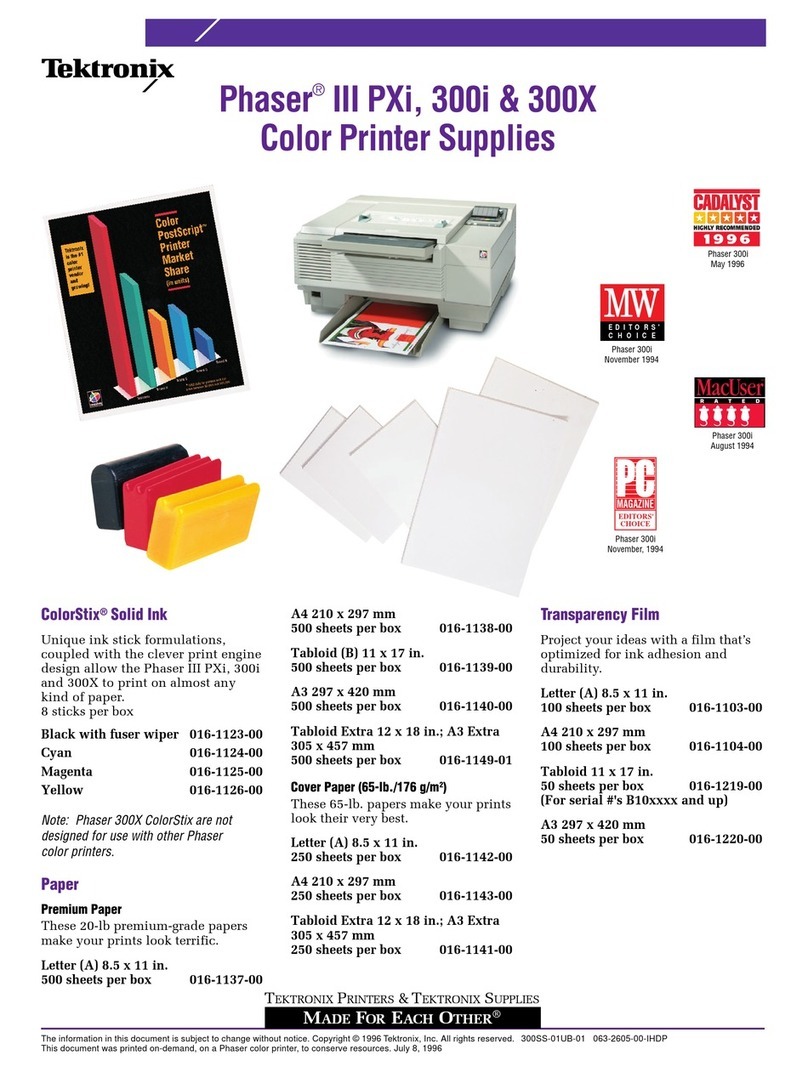
Tektronix Phaser 300i User manual
Tektronix
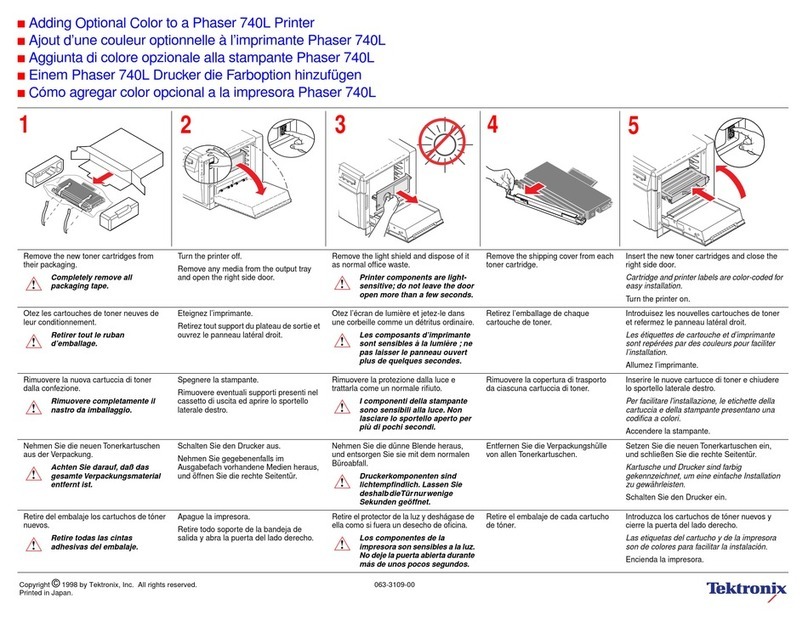
Tektronix Phaser 740L User manual
Tektronix
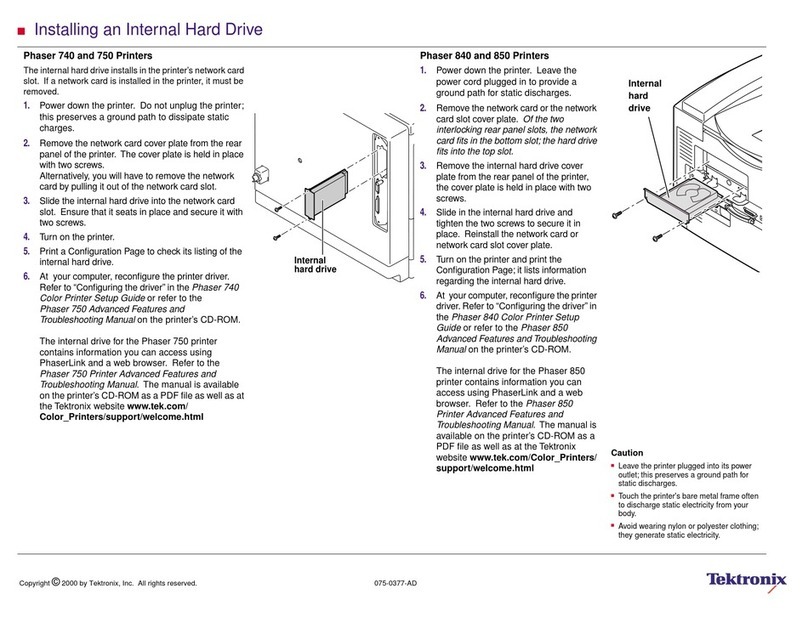
Tektronix Phaser 740 User manual
Tektronix
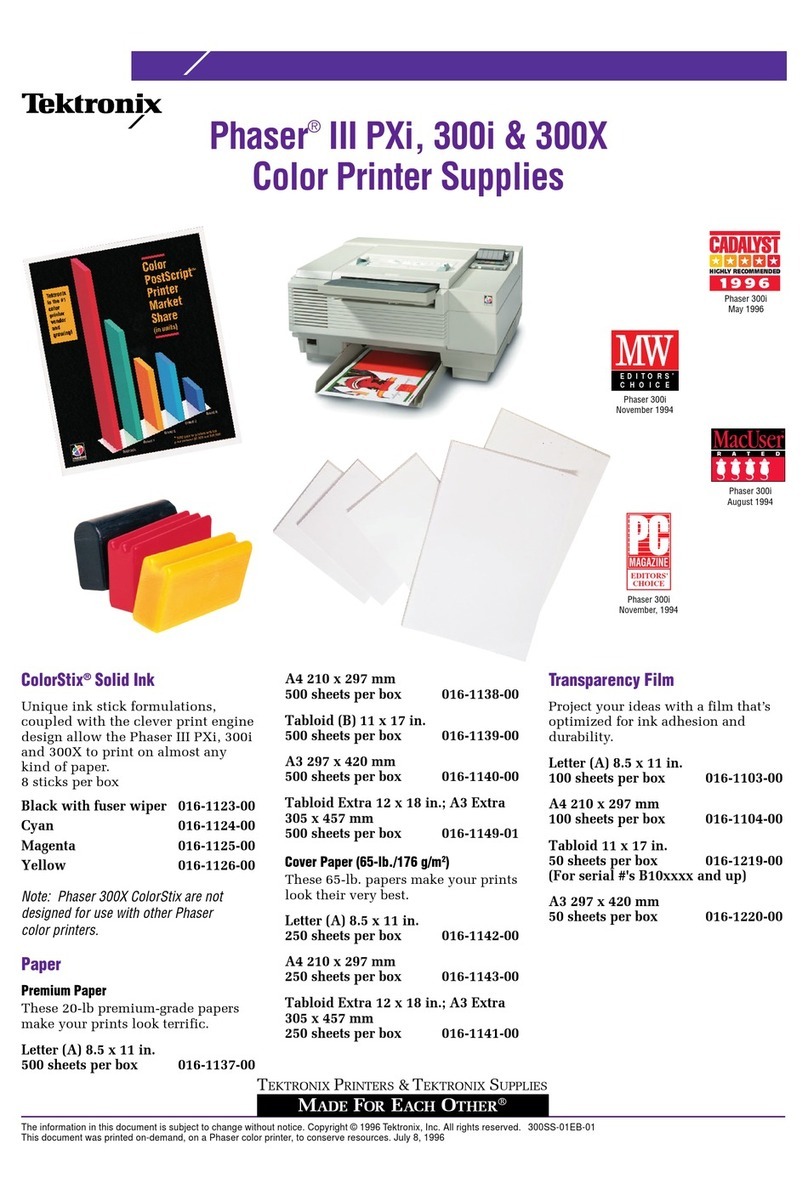
Tektronix Phaser 300i User manual
Tektronix
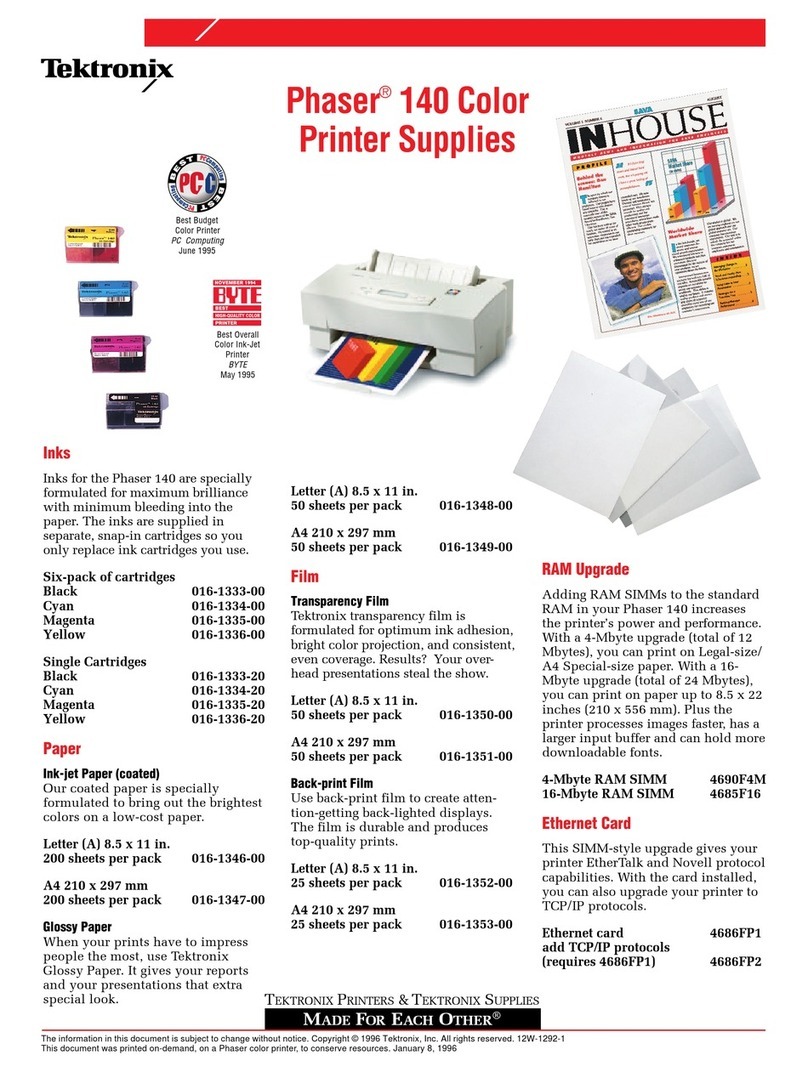
Tektronix Phaser 140 User manual
Tektronix
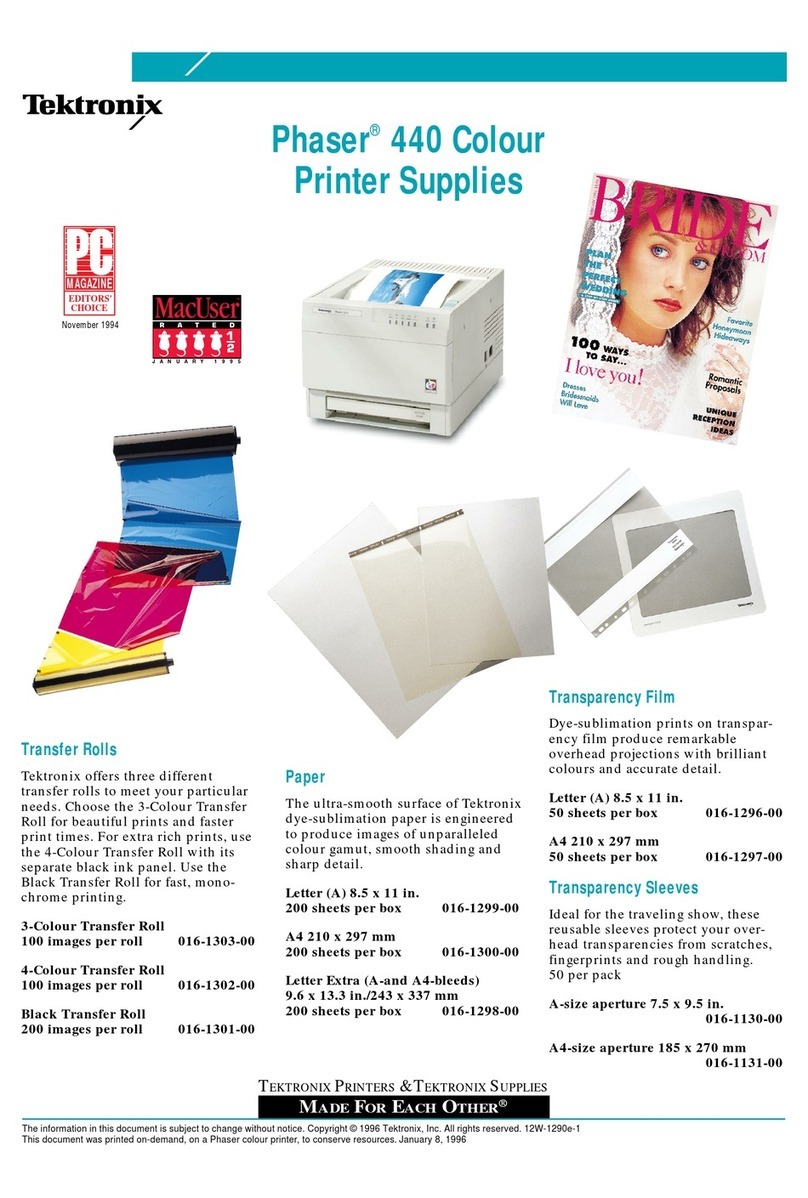
Tektronix Phaser 440 User manual
Tektronix
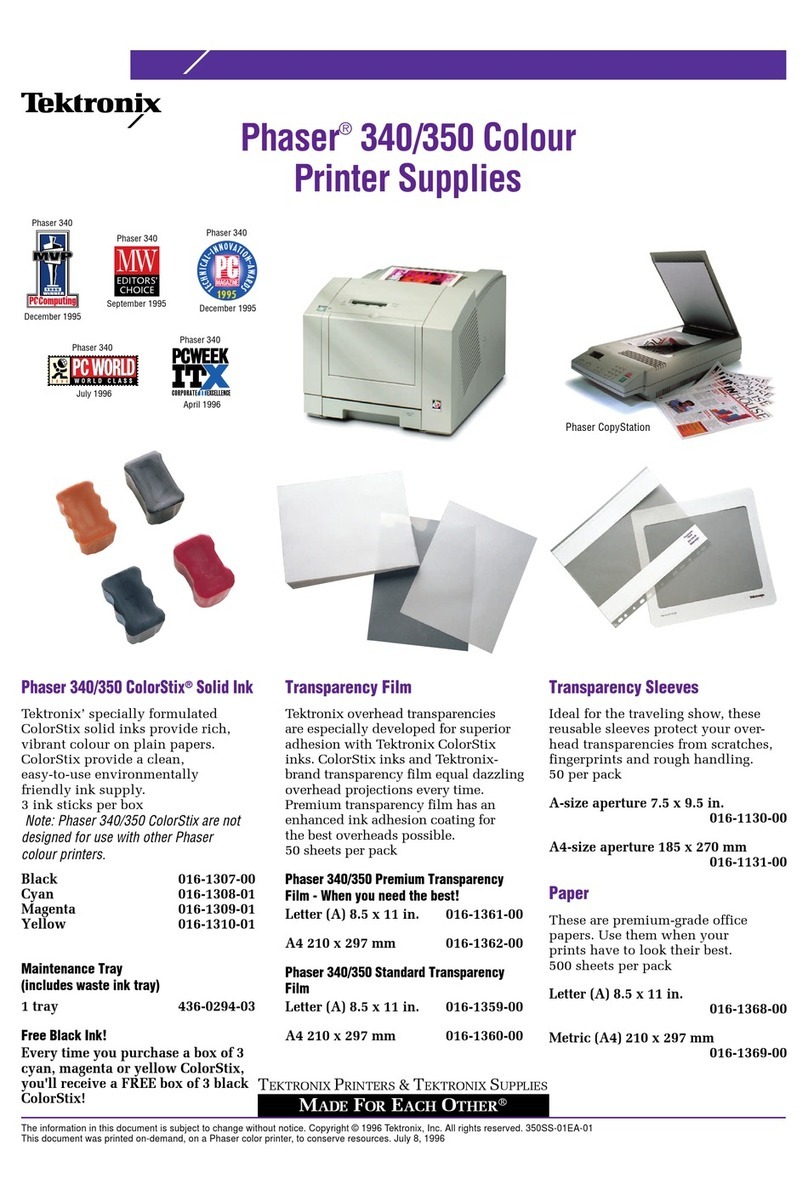
Tektronix Phaser 340 User manual