6
Helpline No. UK/Northern Ireland 01270 508538 Rep. Ireland 1800 995 036
Web Support : www.quesh.co.uk
Model Number: 48451 6
7. Once the scan has nished, the radio will select the rst
alphanumerically found station.
If you cannot hear any sound, check the volume is switched on.
To explore the stations that have been found, you need to turn the “Tune/
Select” button anti-clockwise or clockwise. Every time you turn the tune
knob, you will skip to the next found station. When you nd a station that
you would like to listen to, then press the ”Select ” key, after 5 Seconds, it
will auto select the current station which will be shown on the LCD .
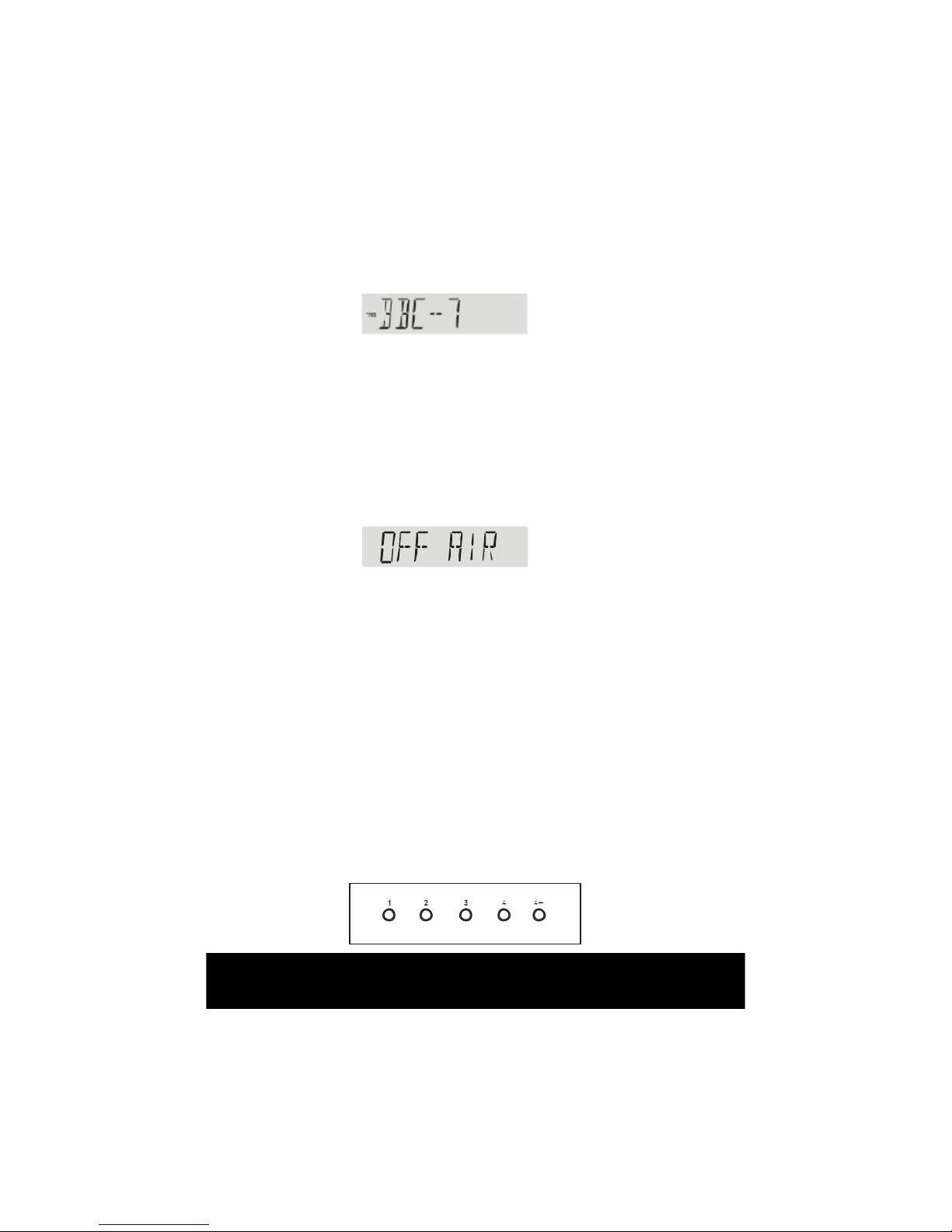
8. There is no DAB signal, you can nd the station information
which you have previously listened to, it will display as“OFF
AIR”
Memory
When you switch on the radio, the radio will play the DAB mode with the
station that was in last operation or the FM radio that was last in operation.
DAB Mode
1. Storing Stations - You can store up to 8 of your favourite stations to
the preset keys. This will enable you to access your favourite
station at the touch of one button. To store a preset, you must first
be listening to the station that you would like to save, then press
and hold one of the presets labeled 1-4 for 2 seconds. The LCD
will then show ”P# SAVED ”.If you want to save Radio 2 to Preset
5, you should press and the ”4 +” key to switch the Preset 1-4 to
Preset 5-8 station, then press and Hold the number 1 button at the
same time until ”P# SAVED ” appears in the display.