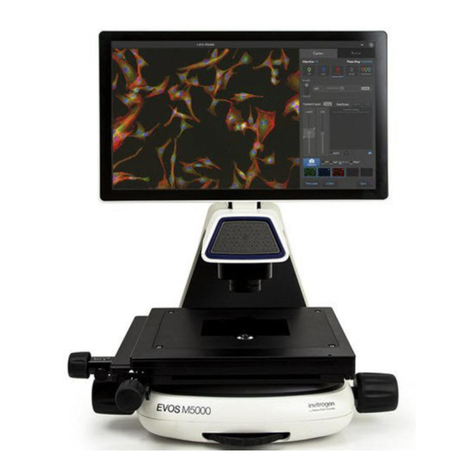
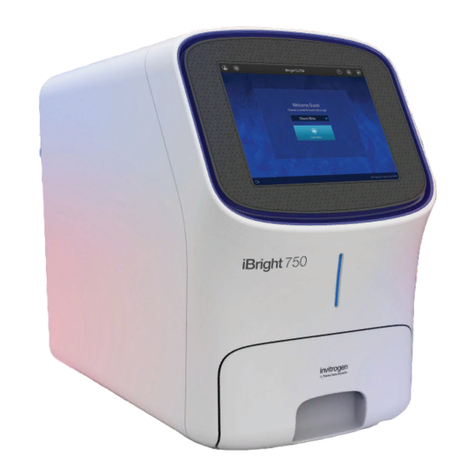
EVOS™M5000 User Guide
1
Contents
About this guide ...................................................................................................................... 3
1. Product information .......................................................................................................... 4
Product description......................................................................................................................................... 4
Standard items included................................................................................................................................. 5
Instrument exterior components and mechanical controls ....................................................................... 6
Graphical user interface (GUI)....................................................................................................................... 8
2. Installation ........................................................................................................................ 9
Operating environment and site requirements........................................................................................... 9
Prepare for installation ................................................................................................................................. 10
Install the instrument.................................................................................................................................... 10
3. Capture images................................................................................................................15
Overview ........................................................................................................................................................ 15
Capture images.............................................................................................................................................. 16
Analyze and annotate captured images..................................................................................................... 23
Show cell count.............................................................................................................................................. 27
4. Save captured images ......................................................................................................34
Save ................................................................................................................................................................. 34
Quick Save images ........................................................................................................................................ 35
5. Capture and save time lapse images................................................................................36
Time Lapse tool.............................................................................................................................................. 36
Run a time lapse routine............................................................................................................................... 36
6. Capture Z-Stack ...............................................................................................................43
Z-Stack tool..................................................................................................................................................... 43
Capture Z-stack images ................................................................................................................................ 43
7. Review saved images .......................................................................................................47
Overview ........................................................................................................................................................ 47
Review images ............................................................................................................................................... 47
Analyze saved images .................................................................................................................................. 49
8. Adjust instrument settings...............................................................................................50
Overview ........................................................................................................................................................ 50
Adjust objective settings............................................................................................................................... 51
Calibrate white balance ................................................................................................................................ 53
Set saturated pixel options ........................................................................................................................... 54
General settings ............................................................................................................................................. 55
Configure network settings.......................................................................................................................... 56