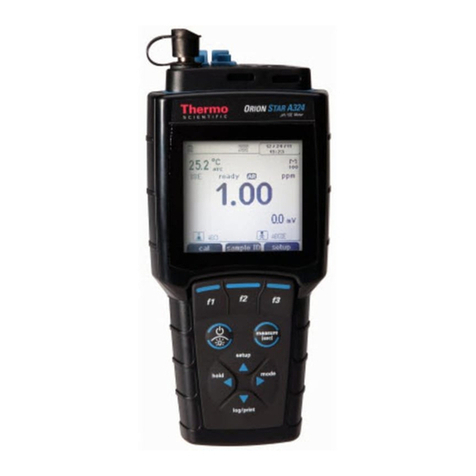
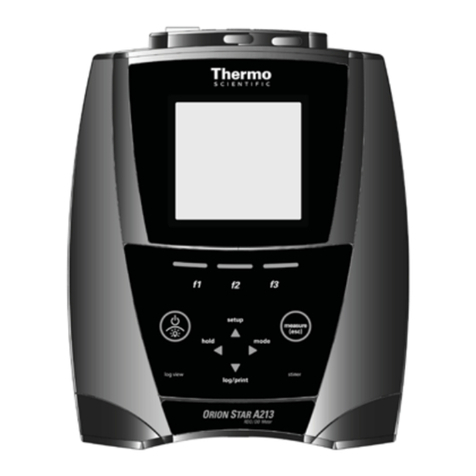
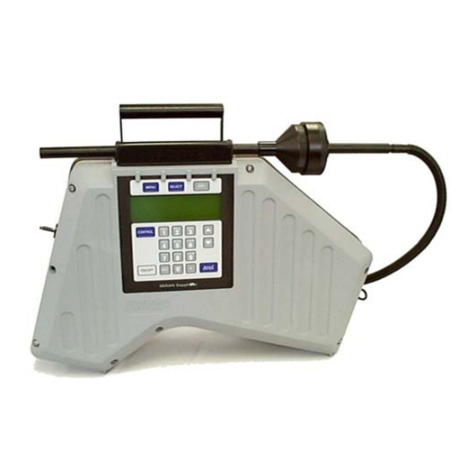
Orion Star A326 Portable pH/RDO/DO Meters
DO Probe Type Selection
The Orion Star A326 meter accepts and automatically recognize Orion RDO optical dissolved oxygen probes
and Orion polarographic dissolved oxygen probes. If a different probe is used or the probe type needs to be
verified, perform the following steps.
1. In the measurement mode, press .
2. Press , , or to highlight DO Channel and press f3 (select).
3. Press or to highlight Mode and Settings and press f3 (select).
4. Press or to highlight Measure Mode and press f3 (select).
5. Press or to highlight DO (polarographic probe) or RDO (RDO optical probe) and press f3 (select).
6. Press to return to the measurement mode.
Viewing the Calibration Log
1. In the measurement mode, press .
2. Press , , or to highlight View Log and press f3 (select).
3. Press or to highlight Calibration Log and press f2 (accept).
4. Press or to highlight pH – Channel or DO – Channel and press f2 (select).
5. Press or to highlight pH,RmV or ORP (pH - Channel) or DO or RDO (DO- Channel) and press f2
(select).
6. The meter will display a list of calibrations for the selected channel and calibration type. The list shows the
sequential number of the calibration and the date and time it was saved (07/01/2011 12:45).
7. To view the calibration data, press or to highlight a specific calibration and press f2 (select).
Press f2 (print) to print the calibration, press f3 (info) to view the electrode slope between pH buffer points
(pH - Channel only) or press f1 (back) to return to the list of calibrations.
8. Press to return to the measurement mode.
Viewing the Data Log
1. In the measurement mode, press .
2. Press , , or to highlight View Log and press f3 (select).
3. Press or to highlight Data Log and press (accept).
4. Press or to highlight pH – Channel or DO – Channel and press f2 (select).
5. The meter will display a list of the data points. The list shows the sequential number of the data point and
the date and time the data point was saved (07/01/2011 12:45).
6. To view the measurement information for an individual data point, press or to highlight the data
point and press f2 (select). Press f2 (print) to print the data point or press f1 (back) to return to the list of
data points.
7. Press to return to the measurement mode.
North America
166 Cummings Center
Beverly, MA 01915 USA
Toll Free: 1-800-225-1480
Tel: 1-978-232-6000
Netherlands
Tel: (31) 033-2463887
India
Tel: (91) 22-4175-8800
wai.asia@thermofisher.com
©2011 Thermo Fisher Scientific Inc. All rights reserved. All trademarks
are the property of Thermo Fisher Scientific Inc. & its subsidiaries.
Water Analysis Instruments
www.thermoscientific.com/water
China
Tel: (86) 21-68654588
wai.asia@thermofisher.com
Singapore
Tel: (65) 6778-6876
wai.asia@thermofisher.com
Japan
Tel: (81) 045-453-9175
wai.asia@thermofisher.com
Australia
Tel: (613) 9757-4300
in Australia (1300) 735-296
InfoWaterAU@thermofisher.com
9 0 0 1 : 2 0 0 8
68X576606 RevA 0811