Topcom Xplorer 874A 3
Topcom Xplorer 874A
ENGLISH
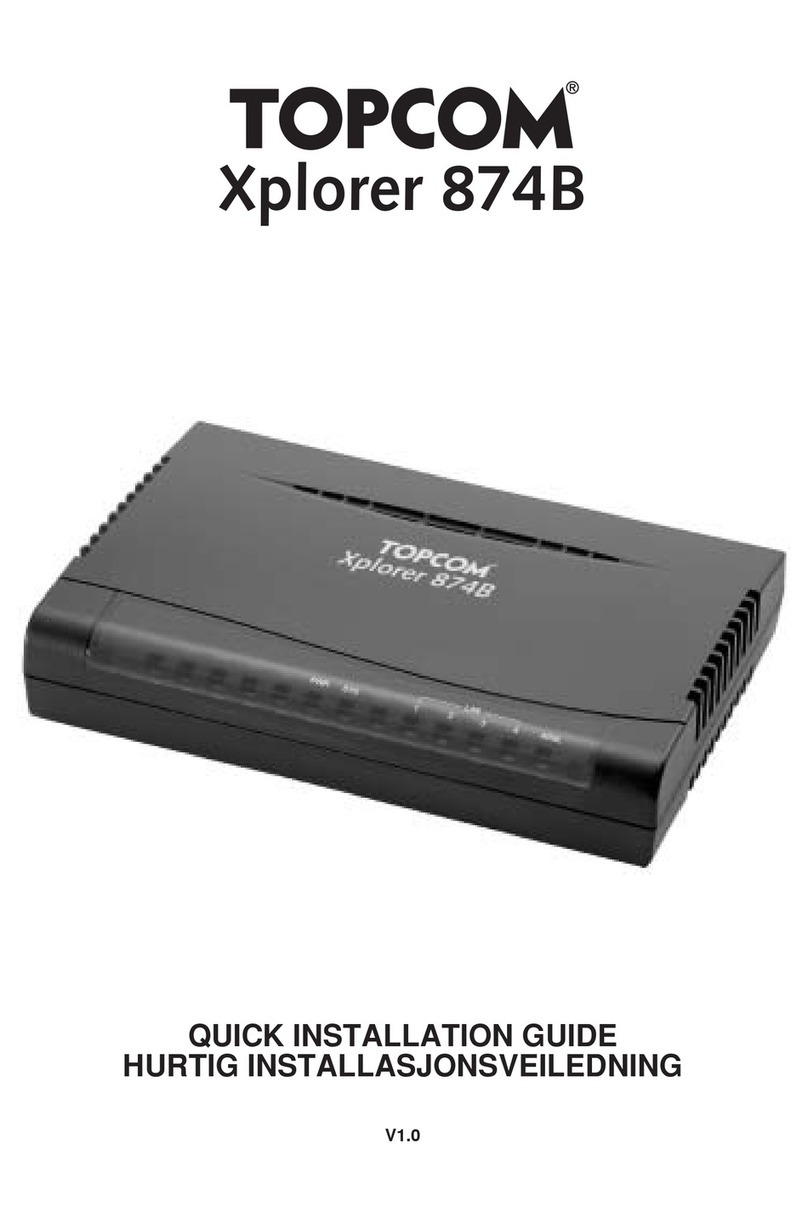
1 The connection panel and LED's
•PWR : The power port is to connect the 12V DC / 1A power adapter.
•ON / OFF switch : to switch the router on or off
–ThePWR LED on the front panel will go on when the power adapter is connected
and the swich is ON.
•LINE : The LINE port is to connect your ASDL line.
–TheADSL LED will go ON if the ADSL link is established.
•LAN Ports 1- 4 : This is to connect up to 4 pc's or other network devices.
–TheLAN LED's will indicate the connection status.
•Reset Button : To load default settings, press the reset button and hold it for 10
seconds. It will load the factory default settings for the device. Do not press the reset
button unless you want to clear the current settings.
•TheSYS LED in the front panel will blink during normal operation.
2 Configuring the PC to connect to the router
By default, your network adapter in the computer will be configured as DHCP-client : Obtain
an IP address automatically.
• The routers default IP adress is: 192.168.1.254
• DHCP server is ON