Page
Contents
1. Introduction .....................................................................................5
1.1
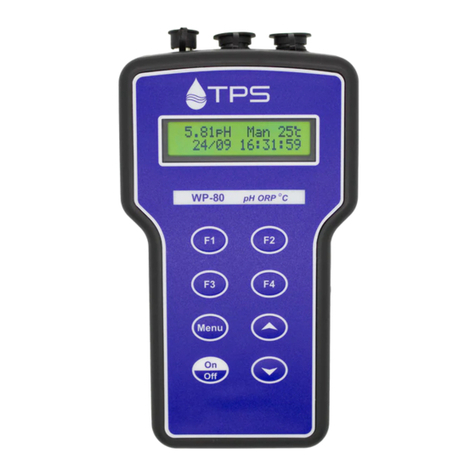
WP-80M Display and Controls............................................................... 5
1.2
Unpacking Information ........................................................................... 7
1.3
Specifications......................................................................................... 8
2. WP-80M Menu Structure ..............................................................10
3. Standard Operating Modes...........................................................11
3.1
Selecting pH, mV/ORP or Relative mV/ORP mode............................. 11
4. Meat Testing Operating Modes ....................................................13
4.1
Selecting Bendall’s Equation Mode ..................................................... 13
4.2
Selecting Extra Data Entry On or Off................................................... 13
5. pH Calibration................................................................................14
5.1
Calibration Procedure .......................................................................... 14
5.2
Calibration Notes ................................................................................. 16
5.3
Calibration Messages .......................................................................... 16
6. mV/ORP Calibration ......................................................................17
7. Relative mV/ORP Calibration........................................................17
7.1
Notes.................................................................................................... 18
8. Temperature Calibration...............................................................19
8.1
Calibration Procedure .......................................................................... 19
8.2
Calibration Notes ................................................................................. 19
8.3
Calibration Messages .......................................................................... 20
8.4
Manual Temperature Setting ............................................................... 20
9. Good Laboratory Practices (GLP)................................................21
9.1
To recall GLP information on the display............................................. 21
9.2
Failed Calibration ................................................................................. 22
9.3
Printing GLP Information to the RS232 Port........................................ 22
9.4
Instrument Serial Number.................................................................... 22
9.5
Additional GLP Features...................................................................... 22
10. Notepad Function ......................................................................23
10.1
Recording Readings into the Notepad - Standard ........................... 23
10.2
Recalling Records from the Notepad - Standard............................. 23
10.3
Recording Readings into the Notepad – Extra Data Entry .............. 24
10.4
Recalling Records from the Notepad – Extra Data Entry ................ 25
10.5
Erasing Records from the Notepad ................................................. 25
10.6
Printing Records from the Notepad to the RS232 Port.................... 26
11. Automatic Data logging.............................................................27
12. RS232 Port .................................................................................29
12.1
Setting the Baud Rate...................................................................... 29