manuals.online logo
Brands
  1. Home
  2. •
  3. Brands
  4. •
  5. Transition Networks
  6. •
  7. Network Router
  8. •
  9. Transition Networks SISGM1040-244 User manual

Transition Networks SISGM1040-244 User manual

Other Transition Networks Network Router manuals

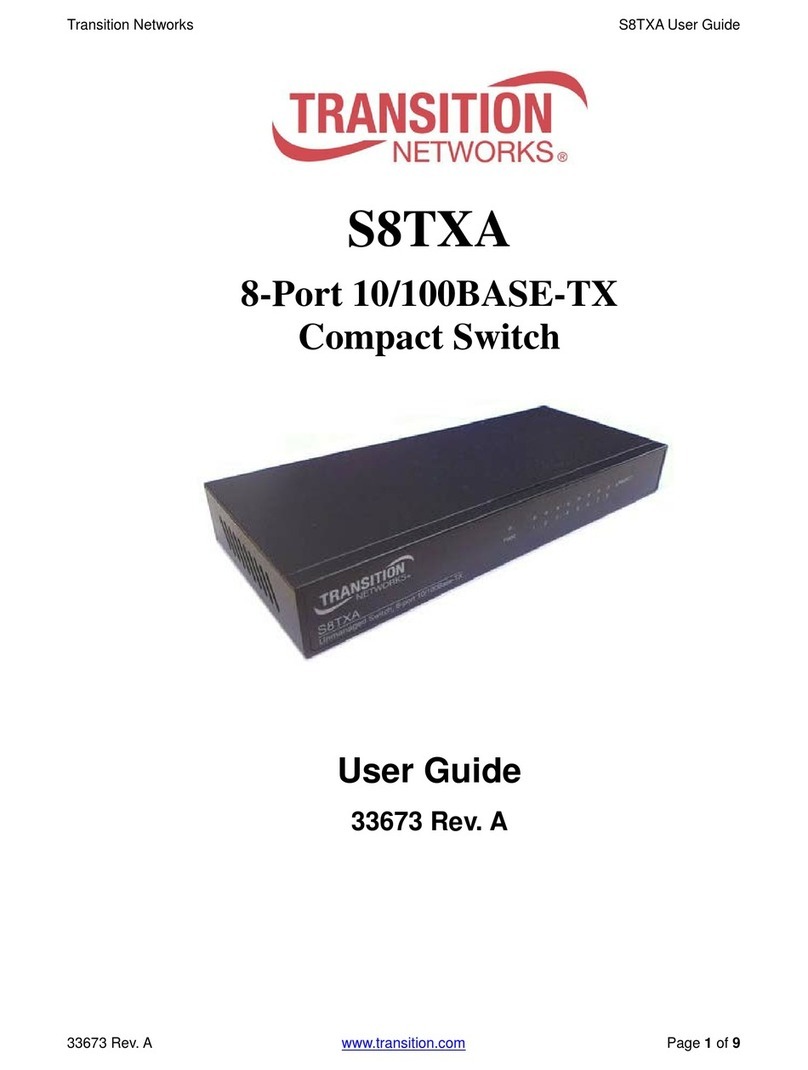
Transition Networks S8TXA User manual

Transition Networks

Transition Networks S8TXA User manual

Transition Networks MIL-SW8T1GPA User manual

Transition Networks

Transition Networks MIL-SW8T1GPA User manual

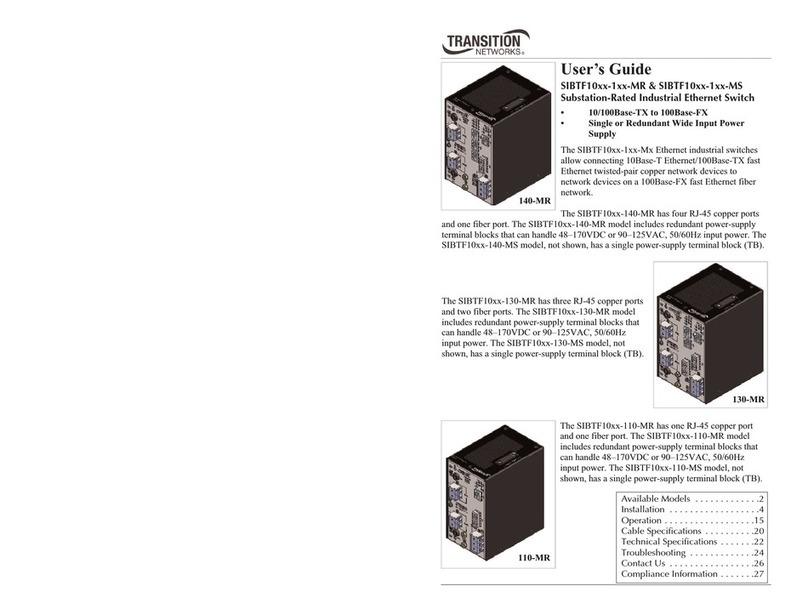
Transition Networks SIBTF10XX-1XX-MR User manual

Transition Networks

Transition Networks SIBTF10XX-1XX-MR User manual

Transition Networks SRA-RAD-01 User manual

Transition Networks

Transition Networks SRA-RAD-01 User manual

Transition Networks SISTF10XX-140-LR(T) User manual

Transition Networks

Transition Networks SISTF10XX-140-LR(T) User manual

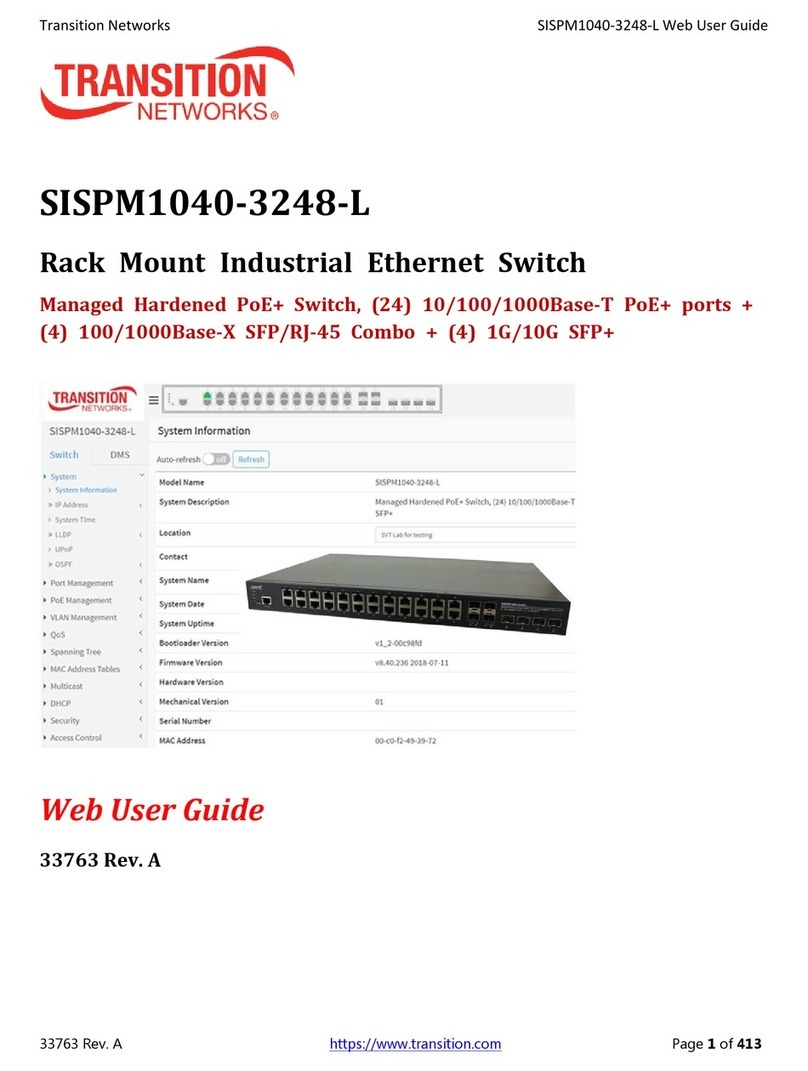
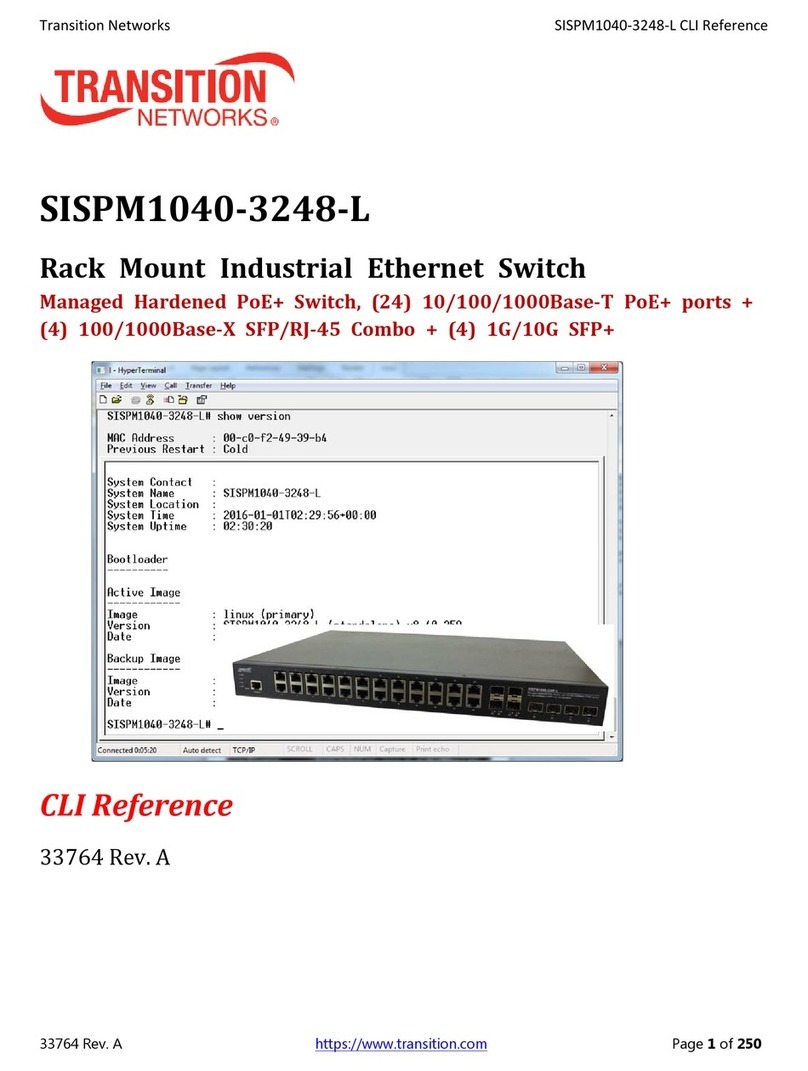
Transition Networks SISPM1040-3248-L User manual

Transition Networks

Transition Networks SISPM1040-3248-L User manual

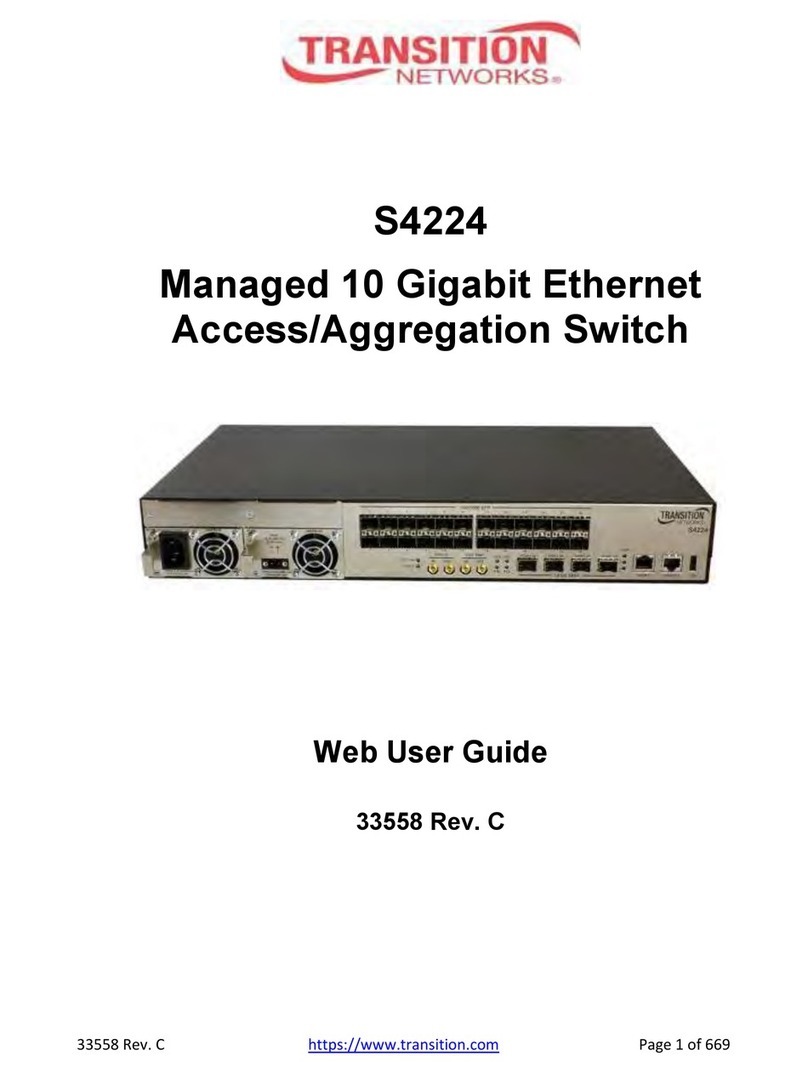
Transition Networks S4224 User manual

Transition Networks

Transition Networks S4224 User manual

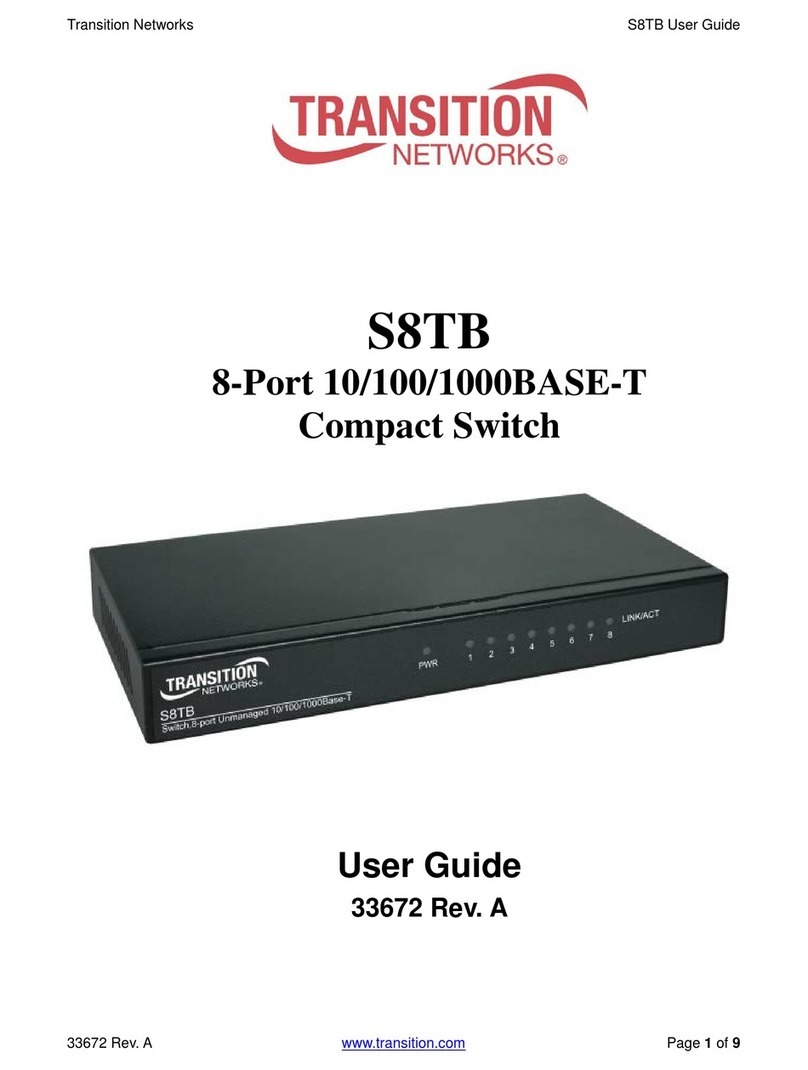
Transition Networks S8TB User manual

Transition Networks

Transition Networks S8TB User manual

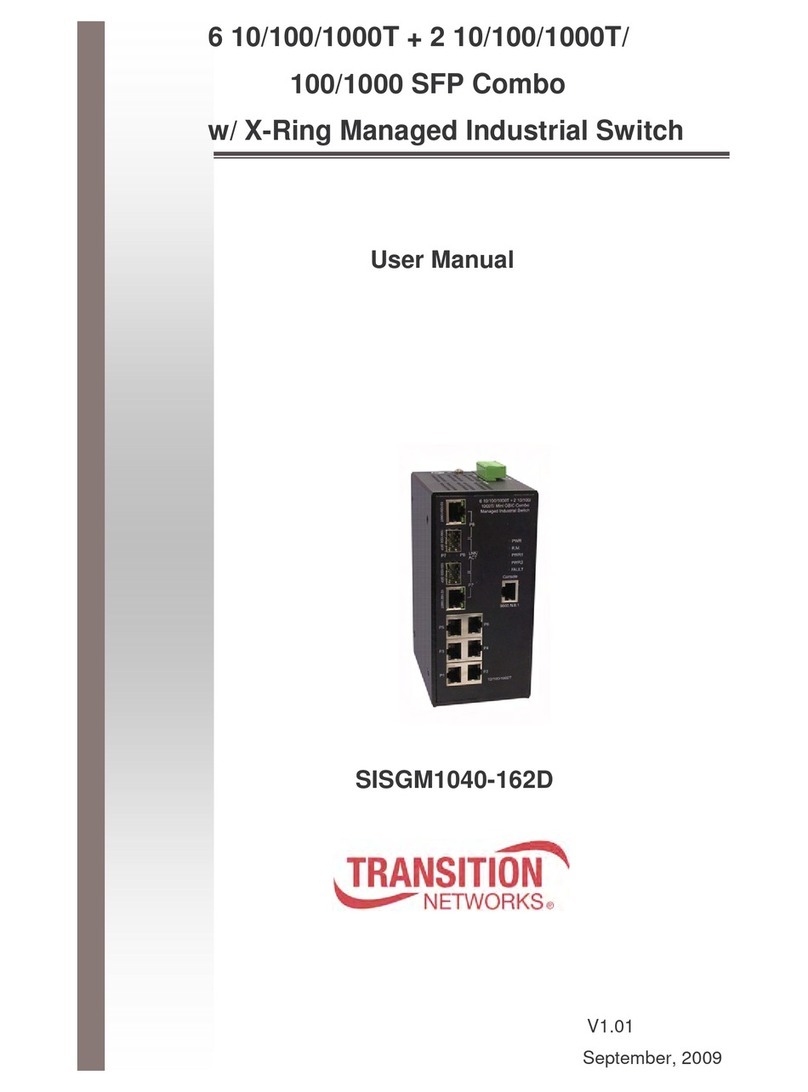
Transition Networks SISGM1040-162D User manual

Transition Networks

Transition Networks SISGM1040-162D User manual

Transition Networks SISPM1040-3248-L User manual

Transition Networks

Transition Networks SISPM1040-3248-L User manual

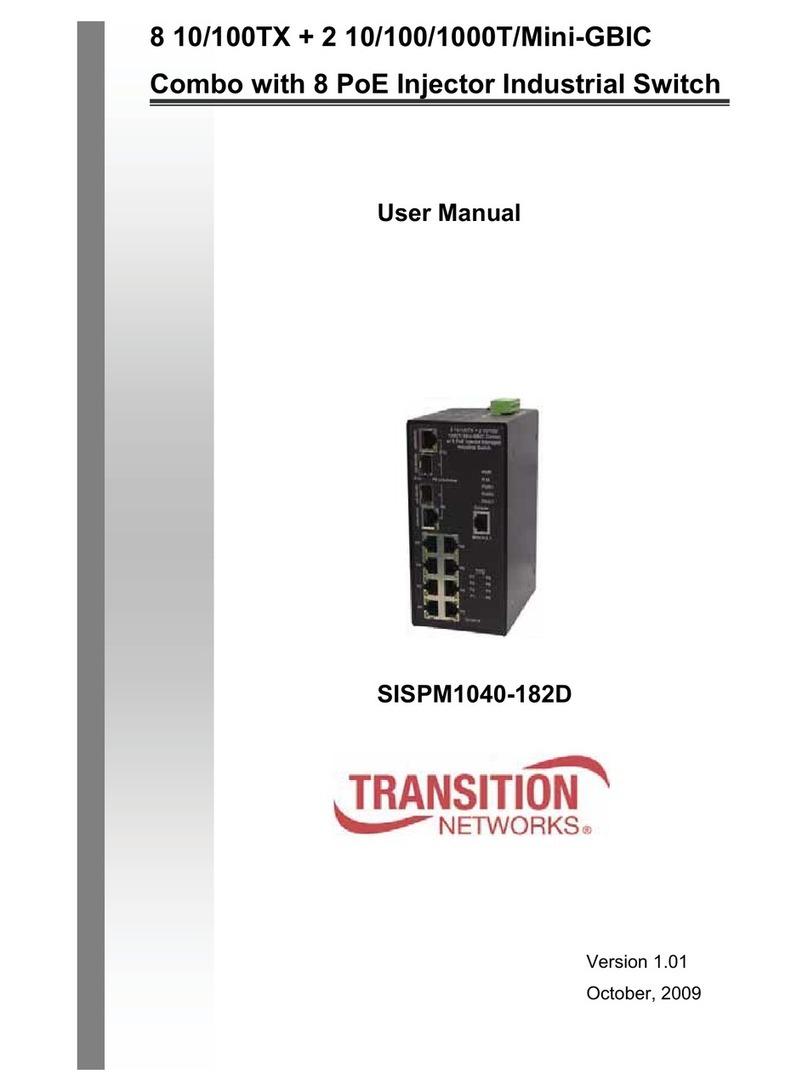
Transition Networks SISPM1040-182D User manual

Transition Networks

Transition Networks SISPM1040-182D User manual

Popular Network Router manuals by other brands

TRENDnet TEW-435BRM - 54MBPS 802.11G Adsl Firewall M Quick installation guide

TRENDnet

TRENDnet TEW-435BRM - 54MBPS 802.11G Adsl Firewall M Quick installation guide

Siemens SIMOTICS CONNECT 400 manual

Siemens

Siemens SIMOTICS CONNECT 400 manual

Alfa Network ADS-R02 Specifications

Alfa Network

Alfa Network ADS-R02 Specifications

Barracuda Networks Link Balancer quick start guide

Barracuda Networks

Barracuda Networks Link Balancer quick start guide

ZyXEL Communications ES-2024PWR Support notes

ZyXEL Communications

ZyXEL Communications ES-2024PWR Support notes

HPE FlexNetwork 5510 HI Series Openflow configuration guide

HPE

HPE FlexNetwork 5510 HI Series Openflow configuration guide

Allied Telesis AT-AR236E quick start guide

Allied Telesis

Allied Telesis AT-AR236E quick start guide

ADTRAN NetVanta 3458-PoE quick start

ADTRAN

ADTRAN NetVanta 3458-PoE quick start

C&H Technologies EM405-8 manual

C&H Technologies

C&H Technologies EM405-8 manual

Huawei WiFi Mesh 3 Product description

Huawei

Huawei WiFi Mesh 3 Product description

Addonics Technologies ISC8P2G-S Quick install guide

Addonics Technologies

Addonics Technologies ISC8P2G-S Quick install guide

Atel W02 Arch+ Faqs

Atel

Atel W02 Arch+ Faqs

Allnet ALL0333AU user guide

Allnet

Allnet ALL0333AU user guide

Sercomm Genesis OC3505D Quick installation guide

Sercomm

Sercomm Genesis OC3505D Quick installation guide

Billion BIPAC 5102 Series user manual

Billion

Billion BIPAC 5102 Series user manual

TP-Link TD-8817 QIG

TP-Link

TP-Link TD-8817 QIG

Motorola MR1900 user guide

Motorola

Motorola MR1900 user guide

Cisco SOHO Series Regulatory compliance and safety information

Cisco

Cisco SOHO Series Regulatory compliance and safety information

manuals.online logo
manuals.online logoBrands
  • About & Mission
  • Contact us
  • Privacy Policy
  • Terms and Conditions

Copyright 2025 Manuals.Online. All Rights Reserved.

4 10/100/1000T + 4 100/1000 Mini-GBIC w/
X-Ring L2 Managed Industrial Switc
User Manual
SISGM1040-244
Version 1.00
February 8, 2010
Transition Networks SISGM1040-244
24-Hour Te hni al Support: 1-800-260-1312 International: 00-1-952-941-7600
Content
Overview ............................................................1
Introdu tion .............................................................. 1
Features ................................................................... 4
Te hni al Spe ifi ation ............................................ 6
Pa king List.............................................................. 9
Safety Pre aution..................................................... 9
Hardware Des ription.......................................10
Front Panel............................................................. 10
Top View ................................................................ 11
Wiring the Power Inputs ......................................... 11
LED Indi ators........................................................ 12
Ports....................................................................... 13
Cabling ................................................................... 14
Mounting Installation ........................................19
DIN-Rail Mounting.................................................. 19
Wall Mount Plate Mounting .................................... 20
Transition Networks SISGM1040-244
24-Hour Te hni al Support: 1-800-260-1312 International: 00-1-952-941-7600
Hardware Installation .......................................22
Installation Steps.................................................... 22
X-Ring Appli ation.................................................. 23
Coupling Ring Appli ation ...................................... 23
Dual Homing Appli ation........................................ 24
Console Management ......................................25
Conne ting to the Console Port ............................. 25
Pin Assignment ...................................................... 26
Login in the Console Interfa e ............................... 26
CLI Management.................................................... 28
Commands Level ............................................................ 29
Commands Set List......................................................... 30
System Commands Set................................................... 30
Port Commands Set........................................................ 33
Trunk Commands Set ..................................................... 36
DMI Commands Set........................................................ 38
VLAN Commands Set ..................................................... 38
Spanning Tree Commands Set ....................................... 40
QOS Commands Set ...................................................... 43
Transition Networks SISGM1040-244
24-Hour Te hni al Support: 1-800-260-1312 International: 00-1-952-941-7600
IGMP Commands Set ..................................................... 43
Ma / Filter Table Commands Set ................................... 44
SNMP Commands Set .................................................... 45
Port Mirroring Commands Set......................................... 47
802.1x Commands Set.................................................... 48
TFTP Commands Set...................................................... 50
SystemLog, SMTP and Event Commands Set ................ 51
SNTP Commands Set..................................................... 53
X-ring Commands Set..................................................... 54
Web-Based Management ................................55
About Web-based Management ............................ 55
Preparing for Web Management ............................ 55
System Login ......................................................... 56
Main interfa e......................................................... 57
System Information ................................................ 58
IP Configuration ..................................................... 58
DHCP Server – System onfiguration.................... 59
DHCP Client – System Configuration .................... 60
DHCP Server - Port and IP Bindings ..................... 61
Transition Networks SISGM1040-244
24-Hour Te hni al Support: 1-800-260-1312 International: 00-1-952-941-7600
TFTP - Update Firmware ....................................... 61
TFTP – Restore Configuration ............................... 62
TFTP - Ba kup Configuration................................. 62
System Event Log – Syslog Configuration............. 63
System Event Log - SMTP Configuration .............. 64
System Event Log - Event Configuration ............... 66
Fault Relay Alarm................................................... 68
SNTP Configuration ............................................... 68
IP Se urity.............................................................. 71
User Authenti ation................................................ 72
Port Statisti s ......................................................... 73
Port Control ............................................................ 74
Port Trunk .............................................................. 75
Aggregator setting........................................................... 75
Aggregator Information.................................................... 76
State A tivity ................................................................... 77
Port Mirroring ......................................................... 78
Rate Limiting .......................................................... 79
DMI (Digital Monitoring Interfa e) .......................... 80
Transition Networks SISGM1040-244
24-Hour Te hni al Support: 1-800-260-1312 International: 00-1-952-941-7600
VLAN onfiguration ................................................ 81
VLAN onfiguration - Port-based VLAN........................... 82
802.1Q VLAN.................................................................. 85
Rapid Spanning Tree ............................................. 88
RSTP - System Configuration ......................................... 88
RSTP - Port Configuration............................................... 90
SNMP Configuration .............................................. 91
System Configuration...................................................... 92
Trap Configuration .......................................................... 93
SNMPV3 Configuration ................................................... 94
QoS Configuration.................................................. 97
QoS Poli y and Priority Type........................................... 97
Port Base Priority ............................................................ 98
COS Configuration .......................................................... 99
TOS Configuration .......................................................... 99
IGMP Configuration................................................ 99
X-Ring .................................................................. 101
Se urity ................................................................ 103
802.1X/Radius Configuration ........................................ 103
MAC Address Table ...................................................... 106
Transition Networks SISGM1040-244
24-Hour Te hni al Support: 1-800-260-1312 International: 00-1-952-941-7600
Fa tory Default..................................................... 109
Save Configuration............................................... 109
System Reboot..................................................... 109
Troubles shooting...........................................110
24-Hour Te hni al Support: 1-800-260-1312 International: 00-1-952-941-7600
Overview
Introduction
To reate reliability in your network, the 4 10/100/1000T + 4 SFP
Managed Industrial Swit h omes equipped with a proprietary
redundant network proto ol—X-Ring provides users with an easy way
to establish a redundant Ethernet network with ultra high-speed
re overy time less than 20ms. Also, the long MTBF (Mean Time
Between Failures) ensures that the industrial swit h will ontinue to
operate until a Gigabit network infrastru ture has been established,
without requiring any extra upgrade osts.
Aside from 4 x 10/100/1000Base-T fast Ethernet ports, the 4
10/100/1000T + 4 SFP Managed Industrial Swit h omes equipped with
4 SFP (mini-GBIC) ports. Traditional RJ-45 ports an be used for
uplinking wide-band paths in short distan e (< 100 m), while the SFP
slots an be used for the appli ation of wideband uploading and long
distan e transmissions to fit the field request flexibility. Also, the long
MTBF (Mean Time Between Failures) ensures that the 4 10/100/1000T
+ 4 SFP Managed Industrial Swit h will ontinue to operate until a
Gigabit network infrastru ture has been established, without requiring
any extra upgrade osts.
T e SFP Advantage
The SFP fiber slots provide a lot of flexibility when planning and
implementing a network. The slot an a ept any SFP-type fiber module
and these modules are designed for transmitting over distan es of
either 550m (multi-mode), 10km, 30km, 50km, 70km or 110km
(single-mode)—and the slot supports SFP modules for WDM
single-fiber transmissions. This means that you an easily hange the
transmission mode and distan e of the swit h by simply pulling out the
SFP module and plugging in a different module. The SFP modules are
hot-swappable and plug-and-play.

Transition Networks SISGM1040-244
24-Hour Te hni al Support: 1-800-260-1312 International: 00-1-952-941-7600
SFP wit DMI (Digital Monitoring Interface) function
The SFP supports DMI fun tion whi h allows real-time a ess to devi e
operating parameters, and in ludes optional digital features su h as soft
ontrol and monitoring of SFP I/O signals. In addition, you an set up
the a tion of alarms and warnings by ports to manage your devi e.
Hig -Speed Transmissions
The 4 10/100/1000T + 4 SFP Managed Industrial Swit h in ludes a
swit h ontroller that an automati ally sense transmission speeds
(10/100/1000 Mbps). The RJ-45 interfa e an also be auto-dete ted, so
MDI or MDI-X is automati ally sele ted and a rossover able is not
required. All Ethernet ports have memory buffers that support the
store-and-forward me hanism. This assures that data is properly
transmitted.
Dual Power Input
The redundant power input design of 4 10/100/1000T + 4 SFP Managed
Industrial Swit h is with power reserve prote tion to prevent the swit h
devi e broken by wrong power wiring. When one of power input is fail,
P-Fail LED will turn on and send an alarm through a relay output for
notifying user.
Flexible Mounting
4 10/100/1000T + 4 SFP Managed Industrial Swit h is ompa t and an
be mounted on a DIN-rail or panel, so it is suitable for any
spa e- onstrained environment.
Advanced Protection
Transition Networks SISGM1040-244
24-Hour Te hni al Support: 1-800-260-1312 International: 00-1-952-941-7600
The power line of 4 10/100/1000T + 4 SFP Managed Industrial Swit h
supports up to 3,000 V
DC
EFT prote tion, whi h se ure equipment
against unregulated voltage and make systems safer and more reliable.
Meanwhile, 6,000 V
DC
ESD prote tions for Ethernet ports make 4
10/100/1000T + 4 SFP Managed Industrial Swit h more suitable for
harsh environments.
Wide Operating Temperature
The operating temperature of the 4 10/100/1000T + 4 SFP Managed
Industrial Swit h is between -40 ~ 75
o
C. With su h a wide range, you
an use the 4 10/100/1000T + 4 SFP Managed Industrial Swit h in
some of the harshest industrial environments that exist.
Easy Troubles ooting
LED indi ators make troubleshooting qui k and easy. Ea h
10/100/1000 Base-TX port has 2 LEDs that display the link status,
transmission speed. Also the three power indi ators PWR1, PWR2 and
P-Fail help you diagnose immediately.