manuals.online logo
Brands
  1. Home
  2. •
  3. Brands
  4. •
  5. TransTel Communications
  6. •
  7. Telephone
  8. •
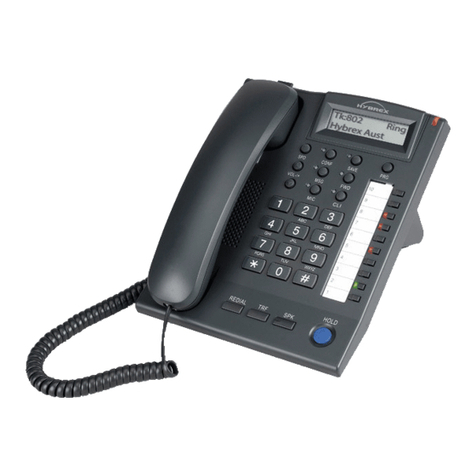
  9. TransTel Communications DK7 series Service manual

TransTel Communications DK7 series Service manual

Other TransTel Communications Telephone manuals

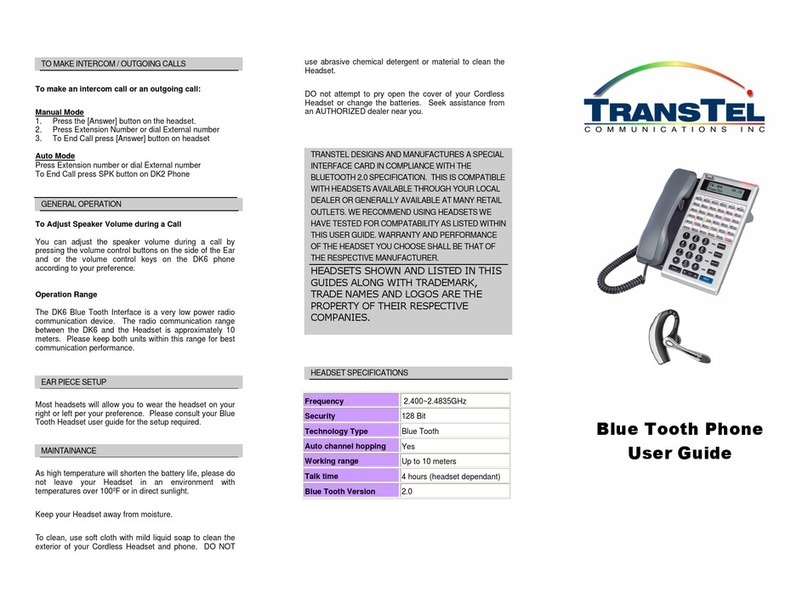
TransTel Communications Blue Tooth Phone User manual

TransTel Communications

TransTel Communications Blue Tooth Phone User manual

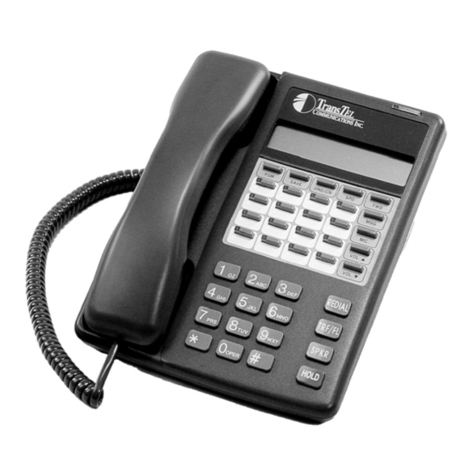
TransTel Communications SK-408 User manual

TransTel Communications

TransTel Communications SK-408 User manual

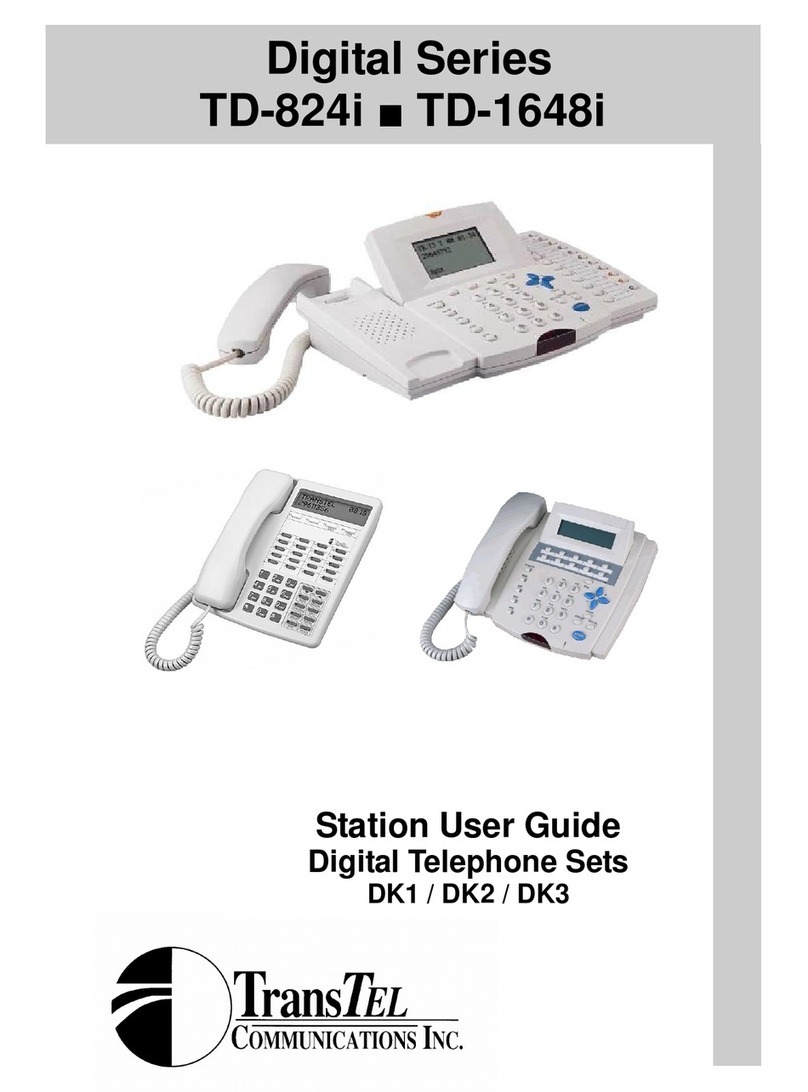
TransTel Communications TD-824i User manual

TransTel Communications

TransTel Communications TD-824i User manual

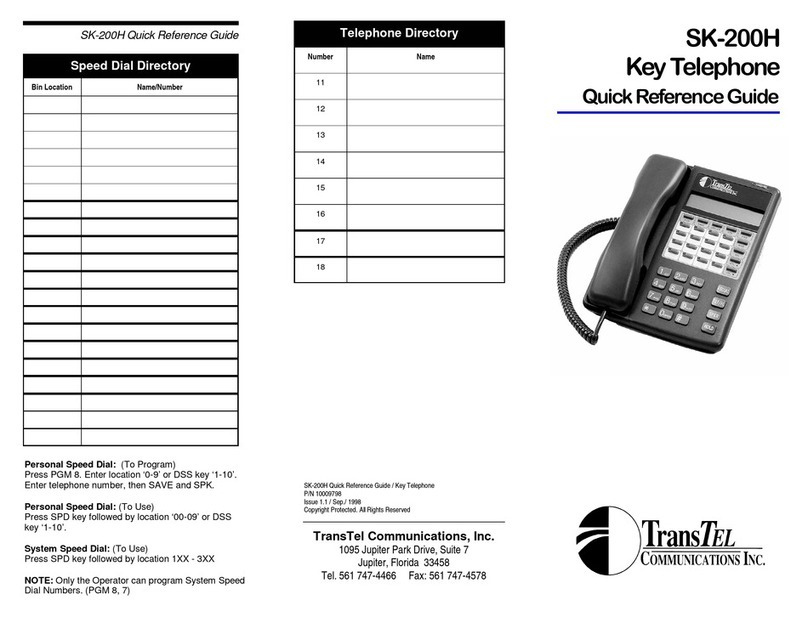
TransTel Communications SK-200H  User manual

TransTel Communications

TransTel Communications SK-200H User manual

TransTel Communications TD-824i User manual

TransTel Communications

TransTel Communications TD-824i User manual

TransTel Communications Lynx DK7-21 User manual

TransTel Communications

TransTel Communications Lynx DK7-21 User manual

TransTel Communications Superkey Series User manual

TransTel Communications

TransTel Communications Superkey Series User manual

TransTel Communications SK-408 User manual

TransTel Communications

TransTel Communications SK-408 User manual

TransTel Communications TD-1648i User manual

TransTel Communications

TransTel Communications TD-1648i User manual

TransTel Communications TDS 600 Series User manual

TransTel Communications

TransTel Communications TDS 600 Series User manual

TransTel Communications G1E Plus User manual

TransTel Communications

TransTel Communications G1E Plus User manual

Popular Telephone manuals by other brands

Philips BaseLine Pro manual

Philips

Philips BaseLine Pro manual

V-tech i6772 user guide

V-tech

V-tech i6772 user guide

BT FREELANCE XD 5100 quick start guide

BT

BT FREELANCE XD 5100 quick start guide

Uniden 1360 user guide

Uniden

Uniden 1360 user guide

Fanvil D800 user manual

Fanvil

Fanvil D800 user manual

Avaya IP500 user guide

Avaya

Avaya IP500 user guide

NEC Univerge SV9100 installation manual

NEC

NEC Univerge SV9100 installation manual

Amanda MiniSOHO Installation and programming manual

Amanda

Amanda MiniSOHO Installation and programming manual

Hitachi SelecSet 900 Series user guide

Hitachi

Hitachi SelecSet 900 Series user guide

mPTech HAMMER BS21 quick start guide

mPTech

mPTech HAMMER BS21 quick start guide

NEC 2000IVX user guide

NEC

NEC 2000IVX user guide

ooma Phone Genie quick start guide

ooma

ooma Phone Genie quick start guide

Siemens Gigaset S450 user guide

Siemens

Siemens Gigaset S450 user guide

Clarity RC100 operating instructions

Clarity

Clarity RC100 operating instructions

GE 2-9480 user guide

GE

GE 2-9480 user guide

Geemarc PHOTOPHONE 155 user guide

Geemarc

Geemarc PHOTOPHONE 155 user guide

Interquartz Gemini IQ333 operating instructions

Interquartz

Interquartz Gemini IQ333 operating instructions

SSS Siedle HT 840-0 operating instructions

SSS Siedle

SSS Siedle HT 840-0 operating instructions

manuals.online logo
manuals.online logoBrands
  • About & Mission
  • Contact us
  • Privacy Policy
  • Terms and Conditions

Copyright 2025 Manuals.Online. All Rights Reserved.

MAKING CALLS
OUTWARD
DIALING
Dial 9
INTER OFFICE
CALLING
If extension in
engaged or does not
answer
Voice Call
Dial extension number OR
Press the displayed extension button
Press MSG
Dial extension number Press 3 (May toggle between
voice call and voice by dialing 3)
REDIAL
Press REDIAL key
AUTOMATIC
REDIAL
1.
After you have dialed a number that is busy press
SAVE key
2.
When you are ready to redial, press SAVE key
If the number is still busy, the system will redial the
number at regular pre-set intervals.
SPEED DIALING
SYSTEM SPEED
DIALING
Accesses your
company’s most
frequently dialed
numbers
Press SPD key
Dial the 3 digit access code 100 - 199
PERSONAL SPEED
DIALING
Provides up to 10
personal speed dials,
via one or two methods
(see opposite)
TO STORE YOUR PERSONAL SPEED DIALS
1. Handset remains in cradle and SPKR key off.
2. Press PRG key

3. Dial 8
4. Select and dial the speed access code 0-9
5. Enter the telephone number you wish to store
6. Press SAVE key
7. Press SPK Key
TO USE SPEED DIALS
1. Press SPD key and dial 0
2. Dial your personal access code i.e 0-9
Document Version 3
http://transtelcommunications.com
RECEIVING CALLS
TO ANSWER YOUR
OWN EXTENSION
Lift handset or
Press SPEAKER key
TO ANSWER
ANOTHER RINGING
EXTENSION
GROUP CALL PICK UP
Dial * 0
Where ringing extension is in the same pickup group, OR
DIRECTED CALL PICK UP
Dial * then the ringing extension number
TRANSFERRING CALLS
TRANSFER
To hold the call on a
busy extension
If you have
transferred the call
and want the caller
back
Press the extension button, OR
Press HOLD, and dial the extension number
Wait for an answer ( optional)
Replace headset
Inform your caller the extension is busy, transfer the call as
above, and hang up.
( if the call is unanswered it will return to you)
Press into the line key flashing in green
( if you have not hung up )
OR
Press into the line key slowly flashing in red
( if you have hung up )
HOLDING CALLS
TO HOLD A CALL
AT YOUR
EXTENSION
TO HOLD TO RETRIEVE THE CALL ON HOLD
Press HOLD
key
FROM YOUR
PHONE
Press slowly
flashing green
line key
FROM
ANOTHER
KEYPHONE
Press slowly
flashing red
key line
FROM A
STANDARD
PHONE
Dial 8 then dial
line number
(01-05)
OTHER FEATURES
CALL
FORWARDING
Diverts your phone to
ring at an alternate
extension
1. Press PRG key
2. Press FWD
3. Press Keypad for forward options:
1 = Forward ALL calls
2 = Forward calls on BUSY
3 = Forward calls on BUSY / NO ANSWER
4 = Forward calls on NO ANSWER
5 = Clear all forwards
4. Enter the extension number you wish your calls to divert to or
enter 86 to forward to Voice Personal Mail Box
OPERATOR PROGRAMMING
SYTEM SPEED DIALING
To Program Numbers
1. Handset remains in cradle
2. Press PRG key

3. Dial 87
4. Dial speed access code 100-199
5. Press SAVE key
6. Enter the telephone number you wish to store
7. Press SAVE key
(Saves the number and scrolls forward numerically to the next speed dial)
8. Repeat steps 6 & 7 to continue entering further speed dials
9. When you have finished, press SPKR key
N.B. “REDIAL” key deletes and incorrect entry
CHANGING DATE AND TIME
1. Handset remains in cradle
2. Press PRG key

3. Press HOLD key and dial 7
4. Press SAVE key (current date/time is displayed)
5. Make your entry
(Month; Day of month; Year; Hour; Minute; Day of week)
6. Press SAVE key
7. Press SPKR
Operator Call Forward Control
The Operator Call Forward Control is Different from the Other Digital Extensions
because the Operator can Set and Remove other Extension Users Call Forwards.
To Set Call Forwards for the Operator
5. Press PRG key
6. Press FWD
7. Dial extension number you wish to call forward (eg to control your own dial 11)
8. Press Keypad for forward options:
1 = Forward ALL calls
2 = Forward calls on BUSY
3 = Forward calls on BUSY / NO ANSWER
4 = Forward calls on NO ANSWER
5 = Clear all forwards
9. Enter the extension number you wish your calls to divert to or enter 86 to forward to
Voice Personal Mail Box
The above steps enable the Operator to turn on, change or remove, any other extensions
diversions as well as controlling the Operators own Call Diversions.
TransTel Communications, Inc.
Ph 561-747-4466
Fax 561-747-4578
Quick Reference / Training Guide
DK7
PHONES
CONFERENCE CALLS
1. While you are engaged in conversation
2. Press HOLD key (1st caller goes on hold)
3. Make second call
4. When 3rd party answers, press DND/CN key
to connect all party’s together
WHEN YOUR OWN
MESSAGE INDICATOR IS
LIT
Automatically rings the
extension that activated your
message light
Lift handset or press SPKR
Press MSG key flashing red
PAGING
Dial # 1 internal all page
Dial # 9 External ( Must have external Paging unit)
Dial # 0 Internal and External
DO NOT DISTURB
While handset is down
Press DND to activate or deactivate
BACKGROUND MUSIC
While handset is down
Press # to activate or deactivate
ABSENT MESSAGES
TO SET
1. Press PRG
2. Press MW
3. Select and enter message number (0-9)
below including time date or extn as
required:
0 = Vacation ( enter date) 1 = Will be back ( enter time)
2 = Lunch ( enter time) 3 = Meeting ( enter time)
4 = Call ( enter ph number ) 5 = DND (enter time)
6 = Call ext number ( enter ext) 7 = Off duty ( enter time )
8 = Business trip 9 = Customised message
4. Press SAVE key
TO CANCEL
1. Press PRG
2. Press MW/PT
3.
Press SPKR
CHANGING THE RINGER
TONE
1.Press PRG and dial 65
2. Press 1-8 on your keypad to hear and select a
setting of your choice. Press SPKR to end.
VOLUME ADJUSTMENT
To permanently reset Ringer,
Speaker, Handset.
1.Press PRG and dial 6
2. Press 1 for Ringing volume, or
2 for Speaker volume, or
3 for Handset volume.
3. Press # to increase OR * to decrease volume
4. Press PRG key