manuals.online logo
Brands
  1. Home
  2. •
  3. Brands
  4. •
  5. TRENDnet
  6. •
  7. Antenna
  8. •
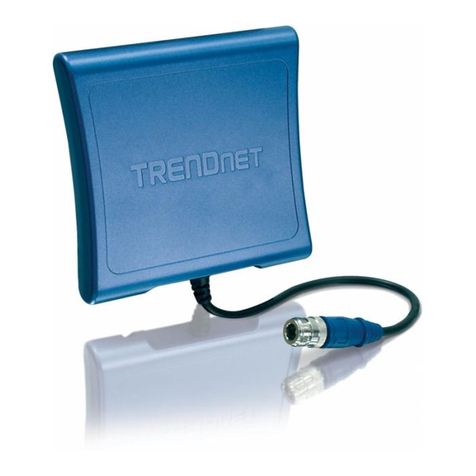
  9. TRENDnet TEW-AI86D User manual

TRENDnet TEW-AI86D User manual

Other manuals for TEW-AI86D

2

This manual suits for next models

1

Other TRENDnet Antenna manuals

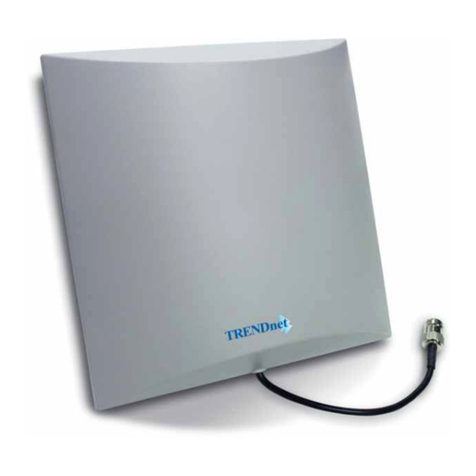
TRENDnet TEW-AI75O User manual

TRENDnet

TRENDnet TEW-AI75O User manual

TRENDnet TEW-AI77OB - Duo 7dBi Indoor Omni Directional... User manual

TRENDnet

TRENDnet TEW-AI77OB - Duo 7dBi Indoor Omni Directional... User manual

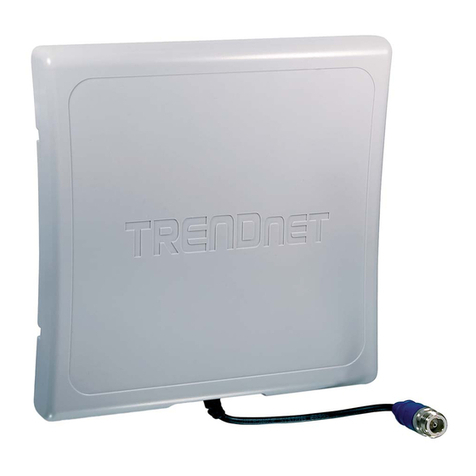
TRENDnet TEW-AO14D - User manual

TRENDnet

TRENDnet TEW-AO14D - User manual

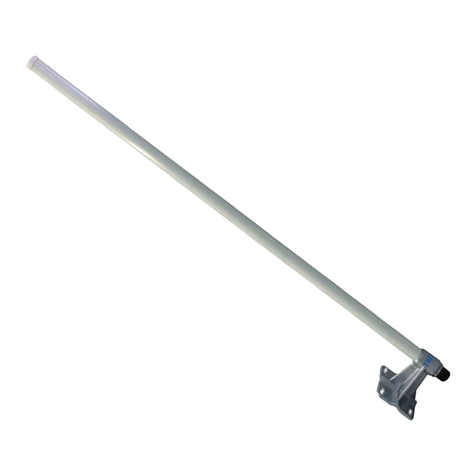
TRENDnet TEW-AI86DB User manual

TRENDnet

TRENDnet TEW-AI86DB User manual

TRENDnet TEW-AO46S User manual

TRENDnet

TRENDnet TEW-AO46S User manual

TRENDnet TEW-AO08O User manual

TRENDnet

TRENDnet TEW-AO08O User manual

TRENDnet TEW-AI86D User manual

TRENDnet

TRENDnet TEW-AI86D User manual

TRENDnet TEW-AO12O User manual

TRENDnet

TRENDnet TEW-AO12O User manual

TRENDnet TEW-AO08O User manual

TRENDnet

TRENDnet TEW-AO08O User manual

TRENDnet TEW-AI07OB User manual

TRENDnet

TRENDnet TEW-AI07OB User manual

TRENDnet TPE-104GS User manual

TRENDnet

TRENDnet TPE-104GS User manual
TRENDnet TEW-IA06D User manual

TRENDnet

TRENDnet TEW-IA06D User manual

TRENDnet TEW-AO10O User manual

TRENDnet

TRENDnet TEW-AO10O User manual

TRENDnet TEW-AO12O User manual

TRENDnet

TRENDnet TEW-AO12O User manual

TRENDnet TEW-AO46S User manual

TRENDnet

TRENDnet TEW-AO46S User manual

TRENDnet TEW-AI86D User manual

TRENDnet

TRENDnet TEW-AI86D User manual

TRENDnet TEW-AI75OB - 11a/g 7/5dBi Indoor Omni Directional... User manual
TRENDnet

TRENDnet TEW-AI75OB - 11a/g 7/5dBi Indoor Omni Directional... User manual

TRENDnet TEW-AI75OB - 11a/g 7/5dBi Indoor Omni Directional... User manual

TRENDnet

TRENDnet TEW-AI75OB - 11a/g 7/5dBi Indoor Omni Directional... User manual

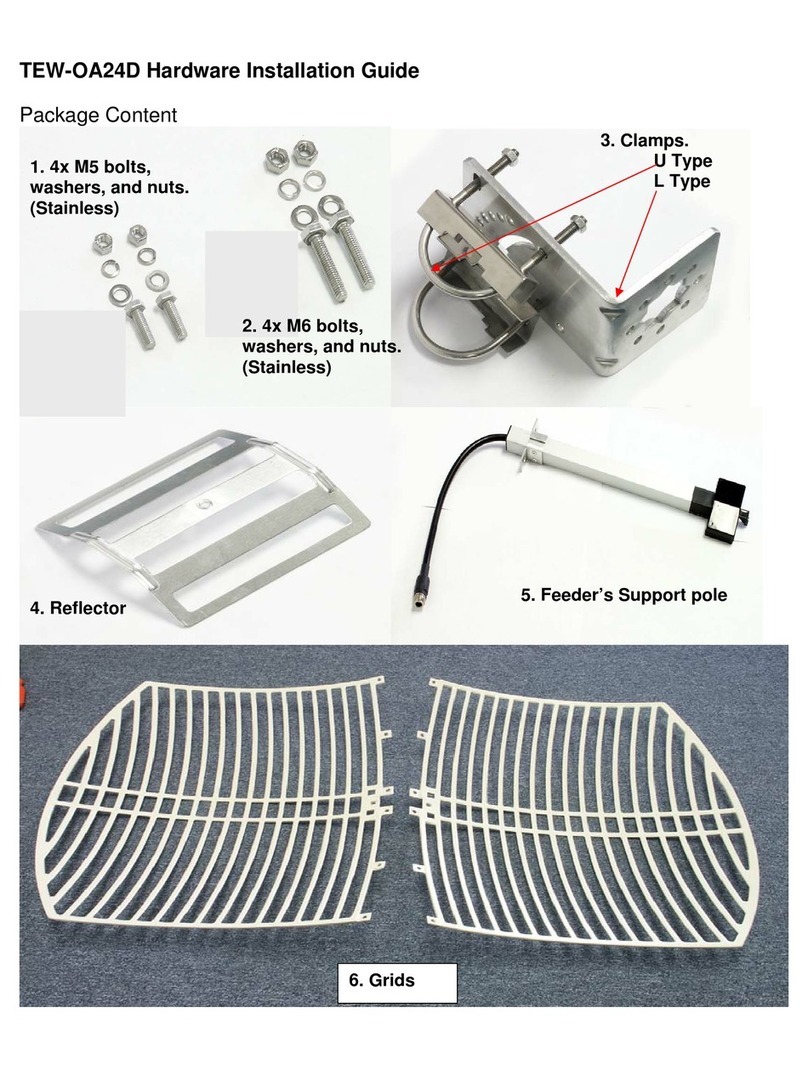
TRENDnet TEW-OA24D - 24dBi Outdoor Directional Antenna B... Manual

TRENDnet

TRENDnet TEW-OA24D - 24dBi Outdoor Directional Antenna B... Manual

TRENDnet TEW-OA08OK User manual

TRENDnet

TRENDnet TEW-OA08OK User manual

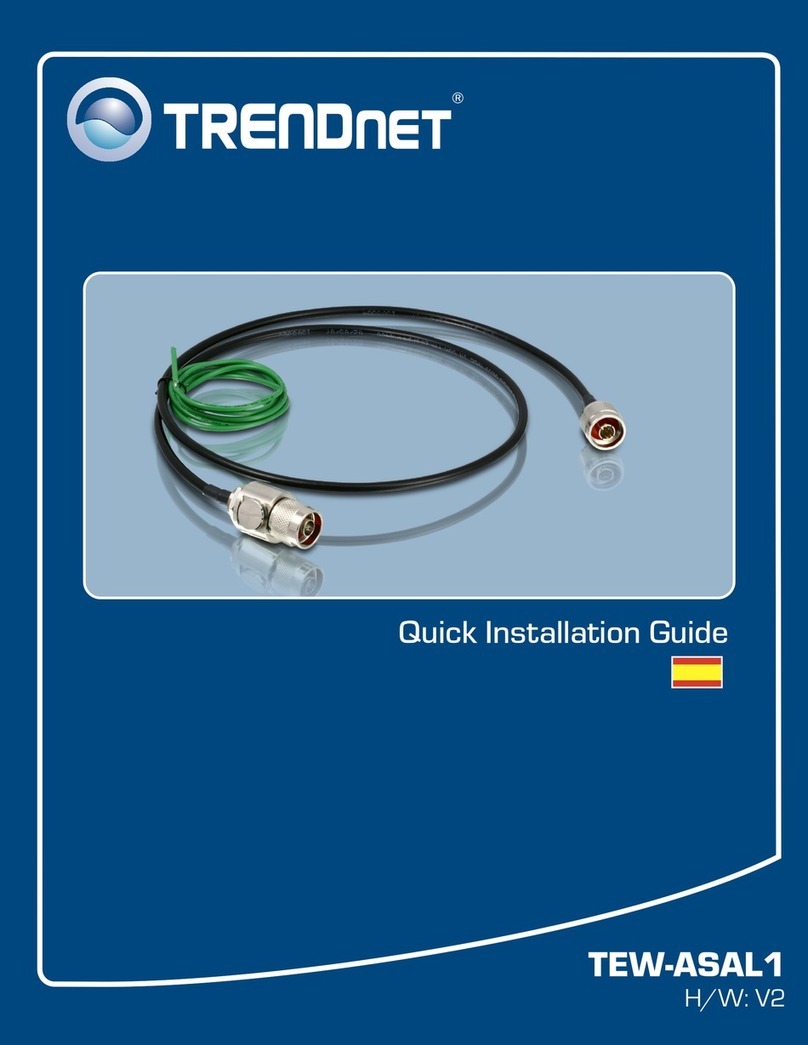
TRENDnet TEW-ASAL1 User manual

TRENDnet

TRENDnet TEW-ASAL1 User manual

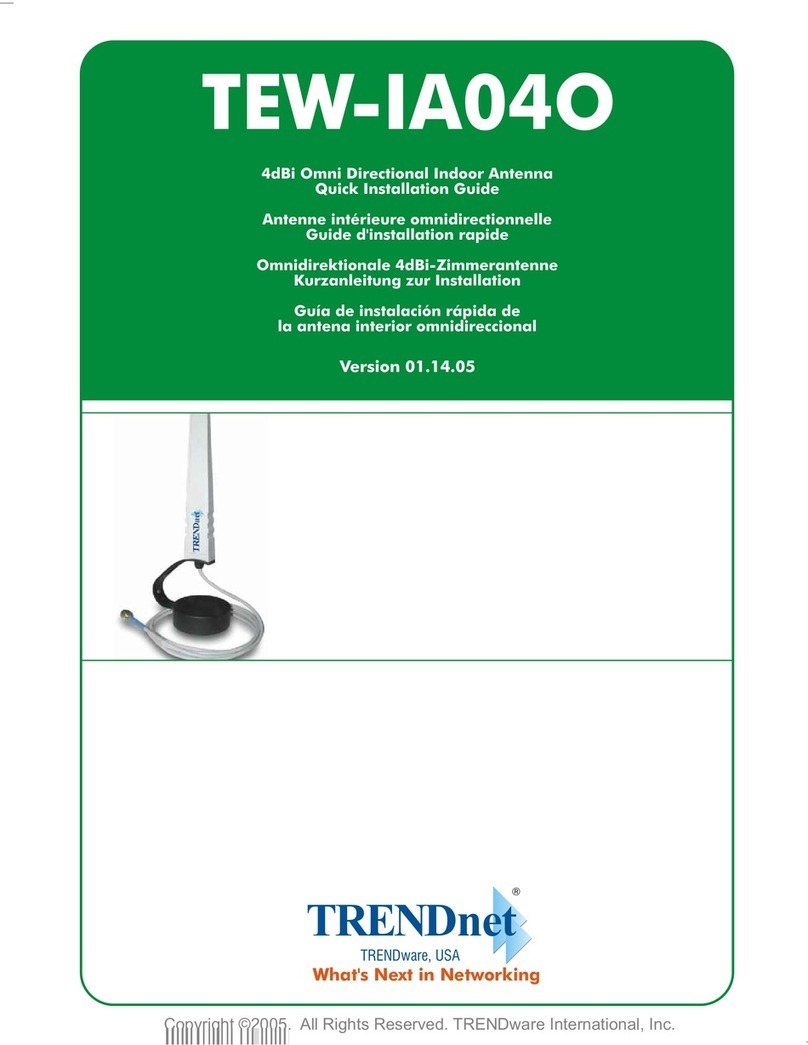
TRENDnet TEW-IA04O User manual

TRENDnet

TRENDnet TEW-IA04O User manual
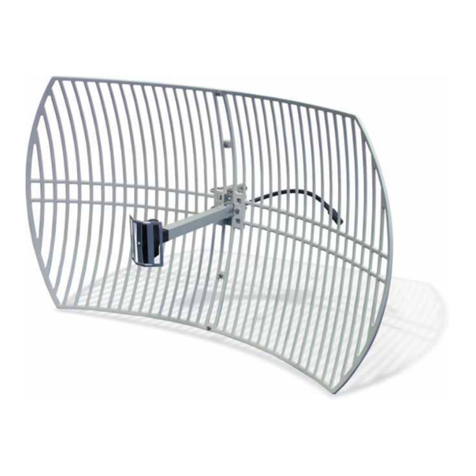
TRENDnet TEW-OA14D User manual

TRENDnet

TRENDnet TEW-OA14D User manual
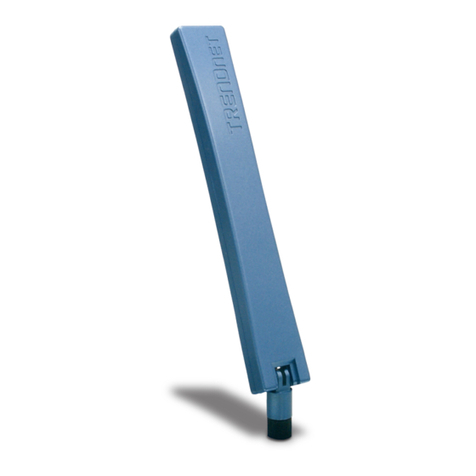
TRENDnet TEW-AO14D - User manual

TRENDnet

TRENDnet TEW-AO14D - User manual

Popular Antenna manuals by other brands

DAVIS Windex AV 3160 installation instructions

DAVIS

DAVIS Windex AV 3160 installation instructions

Belden Hirschmann BAT-ANT-N-14G-IP23 Mounting instruction

Belden

Belden Hirschmann BAT-ANT-N-14G-IP23 Mounting instruction

Vtronix YHK Fitting instructions

Vtronix

Vtronix YHK Fitting instructions

KVH Industries TracVision 6 Technical manual

KVH Industries

KVH Industries TracVision 6 Technical manual

Leica Geosystems GS10 user manual

Leica Geosystems

Leica Geosystems GS10 user manual

Sirio Antenne Gain-Master manual

Sirio Antenne

Sirio Antenne Gain-Master manual

Sony VCA-41 Installation/connections

Sony

Sony VCA-41 Installation/connections

ZCG Y100 Series installation guide

ZCG

ZCG Y100 Series installation guide

Advantech Wireless INTREPID120 Assembly instructions

Advantech Wireless

Advantech Wireless INTREPID120 Assembly instructions

Cerio ANT-10AO installation guide

Cerio

Cerio ANT-10AO installation guide

Alfa Network APA-L01 Specifications

Alfa Network

Alfa Network APA-L01 Specifications

Naval PR-422CA Operation manual

Naval

Naval PR-422CA Operation manual

Feig Electronic ID ISC.ANTH200/200 Series manual

Feig Electronic

Feig Electronic ID ISC.ANTH200/200 Series manual

TERK Technologies TV44 owner's manual

TERK Technologies

TERK Technologies TV44 owner's manual

TERK Technologies SIR3 owner's manual

TERK Technologies

TERK Technologies SIR3 owner's manual

Directive Systems & Engineering DSE2324LYRMK quick start guide

Directive Systems & Engineering

Directive Systems & Engineering DSE2324LYRMK quick start guide

HP J8999A instructions

HP

HP J8999A instructions

MobilSat MSP-S Mounting instructions

MobilSat

MobilSat MSP-S Mounting instructions
manuals.online logo
manuals.online logoBrands
  • About & Mission
  • Contact us
  • Privacy Policy
  • Terms and Conditions

Copyright 2025 Manuals.Online. All Rights Reserved.

TEW-AI86D
TEW-AI86DB
User’s Guide
size: W 75mm x H135mm
total pages: 39
Table of Contents
English .....................................................................................
Troubleshooting ........................................................................
1
1
2
7
1. Before You Start ..............................................................
2. Hardware Installation .......................................................
Version: 11.28.05
Version:01.04.2006
1. Before you start
English
1
WARNING: The antenna can tilt 0° to 180° and rotate 360° .
The Internal antenna wire is fixed, therefore do not rotate the
antenna beyond 360° .
Wall / partition mount (Antenna base with embedded
magnets)
For antenna deployment, you can mount the antenna onto a wall
using the fasteners and screws included or simply stick to metal
surfaces.
TEW-AI86D/TEW-AI86DB
Antenna Mounting Base (TEW-AI86DB only)
User’s Guide
Mounting Kit (TEW-AI86DB only)
Package Content
Product details
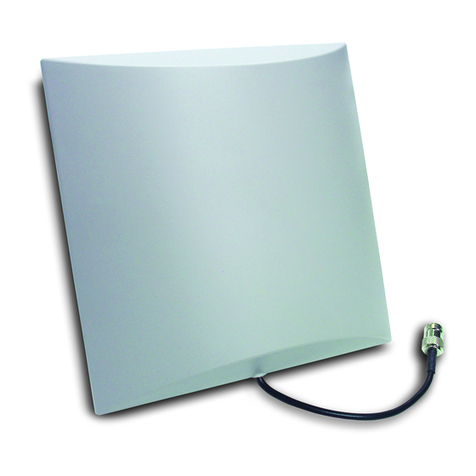
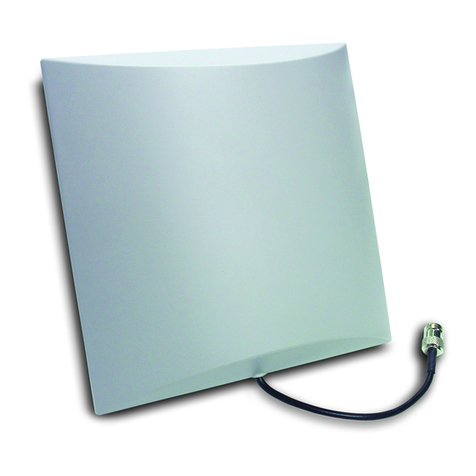
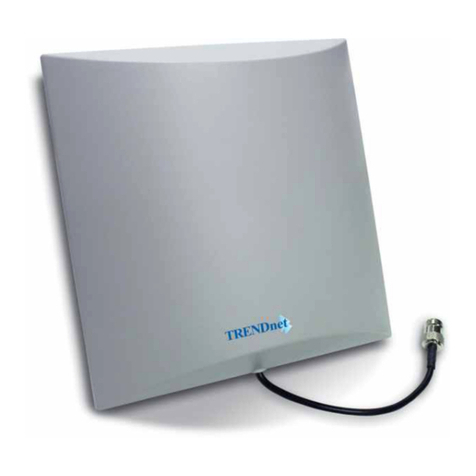
The Directional Indoor Antenna has a reverse SMA female
connector that can be connected to your Access Point or Wireless
Network Adapter.
English
2
2. Hardware installation
Wireless base stations with detachable antenna(s):
As a method of focusing signal broadcast to achieve longer range
coverage in your home or office, the antenna generates an 80°
wide directional signal.
Due to the bi-directional nature of WiFi
devices (receive / transmit), it is recommended that you install
external antennas on the AP base station as well as the client.
Recommendation:
Recommended devices to connect with this antenna
Wireless PCI adapter or IP Camera with detachable Antenna
TEW-AI86D antenna has directional 80° signal coverage.
Therefore, the ideal position for the antenna is in the corner of the
covered area.
Recommended installation positions
English
3
TEW-AI86D antennas can also be placed at the side / edge of the
covered area for long range hall / corridor transmission.
English
4
Antenna Base Mounting Methods & Configuration
PLEASE READ THE FOLLOWING INSTALLATION
STEPS BEFORE DRILLING HOLES IN THE WALL.
After removing the bottom cover from its seating, remove the
metal weight plate from the ceiling clips to expose the screw holes.
Press Tab Lift Cover Remove weight plate
Select location Place
base template
Mark screw
position
WARNING: Please make sure that the AP / Client device
can reach your selected antenna position (Antenna Cable is 1
meter / 3 feet)
After you have marked the wall for the appropriate drilling sites, re-
assemble the antenna stand without the metal weight. The clips
should not protrude.
In order to decrease the weight and increase the
magnetic power, it is highly recommended that the metal
plate be removed before installing antenna onto ceiling,
partition, or any metal surface.
English
5
After drilling holes in the drywall / gypsum / plasterboard, sink the
plastic anchor into the hole (1/8 inch drill bit (3mm)). Leave about
3 to 5mm (1/8 inch) of the threaded screw exposed as depicted in
the diagrams below.
The special ceiling mount feature is mainly recommended for use
when your wireless base station is hidden over the ceiling or some
kind of anti-theft protection case is implemented.
Ceiling Mount Using Ceiling Clips or Magnets
About the screws
3mm
English
6
How to assemble the antenna stand for use with
ceiling systems.
Note: If the ceiling tees are made of steel, turning the
antenna base cover over may not be necessary, because the base
has embedded magnets which can be used to adhere the antenna
to the ceiling tee.
Press tab and lift Turn over cover,
remove metal weight plates,
exposing the ceiling clips.
Secure Clips to Tee Conceal AP/Router
7
Troubleshooting
Certifications
This equipment has been tested and found to comply with FCC and CE Rules.
Operation is subject to the following two conditions:
(1) This device may not cause harmful interference.
(2) This device must accept any interference received.
Including interference that may cause undesired operation.
Waste electrical and electronic products must not
be disposed of with household waste. Please
recycle where facilities exist. Check with you
Local Authority or Retailer for recycling advice.
NOTE: THE MANUFACTURER IS NOT RESPONSIBLE FOR ANY RADIO OR TV INTERFERENCE
CAUSED BY UNAUTHORIZED MODIFICATIONS TO THIS EQUIPMENT. SUCH MODIFICATIONS
COULD VOID THE USER’S AUTHORITY TO OPERATE THE EQUIPMENT.
Q1.
A1.
Q2.
A2.
Q3.
A3.
Q4.
A4.
How come I cannot transmit or receive Wi-Fi signals with my TEW-
AI86D?
The TEW-AI86D is a directional antenna and can only send and
receive signals from the front panel. Make sure to adjust the position
of the antenna by directing the front panel to laptops, PCs or other
wireless devices.
My access point indicates that it is receiving power, and my laptop
is within range of the TEW-AI86D. However, my laptop does not
receive any signals from my access point.
Make sure that you properly connect the antenna to the Wi-Fi
Access Point. (See 2. Hardware Installation)
Why won’t the TEW-AI86D work with my IEEE 802.11a Wireless
Router or Access point?
Yes. The TEW-AI86D is compatible with IEEE 802.11a/b/g
wireless devices.
Is it necessary to use the tapping screws or the wall anchors that
come with the TEW-AI86DB?
It is only necessary if you decide to mount the TEW-AI86DB at a
permanent location. Use discretion when attaching mounting
brackets to the TEW-AI86DB.
If you have any questions regarding the TEW-AI86D/TEW-AI86DB, please
contact TRENDnet Technical Support Department.
8
Limited Warranty
TRENDnet warrants its products against defects in material
and workmanship, under normal use and service, for the
following lengths of time from the date of purchase.
TEW-AI86D/TEW-AI86DB - 3 Years Warranty
If a product does not operate as warranted above during the
applicable warranty period, TRENDnet shall, at its option and
expense, repair the defective product or part, deliver to
customer an equivalent product or part to replace the
defective item, or refund to customer the purchase price paid
for the defective product. All products that are replaced will
become the property of TRENDnet. Replacement products
may be new or reconditioned.
TRENDnet shall not be responsible for any software,
firmware, information, or memory data of customer contained
in, stored on, or integrated with any products returned to
TRENDnet pursuant to any warranty.
There are no user serviceable parts inside the product. Do
not remove or attempt to service the product by any
unauthorized service center. This warranty is voided if (i) the
product has been modified or repaired by any unauthorized
service center, (ii) the product was subject to accident, abuse,
or improper use (iii) the product was subject to conditions
more severe than those specified in the manual.
Warranty service may be obtained by contacting TRENDnet
office within the applicable warranty period for a Return
Material Authorization (RMA) number, accompanied by a copy
of the dated proof of the purchase. Products returned to
TRENDnet must be pre-authorized by TRENDnet with RMA
number marked on the outside of the package, and sent
prepaid, insured and packaged appropriately for safe
shipment.