EN 8
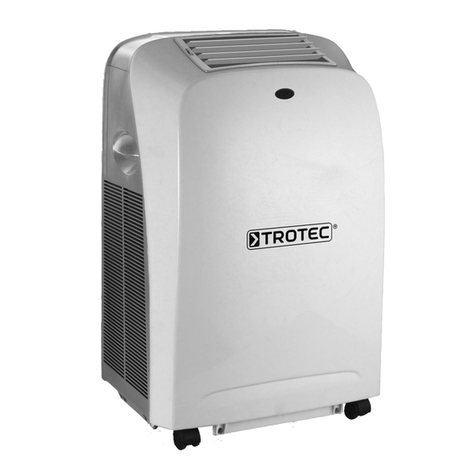
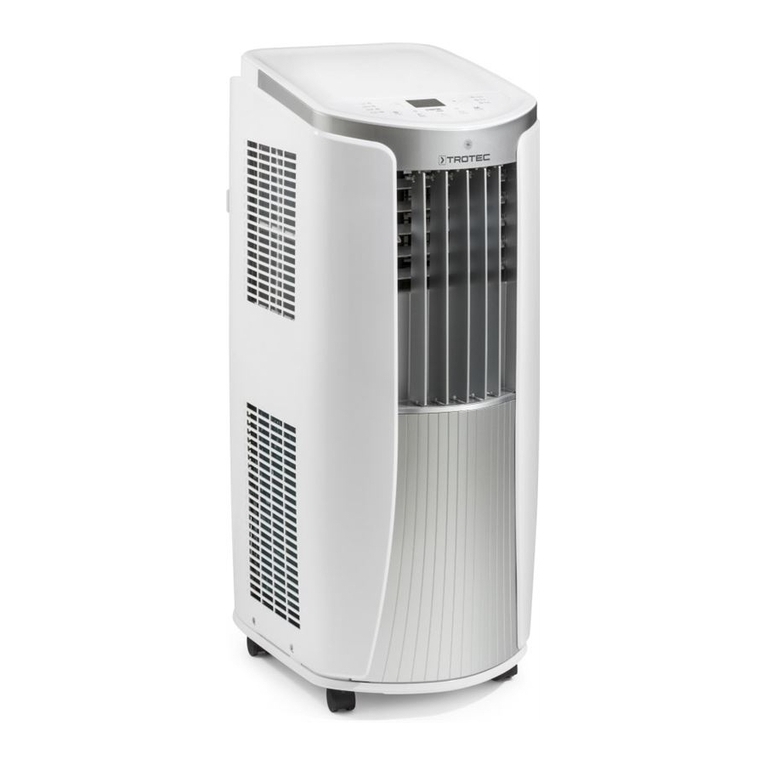
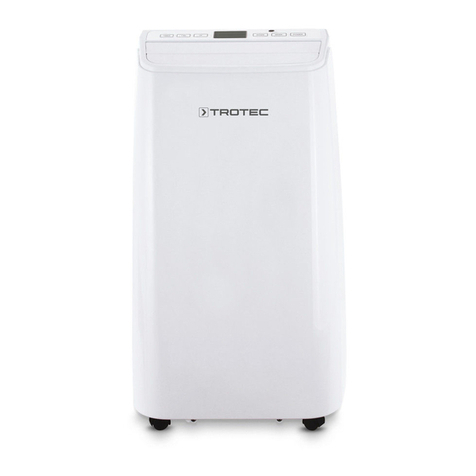
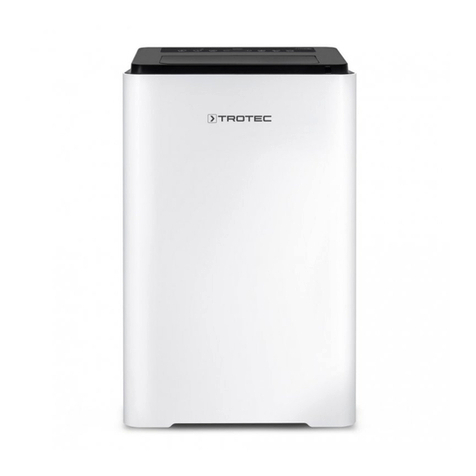
local air conditioner PAC 3200 E A + / PAC 4100 E
Cooling
In cooling mode the room will be cooled down to a certain
preselected temperature.
Cooling commences when the ambient temperature equals the
set temperature + 3°C.
Default settings in cooling mode:
• The target temperature is preset to 24°C.
• If the ambient temperature is greater than or equal to (≥)
27°C (target temperature + 3 °C), the device runs
automatically in cooling mode. The cooling LED(17) is
illuminated.
• If the ambient temperature is less than or equal to (≤)
25°C (target temperature + 1°C), the device will
automatically be in ventilation mode. The ventilation
LED(17) is illuminated.
1. Press the MODE button(18) until the LED for cooling(17)
lights up.
2. Press the buttons for increasing(23) or reducing(22) the
temperature to adjust the desired target temperature.
ðThe target temperature flashes for approx. 5s. Then the
current room temperature will be displayed.
Ventilation
Info
Remove the exhaust air hose during ventilation.
In ventilation mode the room air is circulated, it will neither be
cooled nor dehumidified.
Possible fan speed settings are:
• H = high fan speed
• M = medium fan speed
• L = low fan speed
1. Press the MODE button(18) until the LED for
ventilation(17) lights up.
2. Press the SPEED button(15) to set the desired fan speed.
ðThe LED for the selected fan speed(16) will be
illuminated.
Dehumidification
Info
Remove the exhaust air hose during dehumidification,
otherwise the performance will be insufficient.
In dehumidification mode the humidity level in the room is
reduced.
The temperature cannot be adjusted and the fan runs at the
lowest speed level.
1. Press the MODE button(18) until the LED for
dehumidification(17) lights up.
ðDehumidification mode is selected.
ðThe compressor LED(21) is illuminated.
Info
If the device is operated in a very humid environment,
the accumulating condensate must be discharged at
regular intervals (see chapter Condensate discharge).
If you use the device for an extended period of time or you don't
want to empty the tank all the time, you can connect a
condensation drain hose to the hose connection.
1. Switch the device off.
2. Hold onto the mains plug while pulling the power cable out
of the mains socket.
3. Carefully transport or wheel the device to a suitable
location for discharging the condensate (e.g. a drain) or
position a suitable collection container under the
condensate outlet.
4. Unscrew the sealing cap from the hose connector(4).
5. Remove the rubber stopper from the hose connection.
6. Keep sealing cap and rubber stopper for later use.
7. Connect the condensation drain hose included in the scope
of delivery to the hose connector. Check the condensation
drain hose for tight fit.
8. Lead the condensation drain hose to a drain or sufficiently
dimensioned collection container. To ensure that the
condensate can run off, the condensation drain hose must
not be kinked, nor should it have to overcome an uphill
incline towards the drain.
9. Insert the mains plug into a properly secured mains
socket.
10. Switch the device on.
Setting the timer
The timer has two modes of operation:
• automatic switch-on upon expiry of a preset number of
hours.
• automatic switch-off upon expiry of a preset number of
hours.
The function can be set in all operating modes and also during
stand-by.
The number of hours can be between 1 and 24 and can be
adjusted in increments of 1h.
Note
Do not leave the operating device unattended in a
freely accessible room with an activated timer.