manuals.online logo
Brands
  1. Home
  2. •
  3. Brands
  4. •
  5. U-Line
  6. •
  7. Dehumidifier
  8. •
  9. U-Line H-8554 User manual

U-Line H-8554 User manual

Other manuals for H-8554

1

This manual suits for next models

1

Other U-Line Dehumidifier manuals

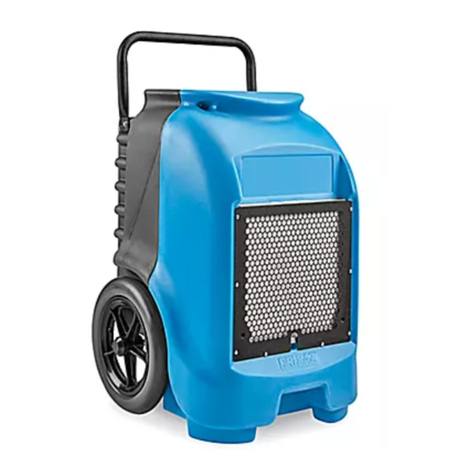
U-Line H-10029 User manual

U-Line

U-Line H-10029 User manual

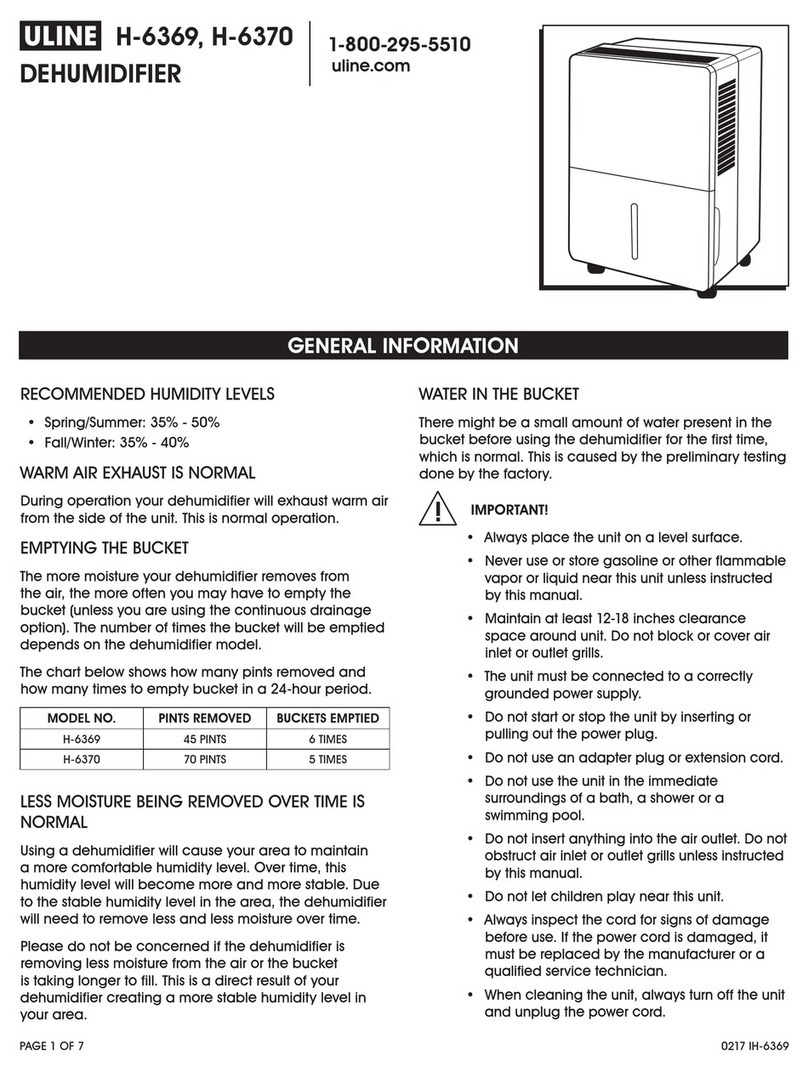
U-Line H-6369 User manual

U-Line

U-Line H-6369 User manual

U-Line H-8554 User manual

U-Line

U-Line H-8554 User manual

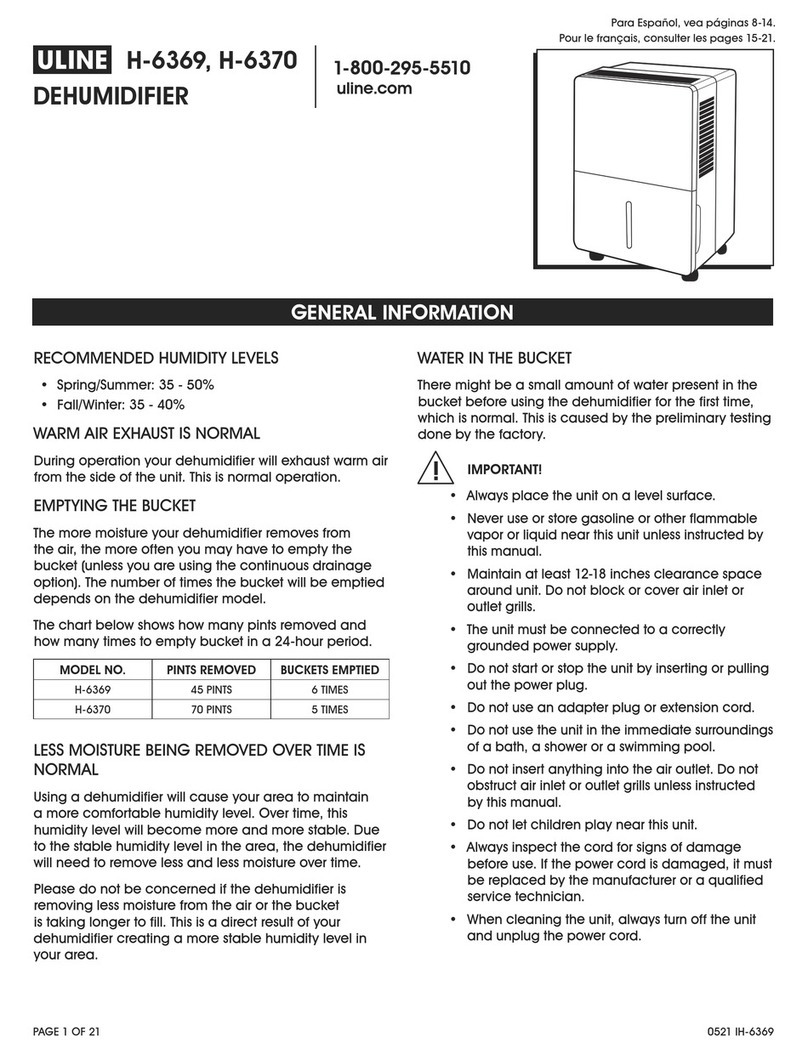
U-Line H-6369 User manual

U-Line

U-Line H-6369 User manual

U-Line Н-6621 User manual

U-Line

U-Line Н-6621 User manual

Popular Dehumidifier manuals by other brands

GET DHMD102 User instructions

GET

GET DHMD102 User instructions

Daewoo COL1471 user manual

Daewoo

Daewoo COL1471 user manual

WILMS KT 1130 manual

WILMS

WILMS KT 1130 manual

Aprilaire E080 quick start guide

Aprilaire

Aprilaire E080 quick start guide

fisair DFLEX Series user manual

fisair

fisair DFLEX Series user manual

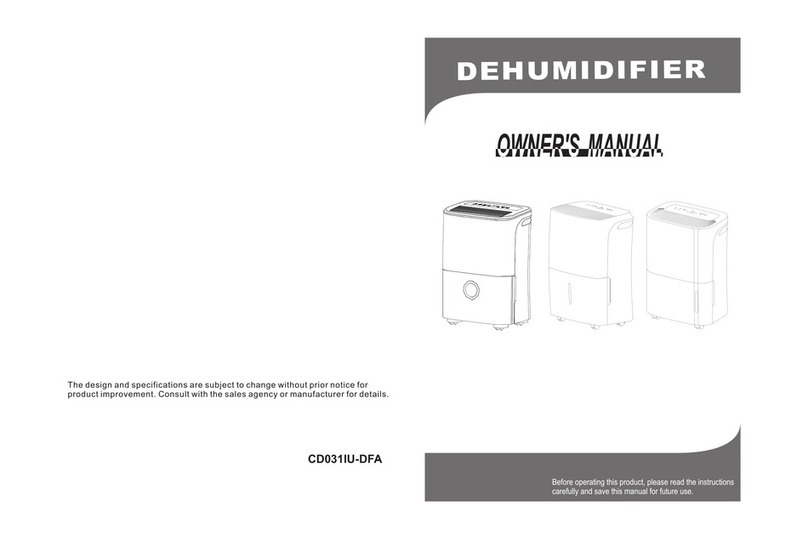
Daitsu CD031IU-DFA owner's manual

Daitsu

Daitsu CD031IU-DFA owner's manual

Fehom PDGT701BE user manual

Fehom

Fehom PDGT701BE user manual

Trotec TTR 400 D User instructions

Trotec

Trotec TTR 400 D User instructions

Westpoint MDF1-30AE instruction manual

Westpoint

Westpoint MDF1-30AE instruction manual

SOLIS easy dry compact user manual

SOLIS

SOLIS easy dry compact user manual

Sinclair R-9112 instruction manual

Sinclair

Sinclair R-9112 instruction manual

Kenmore 580.54701 owner's manual

Kenmore

Kenmore 580.54701 owner's manual

Demargo DM828NF Installation and operating instructions

Demargo

Demargo DM828NF Installation and operating instructions

Altrad Lescha LDH 600 Original instructions

Altrad Lescha

Altrad Lescha LDH 600 Original instructions

BOMANN LE 1150 CB instruction manual

BOMANN

BOMANN LE 1150 CB instruction manual

SPT SD-46 instruction manual

SPT

SPT SD-46 instruction manual

Haier HD458 user manual

Haier

Haier HD458 user manual

Logik L20DHW12 instruction manual

Logik

Logik L20DHW12 instruction manual

manuals.online logo
manuals.online logoBrands
  • About & Mission
  • Contact us
  • Privacy Policy
  • Terms and Conditions

Copyright 2025 Manuals.Online. All Rights Reserved.

PAGE 1 OF 3 0823 TH-8554
1-800-295-5510
uline.com
π
DEHUMIDIFIERS
H-8554, H-8555
TROUBLESHOOTING
OPERATING ISSUE CAUSES RECOMMENDATIONS
Dehumidifier does not
start.
Dehumidifier is unplugged. Ensure power cord is pushed completely into
outlet.
Fuse is blown/circuit breaker
is tripped.
Check house fuse/circuit breaker box and replace
fuse or reset breaker.
Dehumidifier has reached its
present level or the bucket
is full.
Dehumidifier automatically turns off when either
condition occurs. Change to a lower setting or
empty the water bucket and replace properly.
Bucket is not installed
properly.
Bucket must be in place and securely seated for
dehumidifier to operate.
Power failure. A protective time delay (up to three minutes)
prevents tripping of the compressor overload.
For this reason, the unit may not start normal
dehumidification for three minutes after powered
back on.
PAGE 2 OF 3 0823 TH-8554
TROUBLESHOOTING CONTINUED
OPERATING ISSUE CAUSES RECOMMENDATIONS
Dehumidifier does not
remove adequate
moisture from the air.
Not enough time allowed for
unit to remove moisture.
When first installed, allow at least 24 hours to
maintain the desired dryness.
Airflow is restricted. Ensure there are no curtains, blinds or furniture
blocking front or back of unit. See the Location
section on Page 4.
Dirty filter. See Cleaning/Replacing Filter on Page 5.
Humidity Control may not
be set low enough.
For drier air, press the button to lower the
percent humidity desired in the room, or
set the dehumidifier to "CO" for maximum
dehumidification.
Doors and windows may not
be closed tightly.
Check that all doors, windows and other openings
are securely closed.
Clothes dryer may be
blowing moist air into the
room.
Install dehumidifier away from dryer. Dryer should
be vented outside.
Room temperature is too low. Moisture removal is best at higher room
temperatures. Lower room temperatures will
reduce the moisture removal rate. This model is
designed to operate at temperatures above 41°F.
Dehumidifier runs too
much.
Area to be dehumidified is
too large.
Capacity of dehumidifier may not be adequate
for room size or amount of moisture in air.
Doors and windows are
open.
Close all doors and windows to the outside.
Frost appears on coils. Dehumidifier has recently
been turned on or room
temperature is below 41°F.
This is normal. Frost will usually disappear within
60 minutes.
Controls cannot be set. The compressor will turn off
and fan will automatically
continue to run for
approximately three minutes
at a fixed setting.
This is normal. Wait approximately three minutes
and set fan speed to desired level.
Fan noise Air is moving through unit. This is normal.
Water on the floor Hose connection may be
loose.
Check the hose connection. See Continuous
Drainage/Garden Hose Installation and Setup on
Page 4.
Hose is attached but not
draining into a drain.
Disconnect hose if using bucket or place hose
near a drain.

PAGE 3 OF 3 0823 TH-8554
OPERATING ISSUE CAUSES RECOMMENDATIONS
Unit will not turn on. Fuse is blown/circuit breaker
is tripped.
Check house fuse/circuit breaker box and replace
fuse or reset breaker.
Unit is on but fan is not
running.
Dehumidifier has reached its
present level or bucket is full.
Dehumidifier automatically turns off when either
condition occurs. Change to a lower setting or
empty water bucket and replace properly.
Bucket is not in proper
position.
Bucket must be in place and securely seated for
dehumidifier to operate.
Power failure. A protective time delay (up to three minutes)
prevents tripping of compressor overload.
For this reason, the unit may not start normal
dehumidification for three minutes after it is
powered back on.
Continuous Mode is on,
but water is draining in
bucket.
Incorrect drain hose is
installed.
Garden hose must be used while operating in
Continuous Mode.
Dehumidifier on uneven
surface.
Ensure unit is placed on a flat, level surface.
If the troubleshooting section does not resolve the problem, contact Uline Customer Service at 1-800-295-5510.
TROUBLESHOOTING CONTINUED
1
-800-295-551
0
uline.com
SELF-DIAGNOSING CODES
SELF-DIAGNOSING
CODE DESCRIPTION RECOMMENDATION
E1 Compressor Overheat
Protection
Contact Uline Customer Service at
1-800-295-5510.
E2 Condenser Overheat
Protection
EH Humidity Sensor Malfunction