
Ublox EVK-M8F User manual

1. Download EVK-M8 software (and documentation)
from www.u-blox.com/evk-downloads and install the
software. See installation notes on back of card.
2. Connect the unit to a PC. Options:
• USB: Connect via USB port (G). (The USB driver
installs automatically when the device is connected
to a PC; internet connection required).
• UART: Connect via RS232 (F). Set switch (B) to I2C
• SPI / I2C compliant DDC: Connect pins (C). Set
switch (B) to SPI or I2C.
NOTE: Press the RST (E) after changing the switch (B).
3. Provide power to the device at all times, either via
USB on the back (G) or the V5 IN pin (D) on the front.
4. Connect the GNSS antenna to the evaluation unit
(A) and place the antenna in good sky view. For best
performance, use an active antenna or external LNA
(when connecting to a GNSS simulator).
5. Start the u-center GNSS Evaluation Software and select
the corresponding COM port and baud rate.
Quick Start for EVK-M8F kit
2. Setup
Copyright © 2014, u-blox AG
A
G F
CB
1. Overview
ED

With the EVK-M8F, all interfaces
available on u-blox M8 time and fre-
quency reference chips and modules
can be evaluated. The evaluation unit
provides a Micro USB connector for
communication and powering the
device, as well as a UART connector
for connecting to the COM port of
your PC.
SPI and the I2C compliant DDC inter-
faces are designed to allow commu-
nication to a host CPU. The dedicated
EXTENSION connector provides access
to time and frequency interface signals.
Notes for downloading the EVK-M8
software package and running the
installation:
• An Internet connection is required.
Windows operating systems are
supported (x86 and x64 versions of
Vista, 7, and 8).
• Choose a package: “Software only”
or “Software and documentation”.
• Unzip the downloaded file, go to the
Tools folder, and open the u-center
zip file.
• Run the extracted u-center exe file
and follow the installer instructions.
• When the installation is complete,
you will find a u-center menu
under the Windows Start button,
All Programs > u-blox
• To uninstall the software, go to
Control Panel
and remove the
u-center program and “Windows
Driver Package – u-blox AG (ublox-
usb) Ports”.
4. Interfaces
5. Installation
UBX-14006183 - R01
NOTE:Refer to recommendations in
the EVK user guide when using the
EVK-M8F with a GNSS simulator.
For more information about the
EVK-M8F, contact your nearest u-blox
support:
www.u-blox.com/en/
contact-us-support.html
7. More information
• EVK-M8F unit
• USB cable
• Active GPS / GLONASS / BeiDou
antenna with a 3 m cable
• Twisted pair interface cable (for
timing functions)
3. Kit includes
The u-center GNSS evaluation software
provides a powerful tool for evaluation,
performance analysis and configuration
of u-blox positioning products.
6. u-center
Other Ublox Microcontroller manuals


Popular Microcontroller manuals by other brands
AMS
AMS AS7261 Demo Kit user guide

Novatek
Novatek NT6861 manual
Espressif Systems
Espressif Systems ESP8266 SDK AT Instruction Set

Nuvoton
Nuvoton ISD61S00 ChipCorder Design guide

STMicrolectronics
STMicrolectronics ST7 Assembler Linker user manual

Texas Instruments
Texas Instruments Chipcon CC2420DK user manual






Texas Instruments
Texas Instruments TMS320F2837 D Series Workshop Guide and Lab Manual

CYPRES
CYPRES CY14NVSRAMKIT-001 user guide
Texas Instruments
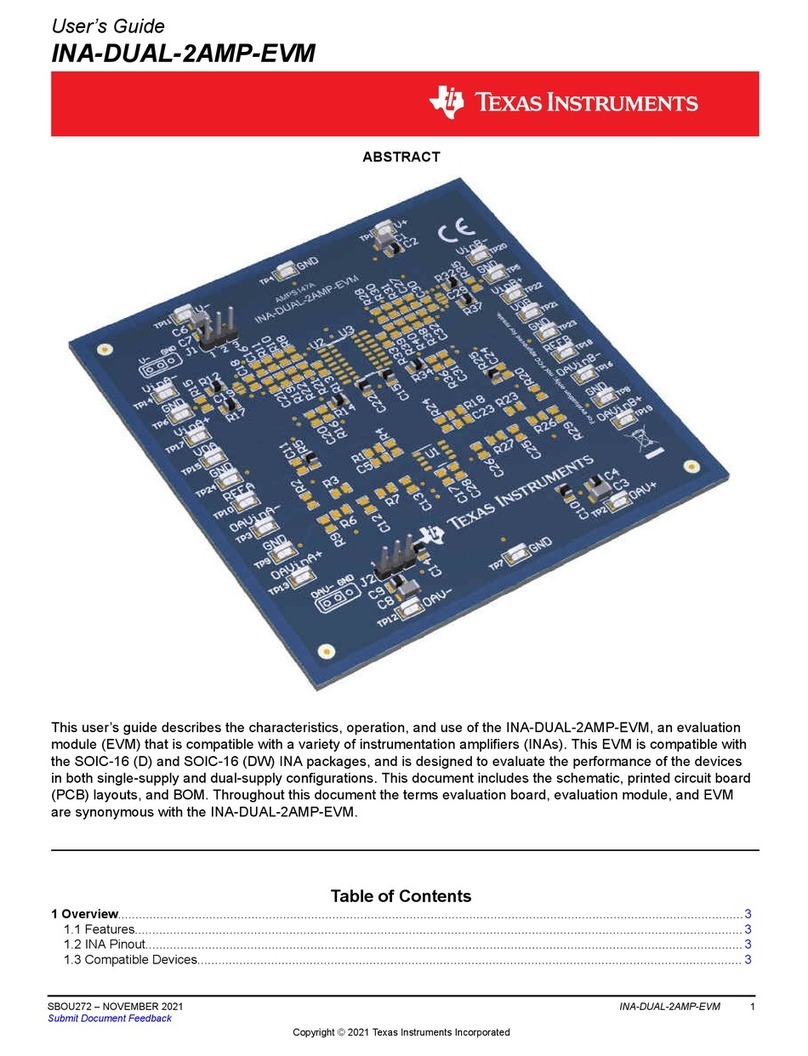
Texas Instruments INA-DUAL-2AMP-EVM user guide

Espressif Systems
Espressif Systems ESP8266EX Programming guide

Abov
Abov AC33M8128L user manual

Laird
Laird BL654PA user guide