TQC Work Verify
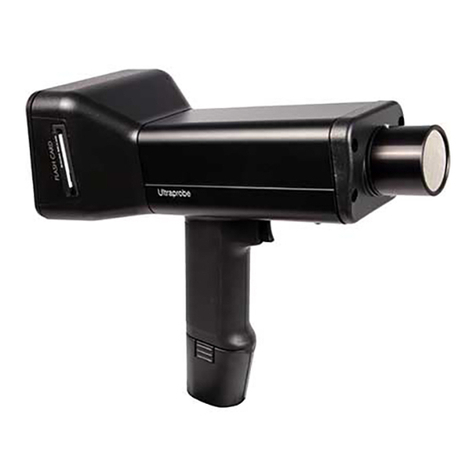
Ultrasound Ultraprobe 10,000 Instructions
Recording a Sound WAV
Rev. 1.0 3/2012 SAFETY: Wrist Strap to be worn at All Times
2 min UE Systems Training
*Compact Flash Card & Module Inserted BEFORE Turning ON*
Adjust Sensitivity to obtain a Steady dB and 2-4
Bars on Intensity Meter
1Push Sens Knob 2X to move cursor to Function
Bar/ Rotate Sens. Knob until "Press Enter for
Record WAV" appears
2
Press Enter to begin storage process of sound
WAV file (and text info, i.e. dB, Freq, etc)
3Push Sens Knob to begin recording. Unit should
be steady during recording.
4
Page 1 of