manuals.online logo
Brands
  1. Home
  2. •
  3. Brands
  4. •
  5. Underground Magnetics
  6. •
  7. Measuring Instrument
  8. •
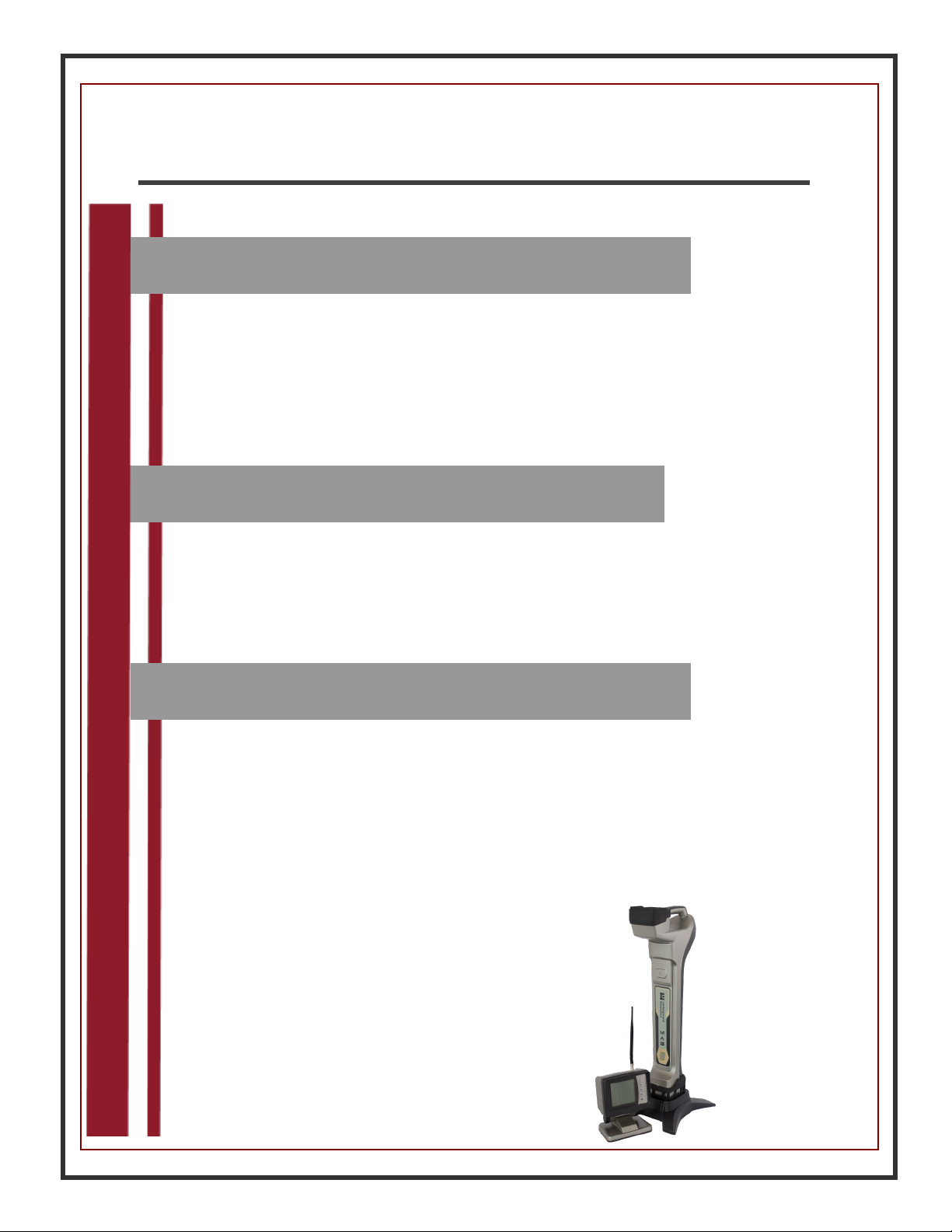
  9. Underground Magnetics Mag System User manual

Underground Magnetics Mag System User manual

This manual suits for next models

1

Other Underground Magnetics Measuring Instrument manuals

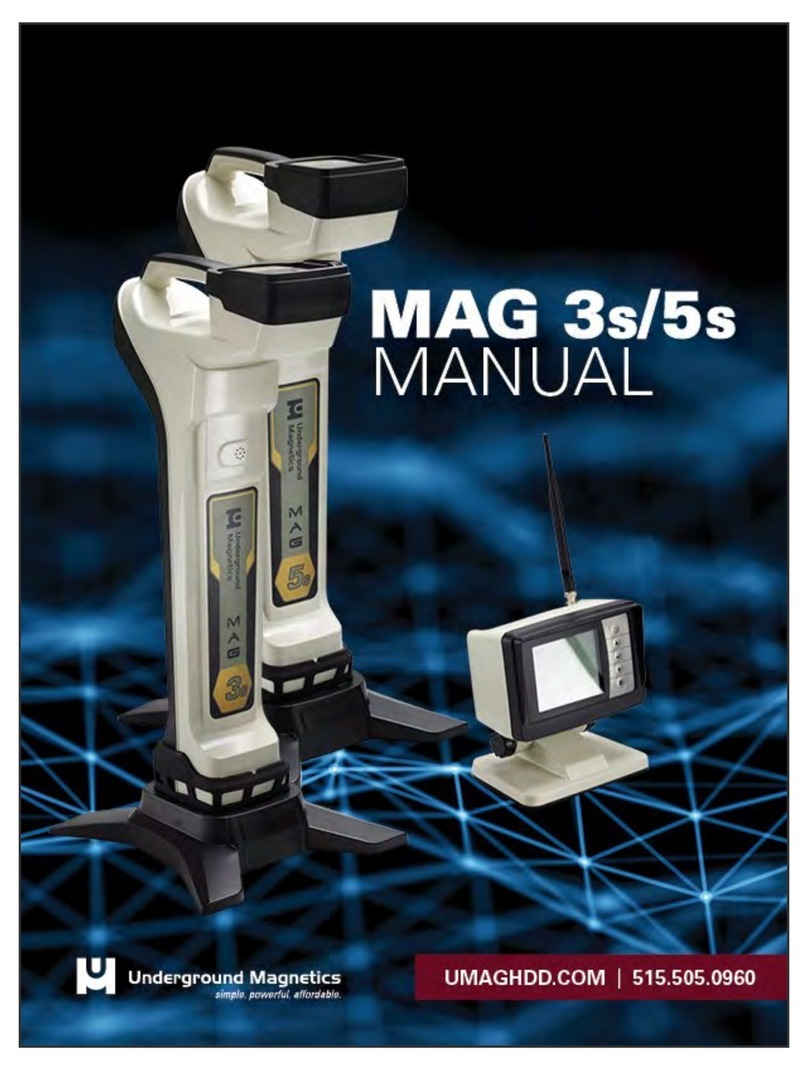
Underground Magnetics Mag 9 User manual

Underground Magnetics

Underground Magnetics Mag 9 User manual

Underground Magnetics Mag 3 User manual

Underground Magnetics

Underground Magnetics Mag 3 User manual

Underground Magnetics Mag 6 Series User manual

Underground Magnetics

Underground Magnetics Mag 6 Series User manual

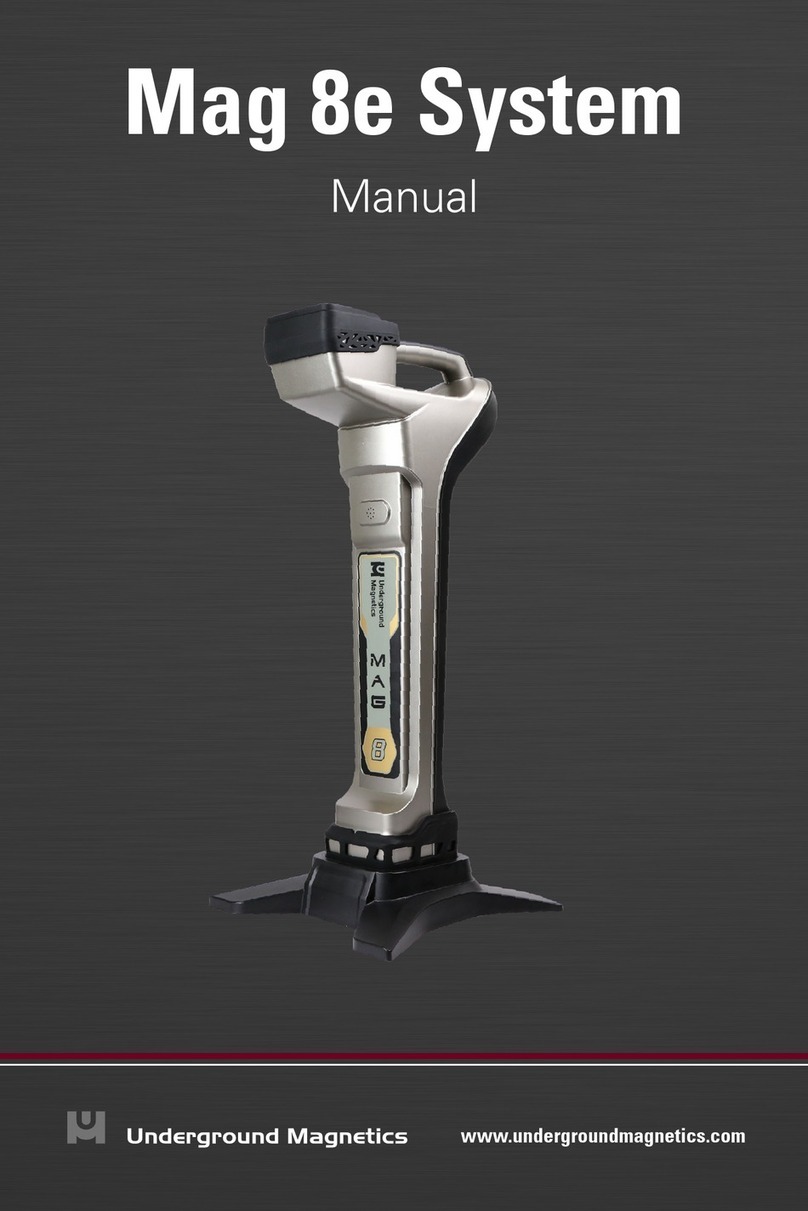
Underground Magnetics Mag 8e User manual

Underground Magnetics

Underground Magnetics Mag 8e User manual

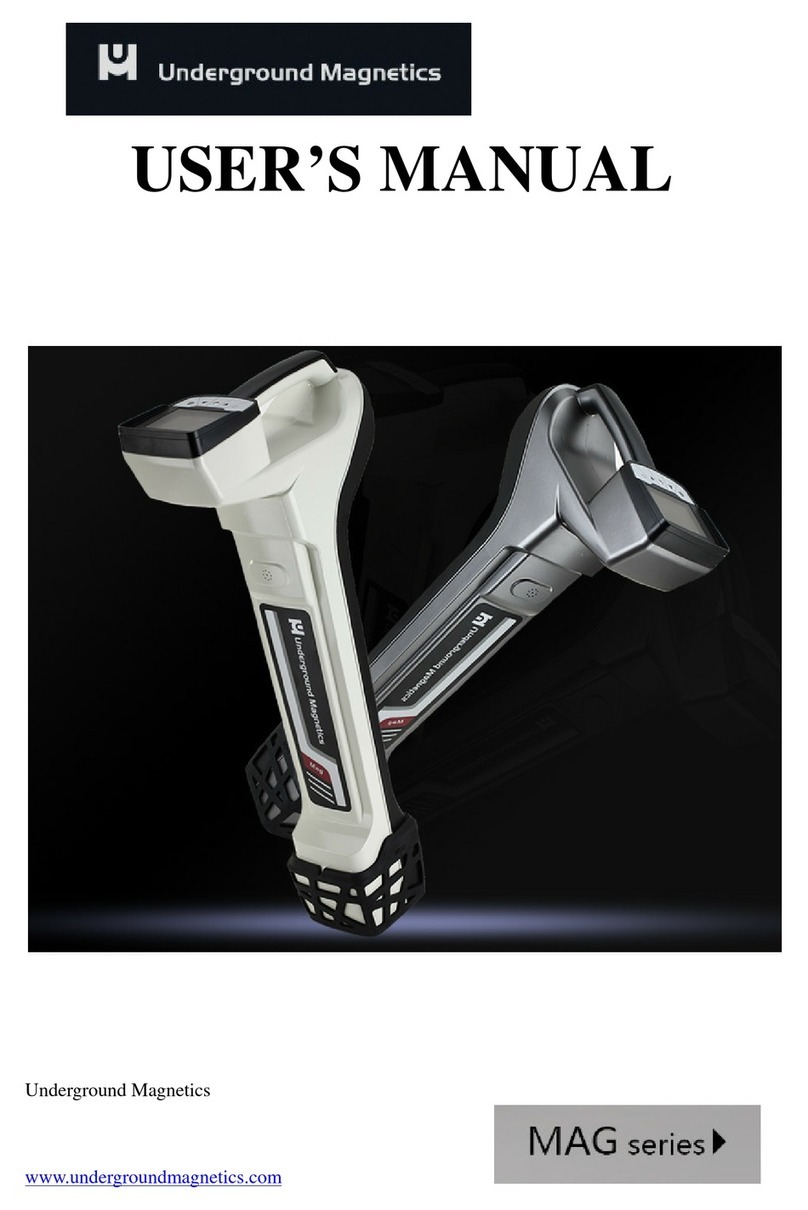
Underground Magnetics MAG Series User manual

Underground Magnetics

Underground Magnetics MAG Series User manual

Underground Magnetics MAG 3S User manual

Underground Magnetics

Underground Magnetics MAG 3S User manual

Underground Magnetics MAG Series User manual

Underground Magnetics

Underground Magnetics MAG Series User manual

Underground Magnetics MAG 3S User manual

Underground Magnetics

Underground Magnetics MAG 3S User manual

Popular Measuring Instrument manuals by other brands

Powerfix Profi 278296 Operation and safety notes

Powerfix Profi

Powerfix Profi 278296 Operation and safety notes

Test Equipment Depot GVT-427B user manual

Test Equipment Depot

Test Equipment Depot GVT-427B user manual

Fieldpiece ACH Operator's manual

Fieldpiece

Fieldpiece ACH Operator's manual

FLYSURFER VIRON3 user manual

FLYSURFER

FLYSURFER VIRON3 user manual

GMW TG uni 1 operating manual

GMW

GMW TG uni 1 operating manual

Downeaster Wind & Weather Medallion Series instruction manual

Downeaster

Downeaster Wind & Weather Medallion Series instruction manual

Hanna Instruments HI96725C instruction manual

Hanna Instruments

Hanna Instruments HI96725C instruction manual

Nokeval KMR260 quick guide

Nokeval

Nokeval KMR260 quick guide

HOKUYO AUTOMATIC UBG-05LN instruction manual

HOKUYO AUTOMATIC

HOKUYO AUTOMATIC UBG-05LN instruction manual

Fluke 96000 Series Operator's manual

Fluke

Fluke 96000 Series Operator's manual

Test Products International SP565 user manual

Test Products International

Test Products International SP565 user manual

General Sleep Zmachine Insight+ DT-200 Service manual

General Sleep

General Sleep Zmachine Insight+ DT-200 Service manual

Sensa Core Lacto Spark user manual

Sensa Core

Sensa Core Lacto Spark user manual

VOLTCRAFT UTS-1980 operating instructions

VOLTCRAFT

VOLTCRAFT UTS-1980 operating instructions

EBCHQ 94915 Operation manual

EBCHQ

EBCHQ 94915 Operation manual

Balluff BIP LD2-T017-01-EP-S4 Series user guide

Balluff

Balluff BIP LD2-T017-01-EP-S4 Series user guide

Pulsar IMP Lite Series instruction manual

Pulsar

Pulsar IMP Lite Series instruction manual

ETCR 6800 user manual

ETCR

ETCR 6800 user manual

manuals.online logo
manuals.online logoBrands
  • About & Mission
  • Contact us
  • Privacy Policy
  • Terms and Conditions

Copyright 2025 Manuals.Online. All Rights Reserved.

M ys
Underground Magnetics, Inc.
www.umaghdd.com
2
Table of Contents
1: Introduction ······················································· page 5
2: Caution ······························································page 6
3. FCC and CE Compliance ······································page 7
4: Manual Tips ························································page 8
5: Preface ······························································page 9
6: System Highlights ·············································· page 11
7: Receiver··························································· page 12
7.1:Specifications ··············································· page 12
7.2: Receiver Operation······································· page 12
7.3: Icons ························································· page 13
7.3.1: Main Page Icons ·································· page 13
7.3.2: Secondary Page Icons ·························· page 15
7.3.3: Transmitter Information:························· page 16
7.3.4: Calibration & Depth Forecasting Icons······ page 17
7.3.5: Setup Page Icons································· page 17
7.4:Calibration ··················································· page 18
7.4.1: Depth Calibration ································· page 18
7.4.2: Roll Calibration ···································· page 19
7.5: Operation ··················································· page 20
7.5.1: Depth Forecast···································· page 20
7.5.2: Transmitter Activation···························· page 21
7.5.3: Transmitter Settings······························ page 22
7.5.4: Receiver Settings································· page 22
3
Table of Contents
7.5.5: Radio Channel Selection ······················· page 25
7.5.6: Pairing ··············································· page 26
7.5.7: Pitch Unit Selection ······························ page 27
7.5.8: Distance Unit Selection ························· page 28
7.5.9: Time Setting········································ page 29
7.5.10: System Unlock··································· page 30
7.5.11: Contrast Adjustment···························· page 31
7.5.12: Ball Speed Control······························ page 32
7.5.13: Depth Speed Adjustment ·····················page 33
7.6: Receiver Maintenance··································· page 34
8: Display····························································· page 35
8.1: Display Specifications ··································· page 35
8.2: Display Operations ······································· page 35
8.3: Display Icons··············································· page 36
8.3.1: Main Page Icons ·································· page 36
8.3.2: Secondary Page Icons ·························· page 37
8.4: Down Hole ·················································· page 38
8.5: Radio Channel Selection································ page 40
8.6: Pairing ······················································· page 41
8.7: Contrast Adjustment······································ page 42
8.8: Communication Mode ··································· page 43
8.9: Display Maintenance····································· page 44
4
Table of Contents
9: Transmitter
9.1: Introduction ················································· page 45
9.2: Specifications ·············································· page 46
9.3: Digital Information ········································ page 50
10: Locating Methods
10.1: Three Point Locating ··································· page 51
10.1.1: The Basics········································ page 51
10.1.2: Find the Transmitter ···························· page 54
10.1.3: Tracking on the Fly: ···························· page 57
10.1.4: Bore-To ············································ page 58
11: Battery and Charger ·········································· page 59
12: Warranty························································· page 60
5
This locating system also offers four channel license free
radio telemetries between the receiver and remote
display. The user can easily “pair” any two receivers and
displays so that communications between the “pair” will
not be interfered by other “pairs”.
This manual is intended to provide information and
instructions on how to use this locating system properly.
Underground Magnetics Inc. (UM) reserves the right to
improve the locating system and the Operator’s Manual at
any time without notice.
MAG SYSTEM
6
RECEIVER
The Transmitter (sometimes referred to as a Sonde or
Beacon) sends digital information of the transmitters pitch,
roll, temperature and battery status through an FM modulat-
ed RF signal.
The Receiver receives this information and uses RF Signal to
identify the transmitter’s status and location.
The Display— the Receiver transmits the locating information
to a remote display through a radio telemetry system.
A horizontal directional drilling machine operator can use the
information from the display to the guide the drill head to the
desired location. path.
1: Introduction
TRANSMITTER
DISPLAY
7
The operator must understand safety procedures
and correct operation methods before operating the
HDD and the locating system.
HDD machines can cause property damage and
personal injury upon striking underground power
lines, gas lines, phone lines, television cables, fiber
optic cables, or sewage lines. Make sure to confirm
and mark all underground utilities before beginning
operations.
Do not use the locating system near flammable or
explosive substances.
Wear proper personal protective equipment
including steel-toed boots, safety gloves, helmets,
reflective vests, and safety goggles.
Obey all local safety regulations.
This locating system is only a tool to assist the
operator to locate the drill head. It is the operator,
not the Mag locating system that is responsible
for identifying the drill head location. UM is not
responsible for any damage or loss caused by using
the Mag system. Operators should operate the
Mag system according to the manual.
2: Caution
If there are any questions, please contact UM at
support@undergroundmagnetics.com or call customer
service at (515) 505-0960
8
This device complies with Part 15 of the FSS Rules. Operation is
subject to the following two conditions:
 This device may not cause harmful interference, and
 This device must accept any interference received ,including
interference that may cause undesired operation.
Changes or modifications not expressly approved by Under-
ground Magnetics Inc. will void the user’s authority to operate
equipment.
Note: This product has been tested and found to comply with the limits
for a Class B digital device, pursuant to Part 15 of the FCC Rules.
These limits are designed to provide reasonable protection against
harmful interference in a residential installation. This product
generates, uses and can radiate radio frequency energy, and if not
installed and used in accordance with the instructions, may cause
harmful interference to radio communications. However, there is no
guarantee that interference will not occur in a particular installation. If
this product does cause harmful interference to radio or television
reception, which can be determined by turning the equipment off and
on, the user is encouraged to try to correct the interference by one or
more of the following measures:
 Reorient or relocate the receiving antenna .
 Increase the separation between the equipment and the receiver.
 Connect the equipment into an outlet on a circuit different from that
to which the receiver is connected.
 Consult the dealer or an experienced radio/TV technician for help.
3: FCC and CE
This system is classified as Class 2 radio equipment per the R & TTE
Directive and may not be legal to operate or require a license to operate
in some countries. The list of restrictions and the required declarations
of conformity are available in the “resources” section of the UM website.

9
4: Tips for Reading this Manual
Here are some points to keep in mind as you read through the
Mag 8 Operator’s Manual.
Page References
This question mark and textbox will
tell you the page in the Operator’s
Manual where you can find more
detailed information on the corre-
sponding topic.
Page X
The following two pages contain a short preface. This
will be a quick introduction to the steps in which you will
most likely use your Mag System. It will also contain
page references for the later sections of the manual that
contain more detailed information for the corresponding
steps.
The rest of the manual will contain detailed sections that
follow the order of the Mag 8 Receiver and the Mag 8
menu screens
It is recommended to read the entire Operator’s Manual
before use.
10
5: Preface
When you receive your Mag 8 System the transmitter will
have been activated, preprogrammed at 19kHz and paired
and calibrated with the receiver. The receiver and display
will have been paired and set to channel 2.
1Turn on receiver by holding power button
until Mag logo is visible on screen Page 12
2
3
4
5
Walk bore-path and use depth
forecasting to check for interference and
select frequency.
Page 20
Install batteries into transmitter. Install
battery cap with provided battery cap
tool.
Turn on display by holding power button
until Mag logo is visible on the screen
Install transmitter into the housing.