Table of contentsQuick reference
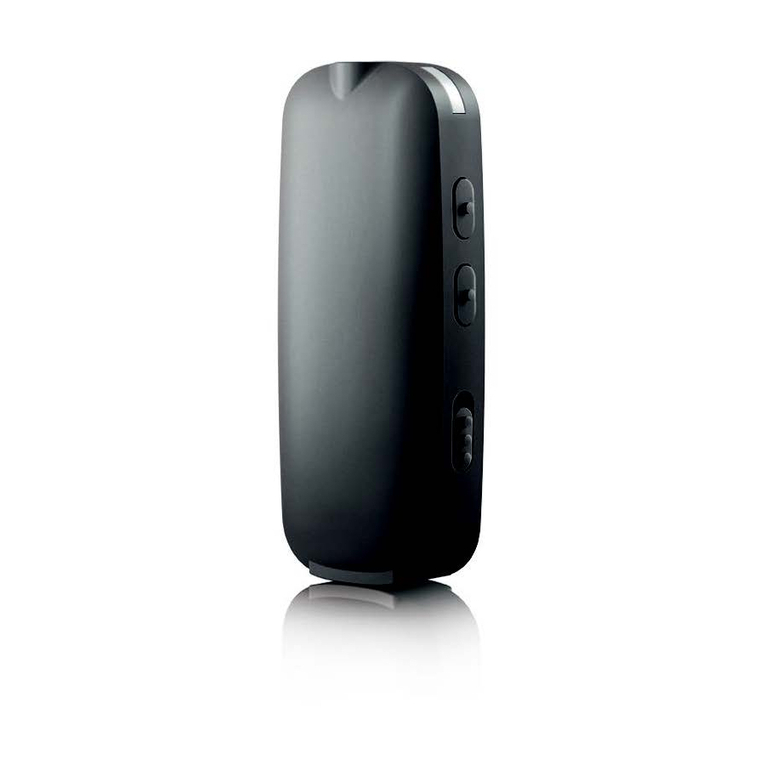
Your uStream at a glance ...........................................................
Setting up the power supply ......................................................
Charging the uStream ................................................................
Turning the uStream on and o ..................................................
Summary of indicator lights.......................................................
Wearing the uStream correctly...................................................
Operating distance.....................................................................
Button lock function.................................................................
Testing sound via the uStream.................................................
Access button functionality .....................................................
Spoken notications................................................................
uControl app.............................................................................
Using uStream as a remote control for your hearing aid ..........
Using uStream with a mobile phone ........................................
Advanced phone options .........................................................
Using uStream with an audio device........................................
Using uStream with uTV .......................................................
Using uStream with uMic .........................................................
Managing multiple audio inputs to the uStream......................
Resetting your uStream............................................................
Deleting the pairing of Bluetooth devices ...............................
Troubleshooting guide .............................................................
Warnings ..................................................................................
Information and explanation of symbols.................................
Compliance information...........................................................
Patient feedback ......................................................................
Additional notes.......................................................................
Charging uStream
Indicator light
Solid red - charging
Solid green - fully charged
Red blink - low battery
No light - battery drained
Solid pink - demo sound
Solid blue - streaming
Blue short blink - 1 device
connected
Blue double blink -
2devices connected
Blue rapid blink - pairing
Bluetooth pairing
Wearing uStream
On/O
O On
1
2