EnglishDeutsch
 logo
Brands
  1. Home
  2. •
  3. Brands
  4. •
  5. Valcom
  6. •
  7. Controllers
  8. •
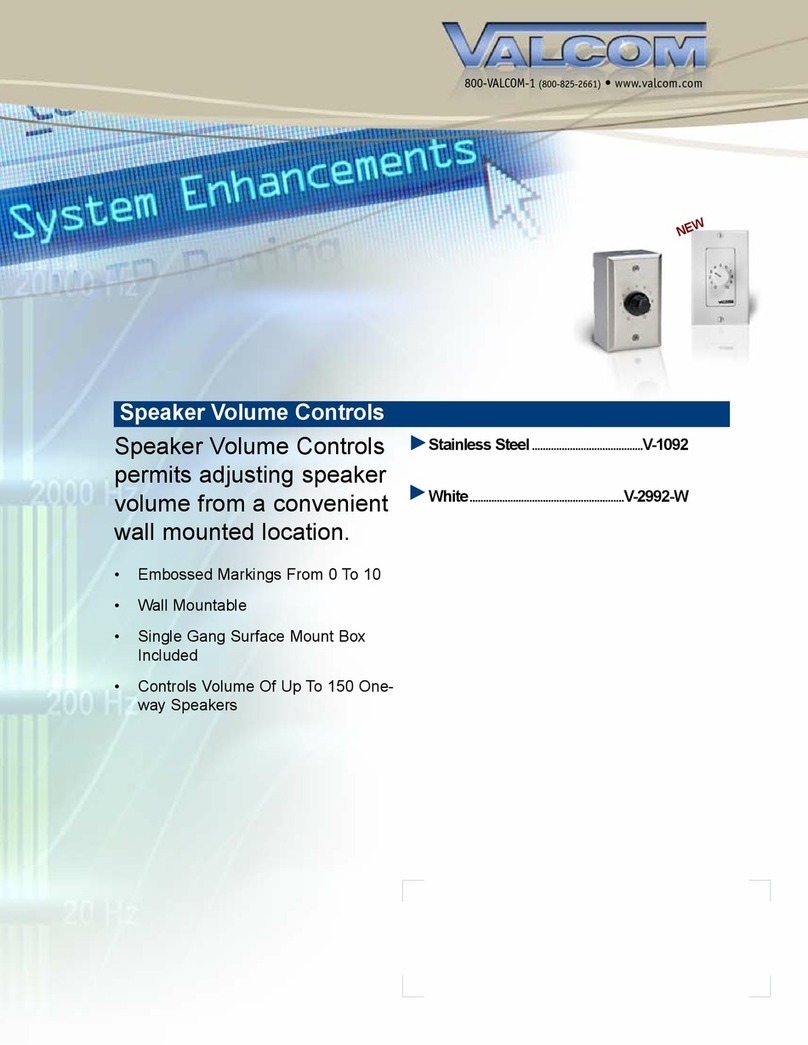
  9. Valcom V-1092 User manual

Valcom V-1092 User manual

Other Valcom Controllers manuals

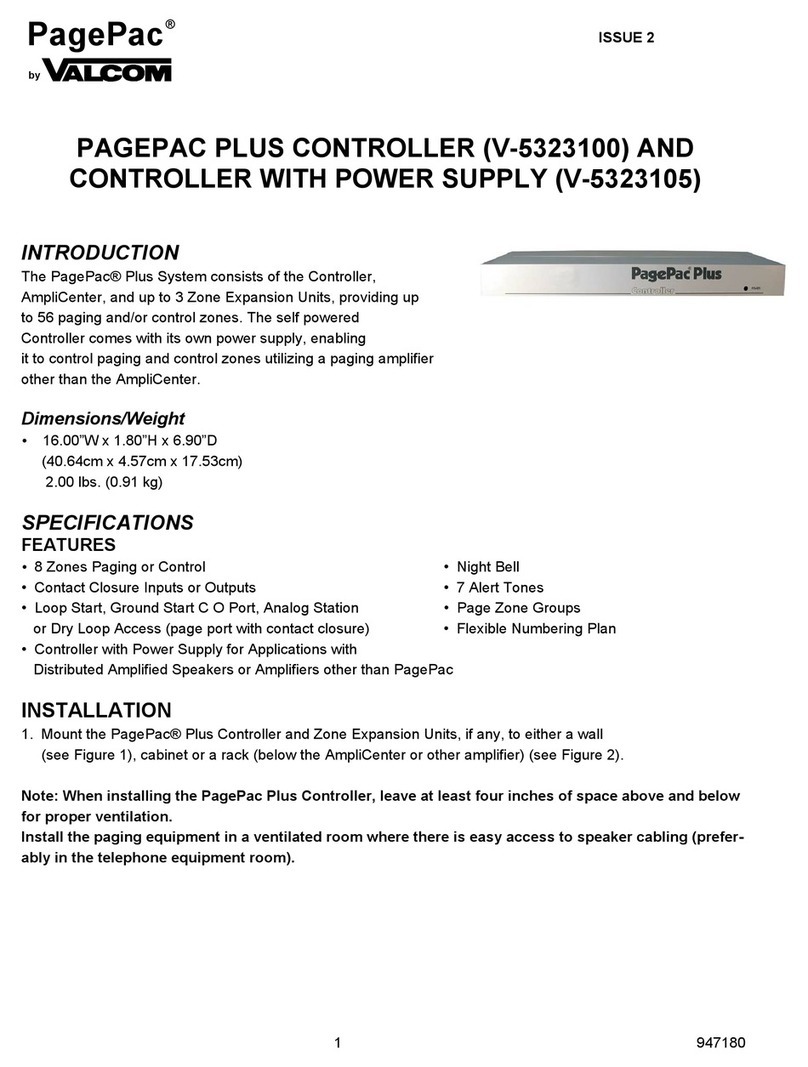
Valcom PagePac Plus V-5323100 User manual

Valcom

Valcom PagePac Plus V-5323100 User manual

Valcom Pagepac Plus V-5335621 User manual

Valcom

Valcom Pagepac Plus V-5335621 User manual

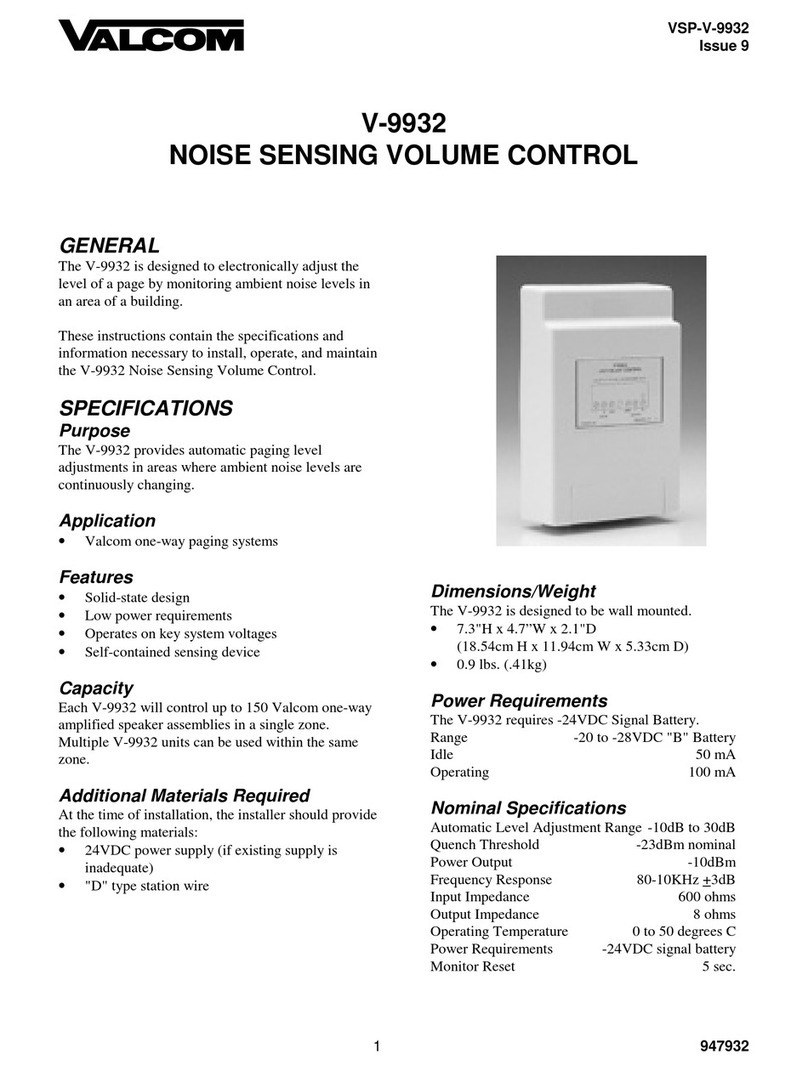
Valcom V-9932 User manual

Valcom

Valcom V-9932 User manual

Valcom V-1092 User manual

Valcom

Valcom V-1092 User manual

Valcom PagePac Plus V-5323100 User manual

Valcom

Valcom PagePac Plus V-5323100 User manual

Valcom V-VCU User manual

Valcom

Valcom V-VCU User manual

Valcom V-2000 User manual

Valcom

Valcom V-2000 User manual

Valcom V-2000A User manual

Valcom

Valcom V-2000A User manual

Valcom V-1092 User manual

Valcom

Valcom V-1092 User manual

Valcom V-1092 User manual

Valcom

Valcom V-1092 User manual

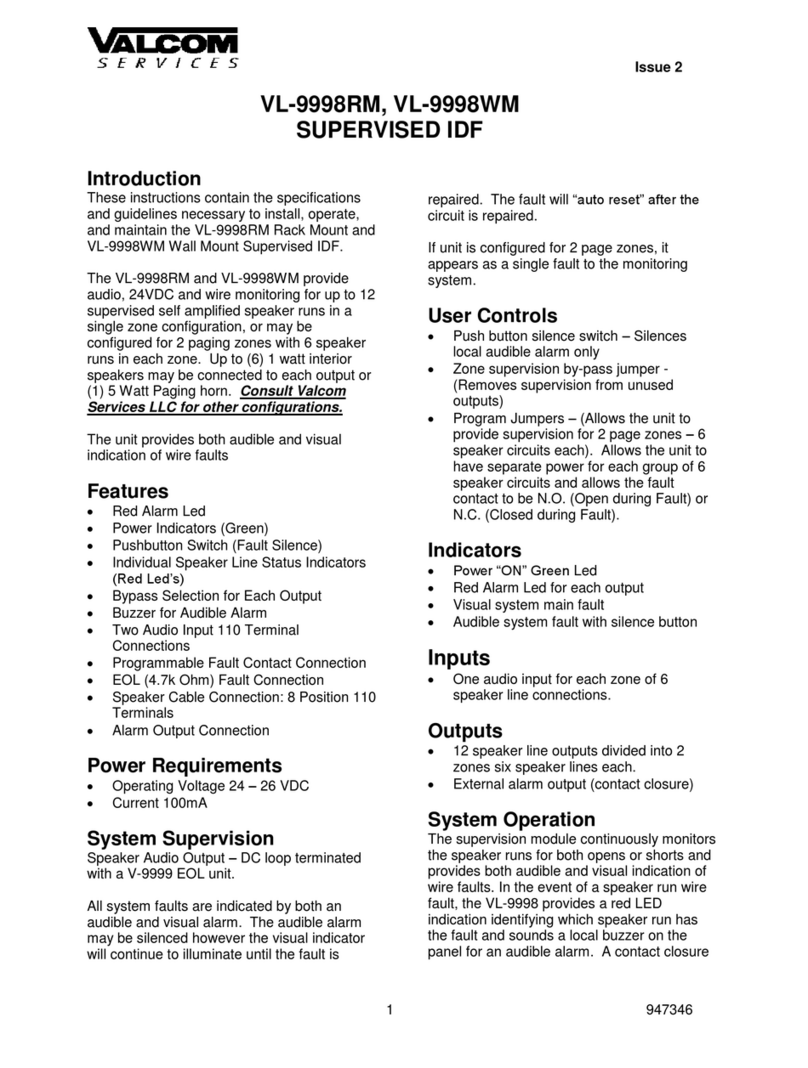
Valcom VL-9998RM User manual

Valcom

Valcom VL-9998RM User manual

Valcom PagePac V-5335100 User manual

Valcom

Valcom PagePac V-5335100 User manual

Popular Controllers manuals by other brands

Digiplex DGP-848 Programming guide

Digiplex

Digiplex DGP-848 Programming guide

YASKAWA SGM series user manual

YASKAWA

YASKAWA SGM series user manual

Sinope Calypso RM3500ZB installation guide

Sinope

Sinope Calypso RM3500ZB installation guide

Isimet DLA Series Style 2 Installation, Operations, Start-up and Maintenance Instructions

Isimet

Isimet DLA Series Style 2 Installation, Operations, Start-up and Maintenance Instructions

LSIS sv-ip5a user manual

LSIS

LSIS sv-ip5a user manual

Airflow Uno hab Installation and operating instructions

Airflow

Airflow Uno hab Installation and operating instructions

ABB ACS580-01 drives Hardware manual

ABB

ABB ACS580-01 drives Hardware manual

Panasonic GM1 Series Reference manual

Panasonic

Panasonic GM1 Series Reference manual

Emerson SW93 owner's manual

Emerson

Emerson SW93 owner's manual

AutoAqua Smart ATO micro SATO-120P manual

AutoAqua

AutoAqua Smart ATO micro SATO-120P manual

Panasonic FP? Positioning Unit RTEX Technical manual

Panasonic

Panasonic FP? Positioning Unit RTEX Technical manual

Alpha IP MIOB 21001 manual

Alpha IP

Alpha IP MIOB 21001 manual

Siemens OpenAir GMA 1 Series Mounting instructions

Siemens

Siemens OpenAir GMA 1 Series Mounting instructions

Surecom SR-629 user manual

Surecom

Surecom SR-629 user manual

Regulus SRS1 T Installation and operation manual

Regulus

Regulus SRS1 T Installation and operation manual

3M MicroTouch EX113 reference guide

3M

3M MicroTouch EX113 reference guide

KUHN TKS user manual

KUHN

KUHN TKS user manual

S&C PMH Instructions for operation

S&C

S&C PMH Instructions for operation

https://manuals.online logo
https://manuals.online logoBrands
  • About & Mission
  • Contact us
  • Privacy Policy
  • Terms and Conditions

Copyright 2026 Manuals.Online. All Rights Reserved.

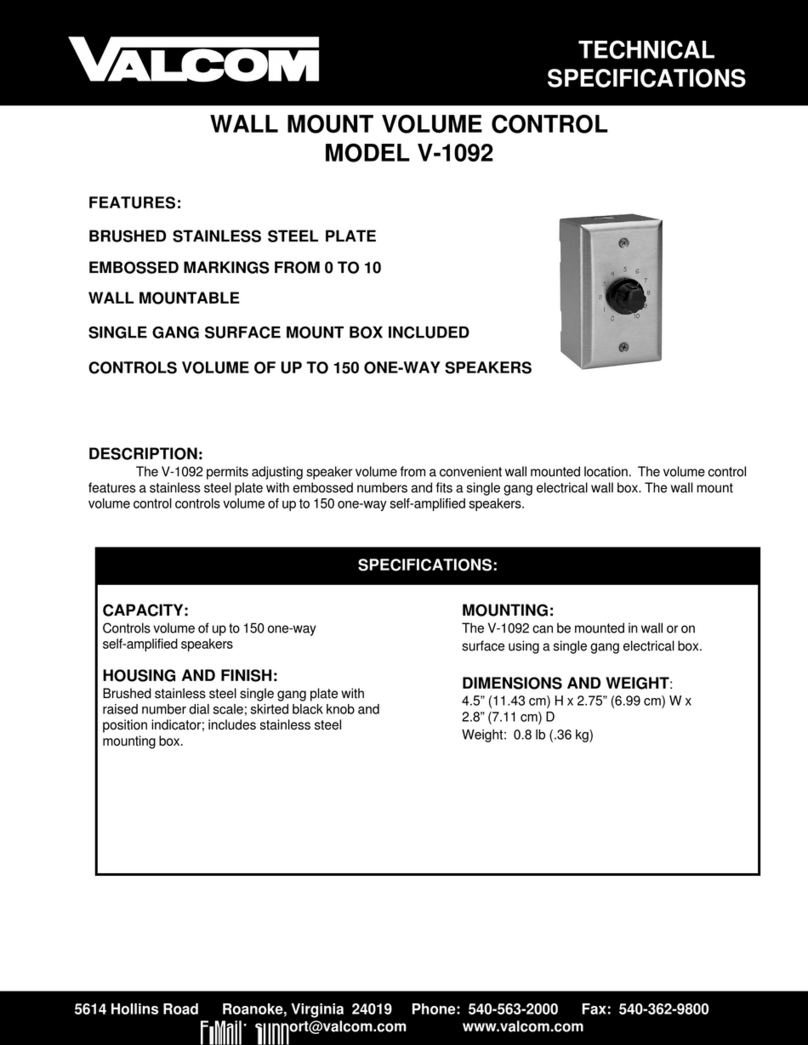
VSP-V-1092
Issue 9
1947092
V-1092
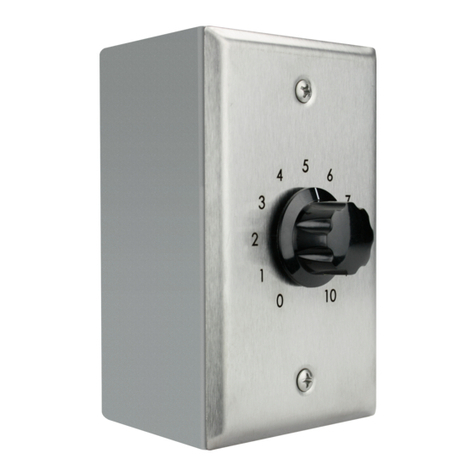
WALL MOUNT VOLUME CONTROL
INTRODUCTION
These instructions contain the specifications and
information necessary to install, operate and maintain
the V-1092, Wall Mount Volume Control.
SPECIFICATIONS
Purpose
The V-1092, Wall Mount Volume Control, is a volume
control unit which can be mounted into a single-gang
electrical box. The V-1092 comes with its own surface
mount box which provides 1/2" conduit access. This
unit is compatible with all Valcom one-way and
two-way speakers.
NOTE: The V-1092 is not designed to connect
directly to the output of high powered amplifiers.
Applications
•To control volume of one-way amplified
speaker assemblies in inaccessible areas
•To control large groups of one-way amplified
speaker assemblies
•To control volume of Valcom talkback speakers
•Volume control for Valcom V-1039A, Explosion
Proof Horn
Dimensions/Weight
•4.50"H x 2.75"W x 2.80"D
(11.43cm H x 6.99cm W x 7.11cm D)
•Weight: .8 lbs. (.36 kg)
INSTALLATION
These instructions cover only the installation
procedures for the Valcom V-1092. Consult the
installation instructions of other equipment for
information relative to each piece of equipment.
Audio Connections
"D" type station wire or other suitable pairs may be
used for audio connections.
Connections when using a One-Way Control Unit
(Refer to Figure 1)
a. Connect wall mount volume control input tip
and ring to desired zone output leads from
page control.
b. Connect wall mount volume control output
tip and ring to speakers.
Connections when using a Talkback Control Unit
(Refer to Figure 2)
a. Connect wall mount volume control tip input
terminal to tip output lead of talkback page
control unit.
b. Connect wall mount volume control tip
output terminal to tip lead of talkback
speaker.
c. Connect ring output of talkback page control
to ring of talkback speaker.
Mounting
Surface Mounting -Mount the V-1092 on any suitable
surface. Two screws are used to fasten the box to the
surface.
Flush Mounting -Remove faceplate assembly and
install in standard single-gang electrical box.
2
TECHNICAL ASSISTANCE
When trouble is reported, verify the unit is properly
connected and there are no broken connections
leading to this unit.
If trouble still exists, using two clip leads, short tip in
to tip out and ring in to ring out and test page. If the
page works, replace the V-1092. If the system still
does not work continue troubleshooting. If a spare
unit is available, substitute the spare unit for the
suspected unit.
If the trouble has not beenlocated, refer to Table 1.
Identify the symptoms and perform the actions
indicated.
Assistance in troubleshooting is available from the
factory. When calling, you should have a VOM
available and be calling from the job site. Call (540)
563-2000 and ask for Technical Support, or call (540)
767-1555 for Valcom 24-hour Faxback System or visit
our website at http://www.valcom.com.
VALCOM equipment is not field repairable. Valcom,
Inc. maintains service facilities in Roanoke, VA.
Should repairs be necessary, attach a tag to the unit
clearly stating your company name, address, phone
number, contact person and the nature of the problem.
Send the unit to: Valcom, Inc.
Repair and Return Dept.
5614 Hollins Road
Roanoke, VA 24019-5056
TABLE 1 -TROUBLESHOOTING CHART
Problems Possible Causes Verifications Possible Solutions
No audio output to
speaker. Open input path.
Open output path.
Place handset across V-1092 input
terminals; No audio present.
Place handset across speaker
terminal; No audio present.
Check cabling and cross-
connections to V-1092.
Check cabling and cross-
connections from V-1092 to
speaker.
VALCOM LIMITED WARRANTY
Valcom, Inc. warrants its products to be free from defects in materials and workmanship under conditions of normaluse and service
for a period of one year from the date of shipment. The obligation under this warranty shall be limited to the replacement, repair or
refund of any such defective device within the warranty period, provided that:
1. inspection by Valcom, Inc. indicates the validity of the claim;
2. the defect is not the result of damage, misuse or negligence after the original shipment;
3. the product has not been altered in any way or repaired by others and that factory sealed units are unopened (A service
charge plus parts and labor will be applied to units defaced or physically damaged);
4. freight charges for the return of products to Valcom are prepaid;
5. all units ‘out of warranty’ are subject to a service charge. The service charge will cover minorrepairs (Major repairs will be
subject to additional charges for parts and labor).
This warranty is in lieu of and excludes all other warranties, expressed or implied and in no event shall Valcom, Inc. be liable
for any anticipated profits, consequential damages, loss of time or other losses incurred by the buyer in connection with the
purchase, operation or use of the product.
This warranty specifically excludes damage incurred in shipment. In the event a product is received in damaged condition, the
carrier should be notified immediately. Claims for such damage should be filed with the carrier involved in accordance with the
F.O.B. point.
Headquarters: In Canada
Valcom, Inc. CMX Corporation
5614 Hollins Road 35 Van Kirk Drive #11 and 12
Roanoke, VA 24019-5056 Brampton, Ontario L7A 1A5
Phone: (540) 563-2000 Phone: (905) 456-1072
FAX: (540) 362-9800 FAX: (905) 456-2269

3
TRTR
In
Out
T
R
One-Way
Amplified
Speaker
One-Way
Page
Control
Unit
T
R
V-1092
FIGURE 1
V-1092 CONNECTIONS USING A ONE-WAY PAGE CONTROL
TRTR
In Out
T
R
Talkback
Speaker
Talkback
Page
Control
Unit
T
R
V-1092
FIGURE 2
V-1092 CONNECTIONS USING A TALKBACK PAGE CONTROL