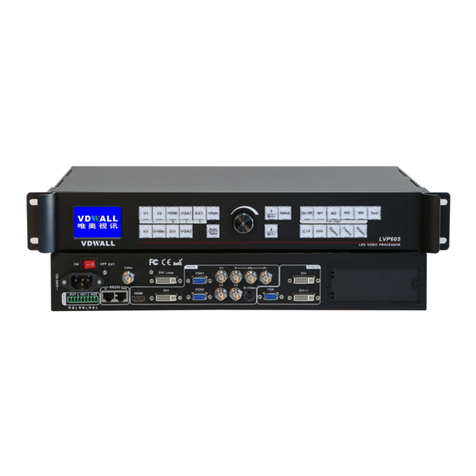
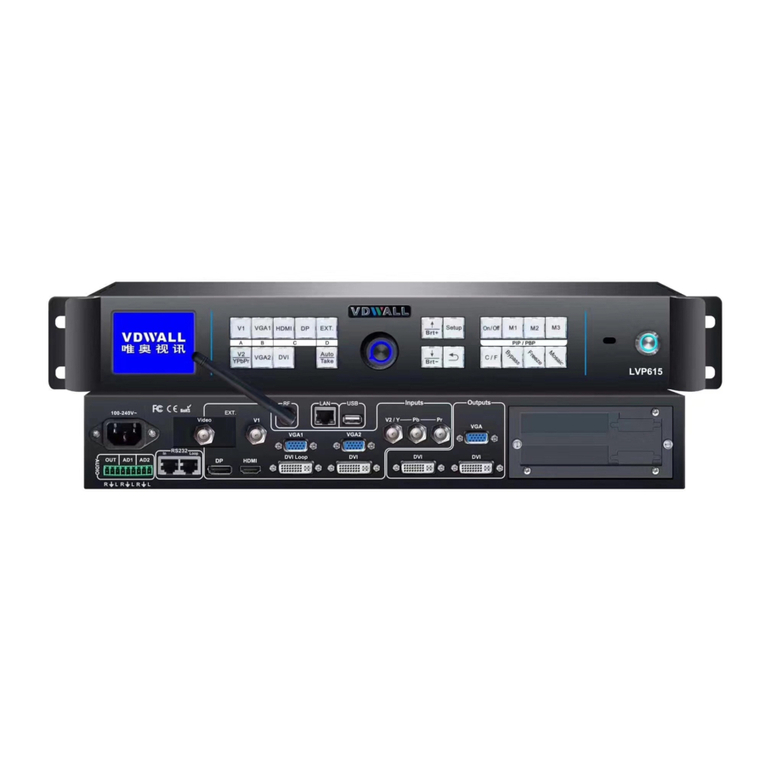
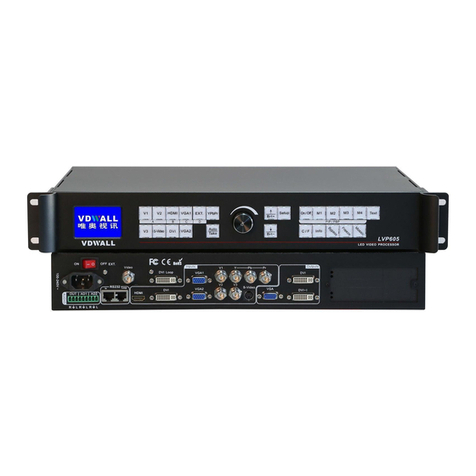
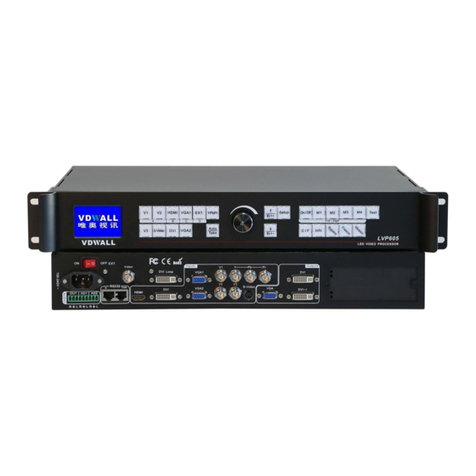
Vdwall LVP615U User manual

LVP615U
LED HD Video Processor
User Manual
V1.0

LVP615U
使用说明
2
Contents
Chapter 1: Safety precautions-------------------------------------------------- 4
Chapter 2: Item list -------------------------------------------------------------------- 5
Chapter 3: Hardware connection
3.1 Rear view-------------------- --------------------------------------------------- 6
3.2 Port description----------------------------------------------------------------- 6
3.3 Hardware connection diagram----------------------------------------------- 8
3.4 Specifications---------------------------------------------------------------------9
3.5 Product dimensions------------------------------------------------------------11
Chapter 4: Front panel and remote control instructions
4.1 Front panel buttons and remote control schematic----------------------- 13
4.2 Remote control operation instructions---------------------------------------- 15
Chapter 5: Basic user instructions
5.1 Input signals selection ---------------------------------------------------------- 17
5.2 PIP/PBP operation--------------------------------------------------------------- 21
5.3 Mosaic operation----------------------------------------------------------------- 22
5.4 Other basic user operation----------------------------------------------------- 23
Chapter 6: Setup menu instructions
6.1 Output image setting------------------------------------------------------------ 26
6.2 Input video signal setting------------------------------------------------------- 30
6.3 Text overlay setting-------------------------------------------------------------- 33
6.4 Image quality setting------------------------------------------------------------ 35
6.5 Audio setting----------------------------------------------------------------------- 36
6.6 Communication setting---------------------------------------------------------- 37
6.7 Language setting------------------------------------------------------------------ 38
6.8 Advance setting------------------------------------------------------------------- 49
6.9 PIP/PBP setting-------------------------------------------------------------------- 42
6.10 Mosaic setting------------------------------------------------------------------- 43

LVP615U
使用说明
3
Chapter 7: Remote control instructions
7.1 Hardware communication-------------------------------------------------- 48
7.1.1 RS232 and USB-------------------------------------------------------------- 49
7.1.2 Wired network---------------------------------------------------------------- 50
7.1.3 WIFI connection--------------------------------------------------------------- 51
7.2 LVP615U series PC control software instructions----------------------
58
7.2.1 Control method---------------------------------------------------------------- 58
7.2.2 Software interface instructions-------------------------------------------- 59
7.3 APP remote control---------------------------------------------------------- 76
7.3.1 Connection----------------------------------------------------------------------- 77
7.3.2 APP control instructions-------------------------------------------------------80
Chapter 8 Copyright information---------------------------------------------------97
Appendix: modify the record table ----------------------------------------------------- 98

LVP615U
使用说明
4
Chapter 1: Safety precautions
!Danger
There is high voltage in the processor, to prevent any unexpected
hazard, unless you are maintenance, please do not open the cover
of the device.
!Warning
1. This device shall not encounter water sprinkle or splash,
please do not place anything containing water on this device.
2. To prevent fire, keep this device far from any fire source.
3. If this device gives out any strange noise, smoke or smell,
please immediately unplug the power cord from receptacle, and
contact local dealer.
4. Signal cables are not hot swappable.
!Caution
1. Please thoroughly read this manual before using this device,
and keep it well for future reference.
2. In the event of lighting or when you are not going to use the
device for a long time, please pull the power plug out of
receptacle.
3. Nobody other than professional technicians can operate the
device, unless they have been appropriately trained or under
guidance of technicians.
4. To prevent equipment damage or electric shock, please don’t
fill in anything in the vent of the device.
5. Do not place the device near any water source or anywhere damp.
6. Do not place the device near any radiator or anywhere under
high temperature.
7. To prevent rupture or damage of power cords, please handle and
keep them properly.

LVP615U
使用说明
5
8. Please immediately unplug power cord and have the device
repaired, when
1) Liquid splashes to the device.
2) The device is dropped down or cabinet is damaged.
3) Obvious malpractice is found or performance degrades.
Chapter 2 Item List
Please unpack the product carefully, then check whether all the following
things are included in the package. If anything is found missing, please contact
the dealer.
Standard accessories
The accessories supplied with this LED Video Processor may differ from
the figures contained in the User’s Manual, but they are applicable for the
regions where you live.(LED sending card is optional)
1.5m power cord*1
1.5m DVI cable*1
0.5m DVI cable*1
1.5m RS232 to RJ45
adapter cable*1
User manual *1
CD*1
Remote control *1
Audio connector *1
BNC-RCA adapter *3

LVP615U
使用说明
6
Chapter 3 Hardware connection
3.1 Rear view
1
3
5
2
4
4
3.2 Ports description
3.2.1 Video signal inputs (INPUT)
LVP615U supports 8 video signals input as follows:
Port
Description

LVP615U
使用说明
7
V1
1*Composite Video (PAL/ NTSC)
V2 / YPbPr
1* Composite video (PAL/ NTSC) or analog
component video input
VGA1~VGA2
2 * PC analog signal
DVI
1* DVI ( PC digital signal)
HDMI
1*HDMI (HD digital signal)
DP
1*DisplayPort( digital signal input)
EXT.
1* Extended PAL/NTSC composite video input
3.2.2Audio input signals(AUDIO)
LVP615U supports 5-channel stereo audio inputs switching. Of
which, 3channels are DP, HDMI and USB input. The other 2 channels are AD1,
AD2 external audio input. AD1 and AD2 can be mapped to any one of signal
inputs, and will be switched synchronous to the selection of video input signals.
3.2.3 Video signal output
Port
Description
VGA OUT
1-channel analog RGBHV signal output,
which can be connected to a local display
device for monitoring (it is strongly
recommended to use this port when
operating and setting LVP615U).
DVI OUT1 /
DVI OUT2
2 same DVI digital graphic signal output,
it can be connected to external 2 LED
transmission cards or LED transmission
boxes.
DVI Loop OUT
1-channel computer DVI digital signal
loop output

LVP615U
使用说明
8
3.2.4 Other ports
Port
Description
LAN
TCP/IP local area network control
interface
USB
USB communication port
RS232 IN
Serial communication interface, used to
connect the RS232 port of PC to realize
PC software control.
RS232 LOOP
Serial communication cascading output
for connecting the RS232 IN of next unit,
through single PC can control several
units.
RF
Antenna interface of wireless control
function
RF 2
Network intelligent module
3.3 Hardware connection diagram

LVP615U
使用说明
9
3.4 Specifications

LVP615U
使用说明
10
Inputs
Nums / Type
2×Video
1×YPbPr
2×VGA(RGBHV)
1×DVI(VESA /CEA-861)
1×HDMI(VESA /CEA-861)
1×DP(VESA)
1*EXT ( USB)
Video system
PAL/NTSC
Composite Video
Amplitude Impedance
1V(p_p)/ 75Ω
VGA format
PC(VESA standard)
≤2048×1152_60Hz
VGA Amplitude
Impedance
R、G、B = 0.7 V(p_p)/ 75Ω
YPbPr format
SD/HD(CEA -861)
≤1920x1080p_60Hz
YPbPr Amplitude
Impedance
Y=1V(p_p)/ 75Ω
Pb= 0.35V(p_p)/ 75Ω
Pr= 0.35V(p_p)/ 75Ω
DVI format
PC(VESA standard)
≤2304×1152_60Hz
Custom output format
Width≤3840 ,
Height≤1920
HDMI format
PC(VESA standard)
≤1920×1080_60Hz
HDMI1.3(CEA-861)
DP format
Display Port 1.1 (VESA
standard)
≤1920×1080_60Hz
USB
video format
MKV/TS/M2TS/TP/TRP/AVI
/WMV/RM/RMVB/MPEG/M
PG/MP4/VOB/MOV/ISO/DA
T/ASF
Video encoding format
H.265 AVC HD、VC-1(WMV
HD) 、MPEG-2 HD 、
MPEG-1、MPEG-4、Xvid
This manual suits for next models
1
Table of contents
Other Vdwall Processor manuals

Vdwall
Vdwall LVP603 series User manual

Vdwall
Vdwall LVP608 User manual

Vdwall
Vdwall LVP605 User manual

Vdwall
Vdwall LVP8601 User manual

Vdwall
Vdwall LVP605 User manual

Vdwall
Vdwall LVP605 Operating manual

Vdwall
Vdwall LVP603 series User manual

Vdwall
Vdwall LVP615 series User manual

Vdwall
Vdwall LVP605S User manual

Vdwall
Vdwall LVP606A User manual