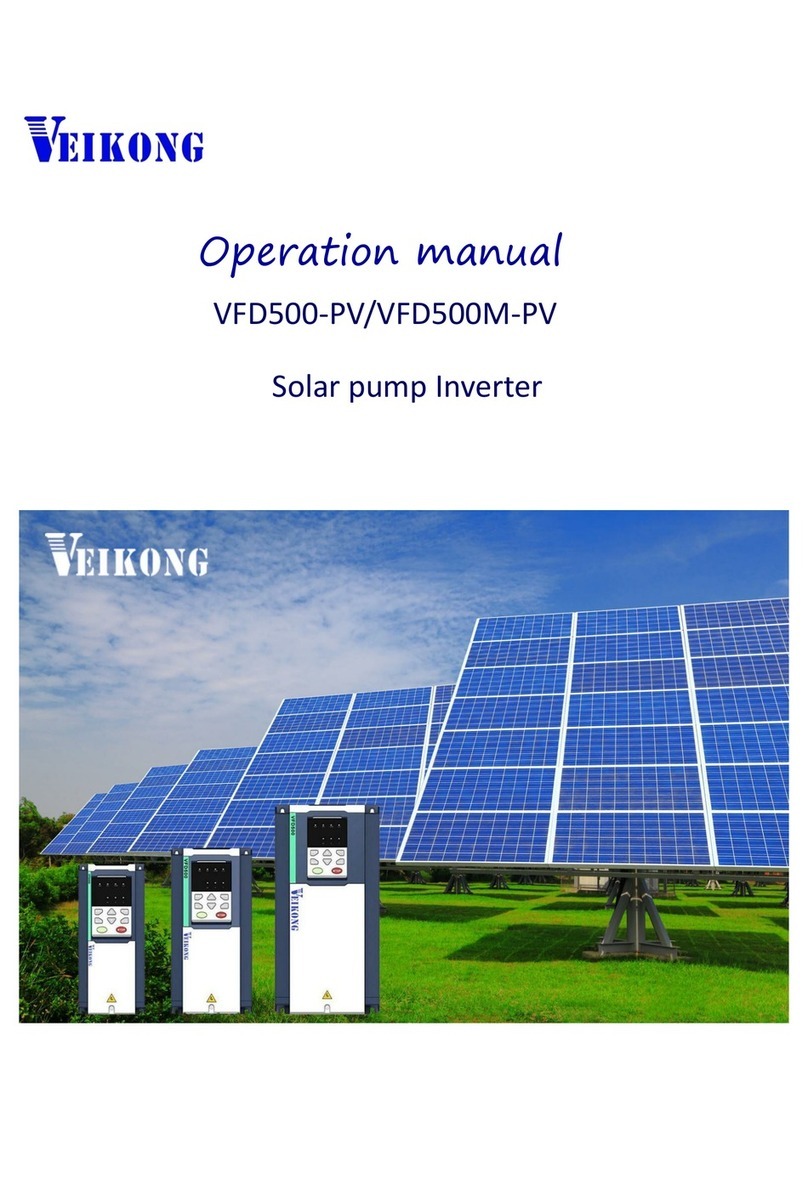
2、Trial run(How to start solar pump inverter)
Make sure all cables connections of solar panel and pump motor correct and no
need to set any parameter,if you want to set parameter ,you can do as follows
Step 1: Keypad control:Set motor parameter P11.02- P11.06 If dry run protection is
required, measure the unload protection current according to the following method. If dry
run protection not required then go to step 2
Notice”Unload detection current self-learning: disable the PV pump function
(P47.00=0), run to 30~40Hz, when the output frequency is stable, enter P24.13, press
the keyboard and simultaneously for more than 2 seconds, then P24.13
value will change automatically. In this process, the pump no need to take out from
water
Step 2: Set other related special solar pump parameters for optimization
Step 3: After trial run finishing, If pump still not pump water when inverter is running
more than 40 Hz.,Please disconnect the power supply and replace any two-phase wiring of
the motor.
3、Keypad display
3.1Monitor display
According to the running status of the inverter, the digital tube displays different
contents in turn. If the button has no operation, the next monitoring amount is
automatically displayed every few seconds; of course, you can also switch to the
next monitoring indicator
When the inverter is in the stop state, the digital tube is cyclically scrolling to
display:
“00000”DC bus voltage(r27.03)given frequency(r27.01)Distance
remaining time(r47.02)“00000”
When the inverter is in running state, the digital tube is cyclically scrolling to
display.:
“00000”DC bus voltage(r27.03)output frequency(r27.00)output current
(r27.06)output power(r16.02)“00000”
When the inverter is in a fault state, the digital tube is cyclically scrolling to
display.:
Fault code (r25.00) DC bus voltage at fault (r25.03) Output frequency at
fault (r25.01) Output current at fault (r25.02) Output power at fault (r25. 16)
fault code
3.2 Menu mode
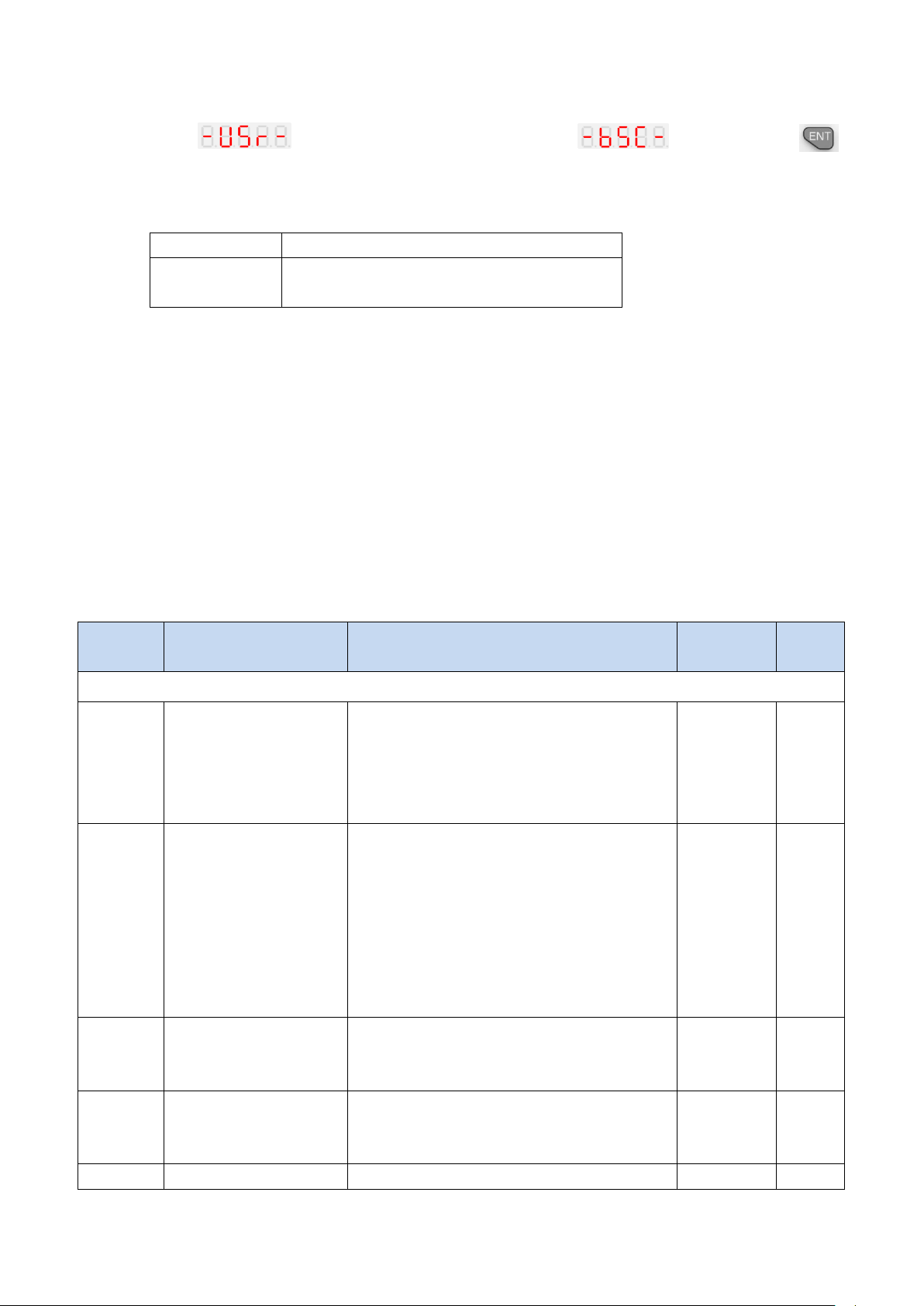
After the inverter is power on, the keyboard menu mode is user-defined mode. Most
of users only need to pay attention to the parameters displayed in this mode. To check
the complete inverter parameters, press the and keys while the keyboard is