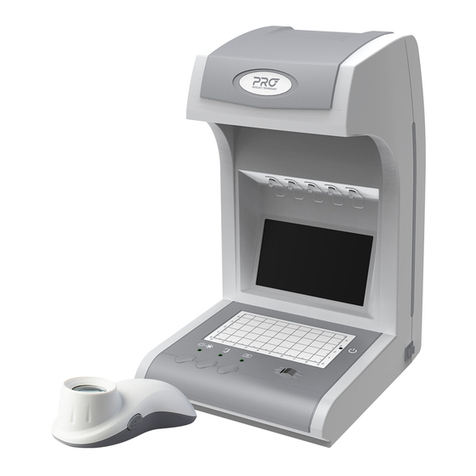
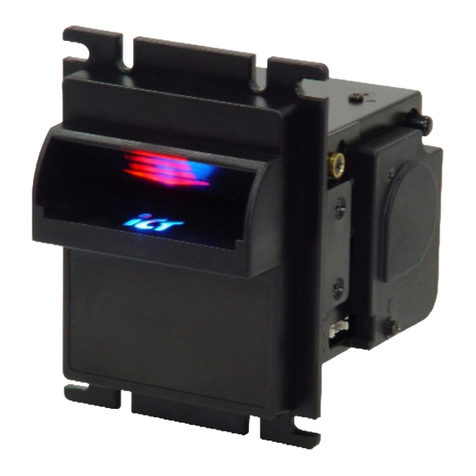
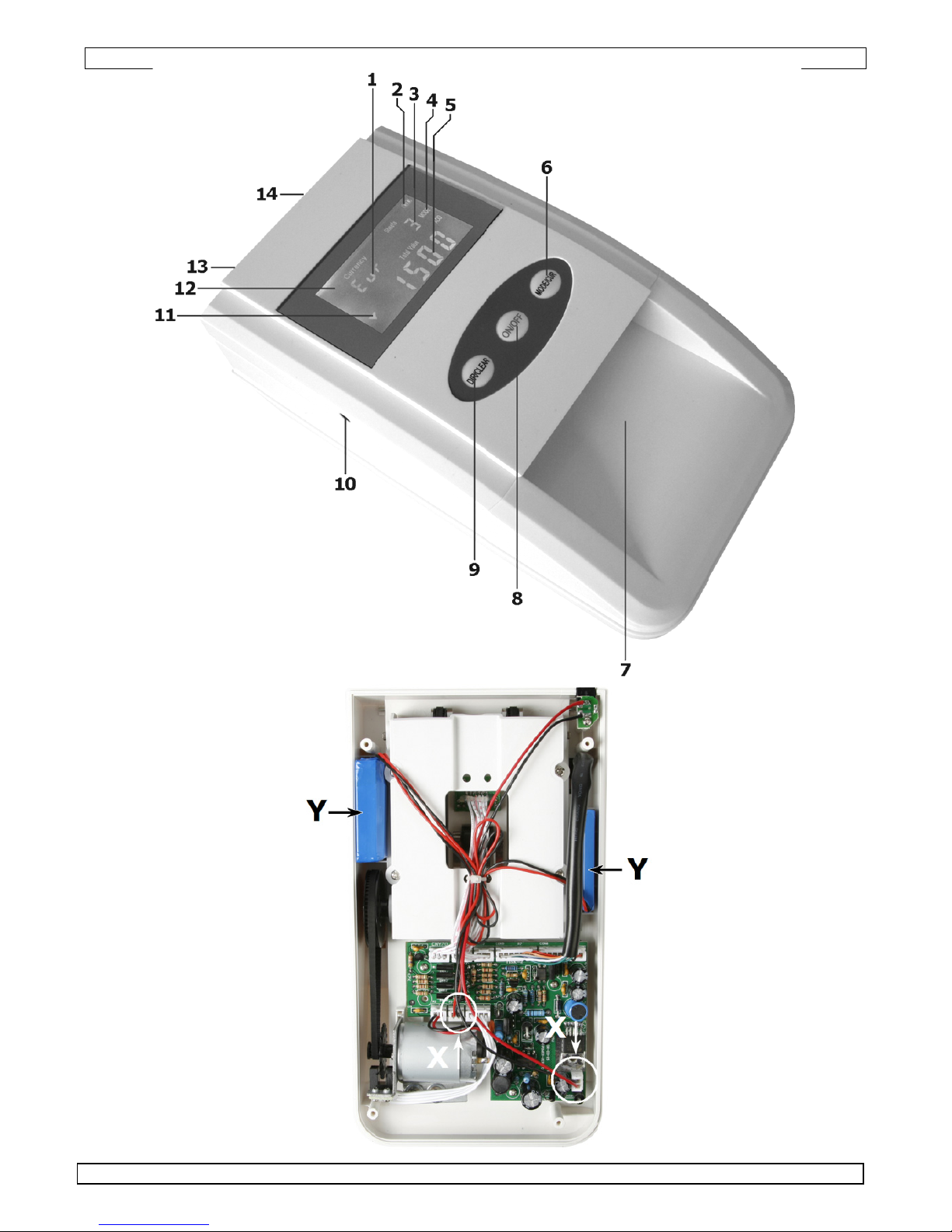
7 entrance slot 14 exit slot
6. Operation
Refer to the illustrations on page 2of this manual.
•The BDET1 can work either via the included mains adaptor, the included car cigar lighter cable or
using the built-in rechargeable battery.
AC adaptor/car cigar lighter socket
•Connect the DC output of the adaptor or car cigar lighter cable into the DC input jack [13].
•Plug the adaptor into a suitable mains outlet or plug the car lighter plug into a 12V car cigar lighter
receptacle.
•The detector automatically switches on and performs a self-test.
•The LCD backlight is always on and the battery is charged when necessary.
Internal battery
•Switch on the detector by pressing and holding the On/Off button [8] for 3s. Press and hold again for
3s to switch it off.
•The LCD backlight switches off after 10s, data is still maintained. Press any button or insert a
banknote to switch the backlight on again.
•To save power, the detector will enter sleep mode after 5 minutes of inactivity. It can be put back in
active mode by pressing the On/Off button [8]. However, previous data is lost.
•The battery status is indicated on the display [2].
Set currency
•The detector can detect either Euro banknotes or Pound sterling (GBP). To switch between them,
press and hold the MODE/CUR button [6] for 2s. The currency is indicated [1] on the display.
•The selected currency is memorized when the device is switched off.
Show denomination or total value
•The display can either show [5] the value of the last inserted banknote (single mode) or the sum of
all inserted banknotes (add mode).
•Press the MODE/CUR button [6] to switch to add mode (display indicates ADD [4]). The sum value
is shown on the bottom line [5].
•Press the MODE/CUR button [6] again to switch to single mode (display indicates SINGLE [4]). The
denomination of the last inserted banknote is shown on the bottom line [5].
Note: the number of banknotes passed through the detector is always indicated [3].
Banknote exit
•Banknotes always have to be inserted via the front of the device [7]. They can be ejected either
back through the front [7] or via the back [15].
•To set the exit direction, shortly press the DIR/CLEAR button [9]. An arrow on the display [12, 13]
indicates in which direction the accepted banknotes are ejected. Press again to change the direction.
Note: suspected banknotes are always ejected in the opposite direction of the accepted banknotes.
•The selected direction is memorized when the device is switched off.
Inserting banknotes
•Flatten the banknote prior to inserting it into the devise.
•Slide the banknote lengthwise into the entrance slot [7] in any direction with any side facing up.
•The banknote will be drawn into the detector, analyzed and ejected again via the selected direction.
•Suspected banknotes will be ejected in the opposite direction from the accepted ones and the
detector will beep 3 times. An error code is displayed [3] shortly.
E1 size error (2D test)
*: can be caused by folded banknotes or