TM
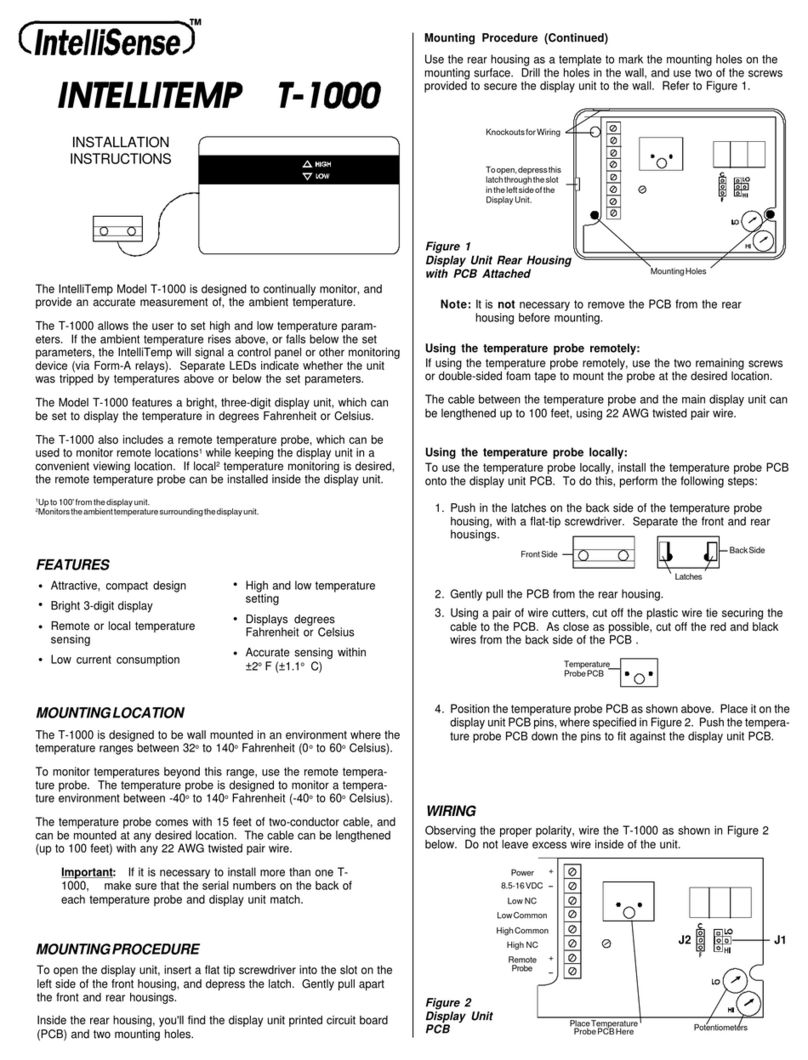
WIRELESS DEVICES INSTALLATION GUIDE
Z
20
632
3-
0
B
PAGE 1 ©2012 Veris Industries USA 800.354.8556 or +1.503.598.4564 / suppor[email protected] 12121Alta Labs, Enercept, Enspector, Hawkeye, Trustat, Aerospond, Veris, and the Veris ‘V’ logo are trademarks or registered trademarks of Veris Industries, L.L.C. in the USA and/or other countries.
Wireless Temperature and Humidity Sensors
SPECIFICATIONS
Inputs:
Input Voltage Two 1.5 V AA lithium/iron disulde batteries (3000 mAh min.)
Setup Pushbutton setup
Outputs:
Wireless 802.11 B/G 2.4 GHz radio
Battery Indicator Indicates low battery power (read by Gateway or JACE)
Temperature Output Range Configurable in software: 0° to 50°C (32° to 122°F)
or 10° to 35°C (50° to 95°F)
Accuracy:
Temperature ±0.75°C (typical)
Humidity ±2% of full scale @ 25°C
Operating Environment:
Operating Temperature Range 0° to 50°C (32° to 122°F)
Operating Humidity Range 0 to 95% RH noncondensing
Storage Temperature Range -40°C to 50°C (-40°F to 122°F)
Agency Approvals EN61010-1; ETL; CE
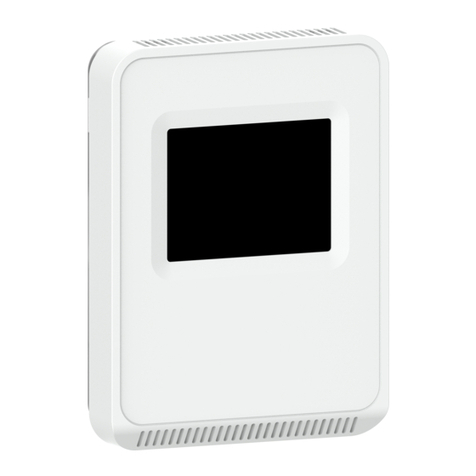
HWXW SERIES AND TWXWXX
DIMENSIONS
NOTICE
• This product is not intended for life or safety applications.
• Do not install this product in hazardous or classied locations.
• Read and understand the instructions before installing
this product.
• Turn off all power supplying equipment before working on it.
• The installer is responsible for conformance to all applicable codes.
No responsibility is assumed byVeris Industries for any consequences arising out of the
use of this material.
Accessories (sold separately)
Part Number Description
AWB01 Wi-Fi conguration cable
AWB04 JACE Driver 3.5"
(89 mm)
4.8"
(121 mm)
1.2"
(30 mm)
PRODUCT OVERVIEW
The Aerospond HWXW Series and the TWXWXX wireless sensors monitor the
humidity and temperature, respectively, of the air inside a room. The HWXW series
has a temperature option to get both readings in one device. The sensors send
environmental readings over a standard building wireless (Wi-Fi) network. The
sensors can be integrated with the building controller using either a network wireless
gateway (Veris Aerospond NWGWA2), which converts data to either analog or digital
outputs, or with a JACE controller and driver (Veris AWB04) for direct integration.
QUICK INSTALL
1. Congure all devices in the wireless network using the Veris conguration
software, available at www.veris.com.
2. Ax the backplate on a vertical wall, about 4 ½ feet above the oor, away from
ventilation sources.
3. Insert two 1.5 V AA lithium/iron disulde batteries (3000 mAh min.) into the
terminals on the back of the sensor.
4. Mount the sensor onto the backplate and attach the front cover.
FCC PART 15 INFORMATION
NOTE: This equipment has been tested by the manufacturer and found
to comply with the limits for a class A digital device, pursuant to part
15 of the FCC Rules. These limits are designed to provide reasonable
protection against harmful interference when the equipment is
operated in a commercial environment. This equipment generates,
uses, and can radiate radio frequency energy and, if not installed and
used in accordance with the instruction manual, may cause harmful
interference to radio communications. Operation of this equipment in
a residential area is likely to cause harmful interference in which case
the user will be required to correct the interference at his own expense.
Modifications to this product without the express authorization of
Veris Industries nullify this statement.
IMPORTANT NOTE: To comply with FCC & IC RF exposure requirements, the antenna used
for this transmitter must be installed to provide a separation distance of at least 20cm
from all persons and must not be co-located or operate in conjunction with any other
antenna or transmitter.
HW
Local Display
= No Display
Wireless
= Wireless
W
RH Option
1 = RH 1% NIST
2 = RH 2% NIST
H = RH 2%
Temp. Option
X = No temp.
T = Temp. transmitter
X
PRODUCT IDENTIFICATION
TW
Local Display
= No Display
Wireless
= Wireless
WX XX
EU