VIAVI//Public
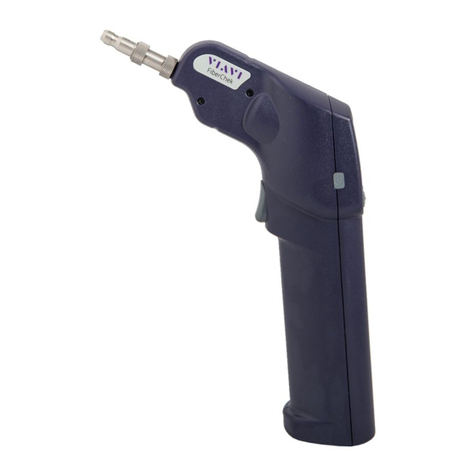
FiberChek Probe Microscope
FiberChek Probe Microscope
QUICK CARD
© 2022 VIAVI Solutions, Inc,
Product specifications and descriptions in this
document are subject to change without notice.
Patented as described at viavisolutions.com/patents
Contact Us
To reach the VIAVI office nearest you,
visit viavisolutions.com/contact
+1 844 GO VIAVI
(+1 844 468-4284)
INSPECT PATCH CORD
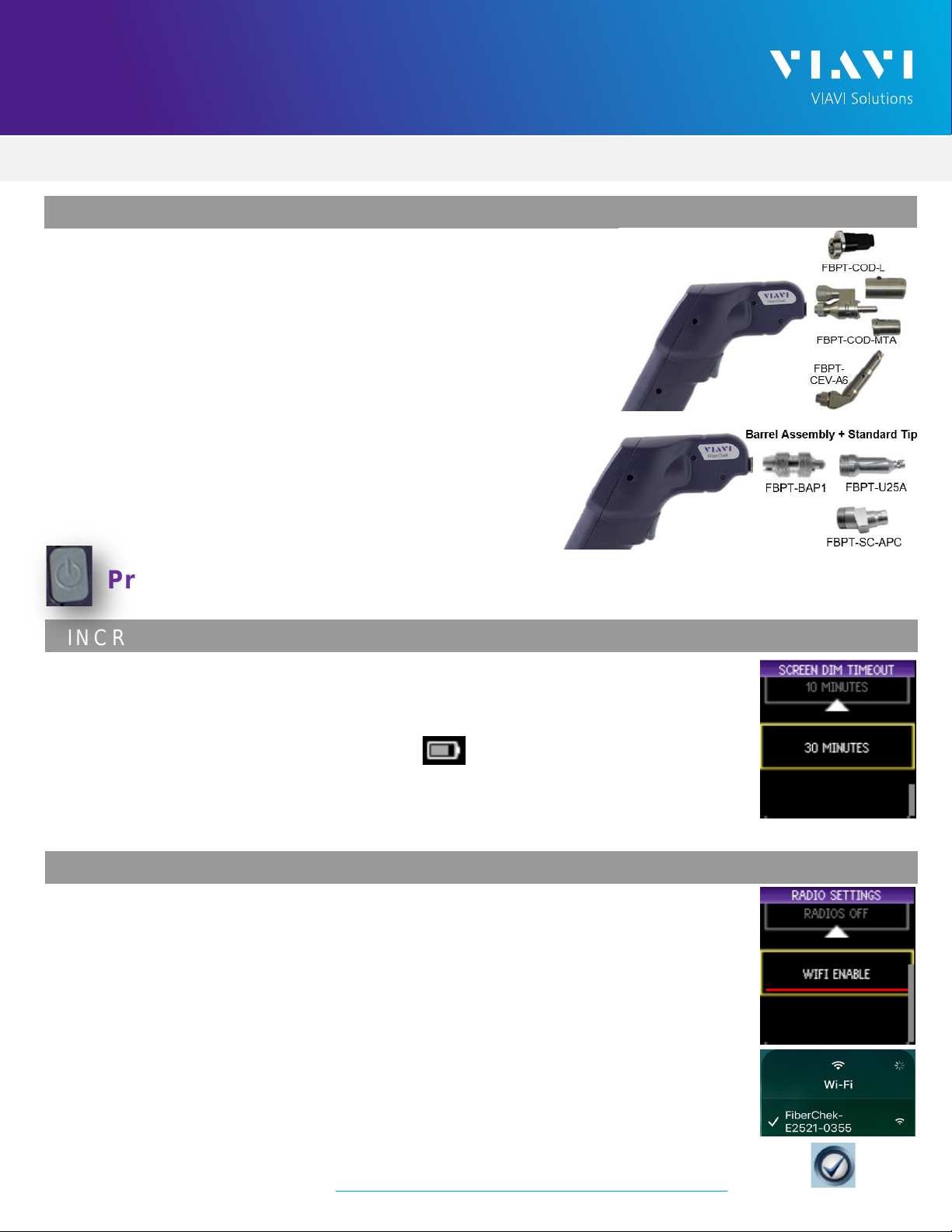
1. Insert the Patch Cord into the Inspection tip:
➢For SC-APC Patch Cord inspection through an
SC-SC Optical Coupler, insert the Patch Cord into the
SC APC optical coupler. The Patch Cord, coupler, and
tip are all keyed and the keys must be aligned.
➢For Corning OptiTap, PushLok, and SC-APC Patch
Cord Inspection without an Optical Coupler, insert
the Patch Cord into the 2.5mm APC Patch Cord
inspection tip. Rotate fiber and align the connector
key to the notch on inspection tip for proper alignment.
➢For OptiTip Patch Cord Inspection, slide the bulkhead
adapter onto the main tip assembly. Rotate wheel to
view and test each fiber.
2. Tap the Trigger of the FiberChek microscope to
auto-focus the fiber under test. Press the Trigger
again and hold for 2 seconds to perform
PASS/FAIL analysis. FiberChek will briefly display
the analysis result and enter the Analysis Result
View. A green screen with a "check" graphic
indicates a PASS result.A red screen with an "X"
graphic indicates a FAIL result.
3. If the test fails, clean the fiber end-face and re-run
the inspection test. Repeat until it passes.
4. When the test passes the results for all zones will
be shown in green. You are ready to connect the
patch cord to the bulkhead.
Figure 10:
SC APC Patch Cord and Coupler
Figure 11: SC APC Patch Cord
Figure 12: OptiTap Patch Cord
Figure 13: OptiTip Patch Cord
Figure 14: FiberChek Mobile