USB OPERATION
USB RECORDING OPERATION
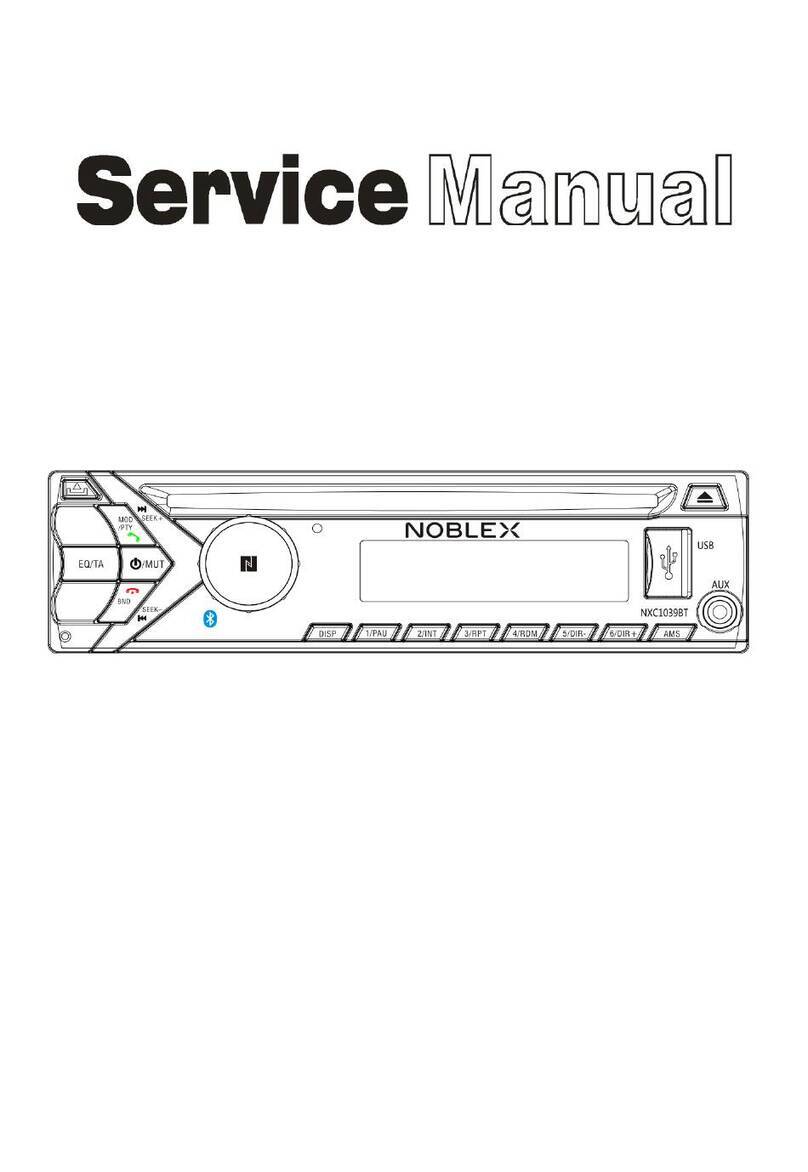
1. Press the POWER/MODE button to select “USB” mode.
2. Insert the USB memory stick (not included) into the USB PORT.
3. After a few seconds,the LCD DISPLAY will show the total number of tracks on the USB memory
stick and then playback will begin automatically from the first track.
4. Repeat the same playback operations as CD OPERATION.
NOTES:
• This function can detect and read ONLY MP3 and WMA file formats through the USB PORT.
• Some MP3 players may not be able to play via the USB PORT due to variances in the MP3
encoding formats, this is not a malfunction of the unit.
• Connecting the USB memory stick upside down or backwards could cause damage to the unit.
Make sure the direction is correct when inserting the USB memory stick to the USB PORT.
RECORDING FROM CD
1. Insert the USB memory stick into the USB PORT.
2. While playing a CD, press the RECORD button one time.
3. REC-ONE (Manually record)
“REC-ONE” will appear on the LCD DISPLAY.
REC-ALL (Record entire CD)
Press the UP/F-F button once, “REC-ALL” will appear on the LCD DISPLAY.
4. Press the RECORD button again to confirm, “REC” will flash on the LCD DISPLAY and the
recording will begin after about 5 seconds.
5. Press the STOP button to stop recording.
RECORDING FROM CD-MP3
1. Insert the USB memory stick into the USB PORT.
2. While playing a CD-MP3, press the RECORD button one time.
3. REC-ONE (Manually record)
“REC-ONE” will appear on the LCD DISPLAY.
REC-FOLD (Record entire folder)
Press the UP/F-F button once, “REC-FOLD” will appear on the LCD DISPLAY.
REC-ALL (Record entire MP3)
Press the UP/F-F button twice, “REC-ALL” will appear on the LCD DISPLAY.
4. Press the RECORD button again to confirm, “REC” will flash on the LCD DISPLAY and the
recording will begin after about 5 seconds.
5. Press the STOP button to stop recording.
RECORDING FROM PHONO/BLUETOOTH/AUX-IN
1. Insert the USB memory stick into the USB PORT.
2. While playing in PHONO/BLUETOOTH/AUX-IN mode, press the RECORD button one time.
“USB” will appear on the LCD DISPLAY.
3. Wait about 5 seconds and “USB”and “REC” will flash on the LCD DISPLAY, and the recording will
begin.
4. Press the STOP button to stop recording, and “END” will appear on the LCD DISPLAY.
DELETE USB
• DELETE CURRENT TRACK
During USB mode, press the DELETE (on the remote) button once.
“DEL-ONE” will show on the display. Then press the DELETE button again to confirm.
• DELETE CURRENT FOLDER
During USB mode, press the DELETE (on the remote) button once. Then press the UP/F-F
button once. “DEL-FOLD” will show on the display. Then press the DELETE button again to
confirm.
• DELETE ALL
During USB mode, press the DELETE (on the remote) button once. Then press the UP/F-F
button twice. “DEL-ALL” will show on the display. Then press the DELETE button again to
confirm.
8
AUX-IN OPERATION
1. Press the POWER/MODE button to switch to “AUX” (AUX-IN) mode.
2. Connect one end of a 3.5mm cable (not included) into the AUX-IN JACK on the front of the unit
and the other end into the 3.5mm AUX-IN jack on your external device.
3. Use your external device to control playback.
HEADPHONE OPERATION
Plug the headphones (not included) into the Headphone Jack on the front of the unit to
listen. The built-in speaker will stop playing once the headphones are plugged in.