If you are not already in this mode’s normal view,
press NAV* on the centre console to enter navigation
mode.
SETTING A DESTINATION USING AN ADDRESS
The following is an example of how a route can be set
by entering an address.
1. From navigation mode’s normal view, press NAV*
again to display the shortcut menu. Press the
thumb wheel or OK to select Set address.
2. Scroll to the selection of your choice (Area, City,
Street, etc.) and press the thumb wheel or OK.
Begin entering letters (see ENTERING TEXT to
the right) until a list appears or if applicable scroll
to the right arrow on the text wheel and press the
thumb wheel or OK to access the list of names.
3. Scroll to the desired name and press the thumb
wheel or OK.
4. Continue to fill in the other information in the same
way.
5. At the bottom of the menu, scroll to Set single
destination or Add as waypoint and press the
thumb wheel or OK.
6. If you have chosen Set single destination,
the system will then calculate a route and begin
providing directions to your destination. This alter-
native will erase an existing itinerary.
If you have chosen Add as waypoint, a new
menu will be displayed.
Set POI and Set previous destination work in the
same way.
When guidance has started, turn the thumb wheel or
TUNE to change the map scale.
ENTERING TEXT
When entering a destination, text can be entered in
two ways: by using the text wheel (see the illustration
in the right-hand column) or by pressing the buttons
on the centre console keypad.
USING THE TEXT WHEEL:
• Turn the thumb wheel or TUNE to scroll to the
desired letter. Press the thumb wheel or OK to
enter the letter in the search field at the top right of
the screen.
SENSUS INFOTAINMENT - NAVIGATION MODE*
• Scroll to ABC or 123 to toggle between letters and
numbers.
• Scroll to More and press the thumb wheel or OK
to toggle between various special characters.
• Scroll to the right arrow to access the list of names
to the right of the scroll wheel (if anything has been
found matching your search criteria).
• Last 5 show the five most recently entered names.
Erase characters with EXIT.
USING THE CENTRE CONSOLE KEYPAD.
Press a button once to enter the first letter on it, twice
for the second letter, etc.
PROGRAMMING A FAVOURITE FUNCTION
(* FAV)
The following example shows how guidance can
be paused or resumed by programming the * FAV
button.
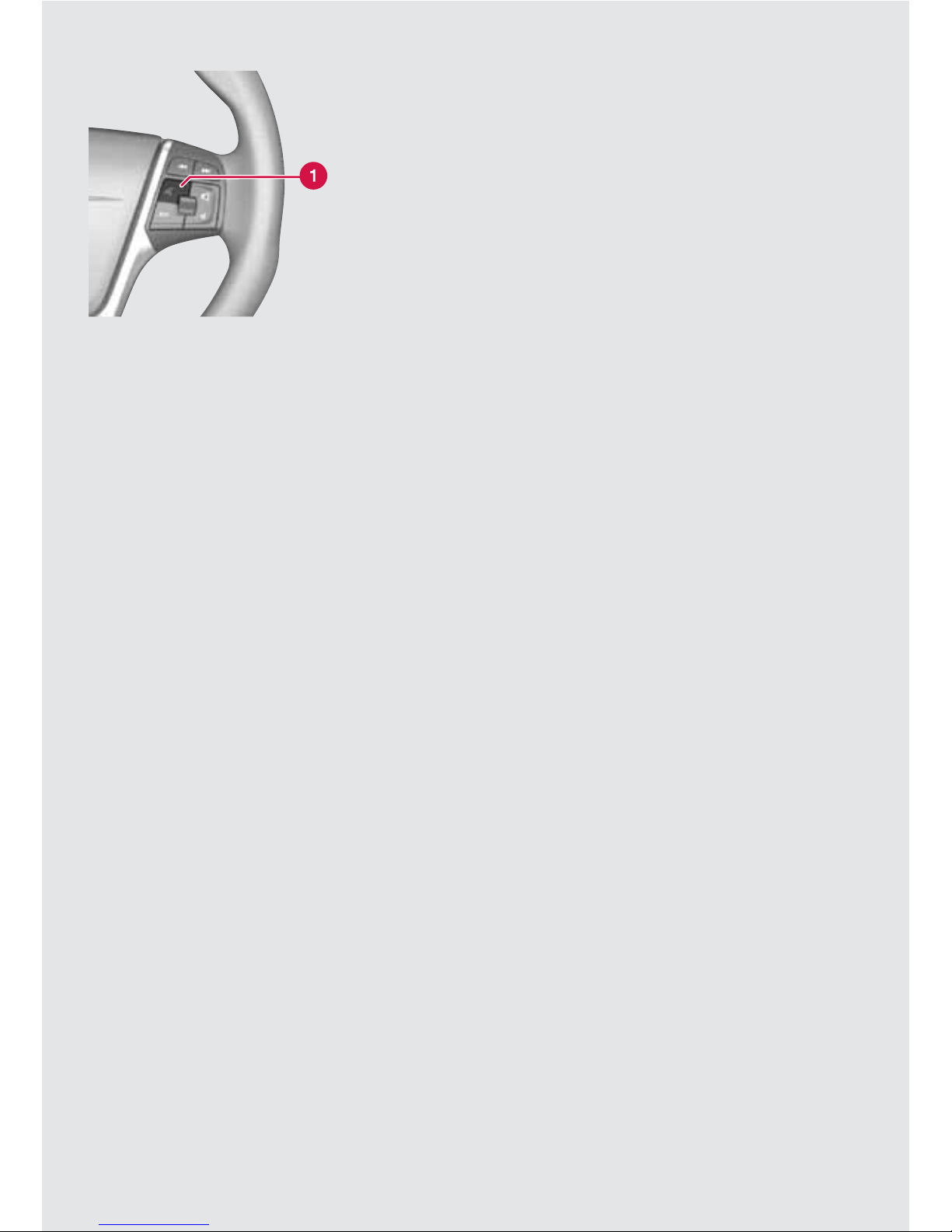
1. From navigation mode’s main view, press and
hold the * FAV button until the favourite menu is
displayed.
2. Scroll to Pause/resume guidance and press
the thumb wheel or OK. A message will be dis-
played briefly to confirm that your choice has been
stored on the * FAV button.
3. Press * FAV to pause or resume guidance.
Functions can also be programmed in the same way
in RADIO and MEDIA modes.