manuals.online logo
Brands
  1. Home
  2. •
  3. Brands
  4. •
  5. Voyager
  6. •
  7. Automobile Electronic
  8. •
  9. Voyager VCMS36I User manual

Voyager VCMS36I User manual

Other Voyager Automobile Electronic manuals
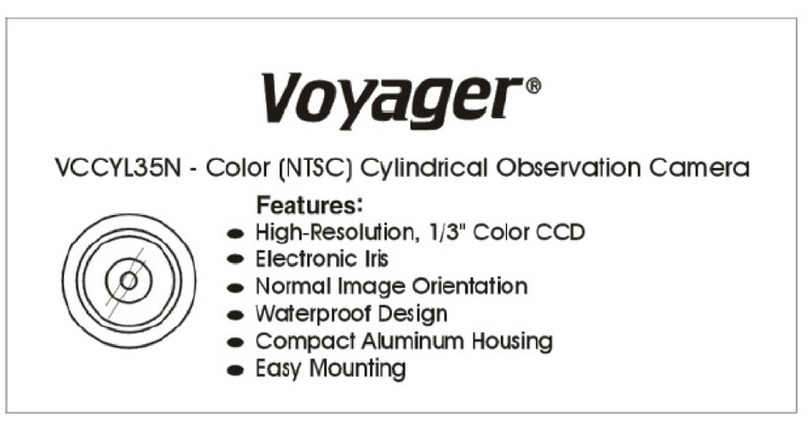
Voyager VCCYL35N User manual

Voyager

Voyager VCCYL35N User manual

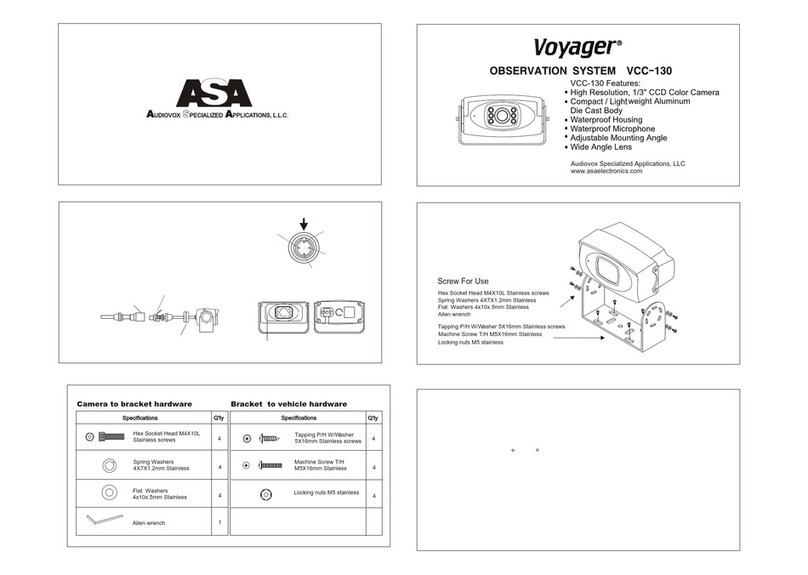
Voyager VCC-130 User manual

Voyager

Voyager VCC-130 User manual
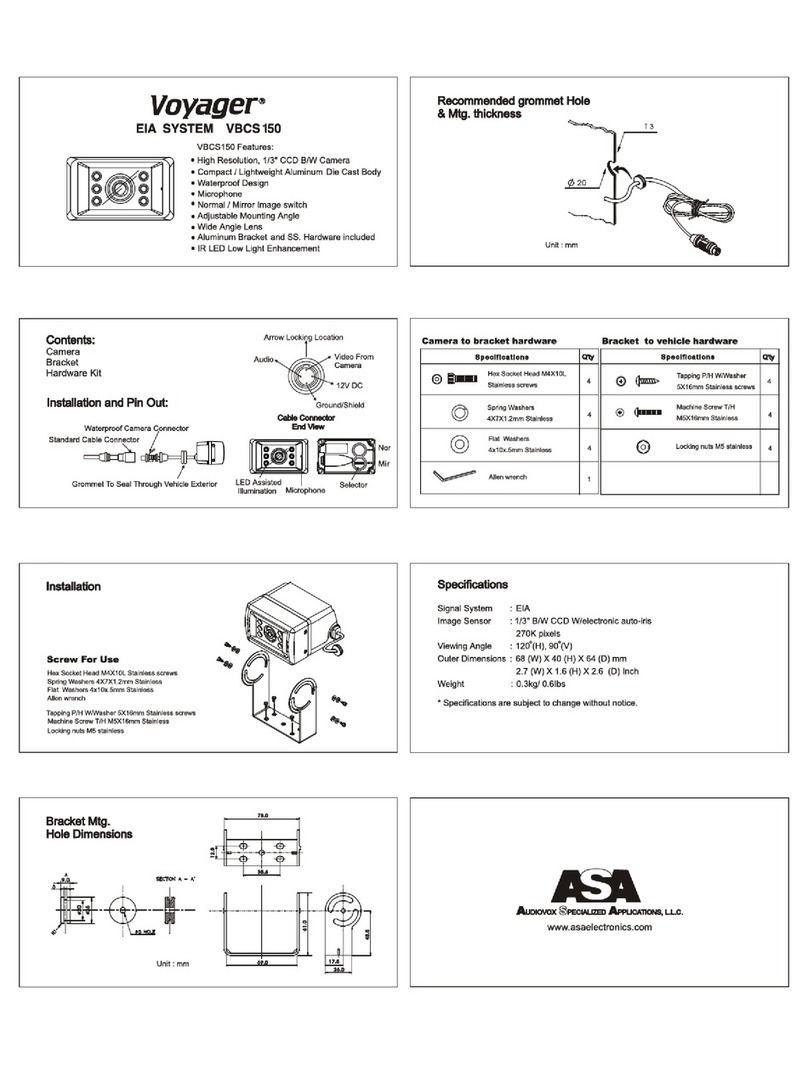
Voyager Voyager VBCS 150 User manual

Voyager

Voyager Voyager VBCS 150 User manual

Voyager VBC-130 User manual

Voyager

Voyager VBC-130 User manual

Voyager CARFONE CP200 User manual

Voyager

Voyager CARFONE CP200 User manual
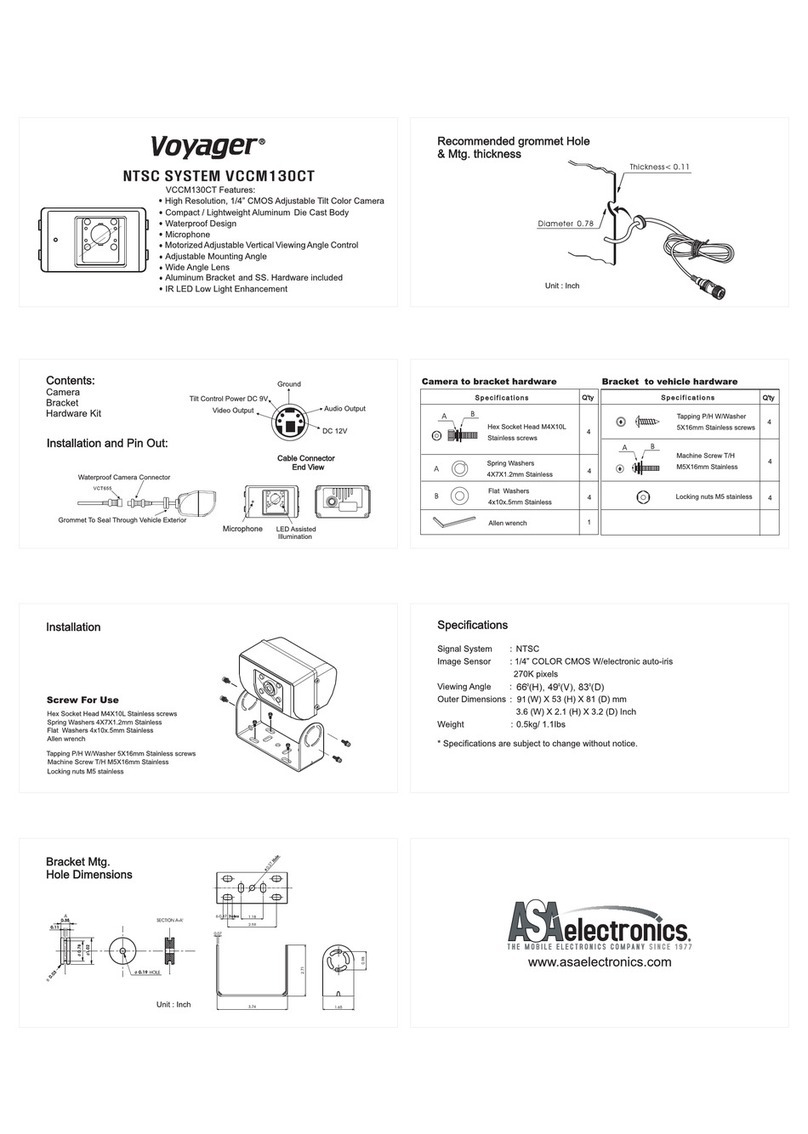
Voyager VCCM130CT User manual

Voyager

Voyager VCCM130CT User manual

Voyager PA500 Quick start guide

Voyager

Voyager PA500 Quick start guide

Voyager VCMYL35 User manual

Voyager

Voyager VCMYL35 User manual

Voyager VOM-78 User manual

Voyager

Voyager VOM-78 User manual

Voyager VOM-58 User manual

Voyager

Voyager VOM-58 User manual

Popular Automobile Electronic manuals by other brands
DRG LC 120 installation instructions

DRG

DRG LC 120 installation instructions

Blue Ox BX8848 installation instructions
Blue Ox

Blue Ox BX8848 installation instructions

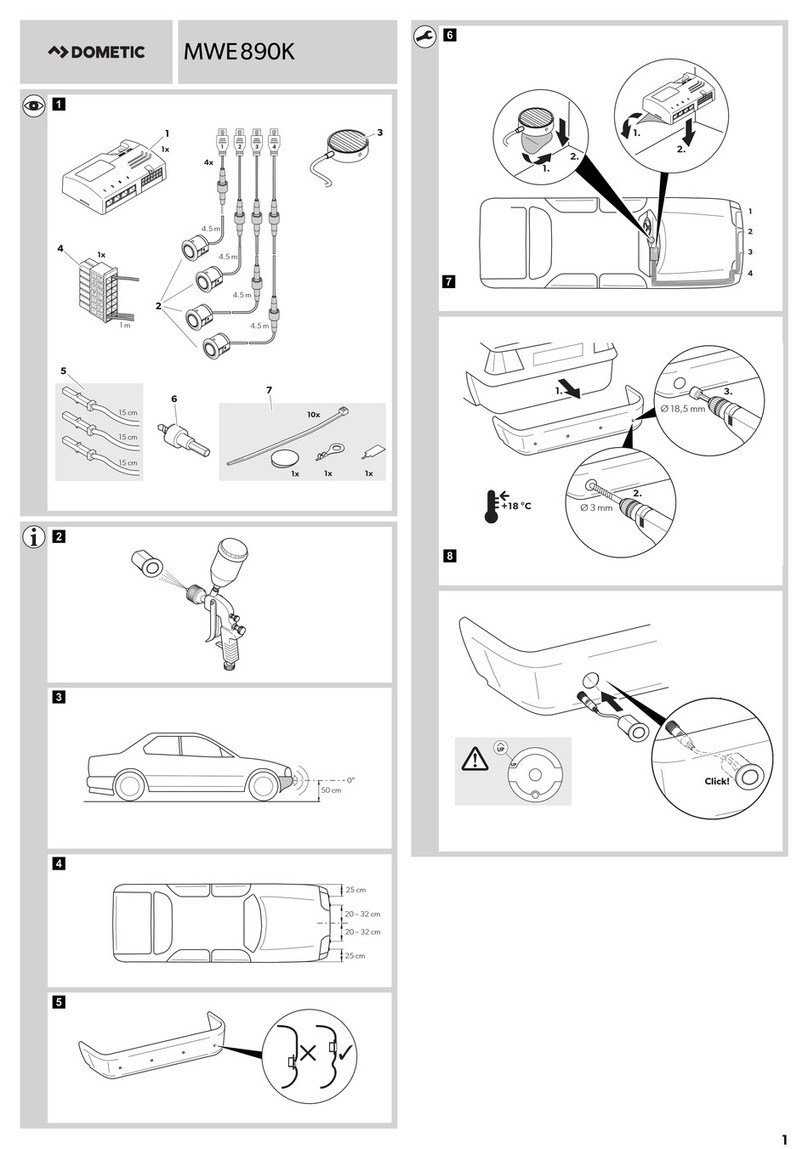
Dometic MAGICWATCH MWE890K Installation and operating manual
Dometic

Dometic MAGICWATCH MWE890K Installation and operating manual

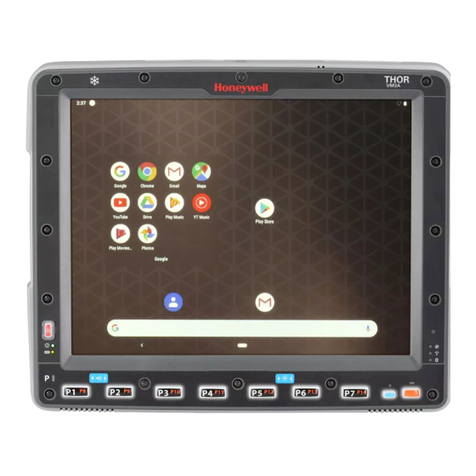
Honeywell Thor VM3A user guide

Honeywell

Honeywell Thor VM3A user guide

Waeco MagicWatch MWE250 Installation and operating manual
Waeco

Waeco MagicWatch MWE250 Installation and operating manual

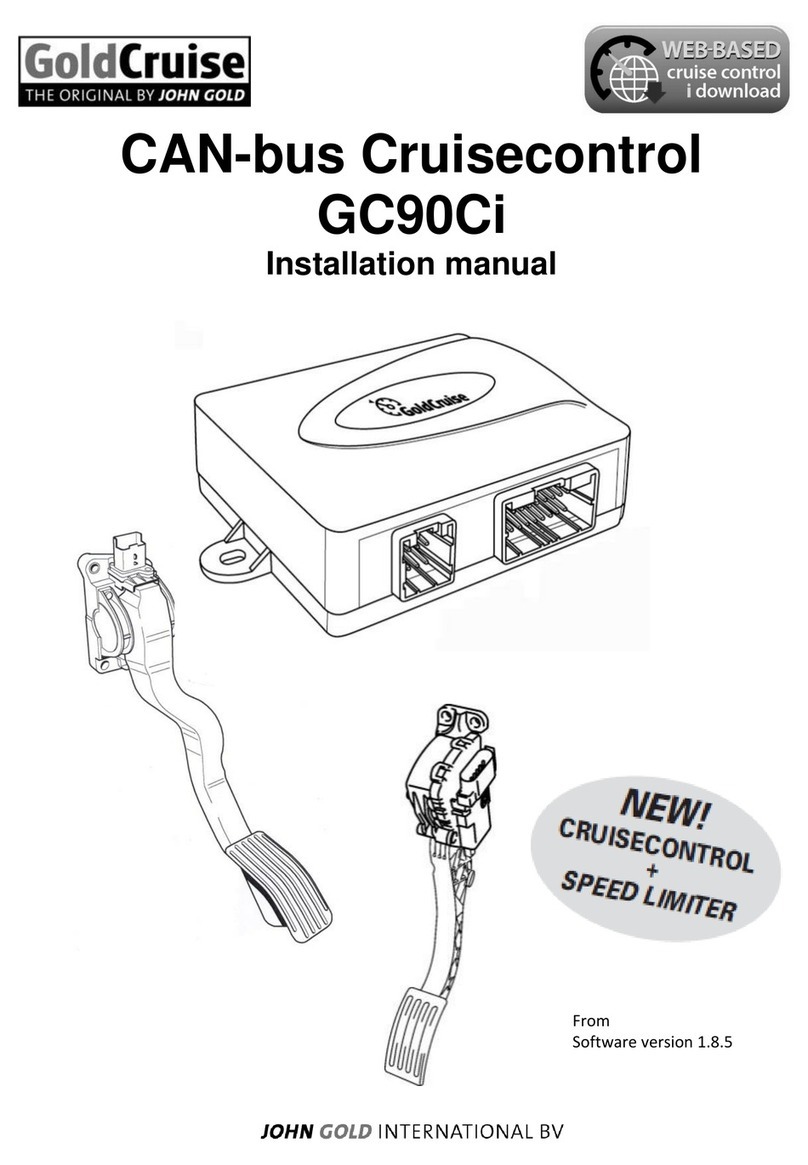
GoldCruise GC90Ci installation manual

GoldCruise

GoldCruise GC90Ci installation manual
Rydeen BKM091 user manual

Rydeen

Rydeen BKM091 user manual

Skoda 5E0 054 630 Fitting instructions

Skoda

Skoda 5E0 054 630 Fitting instructions

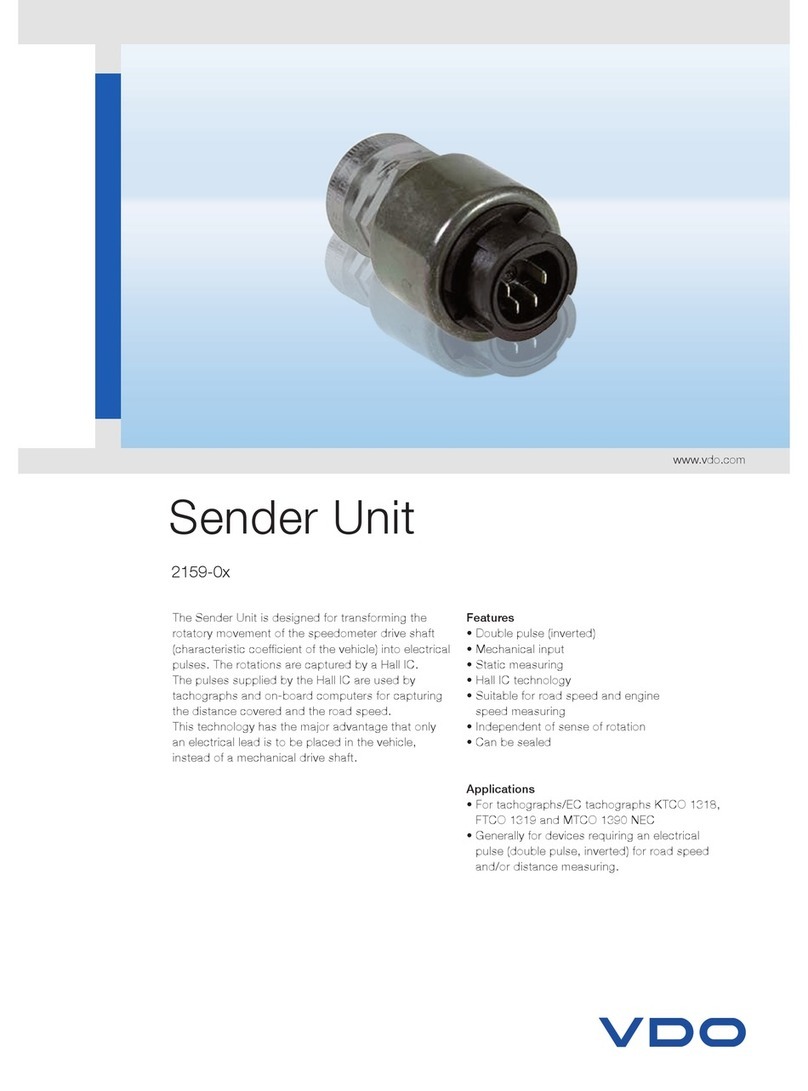
VDO SENDER UNIT 2159-0 datasheet

VDO

VDO SENDER UNIT 2159-0 datasheet

iDataLink maestro Rr install guide

iDataLink

iDataLink maestro Rr install guide

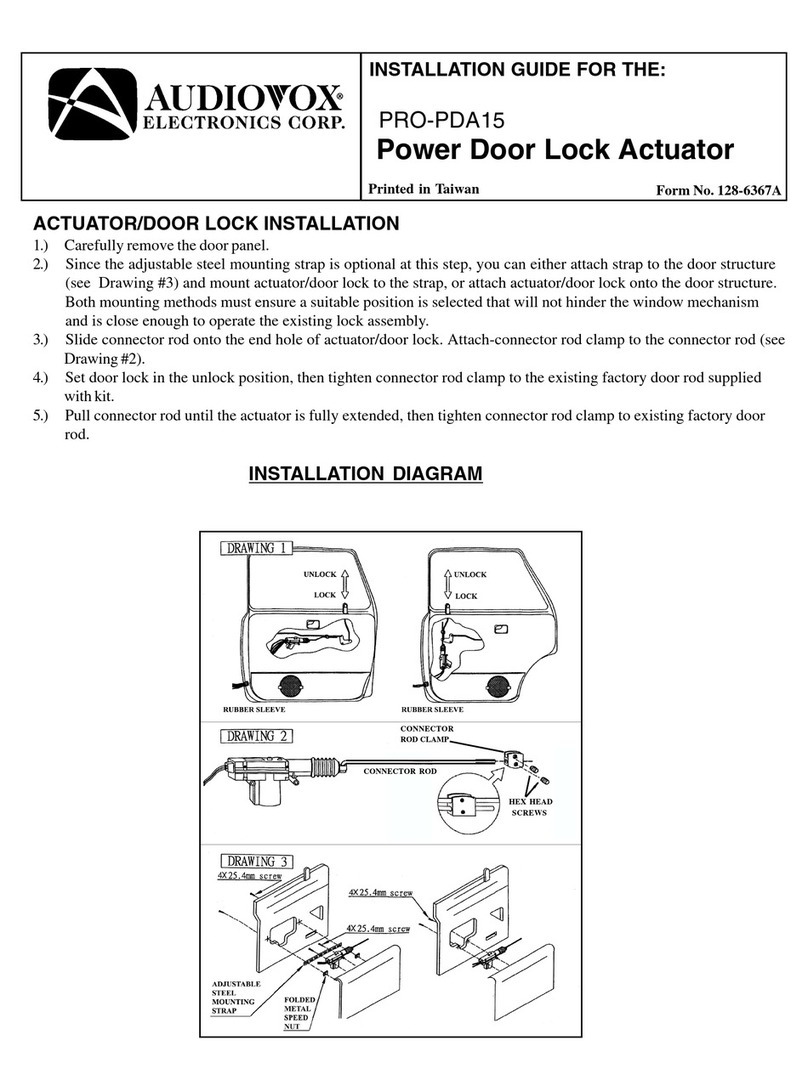
Audiovox PRO-PDA15 installation guide

Audiovox

Audiovox PRO-PDA15 installation guide

Movon MDAS-3LFFHD user manual

Movon

Movon MDAS-3LFFHD user manual

Pioneer Comfort adapter CA-D-PI.150 quick start guide

Pioneer

Pioneer Comfort adapter CA-D-PI.150 quick start guide

Dietz 1110 instruction manual

Dietz

Dietz 1110 instruction manual

Perfect Power SMT8-T5 Technical manual

Perfect Power

Perfect Power SMT8-T5 Technical manual

Crux RVCFD-79 manual

Crux

Crux RVCFD-79 manual

Nonda ZUS user manual

Nonda

Nonda ZUS user manual

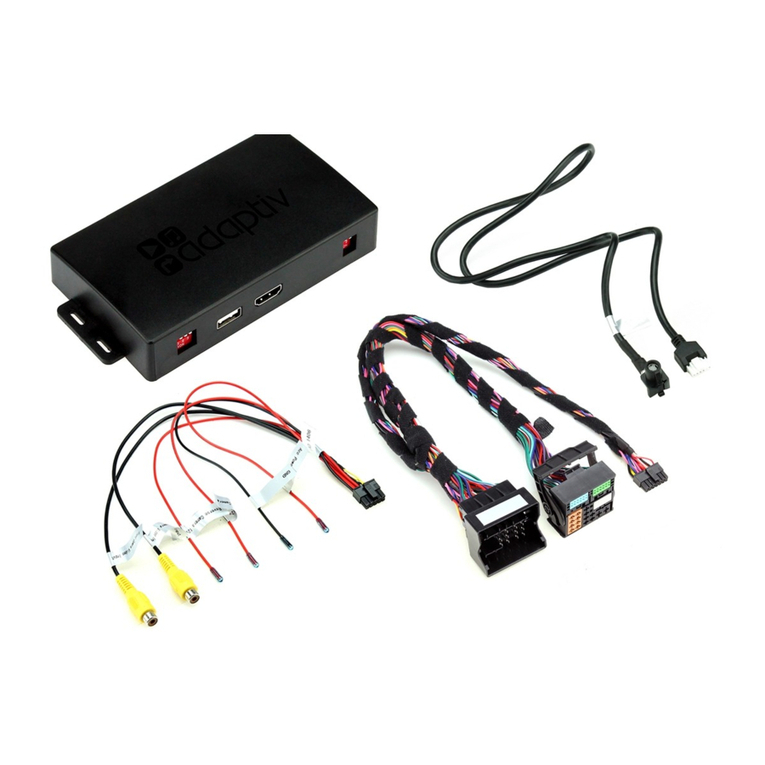
Adaptiv Mini installation guide

Adaptiv

Adaptiv Mini installation guide

manuals.online logo
manuals.online logoBrands
  • About & Mission
  • Contact us
  • Privacy Policy
  • Terms and Conditions

Copyright 2025 Manuals.Online. All Rights Reserved.

Installation and Pin Out:
Specifications
* Specifications are subject to change without notice.
Signal System : NTSC
Image Sensor : 1/4” Color C-MOS with automatic electronic iris
Resolution : 400 Lines
Light Sensitivity : 0 Lux
Power : 12VDC / 100mA
Viewing Angle : 118°(D), 95°(H), 77°(V)
Outer Dimensions : 26.5(W) X 32(D) mm
1.04(W) X 1.26(D) Inch
Features:
- High Resolution Color Camera
- IR LED Low Light Enhancement
- Lightweight/Rugged Aluminum Body.
- Waterproof (IPX7)
- Audio Microphone
- NTSC Signal
VCMS36I - Color Cylindrical Observation Camera
Contents:
Camera
Mount Bracket
Black Screws (2x)
INFORMATION
This equipment has been tested and found to comply with the limits for a Class B digital device,
pursuant to Part 15 of the FCC Rules. These limits are designed to provide reasonable protection
against harmful interference in a residential installation. This equipment generates, uses and can
radiate radio frequency energy and, if not installed and used in accordance with the instructions may
cause harmful interference to radio communications. However, there is no guarantee that interference
will not occur in a particular installation. If this equipment does cause harmful interference to radio
or television reception, which can be determined by turning the equipment of and on, the user is
encourage to try to correct the interference by one or more of the following measures:
-Reorient or relocate the receiving antenna -Increase the separation between the equipment
-Connect the equipment into an outlet on different power circuit from the receiver
-Consult the dealer or an experienced radio/TV technician for help
www.asaelectronics.com