Hold
- Press the Left Soft key “Hold” to put a call on hold
- Press the Left Soft key “Retrieve” to retrieve the call.
When you have a call on hold, you can make another call, transfer a call, swap, make a conference.
Place a second call
1. Enter a number to call or press the Menu Key to access the Contacts or Central Directory
and
find the needed contact
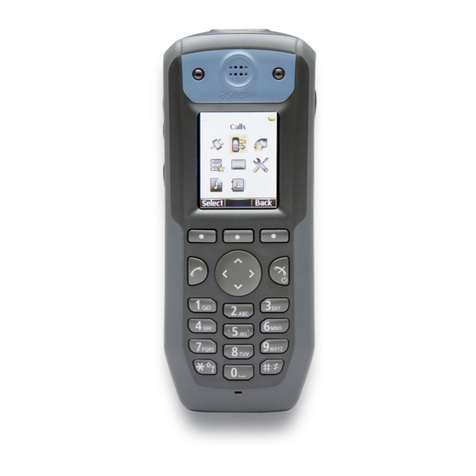
2. Press the green Off-hook Key
Swap
When you have one active call and one call on hold, you can swap (toggle) between the two calls:
- Press “Swap”
Call Transfer
Attended Call Transfer
Transfer with notification to the person who receives the transfer.
1. During a call press “Transfer” or “Hold” (the current call is put on hold)
2. Call the third party
3. Press the green Off-hook Key
4. To complete the transfer after the third party has answered the call, press “Transfer”
Blind Call Transfer
Transfer without notification to the person who receives the transfer.
1. During a call press “Transfer” (the current call is put on hold)
2. Call the person who you would like to transfer the call to
3. Press “Transfer”
Conference call
Establish a conference call between three parties:
1. During a call press “Conf.” (the current call is put on hold)
2. Call the person who you would like to invite to the conference
3. When the third party answers, press “Conf.” to start a three-way conference call (“Conference”
is displayed on the screen and thereby all the three parties are participating in the conference
call)
Note: You can repeat the steps to invite more parties to participate in the conference. The maximal
number of participants is set according to the number of base stations in the system.
Terminate a conference call:
- The user who has started the conference call must press the red On-hook Key
Note: Each of the called participants can hang up to leave the conference call (in this situation the
conference call continues between the remaining participants)
W-AIR 70 / W-AIR 100 / W-AIR 150 - User Manual / 9