manuals.online logo
Brands
  1. Home
  2. •
  3. Brands
  4. •
  5. Workrite
  6. •
  7. Indoor Furnishing
  8. •
  9. Workrite Premium User manual

Workrite Premium User manual

Other Workrite Indoor Furnishing manuals
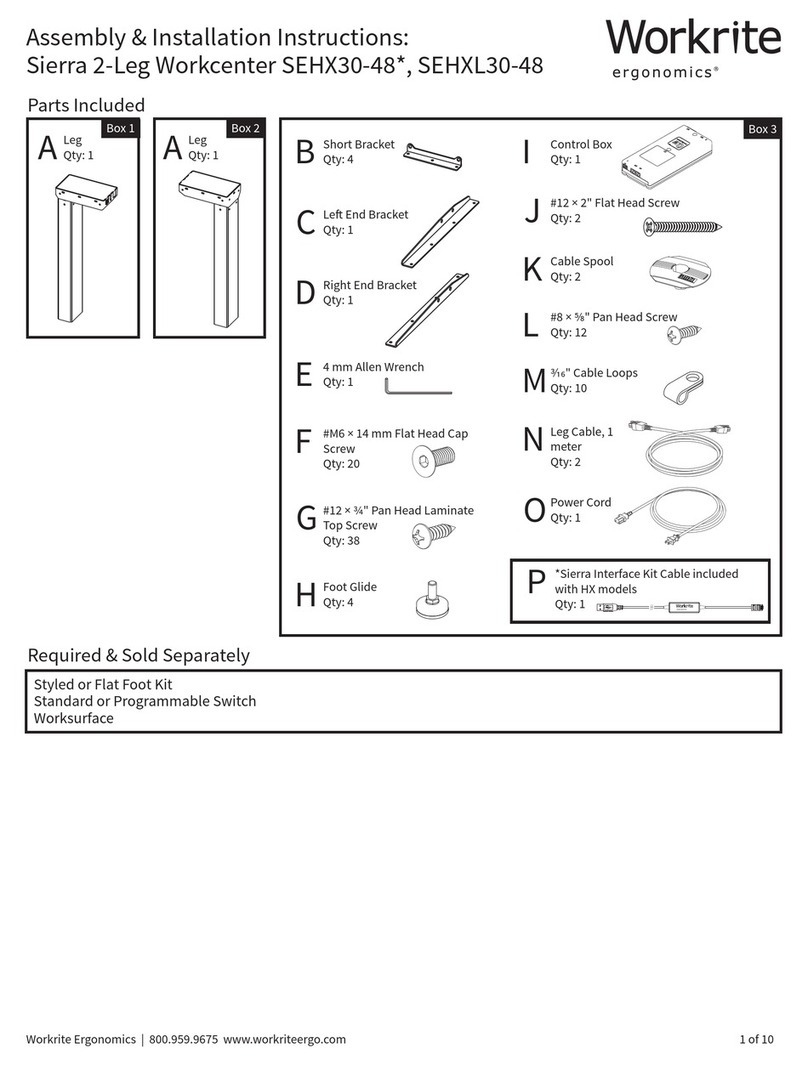
Workrite Sierra SEHX54 Series Programming manual

Workrite

Workrite Sierra SEHX54 Series Programming manual

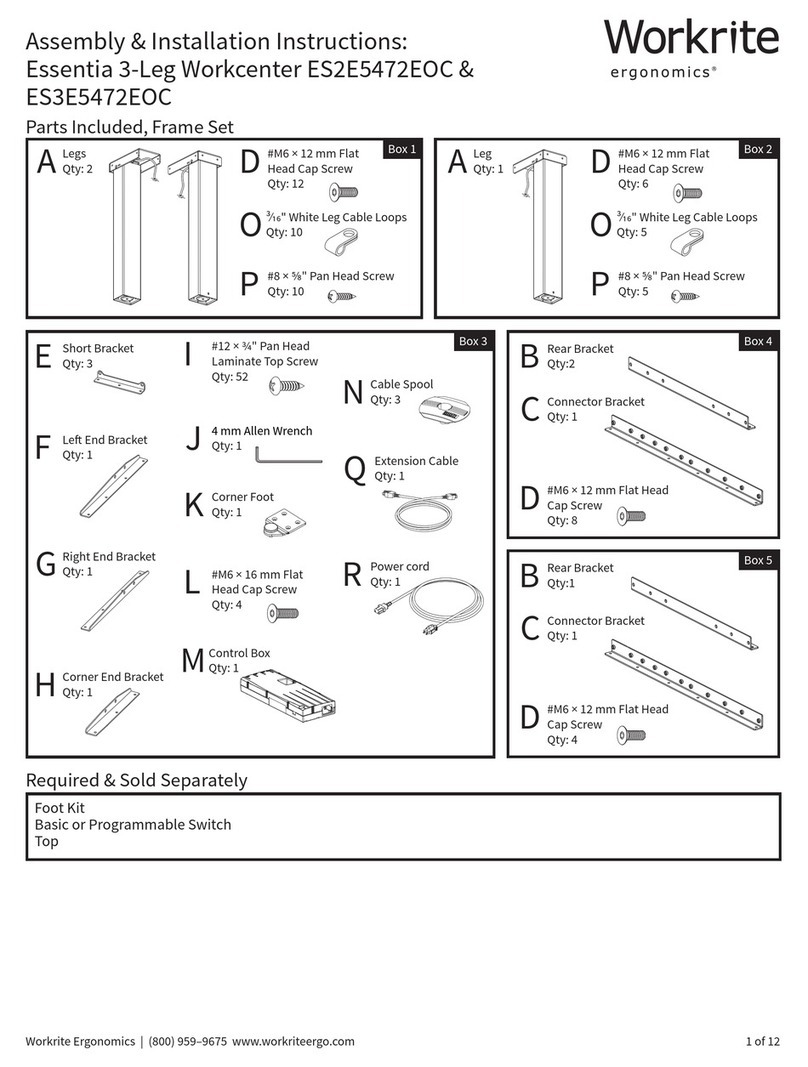
Workrite ES2E5472EOC User manual

Workrite

Workrite ES2E5472EOC User manual

Workrite ES2E54-72 User manual

Workrite

Workrite ES2E54-72 User manual

Workrite SEHX30-48 series User manual

Workrite

Workrite SEHX30-48 series User manual
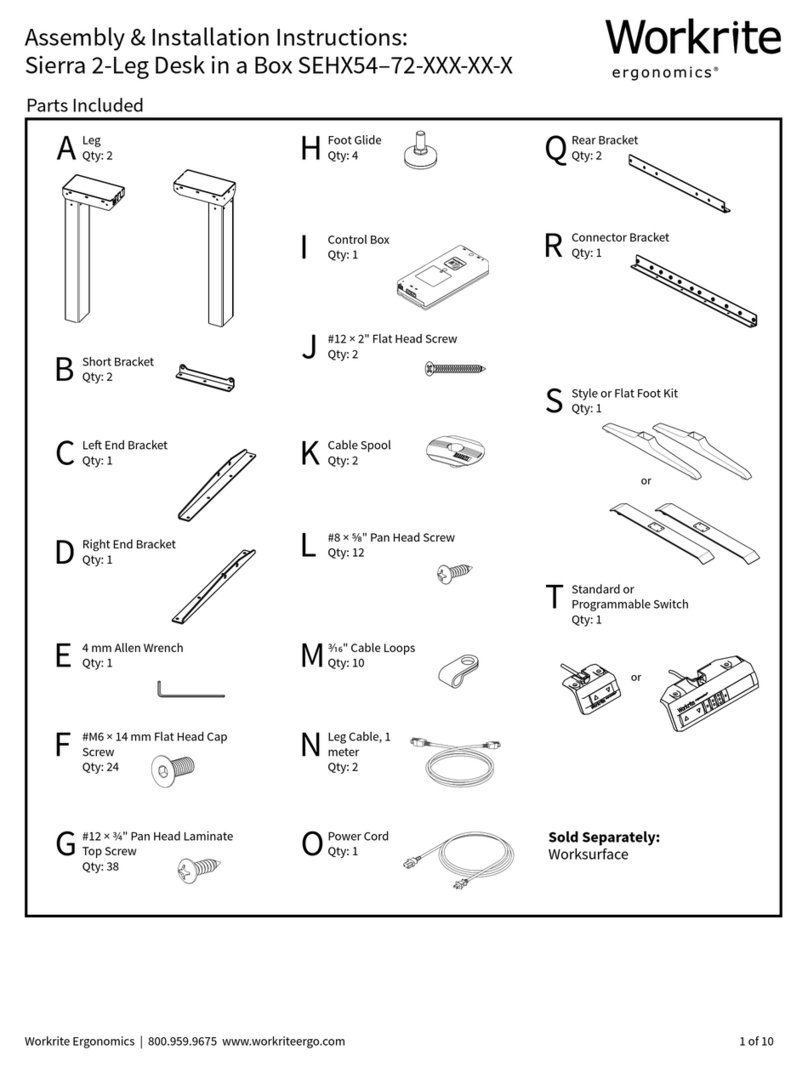
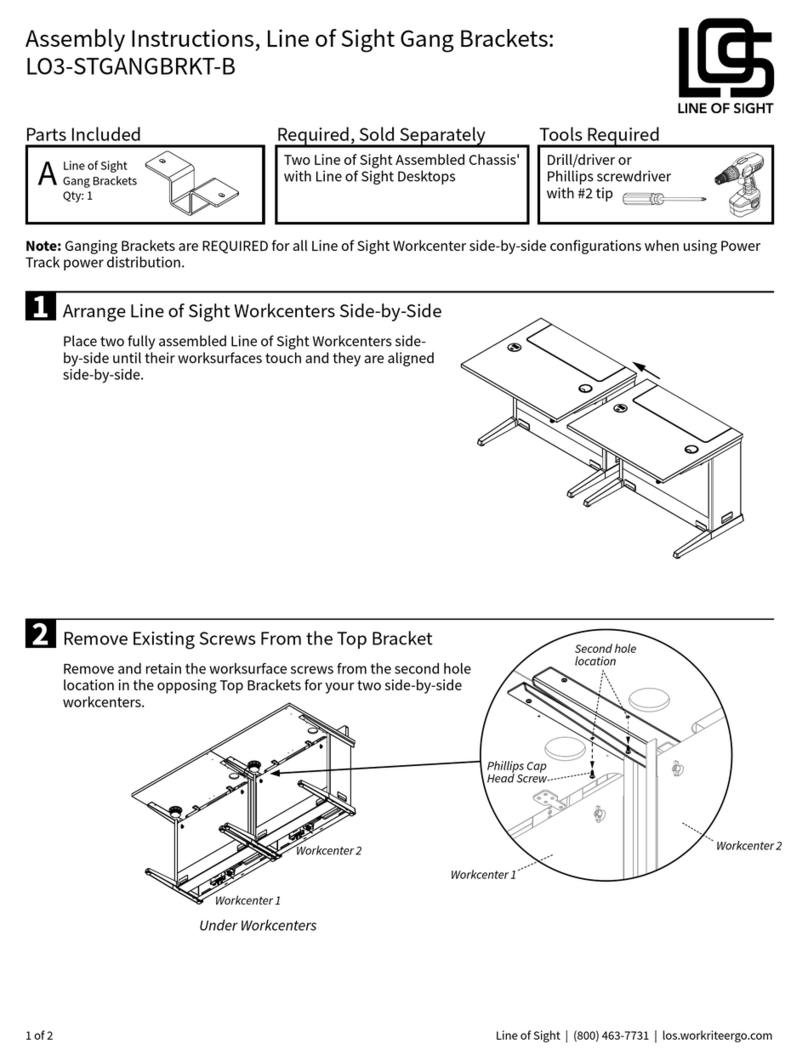
Workrite Line of Sight LO3-STGANGBRKT-B User manual

Workrite

Workrite Line of Sight LO3-STGANGBRKT-B User manual

Workrite Line of Sight LOS3-FC-36 Series User manual

Workrite

Workrite Line of Sight LOS3-FC-36 Series User manual

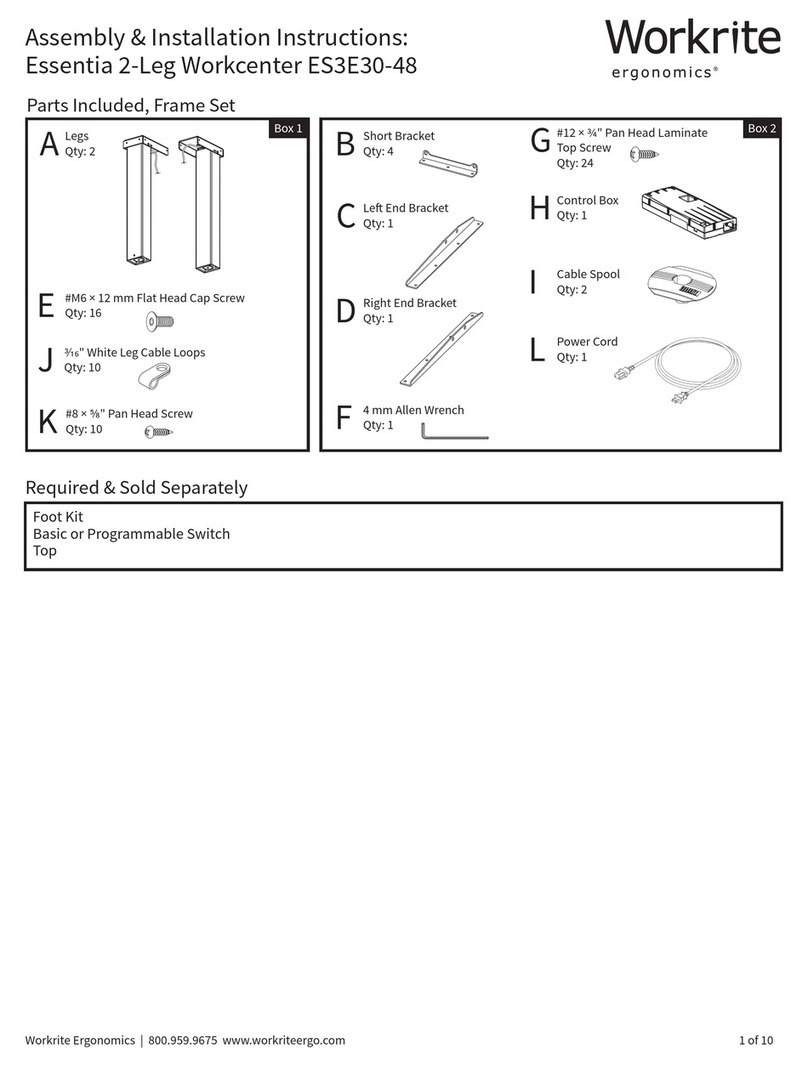
Workrite ES3E30-48 Instruction manual

Workrite

Workrite ES3E30-48 Instruction manual
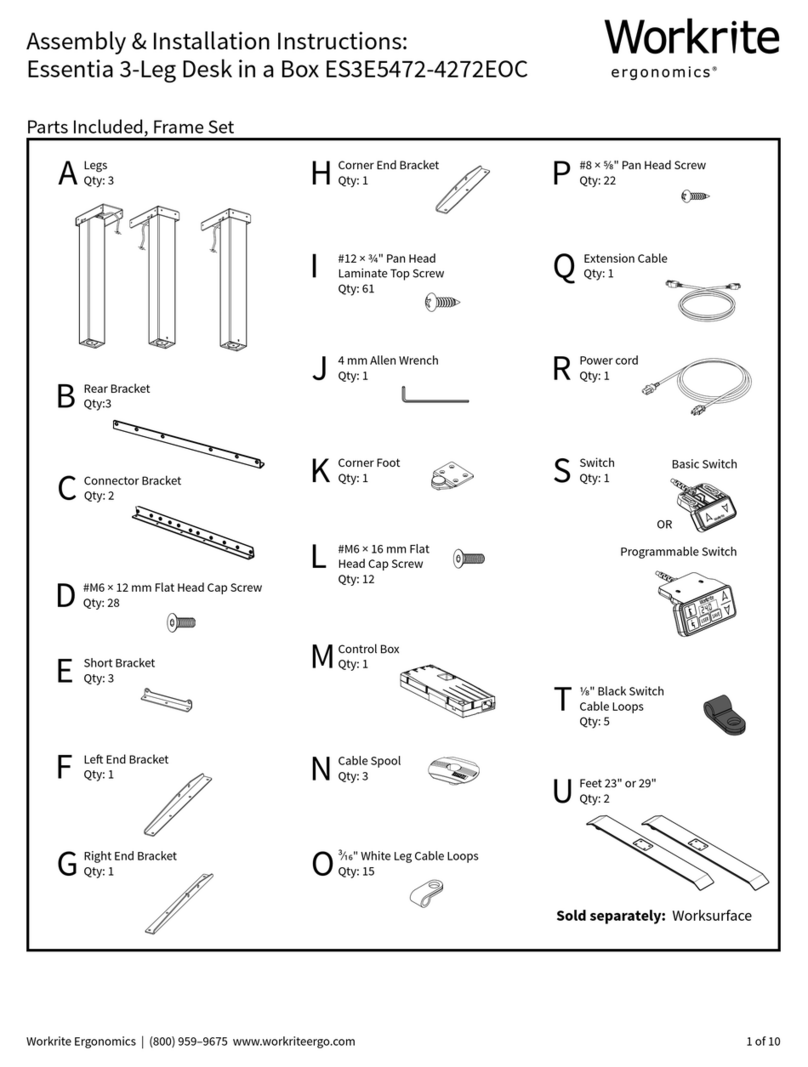
Workrite Essentia ES3E5472-4272EOC Programming manual
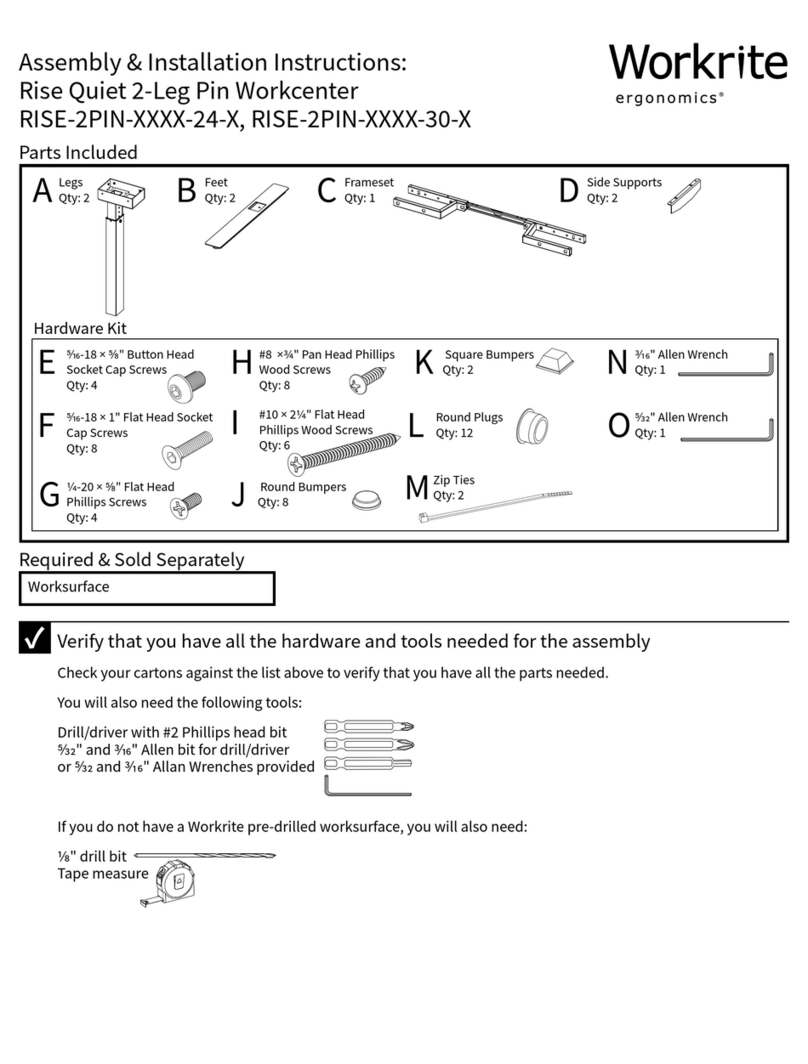
Workrite

Workrite Essentia ES3E5472-4272EOC Programming manual

Workrite RISE-2PIN-XXXX-24-X Programming manual
Workrite

Workrite RISE-2PIN-XXXX-24-X Programming manual

Workrite RISE-2E-3044-X Instruction manual
Workrite

Workrite RISE-2E-3044-X Instruction manual

Popular Indoor Furnishing manuals by other brands

Regency LWMS3015 Assembly instructions

Regency

Regency LWMS3015 Assembly instructions

Furniture of America CM7751C Assembly instructions

Furniture of America

Furniture of America CM7751C Assembly instructions

Safavieh Furniture Estella CNS5731 manual

Safavieh Furniture

Safavieh Furniture Estella CNS5731 manual

PLACES OF STYLE Ovalfuss Assembly instruction

PLACES OF STYLE

PLACES OF STYLE Ovalfuss Assembly instruction

Trasman 1138 Bo1 Assembly manual

Trasman

Trasman 1138 Bo1 Assembly manual

Costway JV10856 manual

Costway

Costway JV10856 manual

moss DESIGN Caisson Credenza Assembly instructions

moss DESIGN

moss DESIGN Caisson Credenza Assembly instructions

Aquaglide FULL DECK 15.0 owner's manual

Aquaglide

Aquaglide FULL DECK 15.0 owner's manual

AREBOS AR-HE-SW30 user manual

AREBOS

AREBOS AR-HE-SW30 user manual

Till-Hilft Fulda 87005.330 Assembly instructions

Till-Hilft

Till-Hilft Fulda 87005.330 Assembly instructions

Twoey Outside 2010 quick start guide

Twoey Outside

Twoey Outside 2010 quick start guide

Hettich Easys 200 operating instructions

Hettich

Hettich Easys 200 operating instructions

The bedboss RELAX 404 Series owner's manual

The bedboss

The bedboss RELAX 404 Series owner's manual

Oeseder Möbelindustrie Bern 991 720 Assembly instructions

Oeseder Möbelindustrie

Oeseder Möbelindustrie Bern 991 720 Assembly instructions

Costway HW68469 user manual

Costway

Costway HW68469 user manual

Next ALIX A27743 Assembly instructions

Next

Next ALIX A27743 Assembly instructions

BROSA Hans Assembly guide

BROSA

BROSA Hans Assembly guide

Prodigg MINIKA PBA015T-FUR installation manual

Prodigg

Prodigg MINIKA PBA015T-FUR installation manual

manuals.online logo
manuals.online logoBrands
  • About & Mission
  • Contact us
  • Privacy Policy
  • Terms and Conditions

Copyright 2025 Manuals.Online. All Rights Reserved.

1450 Technology Lane • Petaluma, CA 94954 • 800-959-9675 • www.workriteergo.com Page 1
1500068 • Rev. B
Sonoma Series™— Electric Height Adjustable Workcenters
1450 Technology Lane • Petaluma, CA 94954 • 800-959-9675 • www.wrea.com Page 1
1500068 • Rev. A
Sonoma Series™PREMIUM
Assembly Instructions
for 2 and 3 leg Tables
1450 Technology Lane • Petaluma, CA 94954 • 800-959-9675 • www.workriteergo.com Page 2
1500068 • Rev. B
Sonoma Series™PREMIUM Workcenters
5FDIOPMPHZ-BOFt1FUBMVNB$"ttXXXXSFBDPN   1BHF
1"354-*45*/(
Top (size and shape dier for each model)
*G8PSL3JUFJTOPUTVQQMZJOHUIFUPQJUJTJOTUBMMFST
SFTQPOTJCJMJUZUPQPTJUJPOUIFCBTFVOEFSUIFXPSLTVSGBDF
UPQSPWJEFNBYJNVNTUBCJMJUZ
Leg Assemblies (2 or 3)
Top Brackets (2 or 3)
Foot caps (4 or 6)
Control Box
Control Panel with
2 attachment screws
Cables (2 or 3)
Power Cord
Crossbar (1 or 2)
Crossbar Brackets (2 or 3)
Crossbar Bracket for
center leg if a three
leg table
Stiening Brackets (2)
For two leg tables
only
Leveling Glides (4 or 6)
Feet (2 or 3)
5/32” Allen Wrench 3/4” Button Head
machine screws (12 or 20)
and lock washers (12 or 20)
Wood screws (24 or 28)
Top Bracket for center
leg if a three leg table
Velro Cable Strap
(1 per leg)
Cable Spool &
#8 x1” wood screw
(1 per leg)
/05&5IFRVBOUJUJFTMJTUFEWBSZEFQFOEJOH
POXIFUIFSJUJTBUXPPSUISFFMFHUBCMF
Nuts and
lock washers
are already
threaded
onto studs
Acorn Nuts (2)
For three leg tables only
1450 Technology Lane • Petaluma, CA 94954 • 800-959-9675 • www.workriteergo.com Page 3
1500068 • Rev. B
Sonoma Series™PREMIUM Workcenters
5FDIOPMPHZ-BOFt1FUBMVNB$"ttXXXXSFBDPN   1BHF
"44&.#-:*/4536$5*0/4
Remove and discard Phillips
head transit screws from
sheet metal plates at both
ends of leg assembly.
Attach 5PQ#SBDLFU to
smallest end of each
leg assembly using
3/4” button head
machine screws.
This end is up and
attaches to the underside
of the worksurface.
/PUF if table has three
legs, the center leg uses
the TIPSU5PQ#SBDLFU.
Remove nuts and
lock washers from leg
studs. *GMFHUBCMF, Slide
4UJòFOJOH#SBDLFU onto
studs, slide $SPTTCBS#SBDLFU
onto studs and reinstall nuts
(no lock washers). /PUFIPX
UIFøBOHFPSJFOUTUPUIFMFH
/PUF if table has three
legs, the center leg uses
the EPVCMFøBOHF $SPTTCBS
#SBDLFU. The two Acorn nuts
should be used with this bracket.
Insert 'PPU$BQT into
ends of foot. Screw in
Leveling Glides. Slide foot
onto -FH"TTFNCMZ and
attach with button head
machine screws. /PUFUIBU
the longest end of the foot
extends to the front
FEHFPGUIFXPSLTVSGBDF
STEP 1
45&1
STEP 2
Place assembled legs onto the underside of the
worksurface in their approximate location. Note
that mounting holes have been pre-drilled to match
the top bracket.
STEP 4
OPEN ALL PACKAGES AND VERIFY THAT YOU HAVE ALL THE HARDWARE AS INDICATED IN THE PARTS LISTING.
To assemble you will need a #3 tip Philips screwdriver and a 7/16" wrench or socket.
/PUF if table has three
legs, the center leg uses
the short Foot.
Left Leg
Right Leg
Front
Front
Front
4UJòFOJOH#SBDLFU
(2-Leg tables only)
1450 Technology Lane • Petaluma, CA 94954 • 800-959-9675 • www.workriteergo.com Page 4
1500068 • Rev. B
Sonoma Series™PREMIUM Workcenters
1450 Technology Lane • Petaluma, CA 94954 • 800-959-9675 • www.wrea.com Page 4
ASSEMBLY INSTRUCTIONS
Slide Crossbar onto Crossbar Brackets and attach
with two machine screws to each bracket.
Attach Top Brackets to underside of the worksurface.
Note: do not fully tighten screws. Screw cable
spools to underside of worksurface. Note that the
attachment locations are marked with labels.
Attach Control Box and Control Panel to the underside of the
worksurface. Mounting holes are provided. Plug leg cables into
control box. NOTE: There are three 6-pin female connectors
on the control box. On a 2-leg table, connect the leg cables
to the middle and furthest to the right connectors from the
power cable. To insure that cables t tight to the underside of
worksurface, wrap excess cable length around spools as required.
Plug leg cables into plugs extending from
legs. Wrap Control panel cable
around spool as required and plug
into Control Box. Use velcro
straps to take up remaining
slack in cables.
If you are assembling a three leg table, note that
the middle leg is oriented at a 45˚ angle. The side
with the double ange Crossbar Bracket faces the
front edge of the table.
STEP 5
STEP 6 STEP 7
3 LEG
Control Box uses 3/4”
screws for attachment
Control Panel uses #8 x 5/8”
screws for attachment
1450 Technology Lane • Petaluma, CA 94954 • 800-959-9675 • www.workriteergo.com Page 5
1500068 • Rev. B
Sonoma Series™PREMIUM Workcenters
1450 Technology Lane • Petaluma, CA 94954 • 800-959-9675 • www.wrea.com Page 5
ASSEMBLY INSTRUCTIONS
Flip table over and adjust leveling glides so that the
table does not wobble. Run table up and down one
time and then tighten all top bracket screws.
STEP 8 STEP 9
It may be necessary to adjust the display height
readout. The low height will vary depending on the
ooring surface and adjusted height of the leveling
glides. To obtain an accurate readout, lower the table to
its lowest position and measure from the oor to the top
of the worksurface.
Change the display by pressing and holding the
“S”button, hit the UP or DOWN button until the
display shows the correct height.