Table of Contents
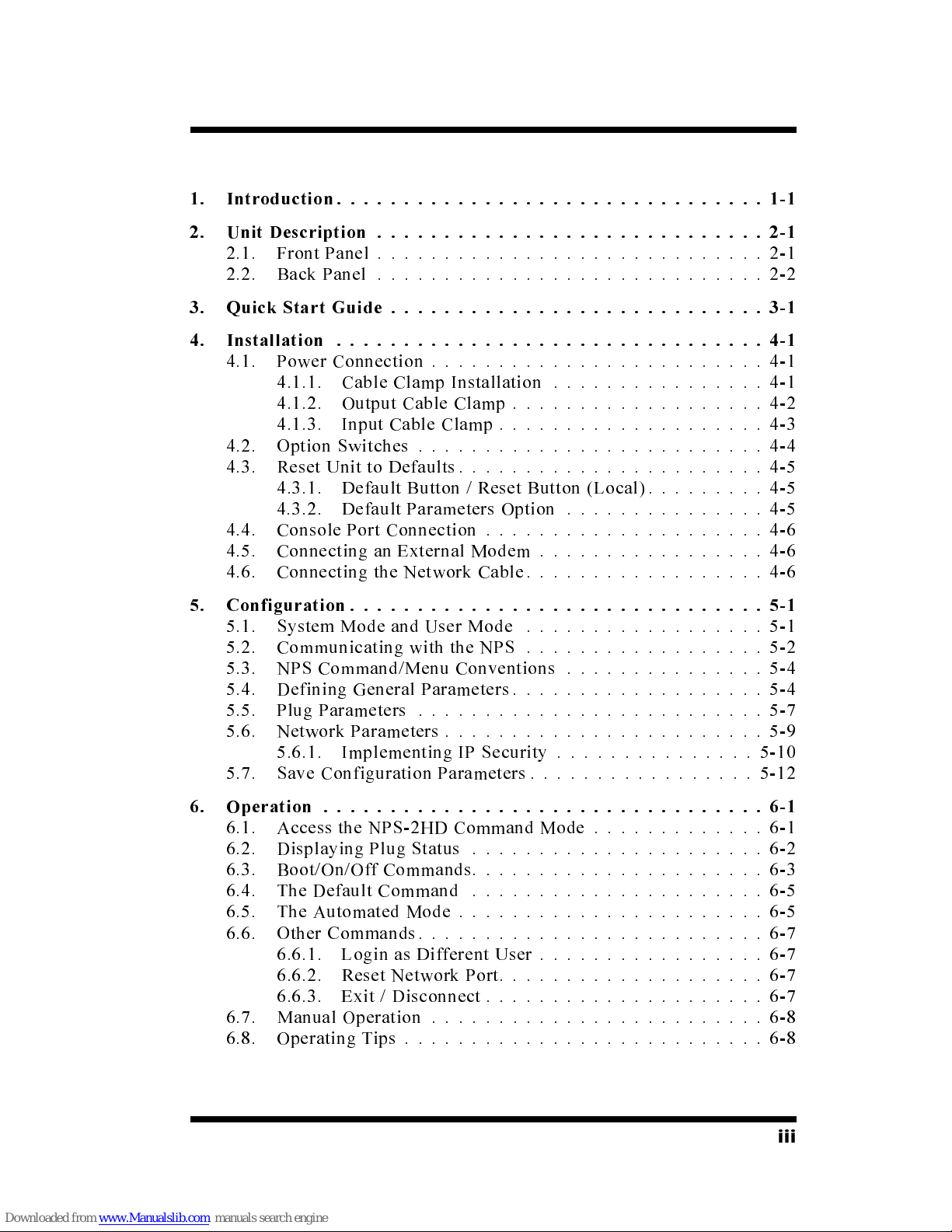
1. Introduction................................1-1
2. Unit Description .............................2-1
2.1. Front Panel .............................2-1
2.2. Back Panel .............................2-2
3. Quick Start Guide ............................3-1
4. Installation ................................4-1
4.1. Power Connection .........................4-1
4.1.1. Cable Clamp Installation ................4-1
4.1.2. Output Cable Clamp ...................4-2
4.1.3. Input Cable Clamp ....................4-3
4.2. Option Switches ..........................4-4
4.3. Reset Unit to Defaults.......................4-5
4.3.1. Default Button / Reset Button (Local).........4-5
4.3.2. Default Parameters Option ...............4-5
4.4. Console Port Connection .....................4-6
4.5. Connecting an External Modem .................4-6
4.6. Connecting the Network Cable..................4-6
5. Configuration ...............................5-1
5.1. System Mode and User Mode ..................5-1
5.2. Communicating with the NPS ..................5-2
5.3. NPS Command/Menu Conventions ...............5-4
5.4. Defining General Parameters ...................5-4
5.5. Plug Parameters ..........................5-7
5.6. Network Parameters ........................5-9
5.6.1. Implementing IP Security ...............5-10
5.7. Save Configuration Parameters .................5-12
6. Operation .................................6-1
6.1. Access the NPS-2HD Command Mode .............6-1
6.2. Displaying Plug Status ......................6-2
6.3. Boot/On/Off Commands......................6-3
6.4. The Default Command ......................6-5
6.5. The Automated Mode .......................6-5
6.6. Other Commands..........................6-7
6.6.1. Login as Different User .................6-7
6.6.2. Reset Network Port....................6-7
6.6.3. Exit / Disconnect .....................6-7
6.7. Manual Operation .........................6-8
6.8. Operating Tips ...........................6-8
iii