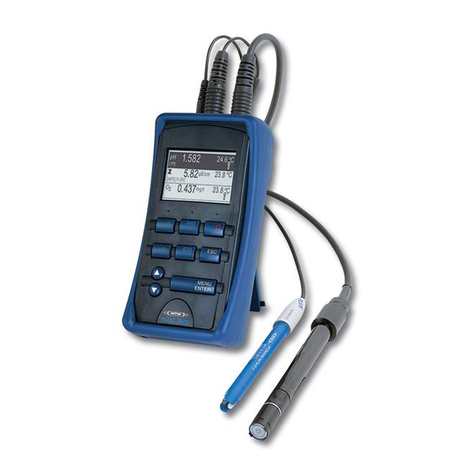
pH calibration Multi 340i
8
AutoCal TEC procedure (single and two-point calibration):
lConnect the pH electrode to the measuring instrument.
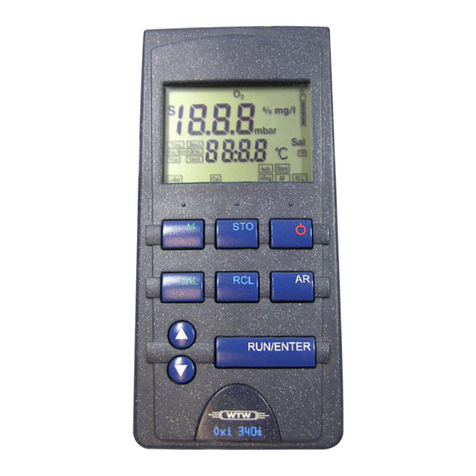
If necessary, press the <M> key untilthe status display pH (pH measure-
ment) or U(measurement of the ORP voltage) appears.
lPress the <CAL> key. The Ct1 display and the function display AutoCal
TEC appears. The sensor symbol displays the evaluation of the last cal-
ibration (or no sensor symbol in the delivery state or after the measure-
ment parameter has been reset).
lImmerse the pH electrode into the first buffer solution.
lWhen measuring without a temperature sensor:
Enter the temperature of the first buffer solution with <▲> <▼>while
pressing the <RUN/ENTER> key.
lPress <RUN/ENTER>. The AutoRead measurement begins. The elec-
trode voltage (mV) or the buffer nominal value appears on the display. If
the measured value is stable, Ct2 appears.
Note
At this point, the AutoCal TEC calibration can be terminated
with <M>. This corresponds to a single-point calibration.
To do this, the instrument uses the Nernst slope (-59.2 mV/pH
at 25 °C) and determines the asymmetry of the electrode.
lImmerse the two-point calibration pH electrode in the secondbuffer so-
lution to continue.
lWhen measuring without a temperature sensor:
Enter the temperature of the second buffer solution with <▲> <▼>while
pressing the <RUN/ENTER> key.
lPress <RUN/ENTER>. The AutoRead measurement begins. The elec-
trode voltage (mV) or the buffer nominal value appears on the display.
lWhen the measured value is stable, the instrument displays the value of
the slope and the calibration evaluation.
lPress <RUN/ENTER>. The instrument displays the value of the asym-
metry.
lSwitch to the measuring mode with <M>.
8
4
2
t1
°
C
TP
pH
C
AutoCalTEC
8
4
2
t2
°
C
TP
pH
C
AutoCalTEC
94
pH
5
mV/pH
2
pH
mV