TROUBLESHOOTING
3) Check sink device supports HDCP, is switched to the
correct source input mode and is compatible with the
receiver - if any issue is suspected, replace sink device
with another model.
4) Distance – Is the cable too long for the signal to be
transmitted effectively? The transmission technology used
within the transmitters and receivers allows 1080p up
to 50m/164ft so make sure the cable distance matches
the project requirements and is well within the maximum
transmission distance of the signal.
Note: If approaching the limits of the transmission
capabilities, transmission should be extended by using
another extender set to ensure the signal reaches its
destination effectively.
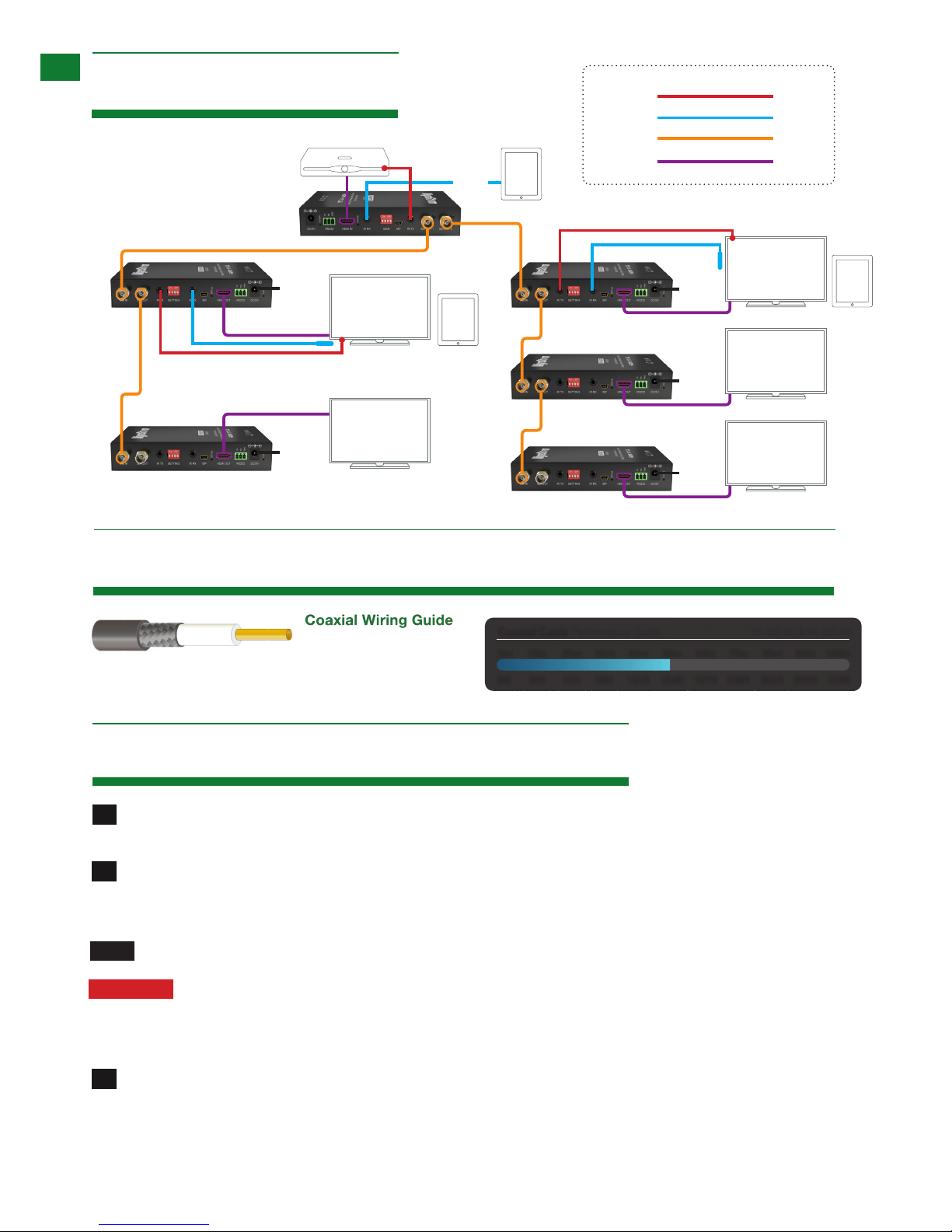
5) Cable Joins - Joins in the cable run or coax
connectors can impact on signal strength, resulting in
reduced transmission that may manifest itself in incorrect
picture quality, picture dropping out or a complete lack of
picture
6) Cable Choice and Signal Reduction – Are stranded
patch leads being used as interconnects between patch
panels or wall outlets? CCA ( copper Clad aluminum
) cables being used? These can reduce transmission
rates by up to 40% – we recommend solid core straight
through with minimum connections used wherever
possible.
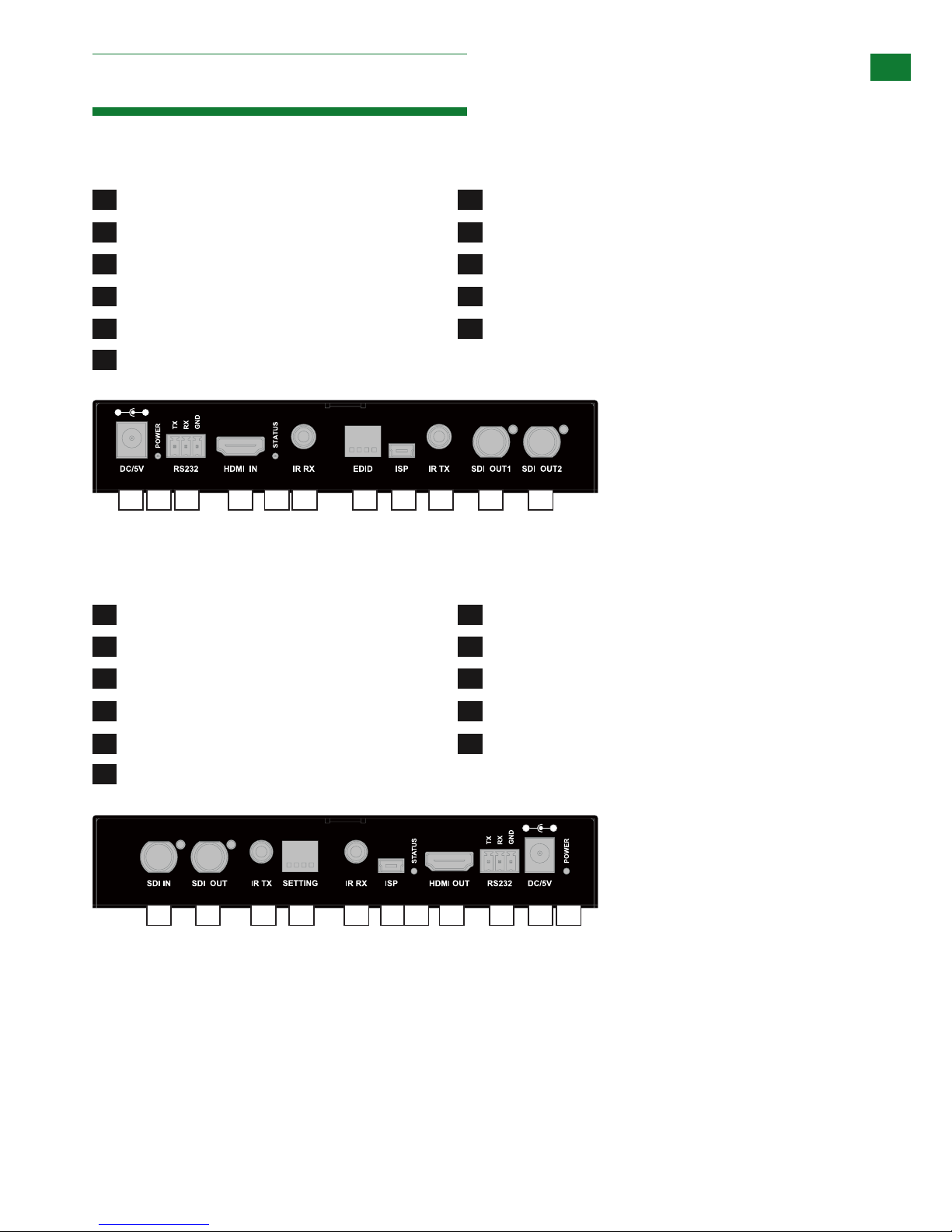
7) Correct connection – It may seem obvious but
double check all coax, HDMI, power and IR cables are
connected to the correct ports.
Note: Even a fraction off can be the difference between
a perfect picture and a blank screen. Double check all
connections are firmly made in the correct ports.
8) Electrical interference – SDI transmission is
susceptible to interference from mains cable and electrical
switching equipment (relays and lighting dimmers). The
location of cables and devices should be considered
prior to installation - could any form of interference
be generated? If so, attempt to remove the source of
electrical interference or move the cable run to decrease
the effects of the interference.
9) Is a picture achieved when connecting the source
directly to the display? If not then the problem could lie
with the input or output device rather than the means of
distribution i.e. the cable, receiver or matrix itself.
10) HDMI lead condition and quality – HDMI cables
and connectors are delicate and can be damaged much
easier than component or coax cable. Furthermore,
lead quality varies dramatically, particularly in lower price
brackets. Swap HDMI leads and check operation –
damage to or quality of your leads could be the problem.
If in doubt, swap them over. Always take care inserting
and extracting your HDMI from extender ports so as not
to damage the connectors or ports.
11) Picture speckles/HD ‘noise’ – represents a poorly
established signal that may be caused by poor quality
coax or excessive HDMI cable lengths.
12) HD Noise (NO image) – may be an HDCP issue
between the source and display but poor cabling can also
cause this due to poor communication.
13) Blu-ray: 3D – is the equipment used 3D enabled/
compatible? Is a 3D disc being played in a 3D enabled
Blu-ray player or through a compatible AV receiver?
14) color distortion – a pink or green screen indicates
an incompatibility between color spacing formats - the
commonly used RGB or YUV used by older displays.
Some sources allow switching between RGB and YUV
which may solve any color problems. If not, try changing
the HDMI cable between the source and the extender set
to rule out defective cabling.
No Sound or Poor Quality Audio
Audio is transmitted within the video signal – there is no
separate audio track – so generally a problem with sound
will be accompanied by a problem with picture. However,
if technical issues with audio are experienced, the cause
is typically communication between sources, displays
and/or AV receiver settings.
1) Have specific speaker sets or zones been
enabled? Some AV receivers allow individual speaker
selections assigned to specific zones in the set up so
check the speakers used are fully connected to the
amplifier and correctly assigned within the system set up.
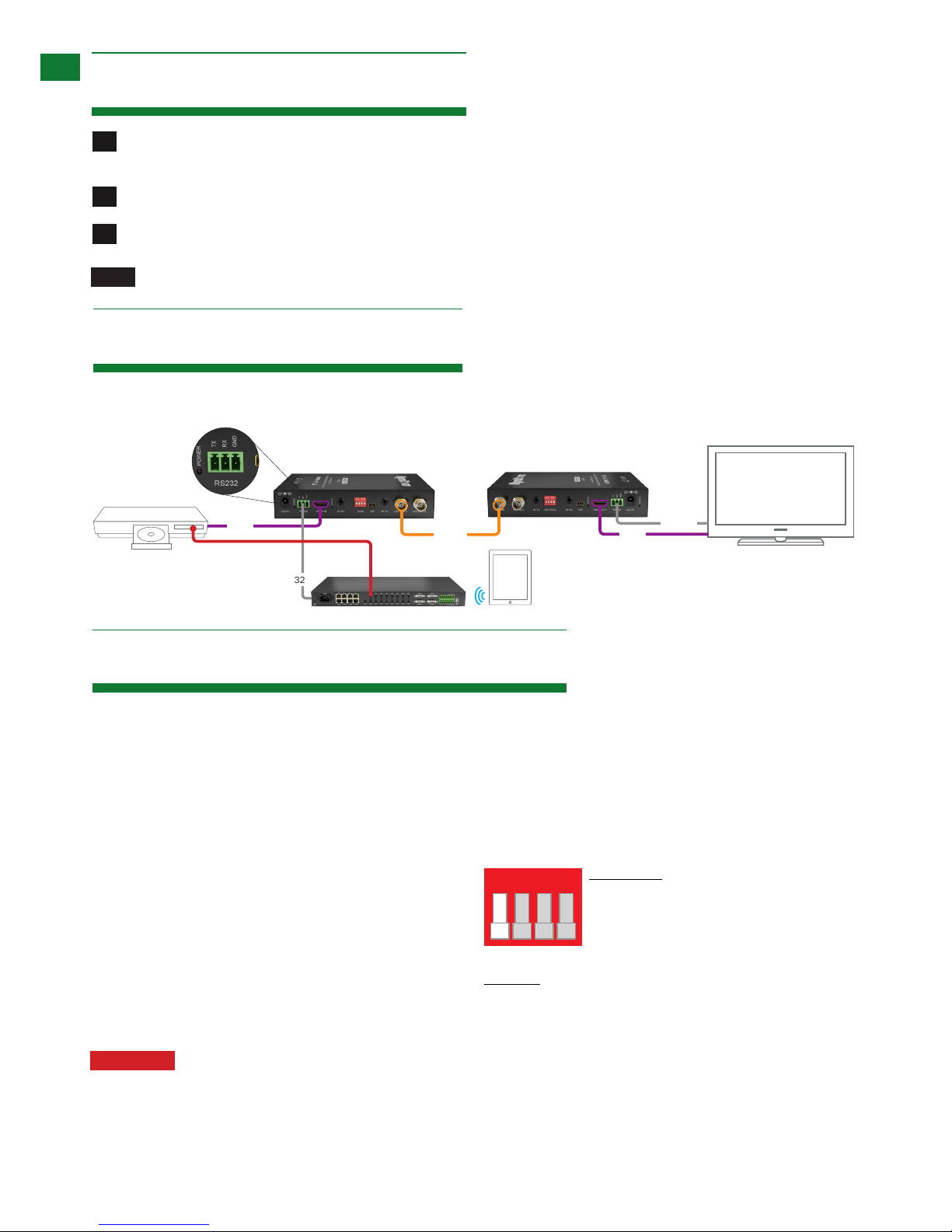
It may be an EDID issue in that the source reads the audio
EDID from the display and only requests two channel
audio and EDID copy from the AVR may be required or
use an embedded EDID in the SDI extenders. Note: If
problems are experienced when an AV receiver is used,
the cause is usually the settings of the AVR itself. Refer to
the AVR manufacturer’s guidelines on the correct settings
to use for your requirements.