manuals.online logo
Brands
  1. Home
  2. •
  3. Brands
  4. •
  5. xtorm
  6. •
  7. Batteries Charger
  8. •
  9. xtorm XW204 User manual

xtorm XW204 User manual

Other xtorm Batteries Charger manuals

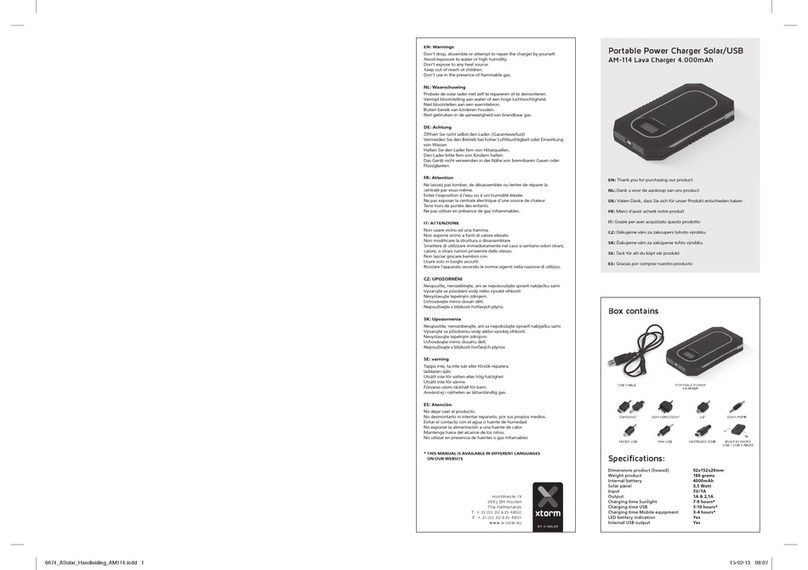
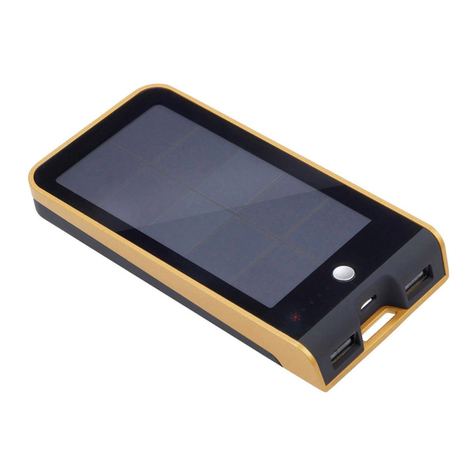
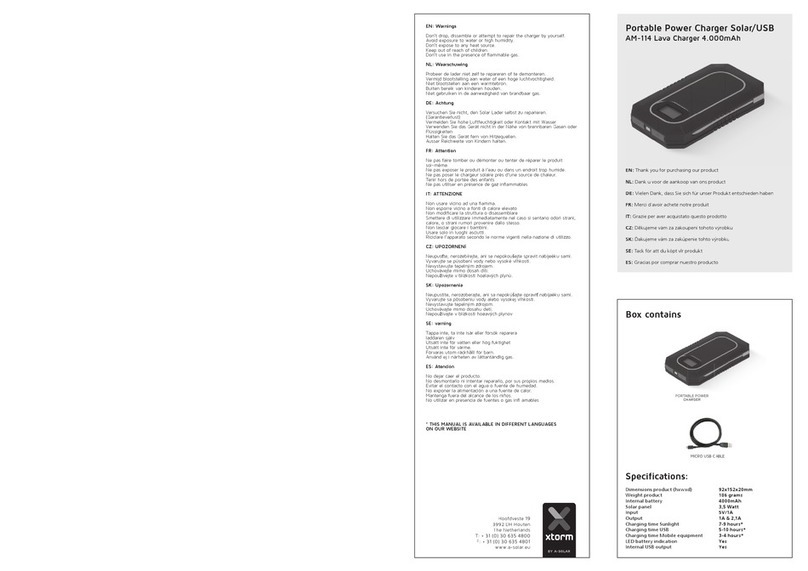
xtorm AM-114 User manual

xtorm

xtorm AM-114 User manual

xtorm DS201 User manual

xtorm

xtorm DS201 User manual

xtorm AM-116 User manual

xtorm

xtorm AM-116 User manual

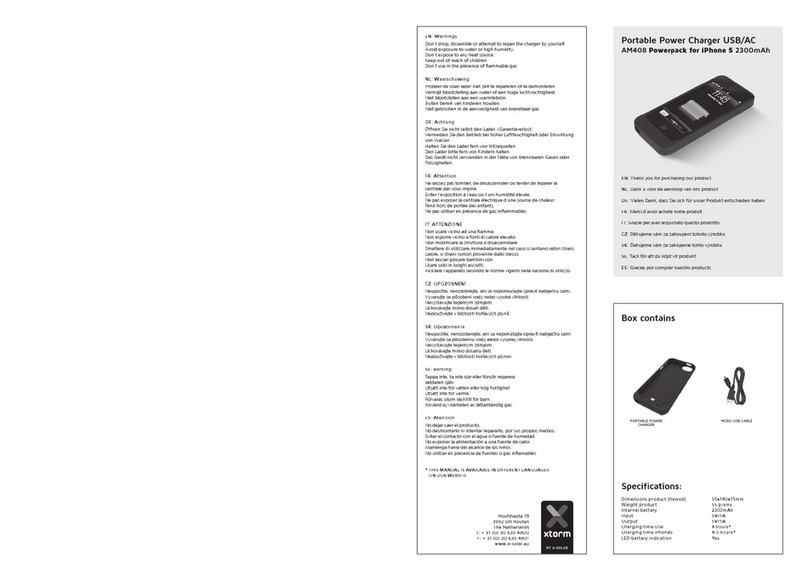
xtorm AM408 User manual

xtorm

xtorm AM408 User manual

xtorm XA082 User manual

xtorm

xtorm XA082 User manual

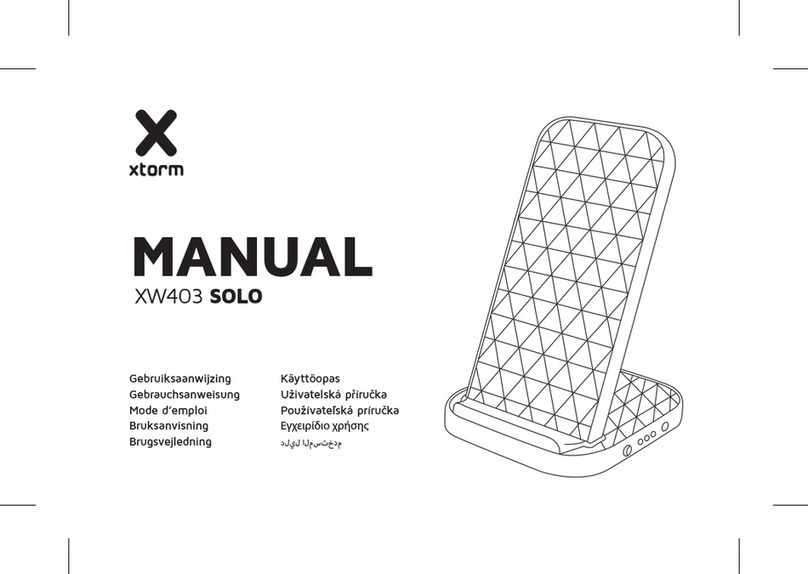
xtorm SOLO XW403 User manual

xtorm

xtorm SOLO XW403 User manual

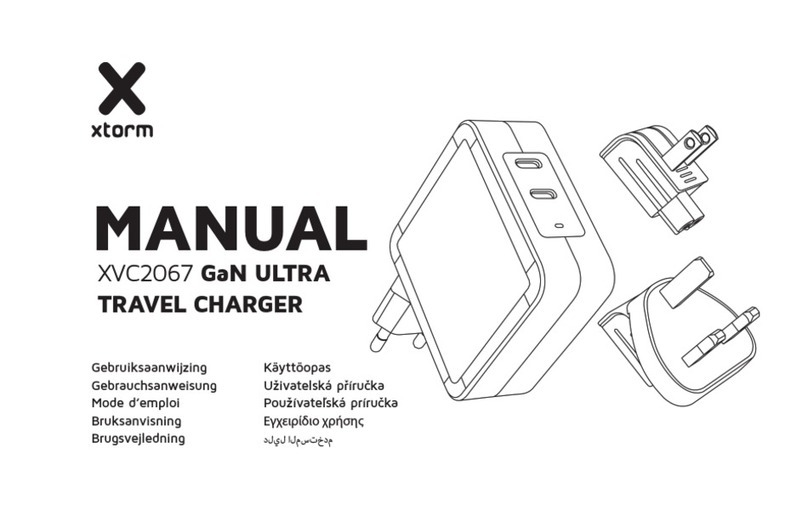
xtorm XVC2067 GaN ULTRA User manual

xtorm

xtorm XVC2067 GaN ULTRA User manual

xtorm Lava AM-114 User manual

xtorm

xtorm Lava AM-114 User manual

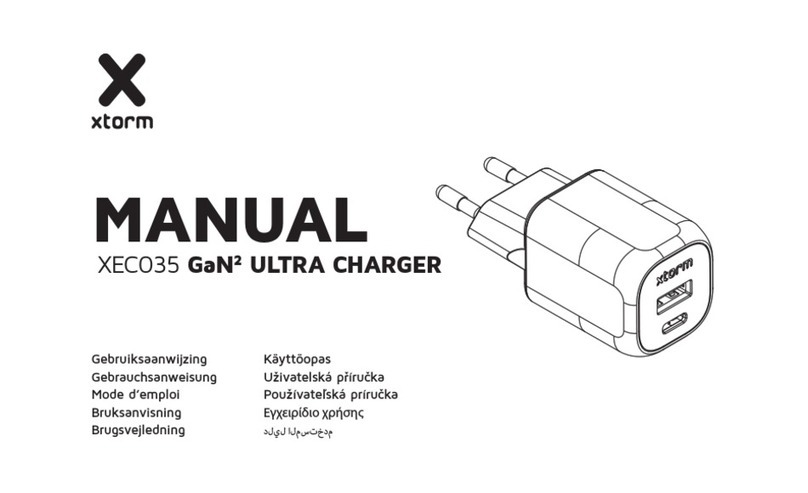
xtorm XEC035 User manual

xtorm

xtorm XEC035 User manual

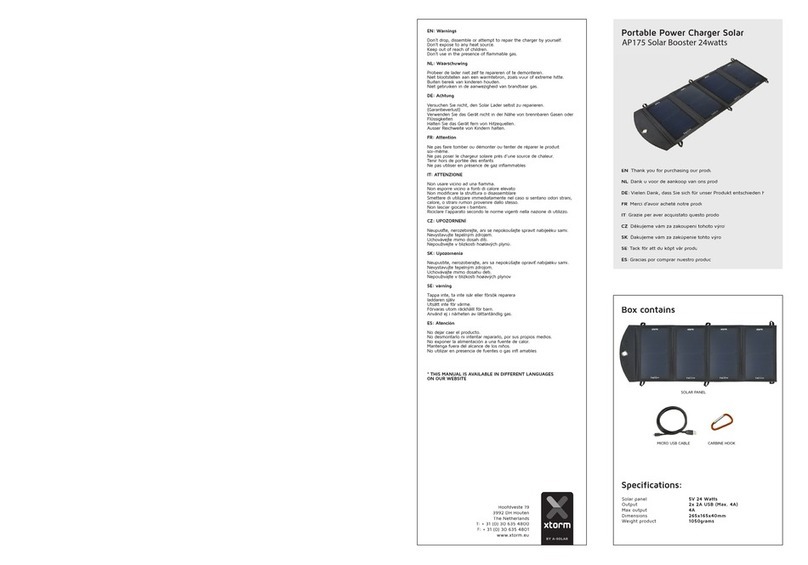
xtorm AP175 User manual

xtorm

xtorm AP175 User manual

xtorm AM118 Basalt User manual

xtorm

xtorm AM118 Basalt User manual

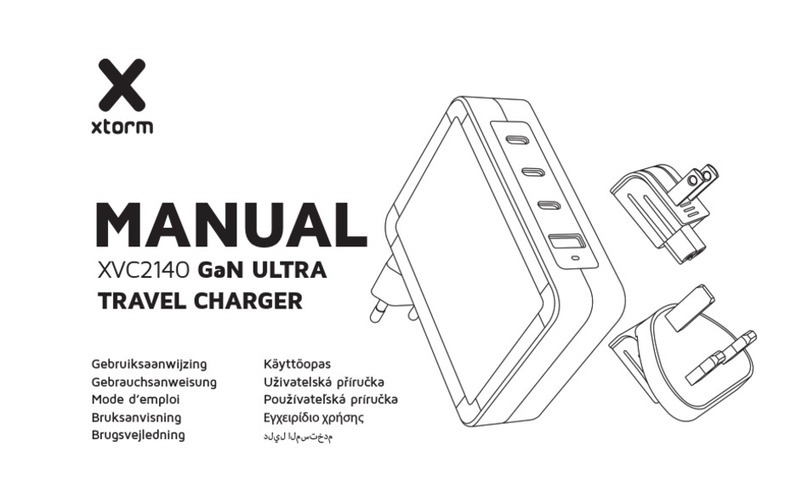
xtorm XVC2140 User manual

xtorm

xtorm XVC2140 User manual

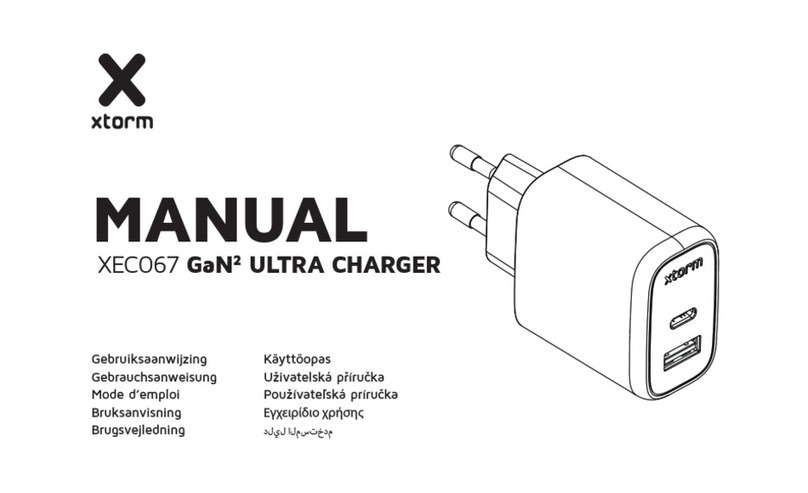
xtorm XEC067 User manual

xtorm

xtorm XEC067 User manual

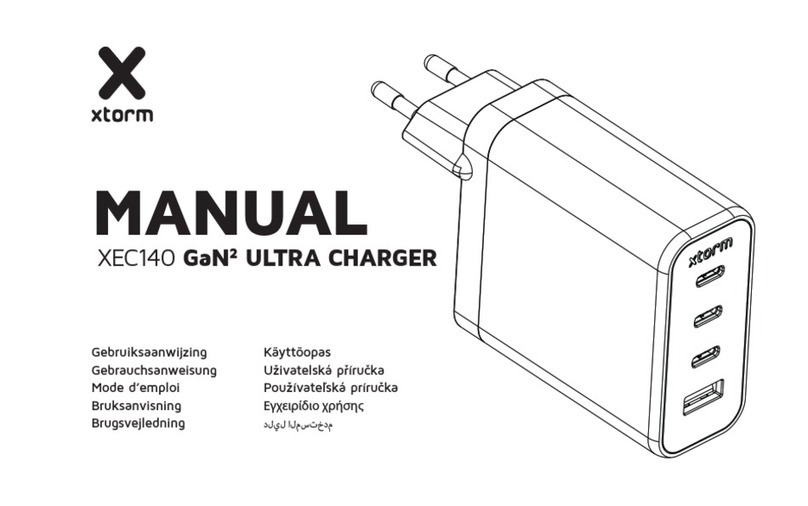
xtorm XEC140 User manual

xtorm

xtorm XEC140 User manual

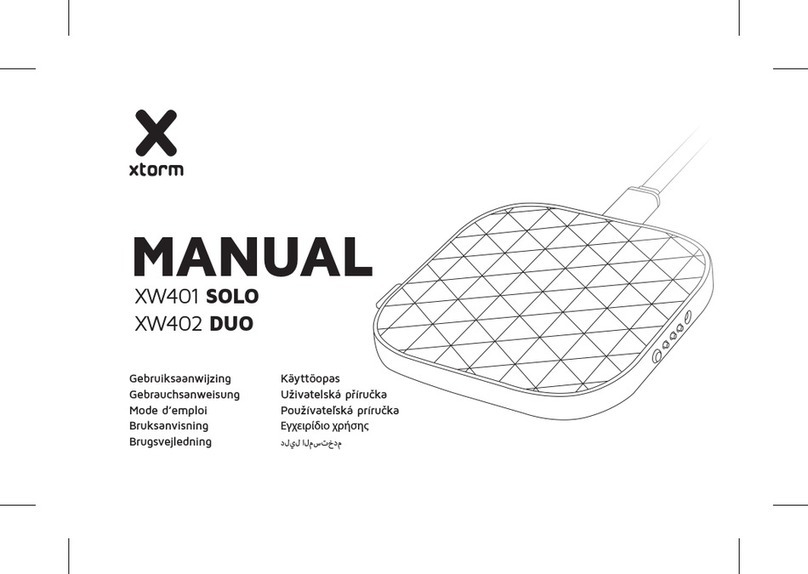
xtorm XW401 SOLO User manual

xtorm

xtorm XW401 SOLO User manual

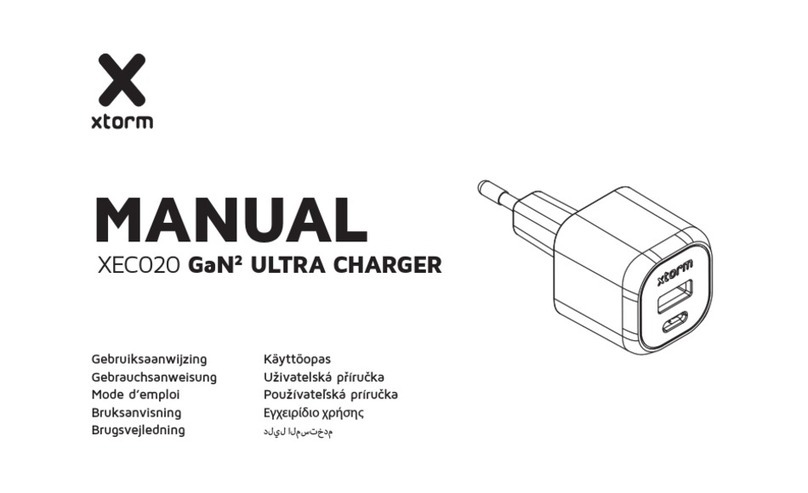
xtorm XEC020 User manual

xtorm

xtorm XEC020 User manual

xtorm XWF31 User manual

xtorm

xtorm XWF31 User manual

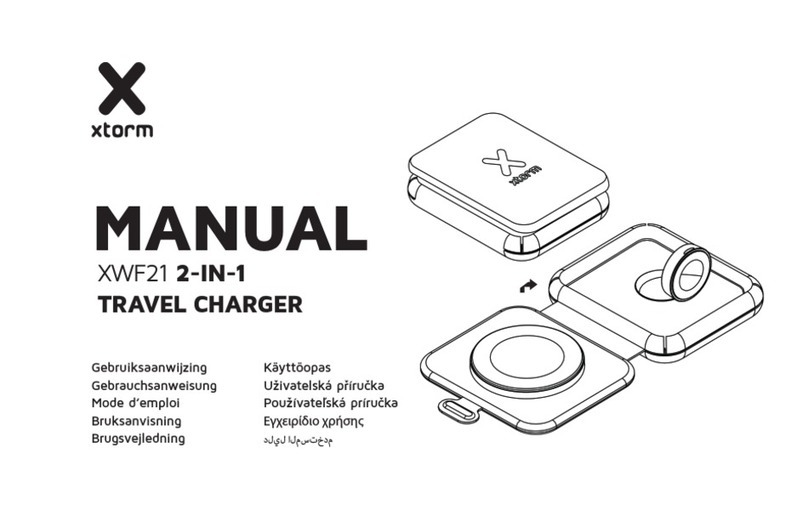
xtorm XWF21 User manual

xtorm

xtorm XWF21 User manual

Popular Batteries Charger manuals by other brands

EVBox BusinessLine manual

EVBox

EVBox BusinessLine manual

Goobay 71808 user manual

Goobay

Goobay 71808 user manual

Kogan KACRDQIS4XA user manual

Kogan

Kogan KACRDQIS4XA user manual

Sealey WCB3 quick start guide

Sealey

Sealey WCB3 quick start guide

Vanner SP00143/181 owner's manual

Vanner

Vanner SP00143/181 owner's manual

KeyOuest KO037515 quick start guide

KeyOuest

KeyOuest KO037515 quick start guide

Enplus Silk Series user manual

Enplus

Enplus Silk Series user manual

Intermec SF51 user guide

Intermec

Intermec SF51 user guide

Colorovo PowerBox 6800 user guide

Colorovo

Colorovo PowerBox 6800 user guide

Smartech WBC-250 Operator's manual

Smartech

Smartech WBC-250 Operator's manual

PIXO C-USB instruction manual

PIXO

PIXO C-USB instruction manual

Gunson G4104 quick start guide

Gunson

Gunson G4104 quick start guide

Dometic NDS SCE320 Short Operating Manual

Dometic

Dometic NDS SCE320 Short Operating Manual

ABB HT572708 Operation manual

ABB

ABB HT572708 Operation manual

EVOline Square80 manual

EVOline

EVOline Square80 manual

Redarc SBC24025 Operating instructions and owner's manual

Redarc

Redarc SBC24025 Operating instructions and owner's manual

Absaar HV04 manual

Absaar

Absaar HV04 manual

DazeTechnology Cover Dazebox Home installation manual

DazeTechnology

DazeTechnology Cover Dazebox Home installation manual

manuals.online logo
manuals.online logoBrands
  • About & Mission
  • Contact us
  • Privacy Policy
  • Terms and Conditions

Copyright 2025 Manuals.Online. All Rights Reserved.

Wireless Fast Charging Pad□
Company Name: □
Anecoo Technology Holding □
Co.,Ltd
Address: □
3/F,Building D,Fu Sen□
Industry Park,Bao’an Road□
No.4832,Xi Xiang Gushu □
Shenzhen,China,518126
FCC Statement
This device complies with part 15 and
part 18 of the FCC Rules. Operation is
Subject To the following two conditions:
(1) This device may not cause harmful
interference, and (2) this device must
accept any interference received, including
interference that may cause undesired
operation. Changes or modifications not
explicitly approved by the party responsible
for compliance could void the user's
authority to operate this equipment.
Note: this equipment has been tested and
found to comply with the limits for a Class
B digital device, pursuant to part 15 and
part 18 of the FCC Rules. These limits are
designed to provide reasonable protection
against harmful interference in a residential
installation. This equipment generates,
uses and can radiate radio frequency
energy and, if not installed and used in
accordance with the instructions, may
cause harmful interference to radio
communications.
However, there is no guarantee that
interference will not occur in a particular
installation. If this equipment does
cause harmful interference to radio or
television reception, which can be
determined by turning the equipment off
and on, the user is encouraged to try to
correct the interference by one or more
of the following measures:
• Reorient or relocate the receiving
antenna.
• Increase the separation between the
equipment and receiver.
• Connect the equipment into an outlet
on a circuit different from that to which
the receiver is connected.

• Consult the dealer or an experienced
radio/TV technician for help.The
equipment complies with FCC radiation
exposure limits set forth for an
uncontrolled environment. During the
operation of device a distance of 15 cm
surrounding the device and 20cm above
the top surface of the device must
berespected.

This device complies with Part 18 of the
FCC Rules. This equipment generates
uses and can radiate radio frequency
energy and, if not installed and used in
accordance with the instructions, may
cause harmful interference to radio
communications. If this equipment does
cause harmful interference to radio or
television reception, which can be
determined by turning the equipment off
and on, the user is encouraged to try to
correct the interference by one or more
of the following measures:
Increase the separation between the
equipment and any other radio device.
Connect the equipment into an outlet
on a circuit different from that to which
the receiver is connected.