Notes about this Operation Manual ���������2
Terms used in this manual ���������������3
Contents ����������������������������4
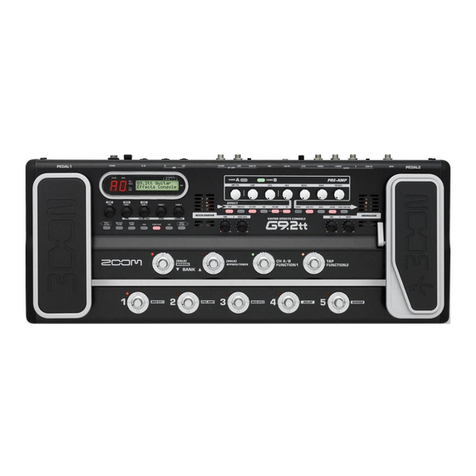
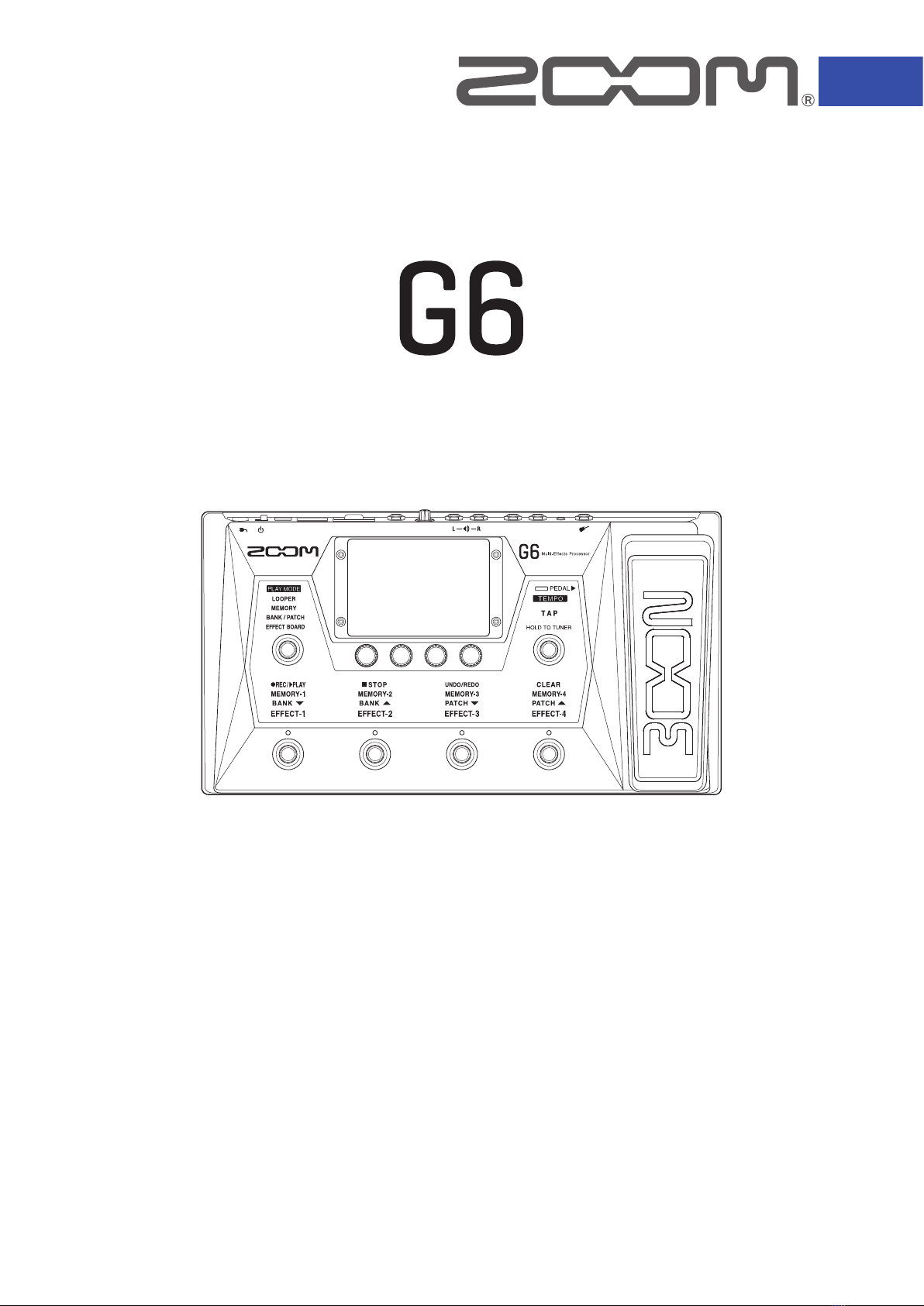
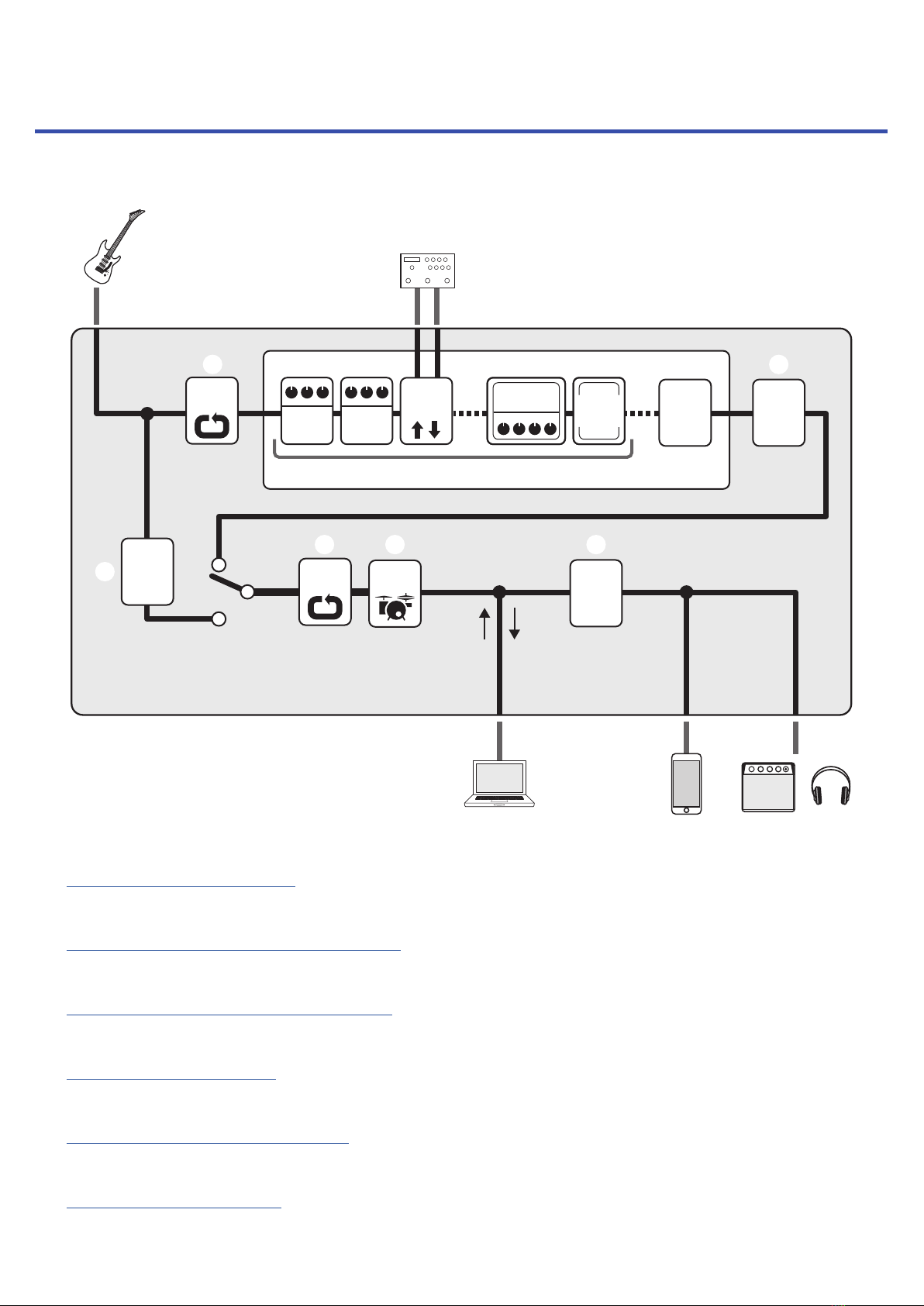
G6 overview��������������������������6
Using the touchscreen ������������������8
Functions of parts ��������������������11
Connecting �������������������������16
Inserting SD cards ��������������������17
Turning the power on/off ���������������18
Turning the power on ������������������18
Turning the power off ������������������18
Adjusting the master level ��������������19
Adjusting the master EQ ����������������20
Turning effects on and off while playing ����21
Switching banks and patch memories
while playing �����������������������23
Switching patch memories in one bank
while playing �����������������������25
Using the looper while playing �����������27
Setting the looper ��������������������32
Using SD cards ����������������������37
Adjusting effects ���������������������40
Turning effects on and off ���������������40
Replacing effects ��������������������41
Adjusting effects ���������������������44
Changing effect order������������������46
Adding effects ����������������������47
Deleting effects����������������������49
Making all settings on one screen ����������50
Setting the patch memory level�����������53
Changing patch memory names ����������54
Adjusting the master tempo �������������55
Managing patch memories ��������������56
Saving patch memories ����������������56
Changing the order of patch memories ������58
Deleting patch memories ���������������59
Creating patch memories ���������������60
Managing banks����������������������63
Changing the bank order ����������������63
Deleting banks ����������������������64
Creating banks ����������������������66
Using expression pedals ����������������68
Using the built-in pedal �����������������68
Adjusting the pedal �������������������70
Using an external pedal�����������������72
Using the tuner ����������������������74
Activating the tuner �������������������74
Changing tuner settings ����������������75
Using rhythms �����������������������77
Activating rhythms��������������������77
Setting rhythms����������������������78
Starting/stopping rhythm playback ���������82
Rhythm patterns ���������������������83
Using the send and return���������������84
Using impulse responses (IR) ������������86
Using impulse responses (IR)�������������86
Loading impulse response (IR) data ��������87
Using audio interface functions�����������89
Installing the driver �������������������89
Connecting to a computer ���������������90
Making audio interface settings �����������91
Connecting to iOS/iPadOS devices���������93
Contents
4