manuals.online logo
Brands
  1. Home
  2. •
  3. Brands
  4. •
  5. AGT INDUSTRIAL
  6. •
  7. Wheel Balancer
  8. •
  9. AGT INDUSTRIAL AGT-WB24 User manual

AGT INDUSTRIAL AGT-WB24 User manual

Popular Wheel Balancer manuals by other brands

Snap-On WBM250 user manual

Snap-On

Snap-On WBM250 user manual

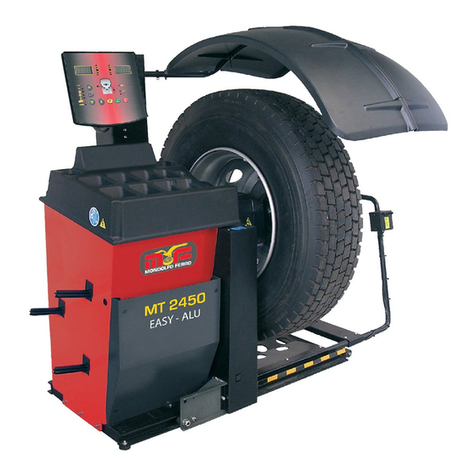
Mondolfo Ferro MT 2450 Technical & service manual

Mondolfo Ferro

Mondolfo Ferro MT 2450 Technical & service manual

IDEAL IWA-60-1500-K manual

IDEAL

IDEAL IWA-60-1500-K manual

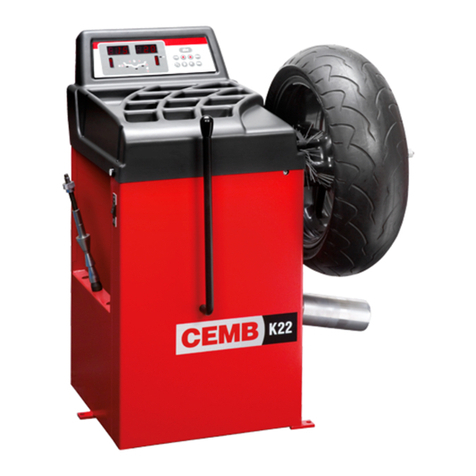
CEMB K22 Use and maintenance manual

CEMB

CEMB K22 Use and maintenance manual

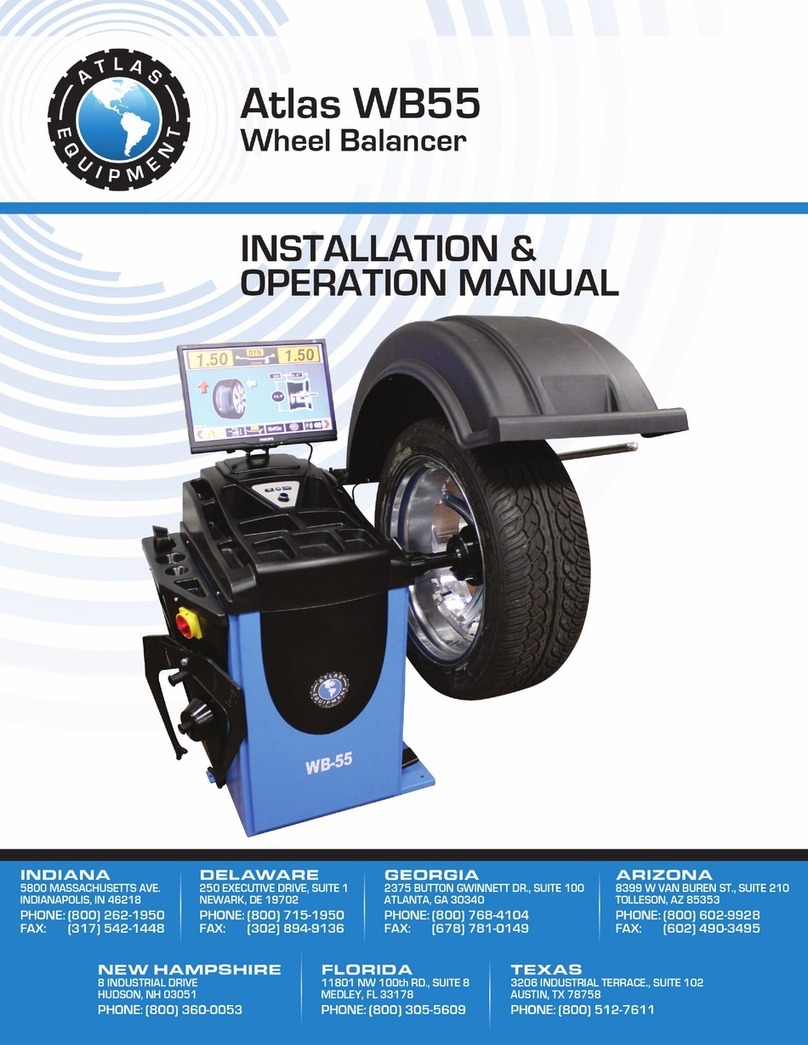
Atlas Equipment WB55 Installation & operation manual

Atlas Equipment

Atlas Equipment WB55 Installation & operation manual

Bonica BC988 Operation manual

Bonica

Bonica BC988 Operation manual

Hofmann geodyna 990-2 Operation manual

Hofmann

Hofmann geodyna 990-2 Operation manual

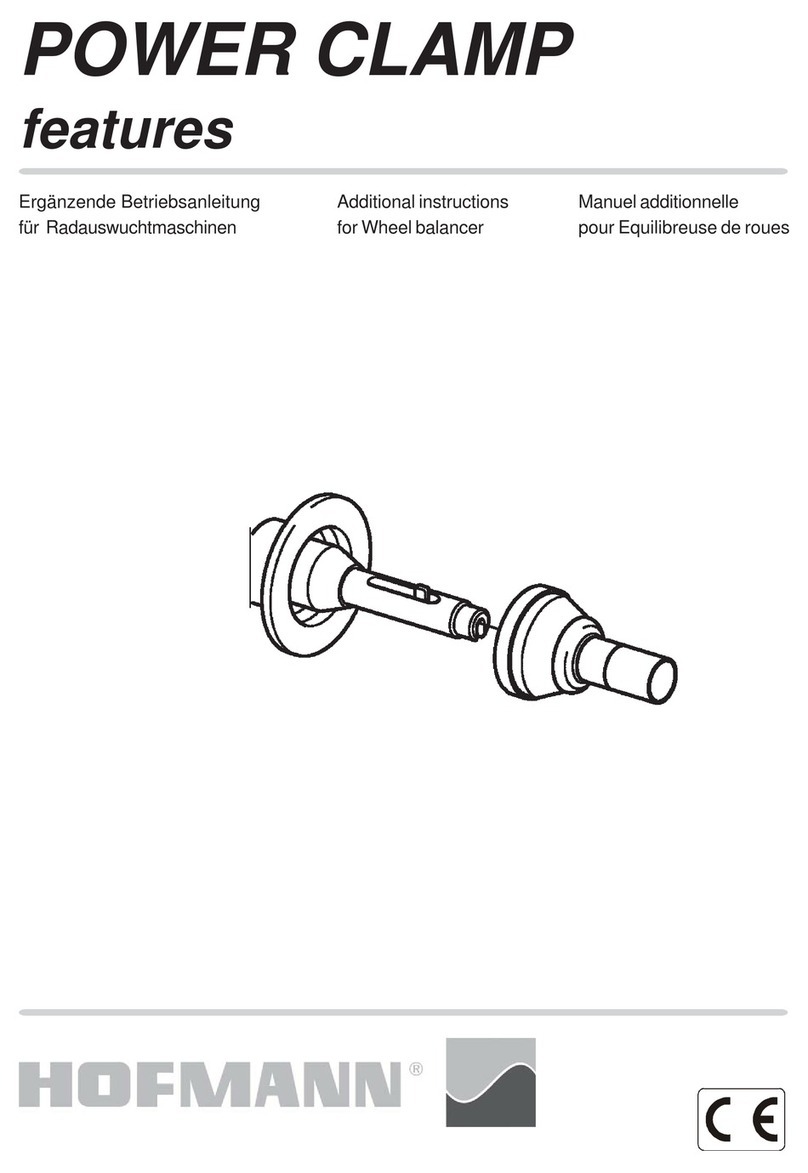
Hofmann POWER CLAMP features Additional instructions

Hofmann

Hofmann POWER CLAMP features Additional instructions

CLAS EQ 2100 manual

CLAS

CLAS EQ 2100 manual

BOHYUN BY- 6S user manual

BOHYUN

BOHYUN BY- 6S user manual

Urrea BAL24A user manual

Urrea

Urrea BAL24A user manual

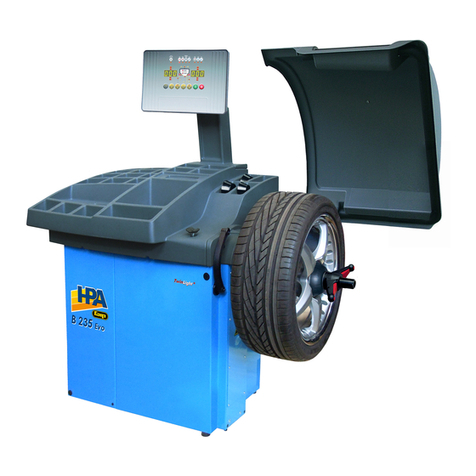
HPA-Faip B 235 Evo Operator's manual

HPA-Faip

HPA-Faip B 235 Evo Operator's manual

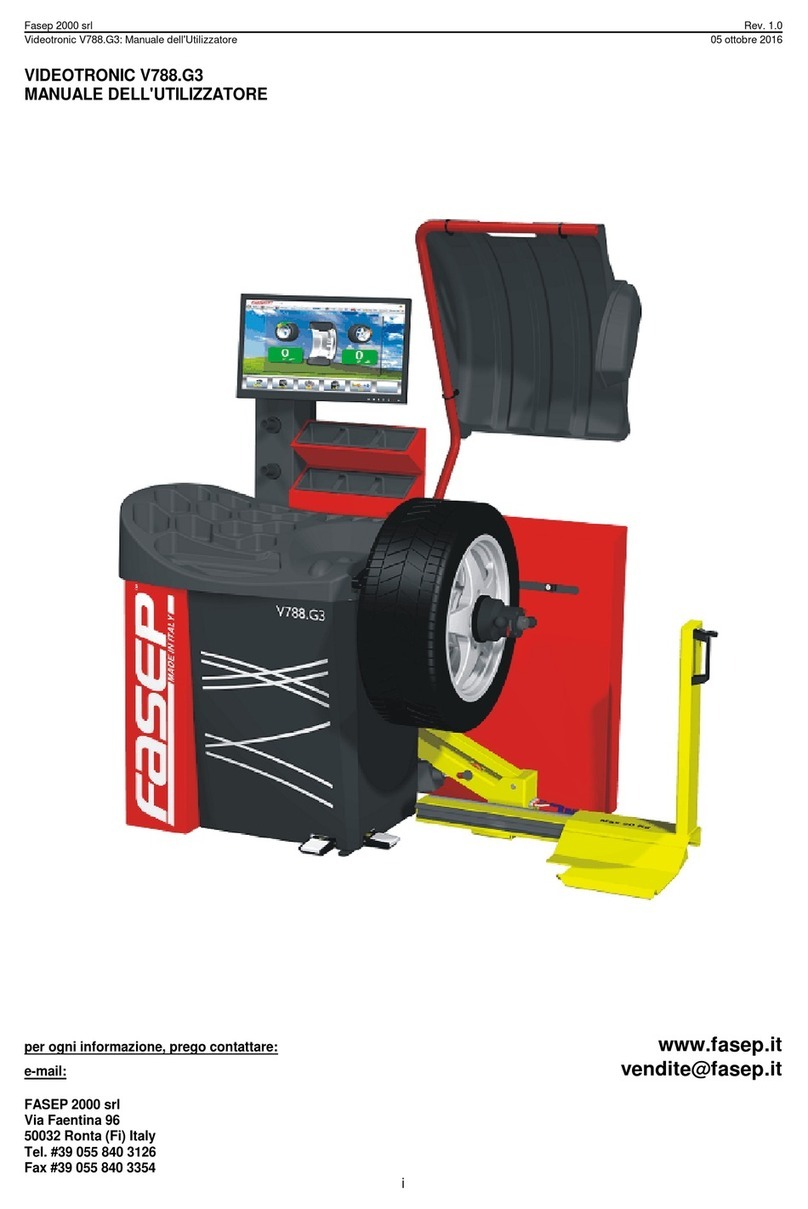
Fasep VIDEOTRONIC V788.G3 user manual

Fasep

Fasep VIDEOTRONIC V788.G3 user manual

Hofmann Megaplan Megaspin 800_2 Use and maintenance manual

Hofmann Megaplan

Hofmann Megaplan Megaspin 800_2 Use and maintenance manual

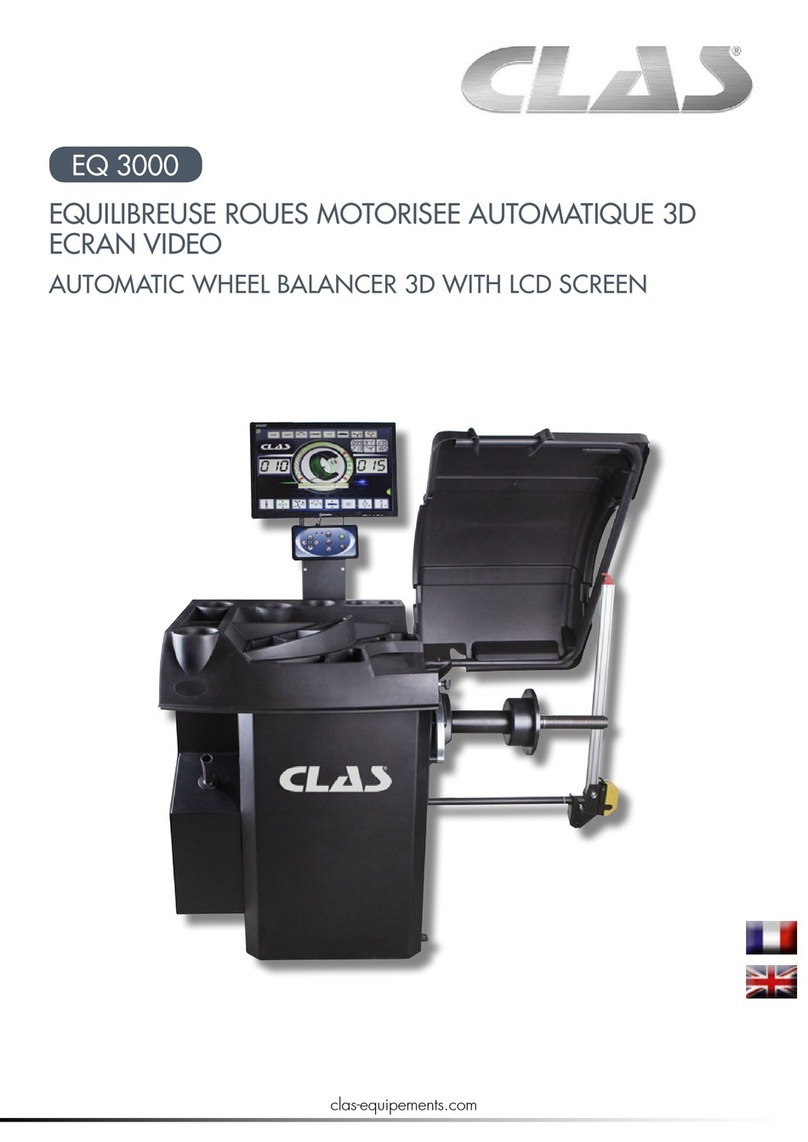
CLAS EQ 3000 manual

CLAS

CLAS EQ 3000 manual

SICE S 605 instruction manual

SICE

SICE S 605 instruction manual

HENNESSY INDUSTRIES Coats 1250 instructions

HENNESSY INDUSTRIES

HENNESSY INDUSTRIES Coats 1250 instructions

Hofmann geodyna 6800 Operation manual

Hofmann

Hofmann geodyna 6800 Operation manual

manuals.online logo
manuals.online logoBrands
  • About & Mission
  • Contact us
  • Privacy Policy
  • Terms and Conditions

Copyright 2025 Manuals.Online. All Rights Reserved.

1
PRODUCT MANUAL
A G T - W B 2 4 W h e e l Ba l a n c e r
This manual is an integral part of this product, pls read carefully
to prevent any danger of misoperation!
Keep this manual well for future further maintenance.
This machine is only used for wheel balancing, not for other
purposes.
Pleasecontact sales@agrotkindustrial.com
https://www.agrotkindustrial.com/
sales@agrotkind ustrial.com https://www.agrotkindustrial.com /
WARNING
2
DO’S AND DONT’S
●The machine must be operated by specially trained and qualified personnel. Any modification of the machine
parts and out of scope of use, without the permission of the manufacturer or the requirements of the manual, may cause
direct or indirect damage to the machine.
●The balancing machine should be installed and fixed on smooth ground. Don’t place it on wood floor!
Otherwise the accuracy will be reduced easily!
●A distance of not less than 0 . 6 m should be left between the back of the balancing machine and the wall to
ensure good ventilation and heat dissipation. Note: leave enough space on the left and right side of the balancing machine
to allow unrestricted operation。
●Do not keep the balancing machine in an extremely hot, extremely cold, or extremely humid environment. Avoid
placing it next to heating equipment, faucet, air humidifier or stove, and avoid contacting with a lot of dust, ammonia,
alcohol, thinner or spray adhesive.
●When operating, please use appropriate equipment and tools, and wear corresponding labor protection supplies,
such as: work clothes, goggles, safety shoes。
●When the machine is working, please keep it away from the non- operator. Please be careful not to touch the
moving parts with hands or other parts of the body when the balancing machine is working.
3
TABLE OF CONTENTS
1. overview------------------------------------------------------------------------------------------------------------------------------------1
2. installation --------------------------------------------------------------------------------------------------------------------------------4
3. machine introduction-------------------------------------------------------------------------------------------------------------------5
4. operation -------------------------------------------------------------------------------------------------------------------------------7
5. calibration ------------------------------------------------------------------------------------------------------------------------------13
6. trouble description --------------------------------------------------------------------------------------------------------------------14
7. trouble shooting------------------------------------------------------------------------------------------------------------------------14
8. parameter setting----------------------------------------------------------------------------------------------------------------------16
9. OPT program------------------------------------------------------------------------------------------------------------------------ ----17
4
ONE. overview
The poor dynamic balance of wheels will make the running wheels jump and the steering wheel vibrate, which will affect
the driver' s driving, leading to increase gap of the joint part of the steering system, damage the shock absorber and
steering parts, and increase the probability of traffic accidents. These problems can be avoided by performing the wheel
balancing。
This type of wheel dynamic balancing machine adopts the new type of hardware system with large scale integrated
circuit consisting of high speed information acquisition, processing and calculating. The machine is equipped with: DYN
dynamic balance, ALU1 aluminum alloy, ALU2 aluminum alloy and ALU3 aluminum alloy and ALUS free paste mode
( total 6 kinds of mode) to balance all kinds of car wheel shape.
1. technical
indicator
Max. wheel weight:65kg
Motor power:250w
Voltage :110V/60HZ~220v50HZ
Balance precision :1g
Balance speed :about 200r/min
1 standard mode, 6 aluminum alloy balance mode,
balance cycle :8s
rim diameter:10 〃~24〃
noise :less than 70db
net weight:80kg with hood(optional): 85kg
2.performance
The balance block can be adhered at 12 o 'clock or 6 o 'clock under ALU mode.
Various balance operation mode,it can realize balance block clipped and adhered.
automatic trouble diagnosis and protection function.
it is suitable for a variety of rim of steel structure and the aluminum alloy structure.
Optional automatic measuring ruler, automatic measurement of A\D rim value
Optional laser function, easy to indicate the position of the paste block
Optional motor lock function, easy to paste the block to find some rim segmentation function
Optional radar automatic measurement of B value rim width ruler
It has motorcycle function, HID rim segmentation function, OPT function, motorcycle wheel hub
balance function
3.working environment
environment temperature :-5~50C
altitude :≤4000 meter
relative humidity:≤85%

5
TWO. Installation
1.machine installation
The equipment must be installed on a solid cement floor or similar. If the ground is not solid,
measurement error will be caused. There should be space around the equipment for easy operation. See
below:
Note: This diagram does not represent the form factor of the equipment you actually purchased,
and this figure is for installation location reference only.
2. The position of the mounting hole of the machine base should be fixed by expansion screw.
3. main shaft screw installation
Install the equipped screw on the main shaft, and tighten it (see below picture)
Note: when installing and removing the wheels, do not allow the wheels to slide on the main shaft screw to
avoid scratches.
THREE .Display Panel
6
1.display unbalance value inner
2. display inner unbalance position indication stripe
3. display unbalance value outer
4. display outer unbalance position indication stripe
5. balance mode indicator,it can realize the following balance mode:
figure
balance
mode
operation method
explanation
standard
balance mode
1. turn on the machine
2. input a,b,d value
3. start, wait unti it stops
The unbalance block is
clipped on the alignment
planes at the two edges of the
rim
ALU1
ALU1 balance
mode
1. turn on the machine
2. input a,b,d value
3. Press the ALU key to turn
on the mode light
4. start, wait unti it stops
An unbalanced block is pasted
on the two alignment planes
inner and outer side of spoke
the rim
ALU2
ALU2 balance
mode
1. turn on the machine
2. input a,b,d value
3. Press the ALU key to turn
on the mode light
4. start, wait until it stops
Clip the unbalanced block on
the alignment plane inner, and
paste the unbalanced block at
outer.
ALU3 balance
mode
1. turn on the machine
2. input a,b,d value
3. press the ALU key to turn
on the mode light
4. start,wait until it stops
An unbalance block is pasted on
two alignment planes inside and
outside spokes of the rim
ALU4 balance
mode
1. turn on the machine
2.input a,b,d value
3. press the ALU key to turn on
the mode light
4. start, wait until it stops
Clip the unbalanced block on
the alignment plane inner, and
paste the unbalanced block at
outer.
7
ALU5 balance
mode
1. turn on the machine
2.input a,b,d value
3. press the ALU key to turn on
the mode light
4. start, wait until it stops
paste the unbalanced block on
the alignment plane inner, and
clip the unbalanced block at
outer.
ALUS balance
mode
1. turn on the machine
2. press the ALU key to turn
on the mode light
3. input ①ai②ae③d value
4. start,wait until it stops.
Paste unbalance block on two
correction planes inner and outer
sides of the spokes of the
specified rim
Static balance
mode
(motorcycle)
1.turn on the machine
2.input a,b,d value
3 . press the ALU key to alive
the mode
4. start, wait until it stops
Paste unbalance block at
center of wheel rim on
alignment plane
Pressbutton function H
figure
function description
figure
function description
distance caliper head to the
inner rim
OPT program
input tire width
balance mode slection
input tire diameter
combination/division
recalculate the balance results
display actual unbalance value
start
stop or cancel
FOUR. operation
1 Standard balance mode
1)install the wheel
★Befor perform any operation make sure to remove all counterweight. Check whether the tire pressure
8
conform to specified value. Check if there is any deformation on rim locating surface and mounting
hole. According to the wheel rim structure, select the appropriate tire installation method. Choose
the following two installation methods according to the wheel rim structure:
main shaft— (direction of the rim
installation surface is inside)—
suitable cone (small side inside)—quick nut
main shaft—tower spring (big side inside)
-—wheel—quick nut
Note when install or remove the wheel,it is not allowed to slide the wheel on main shaft screw,to
avoid any scratching.
2)turn on the power switch
3)input a b d value ( Automatic input gauge is optional function . No automatic gauge please enter
manually)
distance (a)value :pull the scale to the position as in pic.1 and hold it for 4 seconds, read this value from
measuring scale, and input the value manually through .
width (b)value :read it directly from the rim or measure it by equipped caliper as in pic.2, and input the
value manually through
diameter (d)value :read it directly from the rim, and input the value manually through
Pic.1
Pic.2
4)put down the hood or press key to rotate the wheel
5)After the wheel stops, the digital tube displays unbalanced weight,press key to read actual unbalance
weight.
6)Slowly rotate the tire counterclockwise by hand until the indicator light outer is all on. At this time, the highest
point (12 o 'clock) of the outer rim is the correct point of the unbalance. Add corresponding weight lead at this
position. See Pic.3
9
Pic.3
7)Slowly rotate the tire counterclockwise by hand until the indicator light inner is all on. At this point, the highest point (12
o ' clock) on the inner rim is the correct point of unbalance. Add corresponding weight lead at this position. See pic. 4
Pic.4
8)After the weight lead is all placed on,press key to rotate the wheel,if no mistake during operation, pic.
5 will be shown, which indicates that the dynamic balance is successful
Pic.5
2 ALU-2 balance mode (stick on the rim)( ALU-1 ALU-3 are the same operation, only the
sticky positin is different)
1)Pls. refer to the above mentioned way of measuring a、b、d, three values.
2)According to shape of rim, press key to light on ALU2.
3)Pls. put down the hood or press key to rotate the tire.
4)After the wheel stops, the digital tube displays the unbalanced weight ,press key to check the actual
unbalanced weight.
5)turn the tires slowly Anti-clockwise with the hand, until the lateral imbalance indicator lights are all on, at the
point at 12 o 'clock(12H is off) or 9 o 'clock(9H is on) are the position for unbalance point of alignment planes.
Balance alignment planes are as shown in below pictures. Paste corresponding balance weight on the outside
of the wheel rim. See pic.6.
10
Pic.6
6)turns slowly the tires counterclockwise, until the inner side of the indicator lights are all on, at the point at 12
o 'clock(12H is off) or 9 o 'clock (9H is on) are the unbalance point of alignment planes. Balance alignment
planes are as shown in below pictures. Paste corresponding balance weight on the inside of the wheel rim.
See pic.7.
Pic.7
7)After placing the balanced lead, press key to rotate the wheel. If the operation is correct,we will see
pic. 8. It indicates that the balancing was successful.
Pic.8
3 ALU S balance mode (Automatic input gauge is optional function .No automatic gauge please
enter manually)
★This function is applicable to very special rims, and the normal alu-1 and alu-2 methods cann't
guarantee sufficient balance accuracy. Choose this balance mode.
1)Input aI, aE, d value
aI distance”value: Pull out the ruler head as it is shown in pic. 9 first and hold it at F1 position for 4 seconds,
automatically read the "aI distance" data from the measuring scale, and manually correct the data through
input (automatic measurement is optional).
AE distance " value: pull out ruler head as it is shown in pic. 9 first and hold it at FE position for 4 seconds,
and automatically read the" aE distance "data from the measurement scale,and manually correct the data