Pairing your audio device
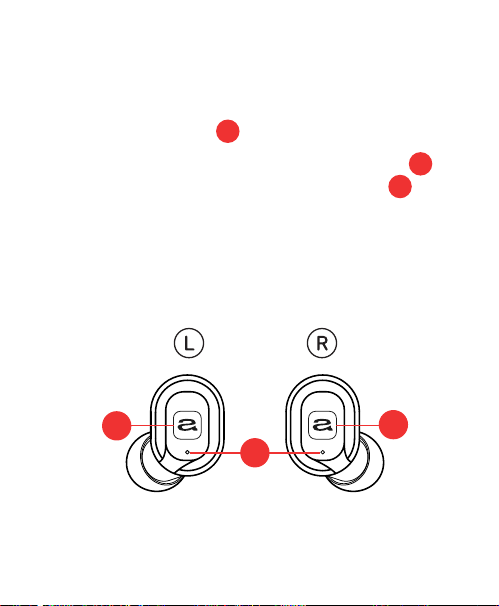
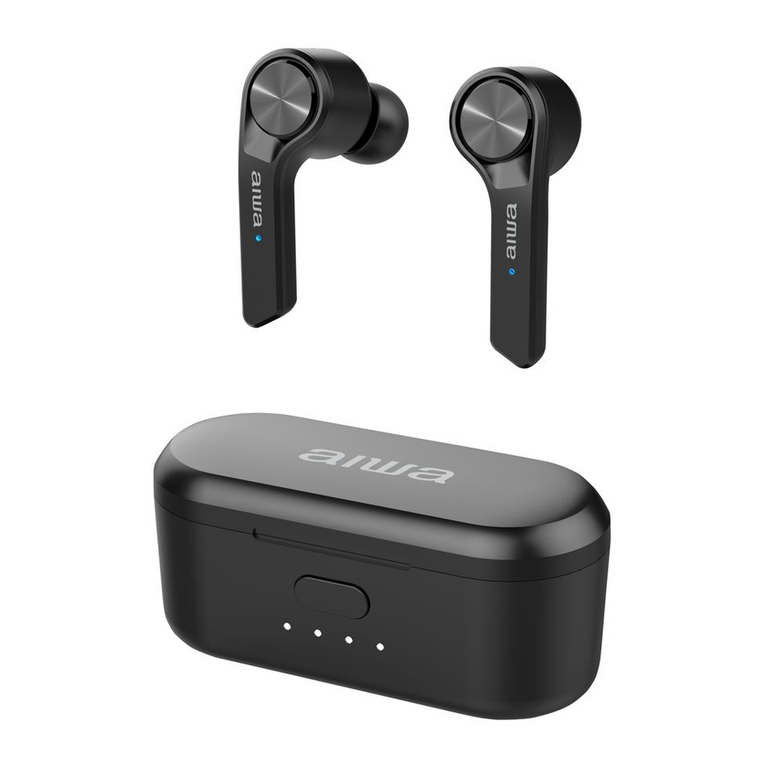
As soon as you remove both earbuds from the Portable
Charging Case they will automatically turn on and the
Earbud LED Lights will start to ash BLUE and RED.
You may hear ‘Power on, pairing’ and a ‘beep’ as
conrmation the earbuds have paired together.
One of the Earbud LED Lights will continue to ash BLUE
and RED. The other earbud will ash BLUE intermittently.
Go to the Bluetooth settings on your audio device and
select ‘AIWA Prodigy Air 2’ from the list.
Once paired successfully with your audio device you
will hear ‘Connected’ and both Earbud LED Lights
will ash BLUE.
You can now enjoy your music.
After this initial pairing, the earbuds will seamlessly
reconnect to the last used Bluetooth audio device
it was paired with and will conrm by saying ‘Connected’.
Place both earbuds (or either one) back in the Portable
Charging Case to power them o.
If there is no Bluetooth connection after 3 minutes the
earbuds will automatically turn o and will conrm with
‘Power o’.
Note: If you see two ‘AIWA Prodigy Air 2’ appear on your
Bluetooth menu list please wait 4 seconds for the
earbuds to connect to each other before pairing with
your audio device.
If there is still no connection simply ‘forget’ both earbuds
in your Bluetooth settings, place them back in the
Portable Charging Case and start again.
4 5
2
2
2
4
4
4