4
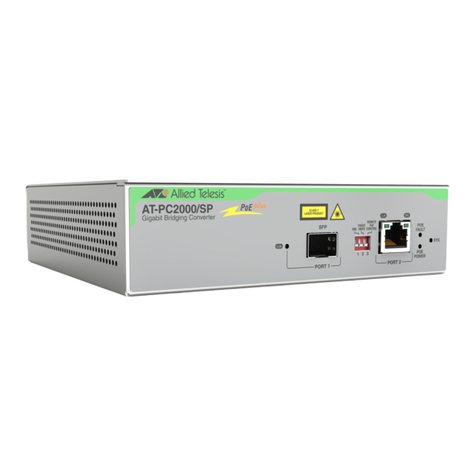
AT-IMC1000T/SFP Industrial Gigabit PoE+ Media Converter User Manual
Table of Contents
............................................................................................................................................5
Overview ............................................................................................................................5
Introduction .................................................................................................................... 5
Features........................................................................................................................... 6
Packing List.................................................................................................................... 7
Supported SFP................................................................................................................ 7
Safety Precaution............................................................................................................ 7
Hardware Description ......................................................................................................8
Front Panel...................................................................................................................... 8
Top View........................................................................................................................ 8
Wiring the Power Inputs................................................................................................. 9
Wiring the Fault Alarm Contact................................................................................... 10
LED Indicators ............................................................................................................. 10
DIP-Switch ................................................................................................................... 11
Ports.............................................................................................................................. 11
Mounting Installation .....................................................................................................13
DIN-Rail Mounting ...................................................................................................... 13
Wall-Mount Plate Fixing.............................................................................................. 15
Cabling Installation ........................................................................................................16
Installing Copper Ethernet Cable ................................................................................. 16
Installing SFP Module and Fiber Cable ....................................................................... 16
Hardware Installation ....................................................................................................17
Selecting a Location ..................................................................................................... 17
Installation Steps........................................................................................................... 17
Troubleshooting ...............................................................................................................21
Reviewing the Safety Guidelines ...................................................................................22