manuals.online logo
Brands
  1. Home
  2. •
  3. Brands
  4. •
  5. alpro
  6. •
  7. Lock
  8. •
  9. alpro AL2000 User manual

alpro AL2000 User manual

Other alpro Lock manuals

alpro AL150 User manual

alpro

alpro AL150 User manual

alpro AL150 User manual

alpro

alpro AL150 User manual

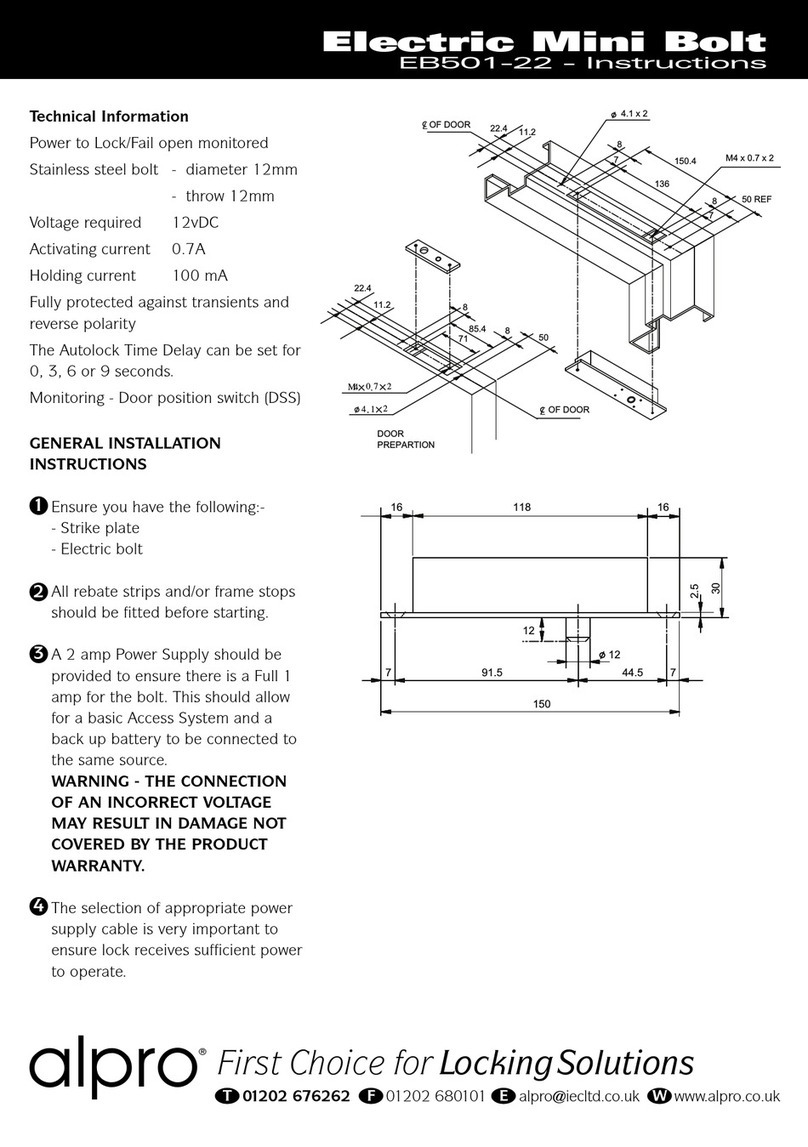
alpro EB501-22 User manual

alpro

alpro EB501-22 User manual

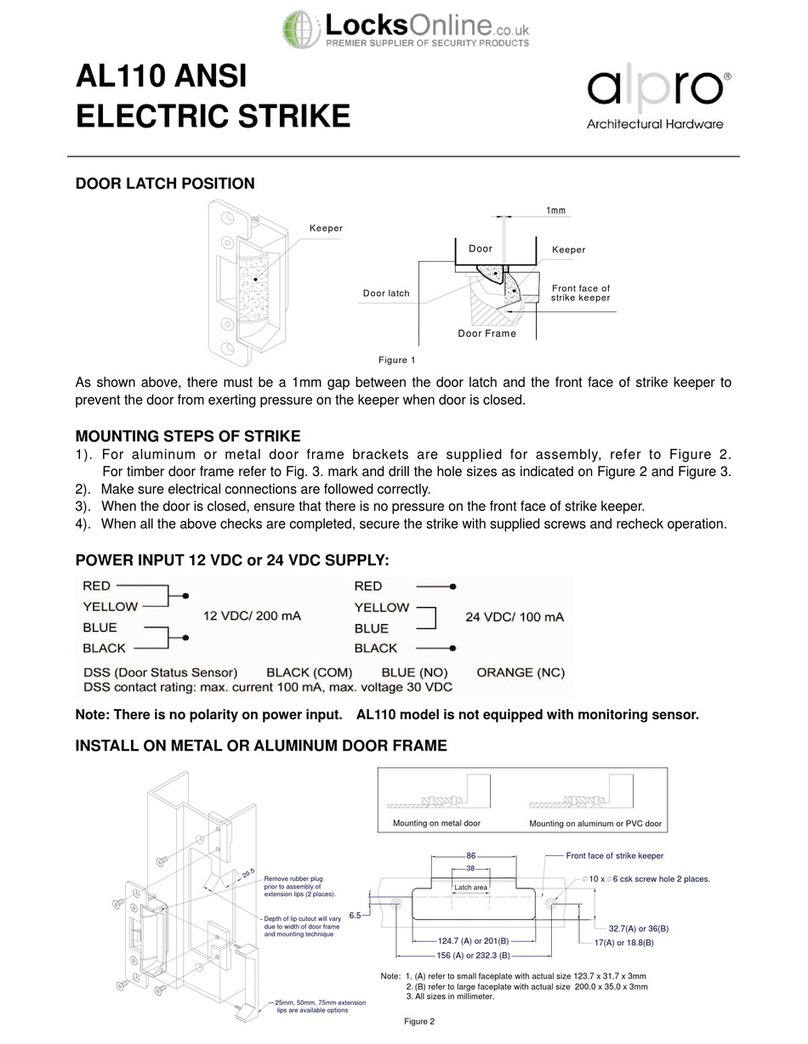
alpro AL110 User manual

alpro

alpro AL110 User manual

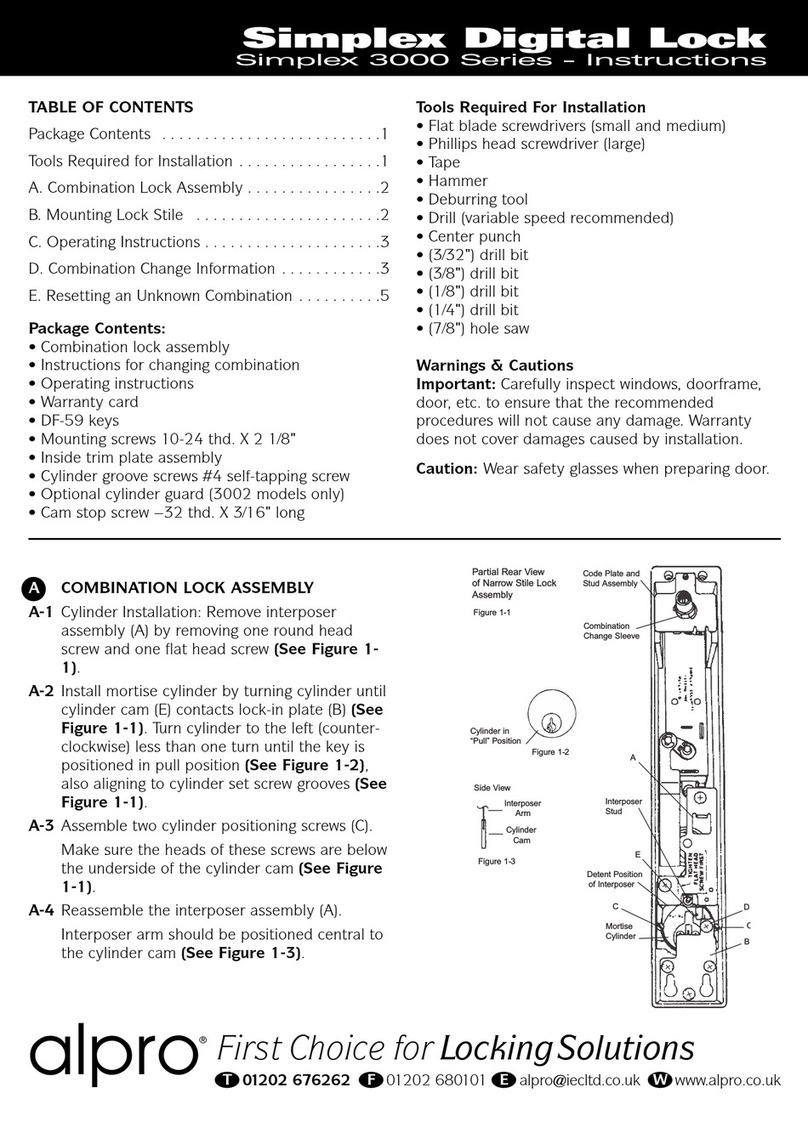
alpro 3000 Series User manual

alpro

alpro 3000 Series User manual

Popular Lock manuals by other brands

Magic 105 manual

Magic

Magic 105 manual

Gantner GAT NET.Lock 7020 System Installation, configuration & operation

Gantner

Gantner GAT NET.Lock 7020 System Installation, configuration & operation

Dorma Studio Classic Installation instruction

Dorma

Dorma Studio Classic Installation instruction

Securam ECSL-601 quick start guide

Securam

Securam ECSL-601 quick start guide

Sudhaus 3003 operating manual

Sudhaus

Sudhaus 3003 operating manual

Safety 1st 48517 user guide

Safety 1st

Safety 1st 48517 user guide

Pado FDS-10 user manual

Pado

Pado FDS-10 user manual

Esco systeQ Series installation instructions

Esco

Esco systeQ Series installation instructions

COMPX National D8951 instruction sheet

COMPX

COMPX National D8951 instruction sheet

secureo Key Box instruction manual

secureo

secureo Key Box instruction manual

Stock Loks C8713 instruction sheet

Stock Loks

Stock Loks C8713 instruction sheet

COMPX 1T-058 Information

COMPX

COMPX 1T-058 Information

Auslock T11 user manual

Auslock

Auslock T11 user manual

Stealth SAFES ShadowVault Instructions & Troubleshooting

Stealth SAFES

Stealth SAFES ShadowVault Instructions & Troubleshooting

Knox KeySecure 5 Admin & user guide

Knox

Knox KeySecure 5 Admin & user guide

Kwikset 48334/01 Quick installation guide

Kwikset

Kwikset 48334/01 Quick installation guide

Metra Electronics Door Access Terminal Combo Technical manual

Metra Electronics

Metra Electronics Door Access Terminal Combo Technical manual

Kilitronik miniK10m operating manual

Kilitronik

Kilitronik miniK10m operating manual

manuals.online logo
manuals.online logoBrands
  • About & Mission
  • Contact us
  • Privacy Policy
  • Terms and Conditions

Copyright 2025 Manuals.Online. All Rights Reserved.

Monitored Electric Strike
AL2000
Read all instructions before starting installation
As shown in Figure 1, there
should be 1mm gap between
the door latch and the front
face of strike keeper to prevent
the door from exerting back
pressure on the keeper when
the door is closed.
When door is closed, make sure there is no back
pressure on the keeper strike.
When the above installation is completed,
connect the wiring, secure the strike with
appropriate screws and check operation.
Note: The control circuit for the door strike is protected against reverse polarity
connection.
PACK CONTENTS
DOOR LATCH POSITION
INSTALL ON METAL FRAME
MOUNTING STEPS OF STRIKE
Power Input 12 vDC - current 220 mA 24 vDC - current 110 mA
Wire output Red (+) Black (-)
LSS (Lock Status
Sensor) Black (Common) Yellow (NO-PTO),
NC-PTL)
Green (NC-PTO),
(NO-PTL)
DSS (Door Status
Sensor) Black (Common) Blue (NO) Orange (NC)
ATS (Anti-Tamper
Sensor) Black (Common) Red (no) White (NC)
Sensor Output LSS Sensor Output 3A,
125 vAC, 2A, 30 vDC
DSS Sensor Output
3A, 125 vAC, 2A,
30 vDC
Anti-tamper Sensor
Output 5A, 125 vAC,
3A, 250 vAC
POWER INPUT 12VDC OR 24VDC SUPPLY
1
2
x4
x2 x1
x2
x1
x1
x2
Monitored Electric Strike
AL2000
Read all instructions before starting installation
POWER TO LOCK (PTL) <=> POWER TO OPEN (PTO) CONVERSION
Step 1: Remove the rubber cap to expose the capstan
wheel. See Figure 3.
Step 2: Slacken the capstan release screws two full
revolutions. DO NOT REMOVE. See Figure 3.
Step 3: Insert the “tool pin” through the cover end opening
hole and operate the solenoid hold it in position
and at the same time insert the “tool” thru the cover
plate opening hole and turn the capstan gear in the
direction of the keeper to the stop. See Figure 4.
Step 4: The strike is now in the Power to Lock mode.
Step 5: Tighten the two capstan releasing screws and
replace the rubber cap. See figure 5.
Procedures to convert PTO (Power to open) to PTL (Power to lock)
Registered in England & Wales 1925537 © April 2018 IEC. All rights reserved. All dimensions are nominal and subject to tolerances
ELECTRIC STRIKE MAINTENANCE
Maintenance should be carried out every 6 months, or higher for
heavy duty door traffic.
Electric strikes should be fitted exactly in accordance with the
Alpro fixing instructions, ensuring and maintaining all relevant door
gaps and clearances.
Under no circumstances use a spray lubricant, as this type of
solvent can damage electronics. Electrical parts with the strike
need no maintenance.
If required fit a protective diode as close to the coil as possible to
protect the system from transient peaks.
Ensure on a regular; basis the whole of the door system is checked
(lock case, door closer, strike plate, handles etc.) to ensure the
desired level of door operation and security is being maintained.
PLEASE NOTE:
The warranty for the strike is void if:
The strike is assembled incorrectly
Parts fitted to the strike which are not approved Alpro Parts
The strike is incorrectly wired
There is incorrect voltage applied to the strike
Alpro electric strikes should be installed by suitably qualified
engineers
Figure 3 Figure 4
Step 1: Remove the rubber cap to expose the capstan
wheel. See Figure 3.
Step 2: Slacken the capstan release screws two full
revolutions. DO NOT REMOVE. See Figure 3.
Step 3: Insert the “tool pin” through the cover end opening
hole and operate the solenoid hold it in position and
at the same time insert the “tool” through the cover
plate opening hole and turn the capstan gear in the
direction of the keeper to the stop. See Figure 6.
Step 4: The strike is now in the Power to Open mode.
Step 5: Tighten the two capstan releasing screws and
replace the rubber cap. See figure 5.
Procedures to convert PTL (Power to lock) to PTO (Power to open)
Figure 5 Figure 6