LTO
LTO
TM Parameter Menus & System Set-up
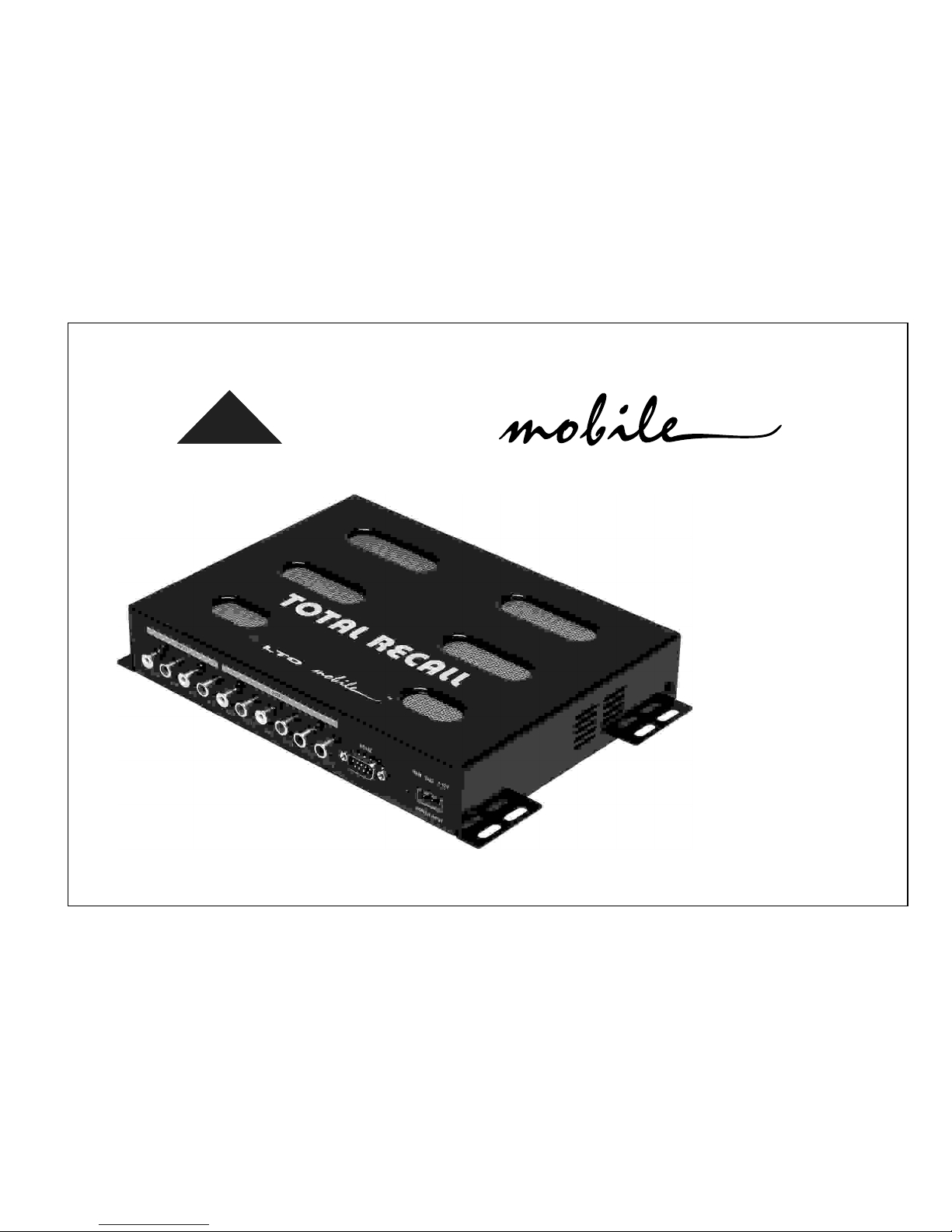
There are no controls on TOTAL RECALL itself. The various parameters are adjusted by attaching the unit to a suitable
Personal Computer running our dedicated Windows compatible PC Editor software (available as a free download from
our website at www.altomobile.com).
Hook-up to the computer is achieved with TOTAL RECALL's 9-pin RS232 serial interface port, which is located on the same
side as the audio input/output terminals.
The large 25-pin socket on TOTAL RECALL is ready for the optional hardware Programmer. Do not
attempt to connect your PC to the 25-pin port - damage may result if you do.
IMPORTANTIMPORTANT
If you have had your TOTAL RECALL professionally installed and set-up for you, there should be no need to alter any set-
tings. The unit features a password access system that your installer may have set in Lock mode to safeguard the settings.
Connection to the PC (RS232, 9-pin socket)
The RS232 port allows incoming and outgoing communication between TOTAL RECALL and a PC.Real-time control
and set-up is possible. Set-ups made using the PC EDITOR can be saved as a PRESET configuration and downloaded
to the TOTAL RECALL, where it is then stored in the unit's internal non-volatile memory. Settings stored in TOTAL RECALL
can also be uploaded to the PC for editing.
1] Ensure that power to TOTAL RECALL and the computer is switched OFF.
cable is known as a 'null modem' (also data transfer) type serial interface cable (this is normally supplied with the TOTAL
RECALL). Attach the other end to the socket situated next to the signal Output terminals of TOTAL RECALL.
2] Connect TOTAL RECALL to the PC's RS232 serial port using a data cable with 9-pin female plugs. The required data
"First Steps with the PC EDITOR").
3] Turn on your audio system, including TOTAL RECALL. Now boot-up your computer and run the PC EDITOR (see
USEFULUSEFUL
TIPTIP
For commands that allow set-up of the RS232 interface, look under OPTIONS in the FILE menu. Select
the Rs232 tab.
R