- 1-
Preparations for Use
FI TERS:
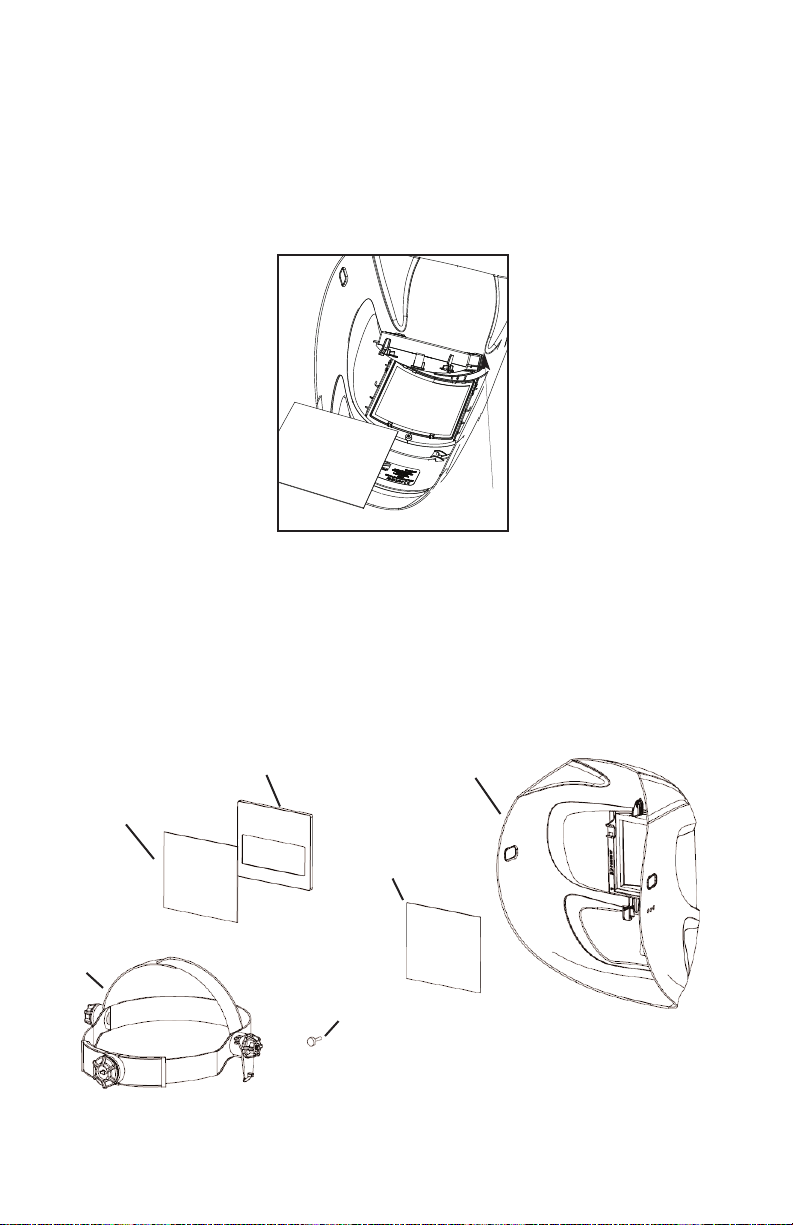
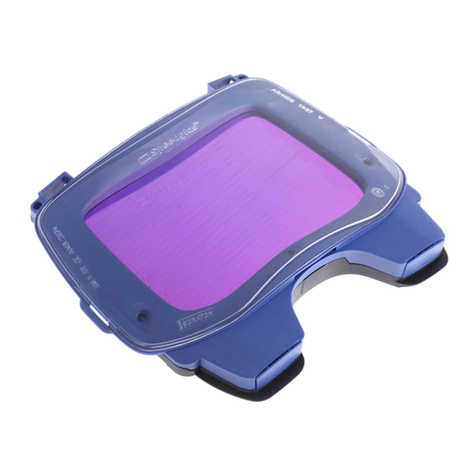
Before you begin welding always inspect your filter to ensure it is not damaged. Check to
see if the filter protection plates (cover plates) are clean, clear, undamaged, and securely
attached to the helmet and covering the auto-darkening filter both front and rear.
To test your filter, prior to welding, direct the front of the filter to a bright source of light
then, using your fingers, rapidly cover and uncover the sensors. The filter will darken
momentarily. Another means of testing is to utilize a torch striker or TV or VCR remote.
These devices will also momentarily darken the filter. Once you are sure that the filter is
working properly you are now ready to begin welding.
WARNING, Never begin welding without first checking to see if the correct front
protection plate is in place (see Part Selection Guide section for part numbers),
the filter is secured properly in the filter holder, and the filter holder secured in the
helmet . Failure to protect the welding filter or install the filter/filter holder
correctly may cause damage and become a safety hazard should the UV/IR
protection be compromised from spatter or cracks from impact. DAMAGE
CAUSED BY ABUSE SUCH AS EXCESSIVE TEMPERATURES, CRACKS FROM
IMPACT, AND PITTING FROM SPATTER CAUSED BY POOR MAINTENANCE WI
VOID WARRANTY.
WE DING HE METS:
Before you begin welding make sure there is no damage to the helmet shell including, but
not limited to cracks, holes, and melting. Ensure that the springs holding the filter are not
broken or corroded. Do not use the helmet if any of these conditions exist and contact your
distributor for replacement parts.
WARNING, Secondary impact protection required. Other safety precautions such
as protective clothing, adequate ventilation, breathing protection, fire
extinguisher, and protection for co-workers, should also be considered.
Not for use in overhead welding.
WARNING, Materials which may come into
contact with the wearer’s skin could cause
allergic reactions to susceptible individuals.
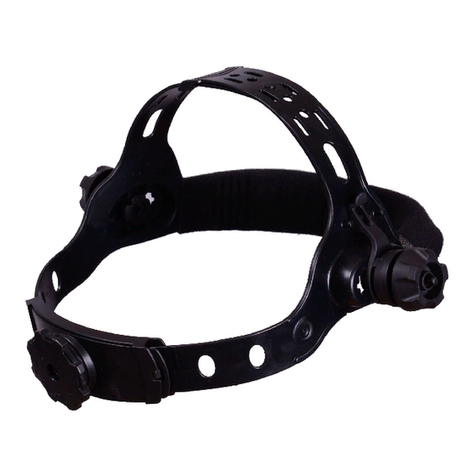
HEADGEAR:
Adjust the crown height via the pin hole adjustment
on the top strap of the headgear (see Figure1).
Adjust the circumference by turning the rear
knob while wearing.
Figure 1
Helmet Angle
Adjuster
TAB E OF CONTENTS PAGE
Preparations for Use 1
Technical Information/Use 2
Limitations of Use 3
Care and Maintenance 3
Spatter Protection 4
Parts Selection Guide 4
Filter Removal Instructions 5
Significance of Markings 5
Filter Specifications 6
Warranty and Service Information 7
Pin Hole
Adjustment
Adjust Fit: Push In, Turn, Release
Adjust Height: Snap
Out, Slide, Snap In