manuals.online logo
Brands
  1. Home
  2. •
  3. Brands
  4. •
  5. ARJO HUNTLEIGH
  6. •
  7. Medical Equipment
  8. •
  9. ARJO HUNTLEIGH Enterprise 5000X User manual

ARJO HUNTLEIGH Enterprise 5000X User manual

Other manuals for Enterprise 5000X

2

This manual suits for next models

1

Other ARJO HUNTLEIGH Medical Equipment manuals
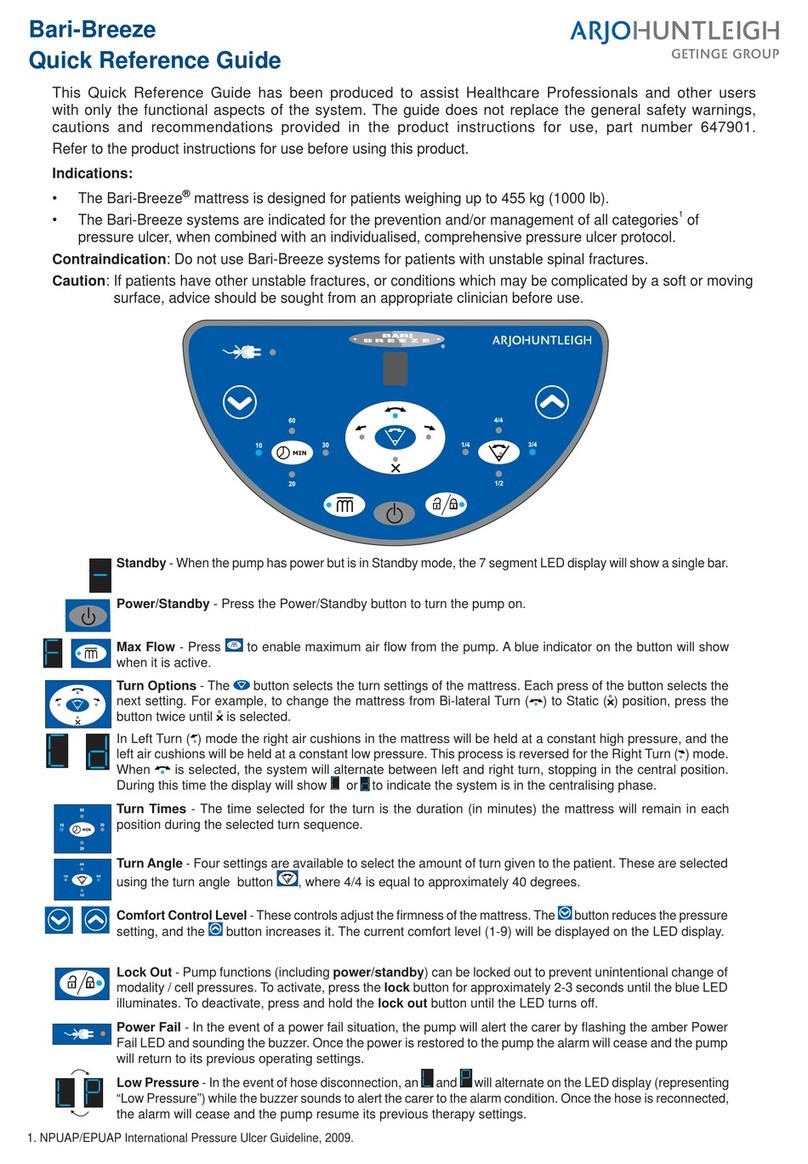
ARJO HUNTLEIGH Bari-Breeze User manual

ARJO HUNTLEIGH

ARJO HUNTLEIGH Bari-Breeze User manual

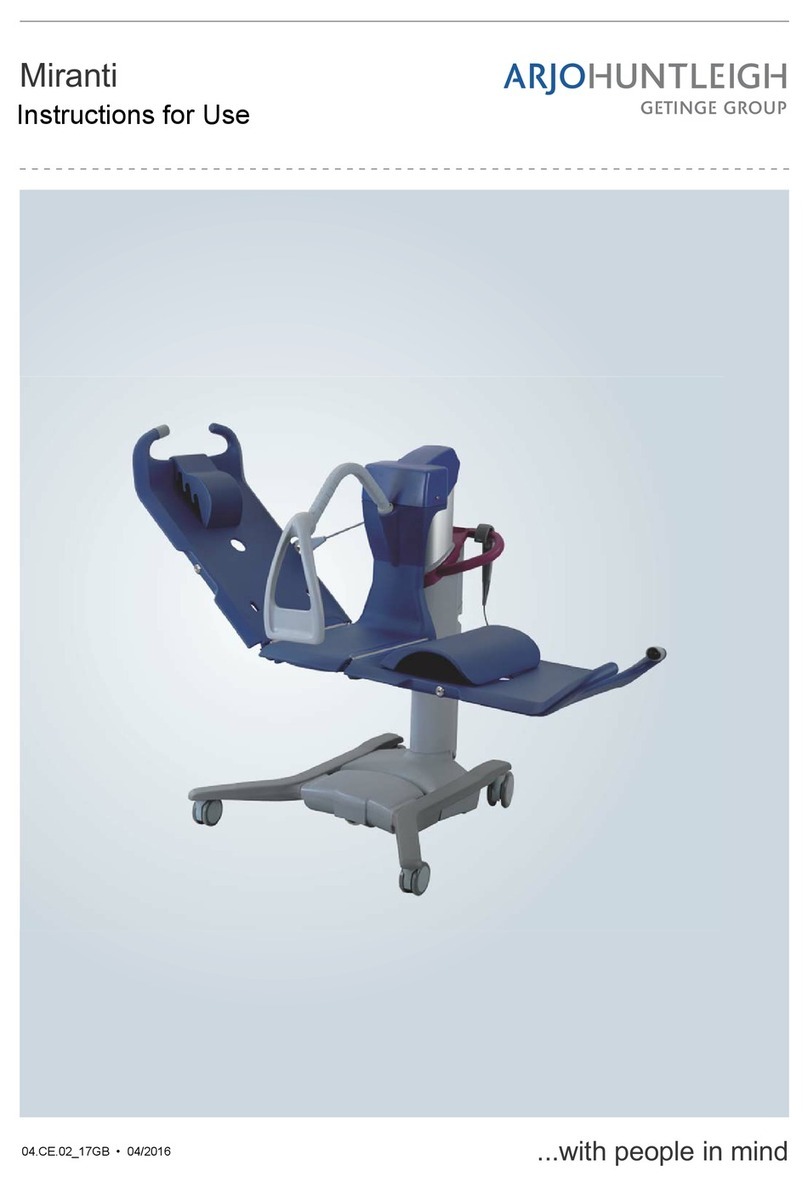
ARJO HUNTLEIGH Sorrento User manual

ARJO HUNTLEIGH

ARJO HUNTLEIGH Sorrento User manual

ARJO HUNTLEIGH CALYPSO User manual

ARJO HUNTLEIGH

ARJO HUNTLEIGH CALYPSO User manual

ARJO HUNTLEIGH alpha active 4 User manual

ARJO HUNTLEIGH

ARJO HUNTLEIGH alpha active 4 User manual

ARJO HUNTLEIGH RotoProne User manual

ARJO HUNTLEIGH

ARJO HUNTLEIGH RotoProne User manual

ARJO HUNTLEIGH Bolero User manual

ARJO HUNTLEIGH

ARJO HUNTLEIGH Bolero User manual

ARJO HUNTLEIGH V5 Duo User manual

ARJO HUNTLEIGH

ARJO HUNTLEIGH V5 Duo User manual

ARJO HUNTLEIGH Auralis User manual

ARJO HUNTLEIGH

ARJO HUNTLEIGH Auralis User manual

ARJO HUNTLEIGH MAXI MOVE User manual

ARJO HUNTLEIGH

ARJO HUNTLEIGH MAXI MOVE User manual

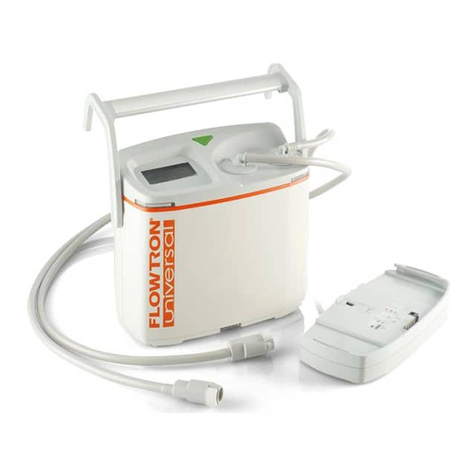
ARJO HUNTLEIGH FLOWTRON UNIVERSAL User manual

ARJO HUNTLEIGH

ARJO HUNTLEIGH FLOWTRON UNIVERSAL User manual

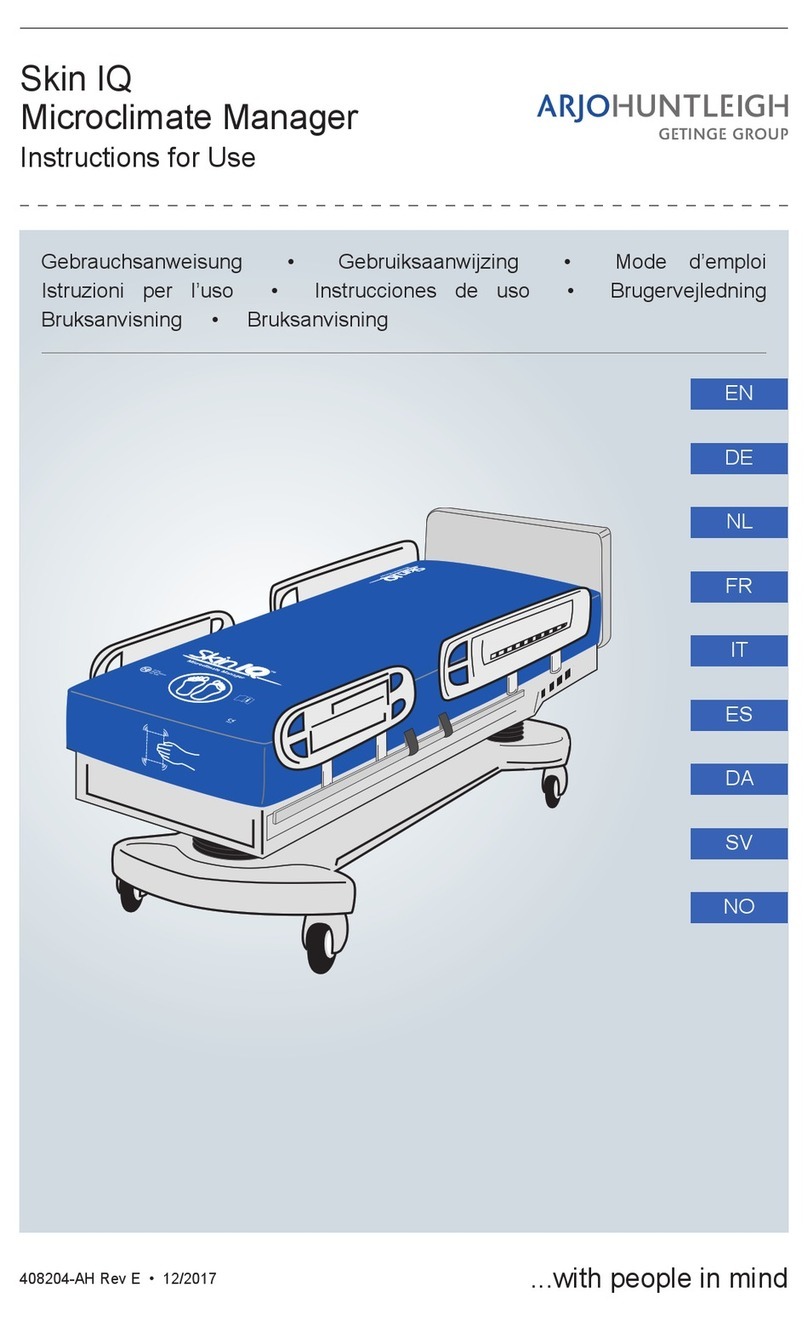
ARJO HUNTLEIGH NIMBUS 4 User manual

ARJO HUNTLEIGH

ARJO HUNTLEIGH NIMBUS 4 User manual
ARJO HUNTLEIGH Minuet 100500AUS User manual

ARJO HUNTLEIGH

ARJO HUNTLEIGH Minuet 100500AUS User manual

ARJO HUNTLEIGH Flowtron Hydroven 3 Garments User manual

ARJO HUNTLEIGH

ARJO HUNTLEIGH Flowtron Hydroven 3 Garments User manual

ARJO HUNTLEIGH Maxi 500 Operating instructions

ARJO HUNTLEIGH

ARJO HUNTLEIGH Maxi 500 Operating instructions

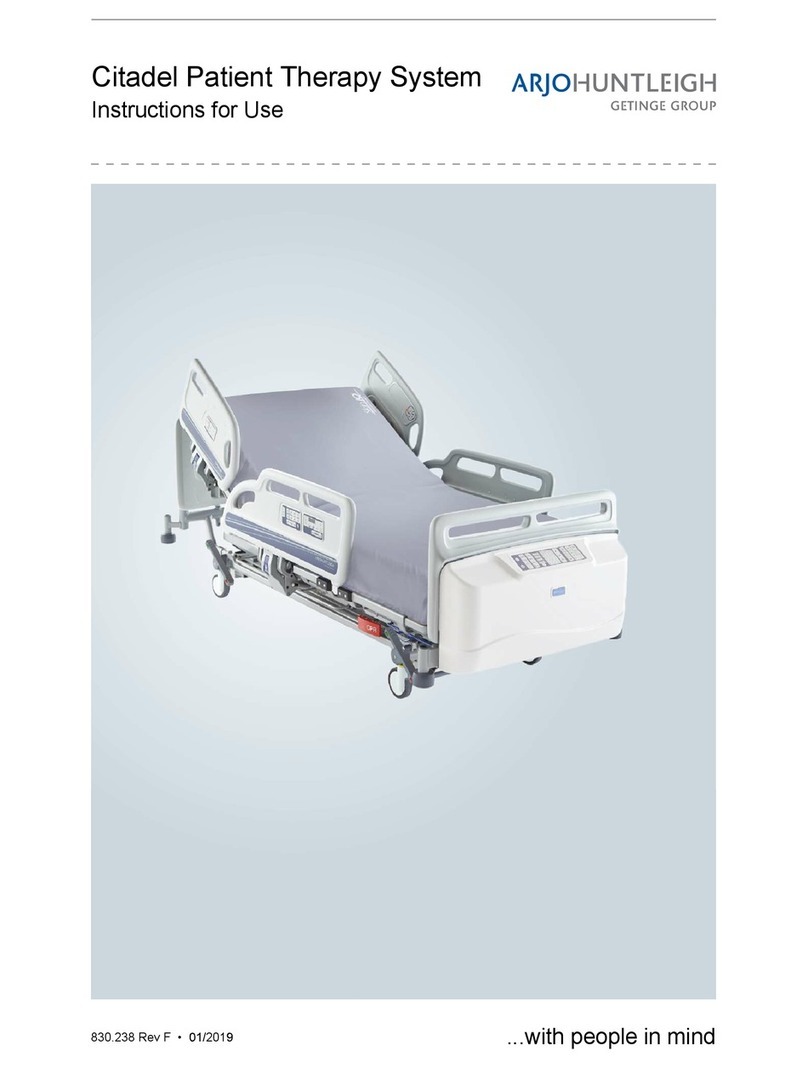
ARJO HUNTLEIGH Citadel Plus User manual

ARJO HUNTLEIGH

ARJO HUNTLEIGH Citadel Plus User manual

ARJO HUNTLEIGH Streamline 2211 User manual

ARJO HUNTLEIGH

ARJO HUNTLEIGH Streamline 2211 User manual

ARJO HUNTLEIGH Voyager Portable User manual

ARJO HUNTLEIGH

ARJO HUNTLEIGH Voyager Portable User manual

ARJO HUNTLEIGH Alpha Active 3 User manual

ARJO HUNTLEIGH

ARJO HUNTLEIGH Alpha Active 3 User manual

ARJO HUNTLEIGH ENTERPRISE 9000X User manual

ARJO HUNTLEIGH

ARJO HUNTLEIGH ENTERPRISE 9000X User manual

ARJO HUNTLEIGH CALYPSO User manual

ARJO HUNTLEIGH

ARJO HUNTLEIGH CALYPSO User manual

ARJO HUNTLEIGH Maxi Sky 2 Plus User manual

ARJO HUNTLEIGH

ARJO HUNTLEIGH Maxi Sky 2 Plus User manual

ARJO HUNTLEIGH CALYPSO User manual

ARJO HUNTLEIGH

ARJO HUNTLEIGH CALYPSO User manual

ARJO HUNTLEIGH Flowtron Excel User manual
ARJO HUNTLEIGH

ARJO HUNTLEIGH Flowtron Excel User manual

ARJO HUNTLEIGH Alpha Active 3 User manual

ARJO HUNTLEIGH

ARJO HUNTLEIGH Alpha Active 3 User manual

Popular Medical Equipment manuals by other brands

Itamar Medical WatchPAT Operation manual

Itamar Medical

Itamar Medical WatchPAT Operation manual

PROTEOR 1P650 KNEE Assembling and adjustment instructions

PROTEOR

PROTEOR 1P650 KNEE Assembling and adjustment instructions

Liberate Medical VentFree user manual

Liberate Medical

Liberate Medical VentFree user manual

Dicarre DA20 user guide

Dicarre

Dicarre DA20 user guide

Stryker Medical M Series Operation manual

Stryker Medical

Stryker Medical M Series Operation manual

Invacare ScanBed 750 user manual

Invacare

Invacare ScanBed 750 user manual

Getinge Arjohuntleigh Nimbus 3 Professional Instructions for use

Getinge

Getinge Arjohuntleigh Nimbus 3 Professional Instructions for use

Mettler Electronics Sonicator 730 Maintenance manual

Mettler Electronics

Mettler Electronics Sonicator 730 Maintenance manual

Pressalit Care R1100 Mounting instruction

Pressalit Care

Pressalit Care R1100 Mounting instruction

Denas MS DENAS-T operating manual

Denas MS

Denas MS DENAS-T operating manual

bort medical ActiveColor quick guide

bort medical

bort medical ActiveColor quick guide

AccuVein AV400 user manual

AccuVein

AccuVein AV400 user manual

agiliti NP Trio user manual

agiliti

agiliti NP Trio user manual

Rocket Medical Rocket Digital Oocyte Aspiration Pump Service manual

Rocket Medical

Rocket Medical Rocket Digital Oocyte Aspiration Pump Service manual

Monteris Medical Neuroblate Instructions for use

Monteris Medical

Monteris Medical Neuroblate Instructions for use

Otto Block 8E33 7 manual

Otto Block

Otto Block 8E33 7 manual

ADVANCED HOME CARE Helios Guide

ADVANCED HOME CARE

ADVANCED HOME CARE Helios Guide

NeuLog NUL-208 Guide

NeuLog

NeuLog NUL-208 Guide

manuals.online logo
manuals.online logoBrands
  • About & Mission
  • Contact us
  • Privacy Policy
  • Terms and Conditions

Copyright 2025 Manuals.Online. All Rights Reserved.

Technical Data
Safe Working Load (SWL): 250kg (550lbs)
Maximum patient weight: 185kg (407 lbs)
Recommended patient height: 146 to 190cm (57 to 74 ins.)
Product weight (without mattress): 144kg (317 lbs)
Operating temperature: 5°C to 40°C (41°F to 104°F)
Standard mattress size: 202 x 88 x 18 cm (79.5 x 34.6 x 7 ins)
Liquid ingress protection: IPX4
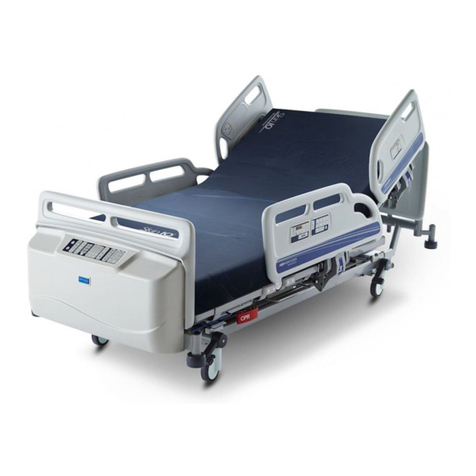
Product overview
Head board Bed extension locking handle Drainage bag rail
Head end split side rail Accessory socket Castor
Foot end split side rail Brake pedal / bar Lifting pole socket
Attendant Control Panel (ACP) Roller buffer
Foot board Mattress extension catch bar
Bed stripper (linen shelf) CPR release handle
This Quick Reference Guide (QRG) is intended to assist the user in understanding the basic functions of this medical bed.
The QRG does not replace the safety warnings, cautions and other important information provided in the Instructions for
Use (IFU) supplied with the equipment; copies of the IFU are available on request from Arjo.
6RPHRIWKHIXQFWLRQVVKRXOGRQO\EHXVHGE\FOLQLFDOO\TXDOL¿HGSHUVRQQHO7KHFDUHUVKRXOGPDNHVXUHWKH\KDYHUHDG
and understood the IFU before using this medical bed.
$FOLQLFDOO\TXDOL¿HGSHUVRQVKRXOGDVVHVVWKHDJHKHLJKWDQGPHGLFDOFRQGLWLRQRIWKHSDWLHQWWRHQVXUHWKH\FDQXVHWKH
product safely.
Place the mattress platform in the low height position when the patient is unattended.
QUICK REFERENCE GUIDE
Enterprise 5000X (E5X)
815-516EN_2 · 06/2019
The Auto-Chair up button simultaneously
raisesthebackrestandthigh sections,pausing
when the backrest reaches 45º. Continue to
hold the button down to lower the foot end of
the mattress platform into a chair position.
The Bio-Contour up button simultaneously
raisesthebackrestandthighsectionstoprovide
XSULJKWSDWLHQWSUR¿OLQJWKHUDLVHGWKLJKVHFWLRQ
prevents the patient sliding down the bed.
The Bio-Contour down button returns the
PDWWUHVVSODWIRUPWRDÀDWSRVLWLRQ
To operate controls
Select a function button for example raise / lower
mattress platform height. The indicator light on
the selected function will turn green and the bed will
immediately begin to move accordingly.
Press the Function Lock button, then press
the Attendant Control Panel button(s)
corresponding to the function(s) to be locked or
unlocked.
Green light indicates function selected.
Yellow light indicates function is locked out.
Function lockout
Auto-Chair
Bio-Contour
Raise and lower the backrest.
The backrest will pause when it reaches an
angle approximately 30º above the horizontal.
Backrest
If the backrest angle is greater than 45º, it will return to
45º to prevent the patient from tipping forwards.
The Auto-Chair down button returns the mattress
SODWIRUPWRDÀDWDQGOHYHOSRVLWLRQ
Raise and lower the mattress platform. When
lowered to 38cm (40cm on beds with 150mm
FDVWRUV DERYH WKH ÀRRU LW ZLOO SDXVH WKHQ
continue to lower until it reaches its minimum
height.
Mattress platform height
The “lock” indicator above the function
button will light yellow when the function is
locked and go out when it is unlocked.
At minimum height, clearance underneath the
bed is reduced. Keep your feet away from the
areas below the side rails and take extra care
when using patient hoists or similar equipment.
1Power on indicator
2Battery indicator
3Raise / lower mattress platform height
4Raise / lower thigh section
5Raise / lower backrest
6Auto-Chair (described below)
7Head down tilt (Trendelenburg)
8CPR - hold down the button to return the bed to a
ÀDWSRVLWLRQ
9Foot down tilt (Reverse Trendelenburg)
10 Function lock / unlock
11 Bio-Contour (described below)
Patient Handsets
Attendant Control Panel (ACP)
Battery status indicator 2
Battery fully charged
(indicator off)
Battery charging
Battery discharged
Bed controls
A “beeping” sound indicates
that the bed is operating on
battery power. Connect the
bed to the mains supply as
soon as possible.
Pull the blue extension locking handle locking handle (1).
Pull out the bed frame (2) to the required position and
release the handle.
Adjust the mattress platform length to match the bed frame.
Bed length adjustment
Brakes and steering
The brakes should be applied at all times when the bed is
stationary. The pedals may be linked by a full width brake
bar.
Side rails
Pull the blue release lever (2) to lower the side rail.
To raise the side rail, hold onto either side rail handle (1)
and pull the side rail up and away from the bed until it locks
in the raised position.
Hold the side of the calf section frame and manually lift the
calf section upwards (1) until it latches in the horizontal
(vascular) position (2). Use the caregiver controls or ACP to
lower the thigh section to the angled (Fowler) position.
Calf section adjustment
Pull the red manual CPR lever located on either side of the
bed to quickly lower the backrest.
CPR backrest release
Locking head and foot boards
7KHKHDGDQGIRRWERDUGVFDQHDFKEH¿WWHGZLWKRSWLRQDO
locking catches (1) to prevent accidental removal. To unlock
a board: pull out the blue catches (2) and rotate them a
quarter-turn (3); the board can now be lifted off the bed.
Apply the brakes. Remove the head board from the bed.
Pull the knob (1) to release the catch and slide the tray out
(2) as far as will go.
Release the knob to hold the tray in the fully open position
(3). Position the X-ray cassette (4) on the tray with its bottom
edge against the lip at the foot end of the tray.
Pull the knob and slide the tray underneath the backrest.
Release the knob to hold the tray in one of the latching
positions.
;UD\FDVVHWWHWUD\LI¿WWHG
To use the steering castor: Position the bed so all castors
line up in the direction of travel. Raise the pedals to lock
the steering castor and move the bed by pushing it from the
opposite end of the steering castor.
1
2
2
1
1
2
31
2
34
Lift the blue extension catch bar (1) and hold the middle
of the crossbar (2), then pull the mattress platform to the
required position (3).
Mattress platform length adjustment
1
2
3
2
13
1Brake: brakes are applied on all four castors.
2Free: all four castors are free to rotate and swivel.
3Steer:all four castors can rotate, but the steering castor
(see below) is locked so that it cannot swivel. This helps
to keep the bed on a straight line.
1
2
Make sure the side rail is securely locked
when in the raised position.
Troubleshooting
815-516EN_2 · 06/2019
ArjoHuntleigh AB
Hans Michelsensgatan 10
211 20 Malmö, Sweden
www.arjo.com
® and ™ are trademarks belonging to the Arjo group of companies. ©Arjo 2019.
As our policy is one of continuous improvement, we reserve the right to modify designs without prior notice.
The content of this publication may not be copied either whole or in part without the consent of Arjo.
If you experience any problems when using this product:
1. Refer to the Instructions for Use (part number 746-577) for further information.
2. Check the troubleshooting guide in the product service manual (part number 746-578).
3. For additional product information contact Arjo.
815-516EN