8
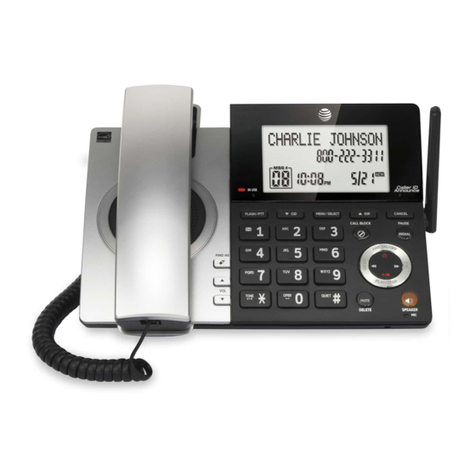
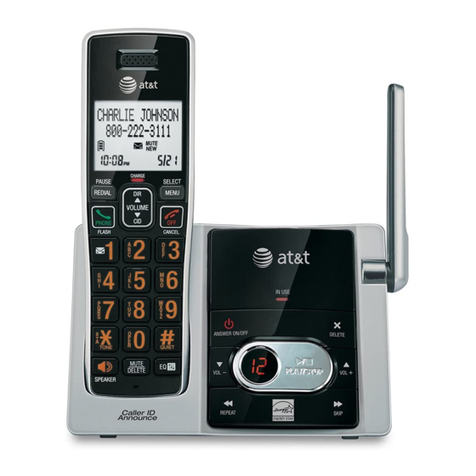
You can use the Deskset to set up many Deskset features.
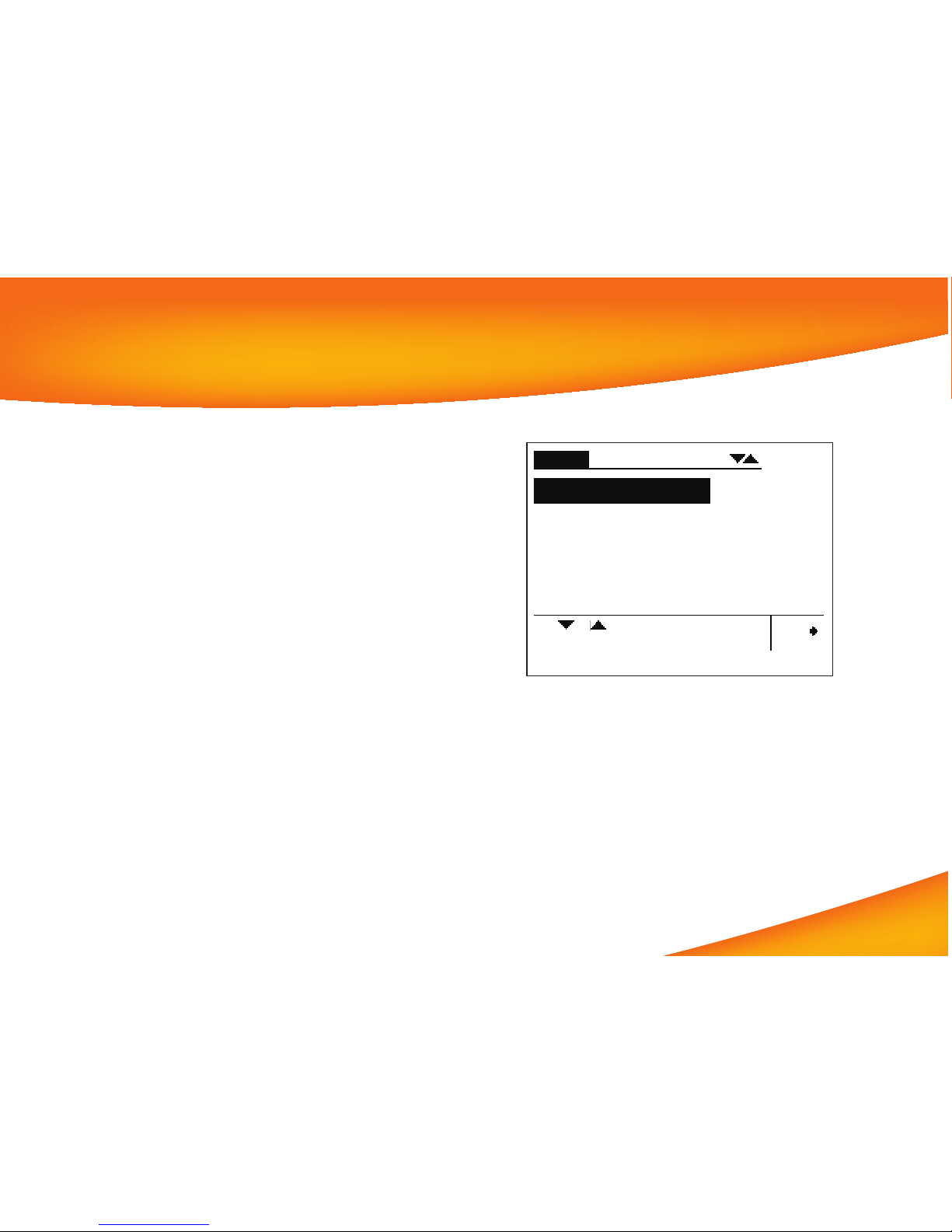
Access the Menu by pressing MENU, and then select options
by scrolling down to an option and pressing SELECT, or by
pressing the Dial-Pad key with that option number.
Press• 1on the Dial Pad to display the Deskset Settings
menu (Display, Sounds, and Preferred Audio).
Press• 2to display the User Settings menu (Greetings,
Call Forward All, Auto Answer, Voicemail Memory, Name
Recording, Cordless Settings, and Password).
Press• 3to display the Admin Settings menu (a System
Administrator password is required).
Press• 4to display the Deskset Information menu (11 lines
of Deskset information).
If your extension is the operator extension, press 5to change
the Auto Attendant settings. See the User’s Guide at
www.telephones.att.com/SynapseGuides for
additional information on these features.
Deskset Menu