Quick Start Guide Version 1.5
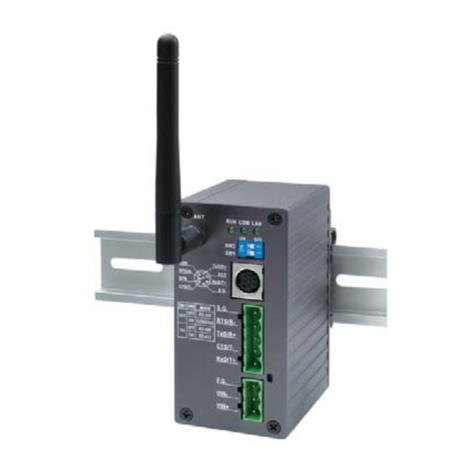
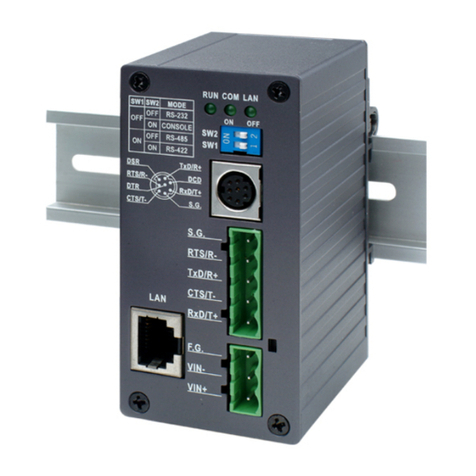
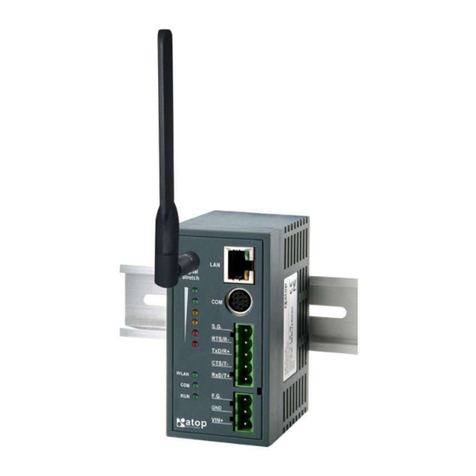
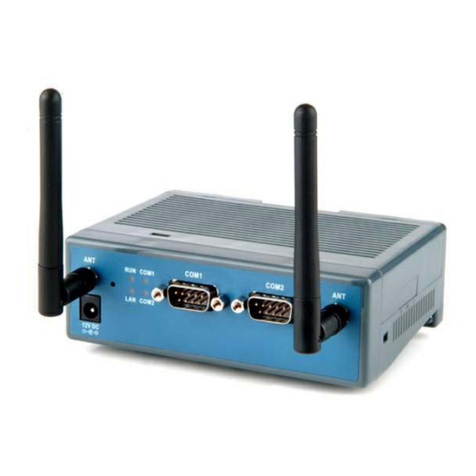
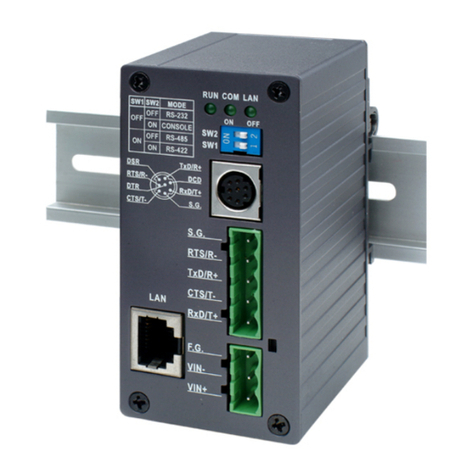
SE5001 Ethernet Serial Server
Copyright © 2011 Atop Technologies, Inc.
All rights reserved. Designed in Taiwan.
3
Assign a Static IP address by:
A. Using Telnet
1. Make sure the PC is on the same network subnet as SE5001
2. Telnet to SE5001 using DOS command “Telnet IP_address”. Example: telnet 10.0.50.100
3. SE5001’s network, link mode and COM ports settings can be configured in the telnet window
B. Using SerialManager Utility
Use SerialManager which comes inside the Product CD to automatically search for all SE5001
connected to the LAN. Select the desired SE5001 to configure the network setting individually.
C. Using Web Browser
1. Make sure the PC is on the same network subnet as SE5001.
2. Open a web browser. Type in the IP address of SE5001 to be configured. Default user name is
admin and default password is null (leave it blank).
3. SE5001’s network, link mode and COM ports settings can be configured in different web pages.
4. Click “Save Configuration” to save settings.
5. Click ”Restart” button to make the change effective if necessary.
4. Pin Assignments
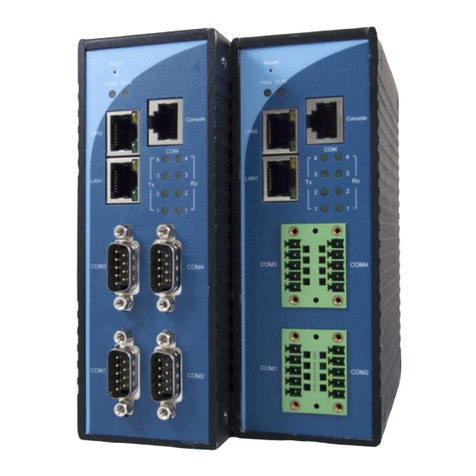
The pin assignments of DB9 connector is shown in the following table:
2-Wire RS-485
Half Duplex
RS-422/4-Wire RS-485
Full Duplex
The pin assignments of Terminal Block connector is shown in the following table:
RS-422/4-Wire RS-485
Full Duplex
2-Wire RS-485
Half Duplex
Customer Services and Supports
1. Contact your local dealers or Atop Technical Support Center at the following numbers.
+886-3-550-8137 (Atop Taiwan)
+86-21-6495-6232 (Atop China)
2. Report the errors via Atop’s Web site or E-mail account
www.atop.com.tw, service@atop.com.tw
www.atop.com.cn, service@atop.com.cn