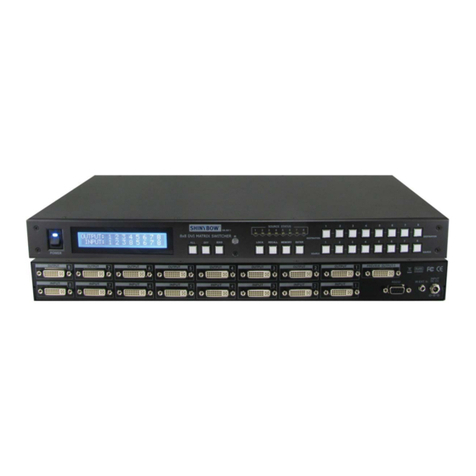
AVG-MS44
TABLE OF CONTENTS
Introduction ..............................................................................................................1
About the AVG-MS44 ...................................................................................1.1
Features .......................................................................................................1.2
What’s in the Box .........................................................................................1.3
Product Appearance ................................................................................................2
Front View of AVG-MS44 .............................................................................2.1
Rear View of AVG-MS44..............................................................................2.2
System Connection..................................................................................................3
Usage Precautions .......................................................................................3.1
System Diagram ........................................................................................... 3.2
Connection Procedure..................................................................................3.3
System Applications .....................................................................................3.4
System Operations...................................................................................................4
Button Control...............................................................................................4.1
IR Control .....................................................................................................4.2
Usage of IR Remote .......................................................................4.2.1
RS232 Control..............................................................................................4.3
Control via PC.................................................................................4.3.1
PC RS232 Control Settings ............................................................4.3.2
RS232 Commands .........................................................................4.3.3
USB Firmware Updating...............................................................................4.4
Specifications...........................................................................................................5
Panel Drawing ..........................................................................................................6
Troubleshooting & Maintenance.............................................................................7